Photon Camera
Photon Camera generates an estimated $500–$3k/month in revenue from 100–800 downloads/month on the App Store, according to AppCurrents estimates (updated 2026-08-02).
| Est. revenue / month | $500–$3k |
|---|---|
| Est. downloads / month | 100–800 |
| Estimate confidence | low |
| Pricing | Free + IAP |
| Rating | 4.02 ★ (59 ratings) |
| Category | Photo & Video |
| Released | 19.07.2023 |
| App last updated | 18.07.2026 |
| Platform | iOS |
Modeled monthly estimate · rating velocity · low confidence

About
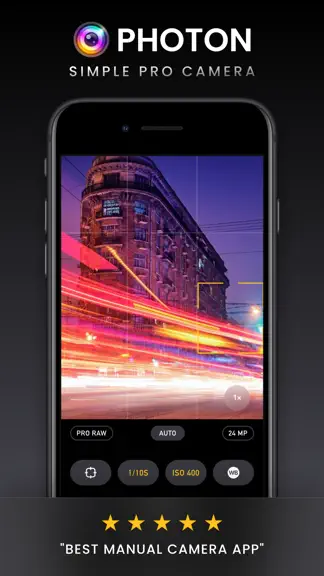
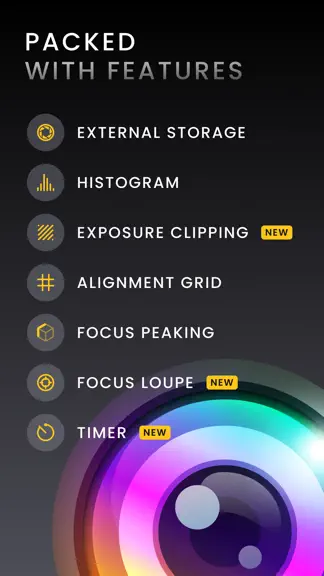
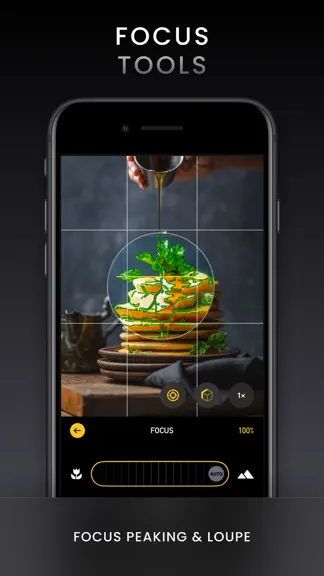
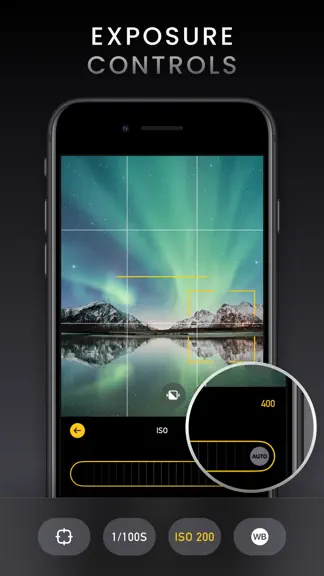
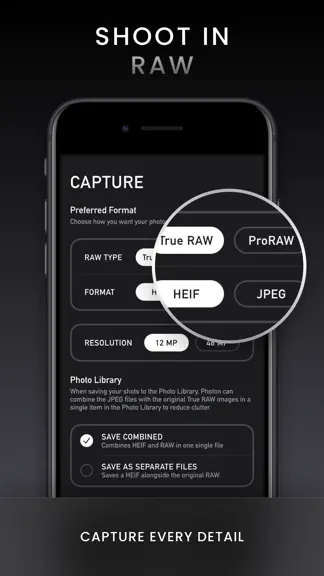
Turn your iPhone into a powerful photography tool with Photon Camera. Ideal for passionate enthusiasts and those venturing into professional photography, Photon Camera ensures DSLR-quality captures with every tap. DSLR-Quality Photos with Professional Features Photon Camera brings DSLR-quality photos to your iPhone with professional features for full manual control. Adjust focus, ISO, shutter spe…
Trends & analysis
Chart rank trend
US · overallWhy it's surfacing
Scout 9Ratings & velocity
★ +0.11 in windowRating distribution
72% positive · 53 ratingsGeographic reach
best rank · 0 storefrontsRevenue & downloads trend
ARPU $3In-app purchases
3 tiersUpdate history
2 updates tracked- v6.7.120d ago
This update is all about the Quick Editor, with faster improvements and more control in every edit. Auto enhance Tap the magic wand and Photon instantly analyzes your photo to correct exposure, contrast, color cast, and saturation. When the subject is clear, it can also suggest a crop. Each change is applied directly to the matching sliders, so you can fine-tune the look or undo the entire Auto result with a single tap. Undo & redo New buttons in the navigation bar make it easy to step back and forward through your edits. A slider drag counts as one step, and the preview crossfades smoothly as you move through your history, so you always know exactly what changed. RAW Mix For images that include both RAW and processed versions, use a new slider to blend them. Dial in the exact balance between RAW flexibility and processed polish, then keep your chosen mix because it’s saved with the edit. Polish We refined the toolbar for a cleaner workflow, kept Auto within reach for quick re-tries, added subtle haptic feedback, and expanded the editing view on iPhone when in portrait for a more comfortable, spacious experience.
- v6.63mo ago
Photon 6.6 adds remote shutter control to Apple Watch. Now you can open Photon on your iPhone, frame your photo, then use the Apple Watch shutter button to capture without touching your iPhone. On the Watch, you will see the camera readiness status, connection stays in sync with the iPhone camera, and a dedicated Photon trigger button is built for the smaller Apple Watch screen. Timer mode is supported as well. If you set a timer on iPhone, pressing the Watch shutter starts the countdown instead of taking the photo right away. During the countdown, tap again to cancel, just like the iPhone shutter button. Have feedback or suggestions? Use the in-app bug reporter to contact us. We are here to help.
Photon Camera — FAQ
How much money does Photon Camera make?
According to AppCurrents estimates, Photon Camera generates approximately $500–$3k per month (low confidence), modeled from its the App Store chart performance, rating velocity, and monetization signals.
How many downloads does Photon Camera get?
Photon Camera sees an estimated 100–800 downloads per month on the App Store, per AppCurrents modeling.
Is Photon Camera free?
Photon Camera is free to download on the App Store, monetizing through in-app purchases.
What is Photon Camera's rating?
Photon Camera holds a 4.02-star average from 59 ratings on the App Store.
When was Photon Camera released?
Photon Camera launched on the App Store on 19.07.2023. Its latest version shipped 18.07.2026.


