
Luminar Neo - AI Photo Editor
Luminar Neo - AI Photo Editor generates an estimated $0/month in revenue from 0 downloads/month on the App Store, according to AppCurrents estimates (updated 2026-08-02).
| Est. revenue / month | $0 |
|---|---|
| Est. downloads / month | 0 |
| Estimate confidence | low |
| Pricing | Free + IAP |
| Rating | 0.00 ★ (0 ratings) |
| Category | Photo & Video |
| Released | 16.03.2022 |
| App last updated | 17.07.2026 |
| Platform | iOS |
Modeled monthly estimate · rating velocity · low confidence


About
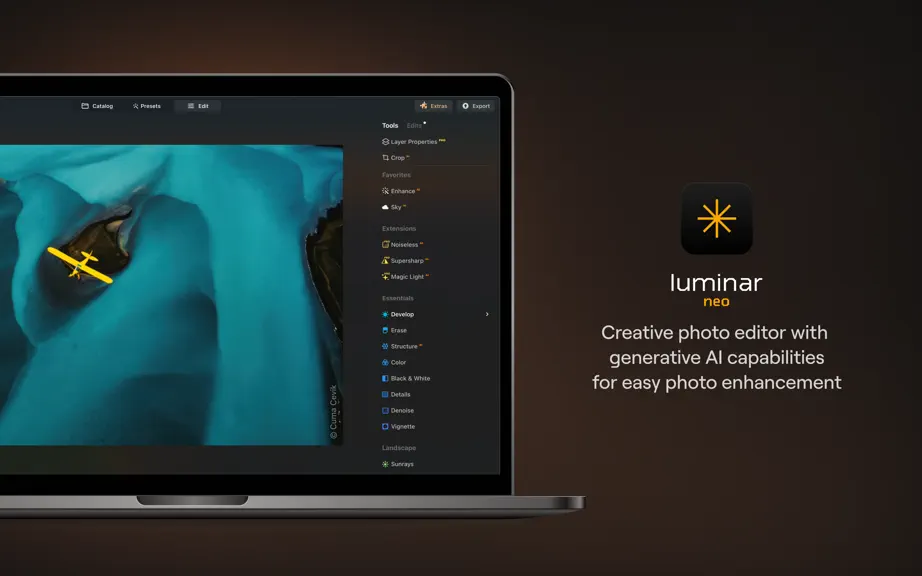
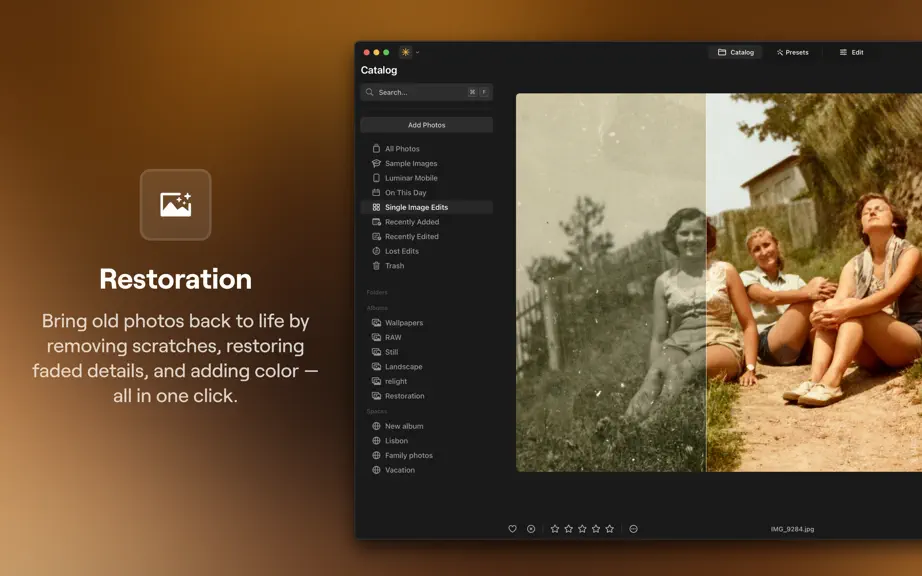
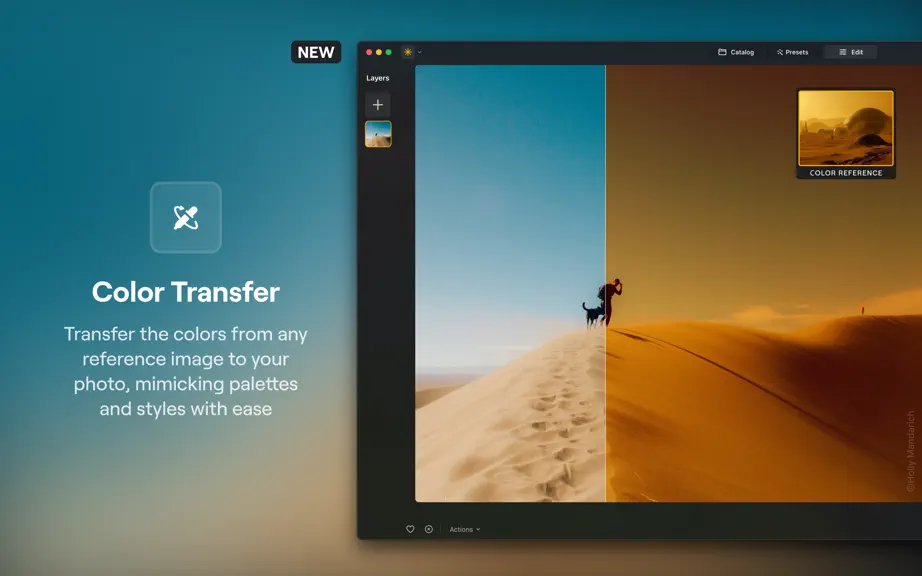
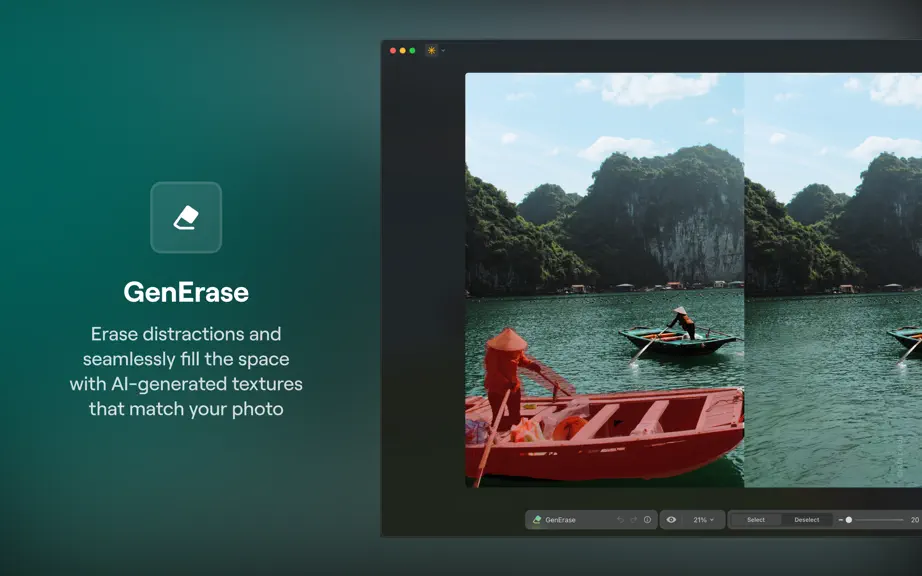
Luminar Neo is a powerful RAW photo editor with cutting-edge AI tools and other incredible features. Achieve professional-quality results effortlessly with this next-gen picture editor. Use GenAI tech to remove unwanted elements in your shots, expand the frame of your photos, and try out new ways to bring your vision to life. Plus, explore features such as the object remover and background eraser…
Trends & analysis
Chart rank trend
US · overallWhy it's surfacing
Scout 4Ratings & velocity
★ 0 in windowGeographic reach
best rank · 0 storefrontsRevenue & downloads trend
monthly estimateIn-app purchases
10 tiersUpdate history
3 updates tracked- v1.27.218d ago
• Stability improvements
- v1.27.11mo ago
Luminar Neo 1.27.1: Bring your Lightroom library along We’re excited to introduce Luminar Neo 1.27.1 — an update designed to make switching to Luminar Neo effortless. Bring your existing work with you, expand camera compatibility, and enjoy a smoother overall editing experience. Let’s explore what’s new: Lightroom Migration (BETA). Move your existing Lightroom Classic library into Luminar Neo without rebuilding it from scratch. Migration transfers your photos, folders, albums, ratings, and basic edits in just a few steps, so you can pick up right where you left off. Your original Lightroom catalog stays untouched, letting you switch to Luminar Neo without losing the work you’ve already done. Open File -> Catalog -> Import Lightroom Catalog to start migrating your catalog to Luminar Neo. Better camera support. Now you can edit photos taken with the Ricoh GR IV and Ricoh GR IV Monochrome. Improved performance and stability. This release also includes bug fixes and refinements that make the editing experience smoother and more reliable across the app. Update and explore the latest features with improved speed, stability, and performance. Bug fixes: Improved catalog stability when importing large folders — no more flickering or unexpected scrolling. Luminar Neo now opens correctly from the Dock after minimizing the window. Gallery layout now displays correctly after onboarding. Preview generation now updates properly when switching between filmstrip and gallery. Fixed an issue where the deleted folder could be added to the catalog instead of a selected one. Shine Removal now renders and exports correctly at all zoom levels. Improved support for HEIC files from Hasselblad cameras. Fixed an issue that could cause the app to become unresponsive because of color profile conflicts.
- v1.27.03mo ago
Luminar Neo 1.27.0: Smarter portrait tools, mask feathering and more We’re excited to introduce Luminar Neo 1.27.0, an update focused on elevating portrait editing with smarter AI tools, improved control, and broader camera compatibility. Whether you're refining subtle details or creating striking depth, this version gives you more precision and flexibility than ever before. Let’s explore what you can do now: Bokeh AI. Create stunning background blur without expensive lenses. Bokeh AI intelligently separates your subject and simulates realistic depth of field in any portrait, regardless of lighting or shooting conditions. Instantly achieve a professional, artistic look with beautifully softened backgrounds. Skin AI. Now enhanced with new controls for more precise retouching. Use the new Blemish Removal, Shine Removal, and Skin Smoothing features to quickly clean up imperfections, reduce unwanted shine, and refine skin texture. Skin AI still preserves natural details like hair and eyelashes, giving you full control for realistic, balanced results. Face AI. Alongside existing controls for adjusting facial proportions, lighting, and expressions, Face AI now includes Dark Circles removal. This new capability helps reduce under-eye darkness that can make subjects appear tired, minimizing the need for time-consuming manual retouching while preserving a natural, realistic look. Mask Feather. Refine your edits with natural transitions. The new Mask Feather control softens mask edges, helping your adjustments fade smoothly into untouched areas without harsh lines. You’ll also find better camera support, as high resolution mode is now available for Olympus and OM System cameras, giving you more flexibility when working with high-detail images. Update and explore the latest features with improved speed, stability, and performance. Bug fixes: Preset collections now display correctly in the Presets tab after launching the app, making it easier to browse and apply them Color profile selection in Develop RAW is now smooth and responsive, without freezes or delays Images stored in the root directory can now be opened without issues The AI Assistant button is now fully interactive across its entire area Improved reliability when duplicating photos from external storage after launch Chromatic Aberration Reduction tools now perform faster and more efficiently when working with .RAF files Eyes tool effects now correctly follow image transformations, ensuring accurate adjustments regardless of edits applied Eyes Whitening is now applied only to the eyes, preventing unintended whitening of teeth for more natural portraits
Luminar Neo - AI Photo Editor — FAQ
How many downloads does Luminar Neo - AI Photo Editor get?
Luminar Neo - AI Photo Editor sees an estimated 0 downloads per month on the App Store, per AppCurrents modeling.
Is Luminar Neo - AI Photo Editor free?
Luminar Neo - AI Photo Editor is free to download on the App Store, monetizing through in-app purchases.
When was Luminar Neo - AI Photo Editor released?
Luminar Neo - AI Photo Editor launched on the App Store on 16.03.2022. Its latest version shipped 17.07.2026.


