
ScreenFloat—Pro Screen Capture
ScreenFloat—Pro Screen Capture generates an estimated $0/month in revenue from 0 downloads/month on the App Store, according to AppCurrents estimates (updated 2026-10-02).
| Est. revenue / month | $0 |
|---|---|
| Est. downloads / month | 0 |
| Estimate confidence | low |
| Pricing | Paid $17.99 |
| Rating | 0.00 ★ (0 ratings) |
| Category | Photo & Video |
| Released | 13.03.2011 |
| App last updated | 16.09.2026 |
| Platform | iOS |
Modeled monthly estimate · rating velocity · low confidence
About
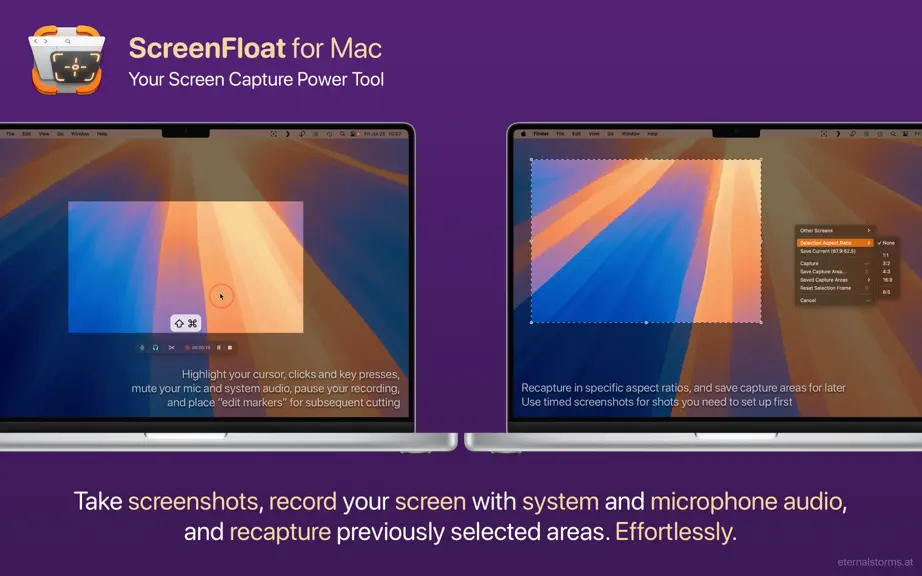
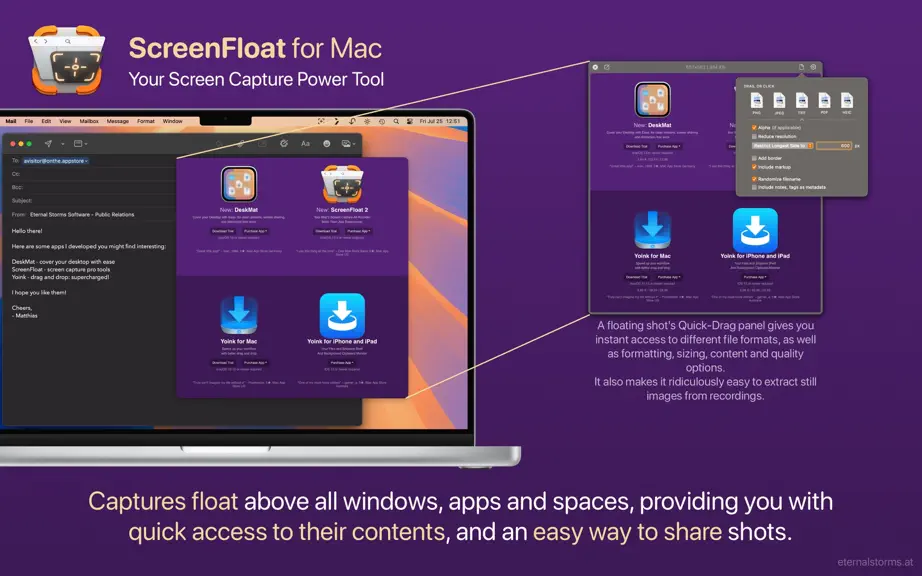
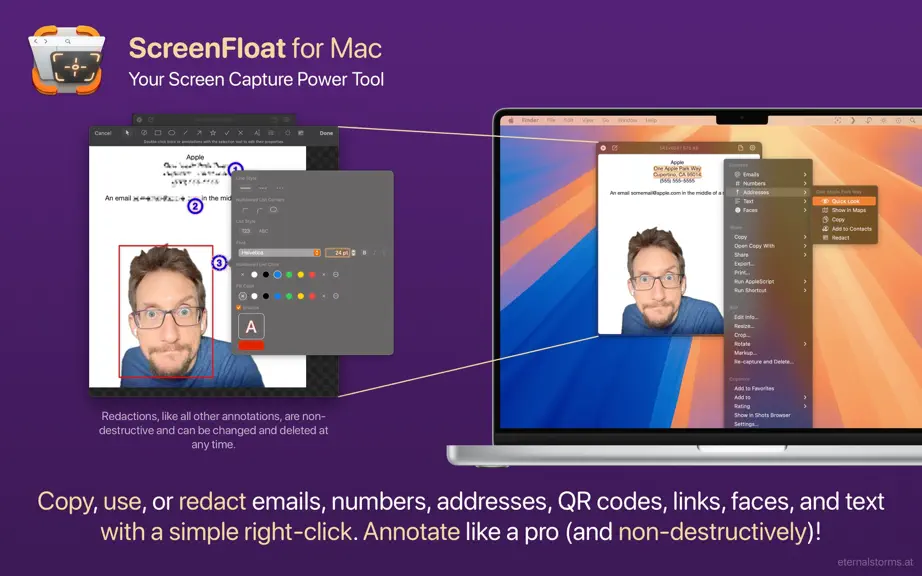
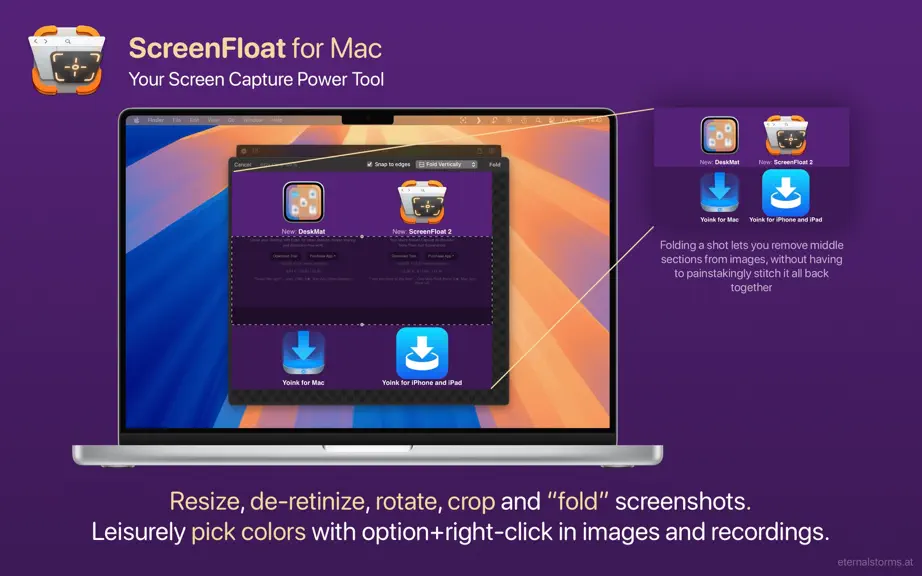
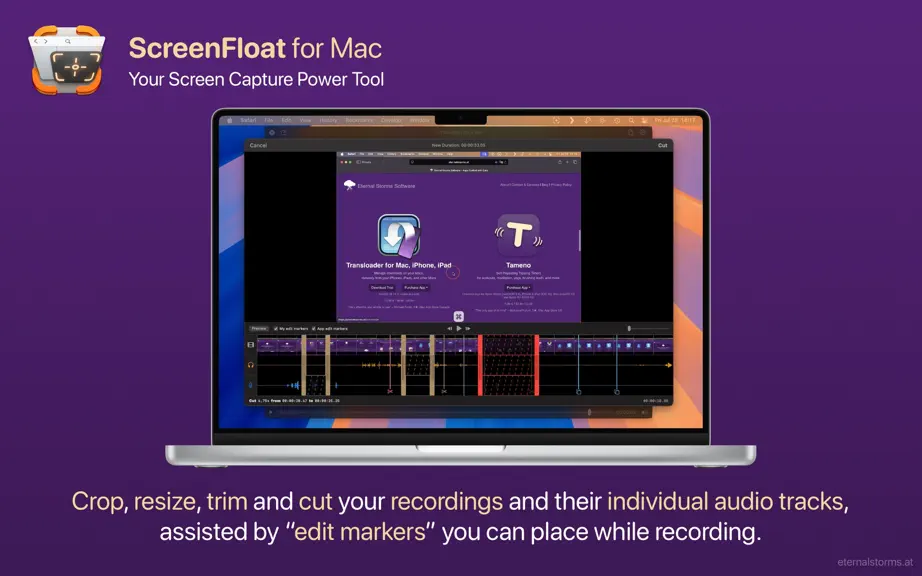
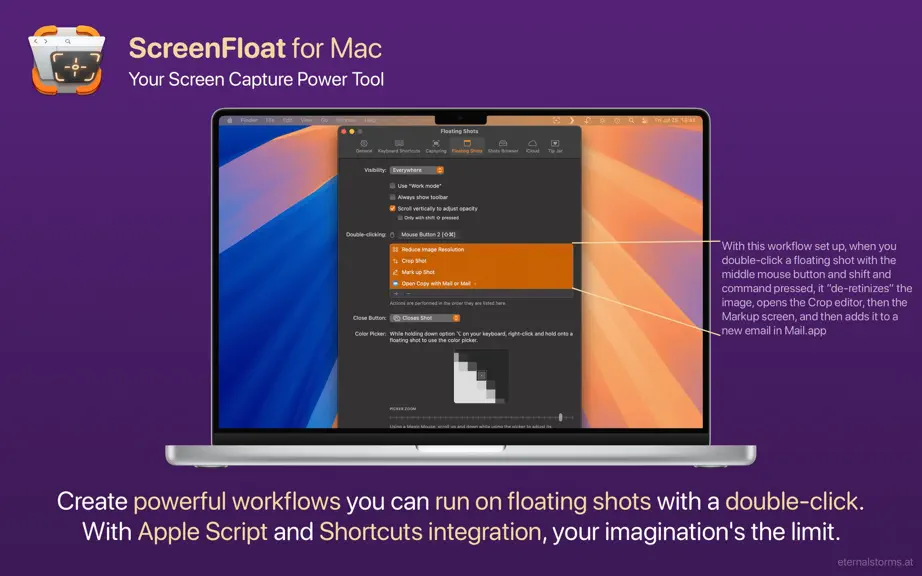
ScreenFloat 2 is your screenshot and screen recording all-rounder power tool. From capturing screenshots and recordings over editing, annotating, redacting and running data-detection on them to storing, organizing and syncing them, ScreenFloat is your all-in-one screen capture tool. “Game-changer for managing screenshots” - Man.Osman “Outstanding app. Buy this and use it for a week and you will l…
Trends & analysis
Chart rank trend
US · overallWhy it's surfacing
Scout 11Ratings & velocity
★ 0 in windowGeographic reach
best rank · 0 storefrontsRevenue & downloads trend
monthly estimateIn-app purchases
4 tiersUpdate history
3 updates tracked- v2.3.1115d ago
ScreenFloat v2.3.11 (2026.09.16) contains the following new features, improvements and bug fixes: = NEW FEATURES = - Supports macOS 27 “Golden Gate”’s extra large widgets (macOS 27 or newer) = IMPROVEMENTS = - Ensures compatibility with macOS 27 “Golden Gate” = BUG FIXES = - Improves the reliability and performance of the new window-shadow removal feature - Fixes a bug where sometimes a file was exported in the wrong format - Fixes a bug where the app would wrongly report that its menu item could not be shown Thank you for using ScreenFloat for Mac. I hope you're enjoying the app! If you have some time and if it's not too much to ask, please consider leaving a rating or review of ScreenFloat on the Mac App Store - it would help me out a lot! If you'd like to get in touch or connect with me, please visit https://eternalstorms.at/contact for all options. Yours truly, Matthias
- v2.3.92mo ago
ScreenFloat v2.3.9 (2026.07.21) contains the following new features, improvements and bug fixes: = NEW FEATURES = - Adds a “Recapture” Control widget (macOS 26 or newer) - Adds a setting to automatically copy new shots - Shadows in window captures can now be removed after capture at any time, or on-the-fly while drag and dropping to other apps, or when exporting = IMPROVEMENTS = - Reduces usage of images in menus - Dates recognized in texts can now be Quick Look'ed - Improves responsiveness when skimming through videos in floating shots - Append-copy now works for detected data like email addresses, phone numbers, links, etc. - The Capture widget now also has a Recapture button - The “After Capture” parameter in ScreenFloat's Shortcuts now supports “Ignore Mouse Clicks”, which makes the floating shot ignore mouse clicks right after capture, and “Copy”. This also applies to its url scheme. - Widgets that show Shots can now have different click actions: Float Shot, Copy Shot, and Show in Shots Browser - Improves the cutting of recordings - Improves the color fidelity of screen recordings - A new click highlight during recordings - Removed “always-on” window capture in favor of a dedicated command in ScreenFloat's menu bar item menu - Improves capturing windows without shadows, where attached windows (like save or print dialogs) now still retain their shadows - Improves ScreenFloat's menu bar item's menu - Adds more options to ScreenFloat's Control Center and Capture Widgets - Improves the GIF export's performance and reliability - Large shots taken on a secondary display are no longer moved to the main screen after capture - Sequential numbers in export filename schemes now get 0-padded when necessary. - Auto-complete for the file naming scheme now filters out already used ones = BUG FIXES = - v2.3.9 fixes a potential crash during export introduced in v2.3.8 - Fixes a bug where copying a still image from a video to the clipboard resulted in the video being copied, not the still image - Fixes a bug that caused shots shared from other apps to ScreenFloat via its extension to not respect the supplied title - Fixes a bug where screenshots auto-imported from macOS (if enabled) sometimes would be deleted instead of moved to the Trash, if that option was selected in Settings - Fixes a bug where additive copying of detected text in floating shots was, in fact, not additive - Fixes awkward artifacts that could appear around floating shots when there was transparency involved, like shadows from windows - Fixes a crash when using the color panel - Shots displayed in ScreenFloat's widgets are now functional and clickable again - Fixes a bug where sometimes, when folding a shot, “Highlight” annotations would be incorrectly removed instead of adjusted - Fixes a bug where, during setup, the “Import macOS Captures from Finder” option would not work - Fixes one memory leak in the “About”-, and one in the “What's New” window - Fixes a bug where shots in widgets were not clickable under certain circumstances - Fixes a bug where sometimes some temporary files weren't cleaned up properly - The “Capture contextual menu” result window is now more easily movable - Fixes a bug where sometimes the Export dialog's name scheme field would resize itself for longer titles - Fixes a bug where an export could override a previous export of the same files and naming scheme in the same destination folder, instead of appending -2 (etc) to prevent that - Improves some strings here and there Thank you for using ScreenFloat for Mac. I hope you're enjoying the app! If you have some time and if it's not too much to ask, please consider leaving a rating or review of ScreenFloat on the Mac App Store - it would help me out a lot! If you'd like to get in touch or connect with me, please visit https://eternalstorms.at/contact for all options. Yours truly, Matthias
- v2.3.75mo ago
ScreenFloat v2.3.7 (2026.04.17) contains the following improvements and bug fixes: = IMPROVEMENTS = - After exporting, the export folder is no longer auto-revealed in Finder - Copying shots (in all different file formats) is now streamlined, as it provides both a file and the data copied for maximum compatibility - Improves copying during capture by holding down the control key (^), in that these copies are now directly paste-able in Finder - In the Shots Browser, the Quick-Drag-Popover now properly supports Sharing and “open with” with multiple selected Shots - When cropping and zooming in by pinching, the crop rectangle now stays at the same size and does not zoom in with the image - A new, fast way to copy floating shots easily (in addition to double-click actions and right-clicking): Hold down option (⌥) or option-shift (⌥⇧) and click onto the document button to copy the shot or detected text - Added a note in Settings > Floating Shots > Close Button to show the possibility of holding down fn while dragging floating shots to other apps to close the shot upon completion of the drag - Floating shots that are being annotated no longer are hidden when dragging another floating shot, as to allow dropping to it = BUG FIXES = - Fixes a typo in the English localization - Fixes a bug where ScreenFloat would not remember ImageKit.io and Cloudinary credentials - Fixes a bug where, after successfully auto-importing a screenshot made with macOS, the original file would be deleted instead of moved to Trash if that setting was enabled - Fixes a bug where the recording HUD's duration field tooltip would report incorrect file sizes - Fixes an issue where importing large images would result in floating shots taking way too much screen real estate - Fixes a bug with recording microphone audio on macOS 14 and earlier Thank you for using ScreenFloat for Mac. I hope you're enjoying the app! If you have some time and if it's not too much to ask, please consider leaving a rating or review of ScreenFloat on the Mac App Store - it would help me out a lot! If you'd like to get in touch or connect with me, please visit https://eternalstorms.at/contact for all options. Yours truly, Matthias
ScreenFloat—Pro Screen Capture — FAQ
How many downloads does ScreenFloat—Pro Screen Capture get?
ScreenFloat—Pro Screen Capture sees an estimated 0 downloads per month on the App Store, per AppCurrents modeling.
Is ScreenFloat—Pro Screen Capture free?
ScreenFloat—Pro Screen Capture is a paid app priced at $17.99 on the App Store.
When was ScreenFloat—Pro Screen Capture released?
ScreenFloat—Pro Screen Capture launched on the App Store on 13.03.2011. Its latest version shipped 16.09.2026.


