
Project Indigo
Project Indigo generates an estimated $0/month in revenue from 600–3k downloads/month on the App Store, according to AppCurrents estimates (updated 2026-07-26).
| Est. revenue / month | $0 |
|---|---|
| Est. downloads / month | 600–3k |
| Estimate confidence | high |
| Pricing | Free |
| Rating | 3.75 ★ (693 ratings) |
| Category | Photo & Video |
| Released | 12.06.2025 |
| App last updated | 20.07.2026 |
| Platform | iOS |
Modeled monthly estimate · rating velocity · high confidence
About
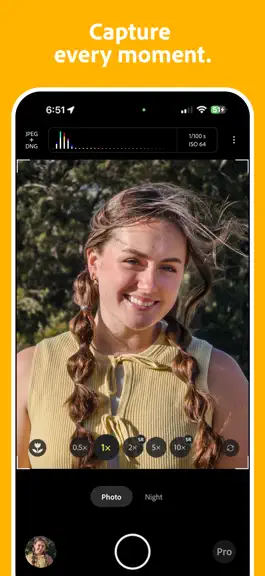
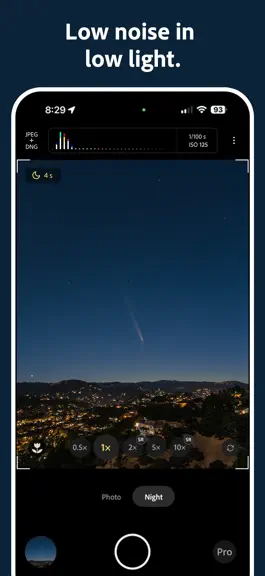
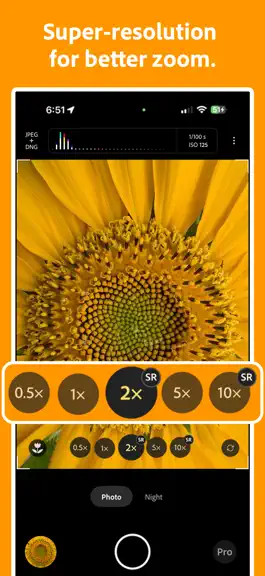
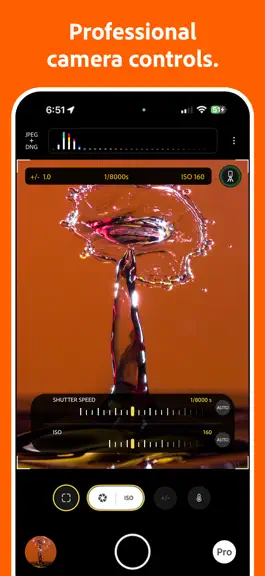
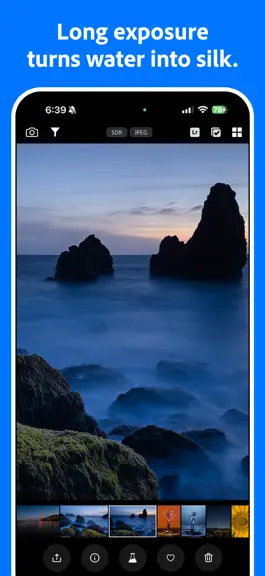
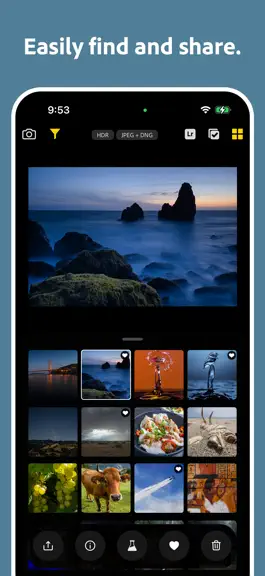
Welcome to Project Indigo, a new camera experience from Adobe Labs. With a custom computational photography pipeline, a natural image look, and full set of manual camera controls, it offers something for professional and casual photographers alike. Also with new controls for computational cameras and a glimpse into the future of AI image processing on our Tech Previews page. Available for iPhone…
Trends & analysis
Chart rank trend
US · overallWhy it's surfacing
Scout 13Ratings & velocity
★ +0.02 in windowRating distribution
63% positive · 680 ratingsGeographic reach
best rank · 1 storefrontRevenue & downloads trend
ARPU $0Update history
2 updates tracked- v1.1.07d ago
New features: - AI Playground experiment: powered by Google’s Nano Banana image editing models, this is an in-app experience to quickly edit and share your photos. Also provides photo guidance with critique and recapture/editing suggestions. The experience will be free and available only to a fraction of users. For more details look for our blog on Adobe Research team page. Improvements: - Updated Remove Reflections ML model with improved quality, and now only 100MB to download (previously 400MB). - iPhone 17-series: Improved JPEG and DNG denoising and vignetting correction. Will improve photographic accuracy in some settings.
- v1.0.131mo ago
New features: - New Technology Preview for undoing face warping caused by wide angle lenses. Particularly useful for selfies and ultra-wide camera photos of people. NOTE: this feature processes data on the device only. No data is stored, processed or retained by Adobe or third parties. Bug fixes and improvements: - Revamped onboarding experience for Technology Previews. - Re-instated the EIS (Electronic Image Stabilization) option to camera settings. - Fixed Number of frames slider in Pro controls not snapping into position. - Fixed Number of frames slider automatically resetting to Auto. - Fixed tap-to-focus not working in Pro controls if white balance was set to manual.
Project Indigo — FAQ
How many downloads does Project Indigo get?
Project Indigo sees an estimated 600–3k downloads per month on the App Store, per AppCurrents modeling.
Is Project Indigo free?
Project Indigo is free to download on the App Store, with no in-app purchases detected.
What is Project Indigo's rating?
Project Indigo holds a 3.75-star average from 693 ratings on the App Store.
When was Project Indigo released?
Project Indigo launched on the App Store on 12.06.2025. Its latest version shipped 20.07.2026.


