lire generates an estimated $0/month in revenue from 0 downloads/month on the App Store, according to AppCurrents estimates (updated 2026-10-03).
| Est. revenue / month | $0 |
|---|---|
| Est. downloads / month | 0 |
| Estimate confidence | low |
| Pricing | Paid $9.99 |
| Rating | 0.00 ★ (0 ratings) |
| Category | News |
| Released | 07.10.2019 |
| App last updated | 17.09.2026 |
| Platform | iOS |
Modeled monthly estimate · rating velocity · low confidence

About
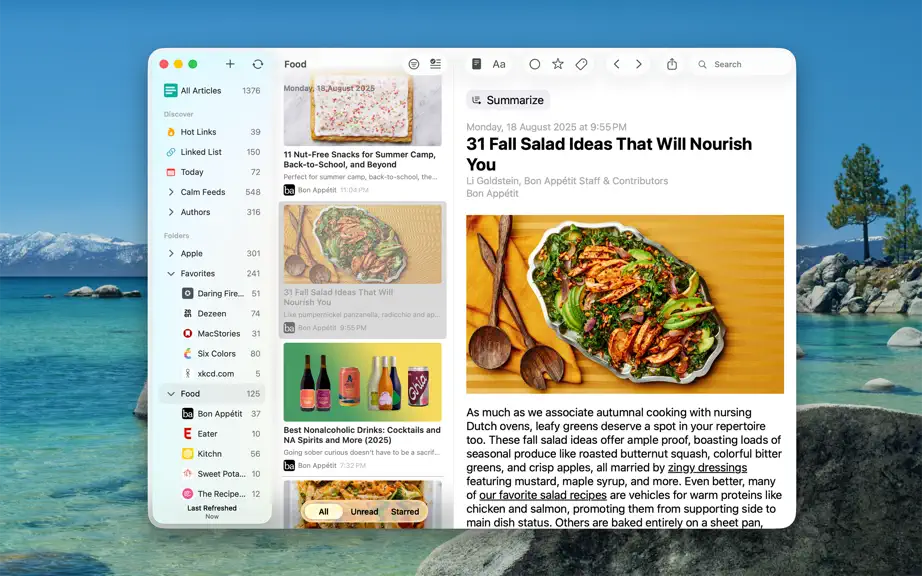
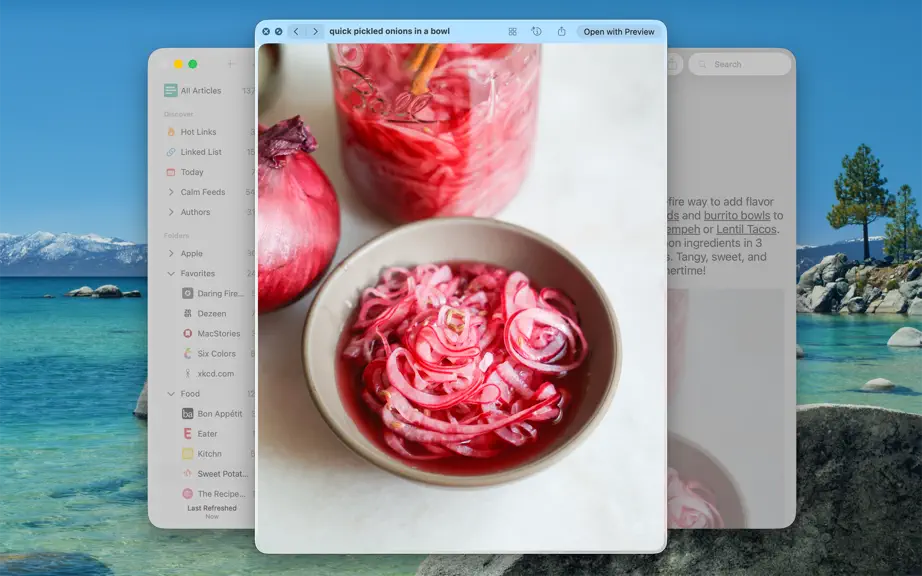
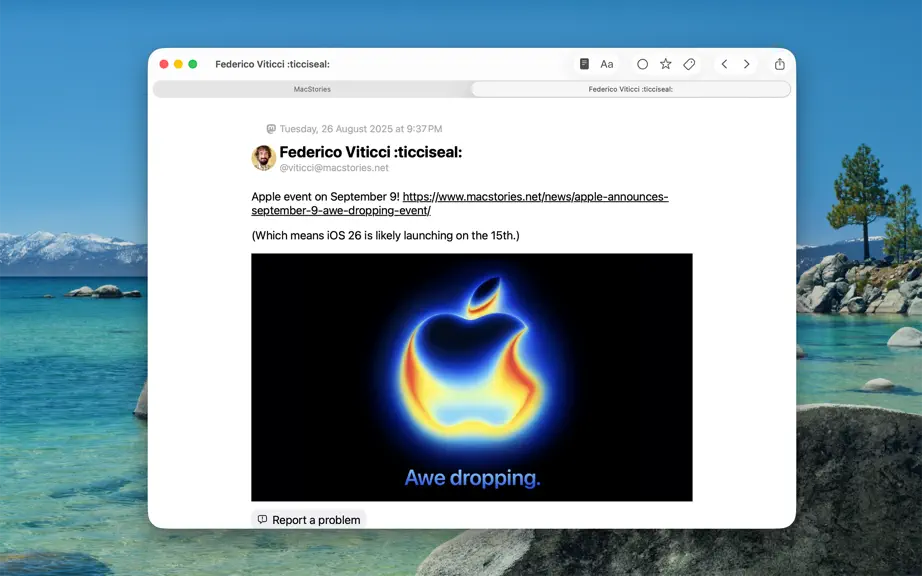
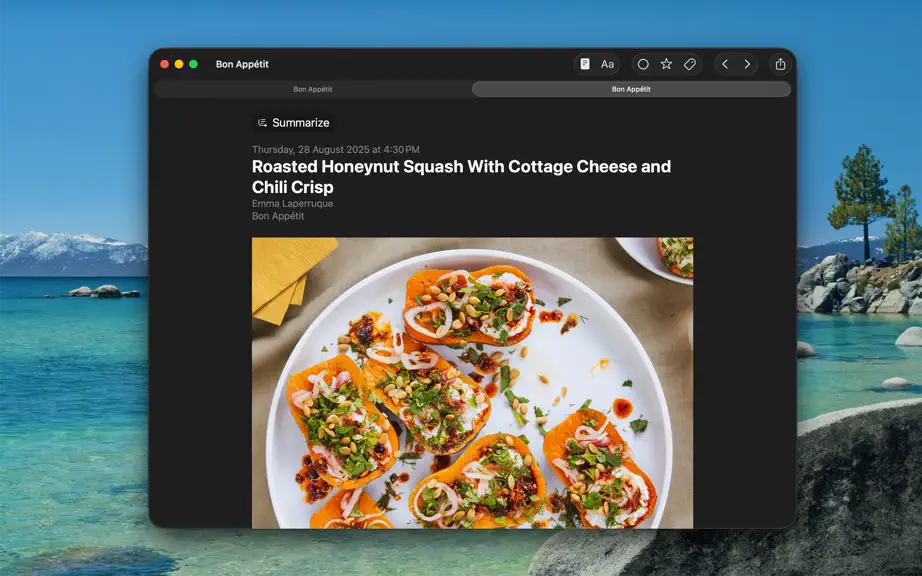
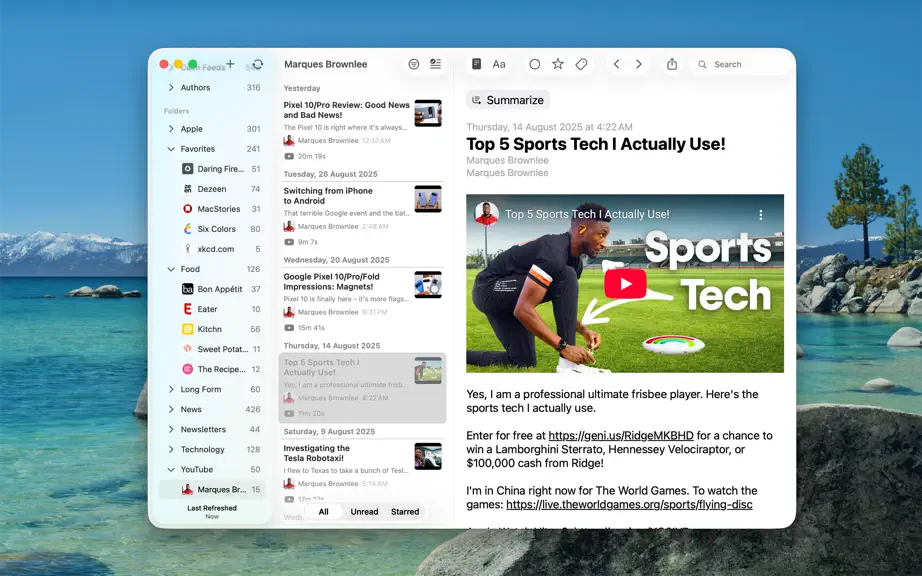
Love RSS feeds? So do we!! RSS feeds are a great way to follow updates on your favorite website. However, some sites set up their feeds to only show a portion of each entry, you know, to get you to click through to their actual website. We find that really annoying, and we're sure you do too. Which is why, unlike other RSS feed readers, that either push you into a browser (in-app or otherwise),…
Trends & analysis
Chart rank trend
US · overallWhy it's surfacing
Scout 11Ratings & velocity
★ 0 in windowGeographic reach
best rank · 0 storefrontsRevenue & downloads trend
monthly estimateIn-app purchases
5 tiersUpdate history
2 updates tracked- v4.0.116d ago
Version 4.0.1 FIXED: - A bug that could cause the app to crash during caching. - A bug that prevented the options menu from being visible when using the app with VoiceOver. - Other minor bug fixes. Previously in Version 4.0.0 NEW: - Updated for the macOS 27. - On macOS 27, Summarization of articles using Apple Intelligence now uses Private Cloud Compute if available. - On-device/Offline Translation of articles using Apple's translation models, available on maOS 26 and above. To translate an article you're reading, use the 'Aa' button on the top bar in the article reading view, and select 'Translate'. Tap & hold 'Translate' there to change the translation language. You can also change the translation language in Settings > Article > Reading > Translation Language. - Log in to walled sites to get full-text of walled articles. Log in/Manage in Settings > Caching > Accounts > Manage/Log in. You can also login to walled a site from the article reading view, by using the View Mode button (i.e. the page icon in the top), and selecting 'Log in' (only available in Full Text View). - Overhauled text-extraction/caching engine. It should now work better on some sites where it previously failed. - New 'Modern' layout style for each item in article lists. Configure style in Settings > Article > List > Layout > Configure > Style. - Ability to disable swipe navigation in article reading view. You can set this up in Settings > Article > Reading > Navigation, there select 'Buttons only'. If you enjoy using lire, please leave a review, or tell a friend about it. That helps a lot!
- v3.3.135mo ago
Version 3.3.13 UPDATED: - Matter now has an official/documented API, so all built-in fast sharing actions going to Matter will now use their official API. FIXED: - A bug that could cause the app to crash on launch on iOS/iPadOS 26 in some cases. - Other minor bug fixes. Previously in Version 3.3.0 NEW: - Updated for the new macOS 26 Liquid Glass User Interface, along with a new app icon to go with it. - Summarization of articles using Apple Intelligence on iOS 26 (available on devices that support Apple Intelligence). -- Summarization is available in the context menu in Article Lists, and as a link at the top of the reading area in the Full Text View, and the Feed Item View. It is also available in the share sheet. -- You can even edit the summarization prompt (that the app send to Apple Intelligence) using the second button in the top right in the Summary View. (NOTE: Editing its only available when the app has a generated summary, not while a summary is being generated) --- The default prompt is "Summarize this article", you can change it to something like "Summarize this article in bullet points" or "Summarize this article in two sentences" or "Give a non-clickbait title to this article". - New "View Mode" button in the top bar to switch between different view modes from within the article reading view. When using it, the app remembers (and syncs if using iCloud sync mode) the last used view mode on a per feed basis, so you do not have to keep switching. -- Updated the names of article reading modes. "Full-text" is now "Full Text View", "Original Content" is now "Feed Item View", and "Inline Webpage" is now "Web View". - New "Get Current Article" shortcut, which should now be available in the Shortcuts app. If you enjoy using lire, please leave a review, or tell a friend about it. That helps a lot
lire — FAQ
How many downloads does lire get?
lire sees an estimated 0 downloads per month on the App Store, per AppCurrents modeling.
Is lire free?
lire is a paid app priced at $9.99 on the App Store.
When was lire released?
lire launched on the App Store on 07.10.2019. Its latest version shipped 17.09.2026.


