
Adobe Lightroom: Photo Editor
Adobe Lightroom: Photo Editor generates an estimated $0/month in revenue from 0 downloads/month on the App Store, according to AppCurrents estimates (updated 2026-07-26).
| Est. revenue / month | $0 |
|---|---|
| Est. downloads / month | 0 |
| Estimate confidence | low |
| Pricing | Free + IAP |
| Rating | 0.00 ★ (0 ratings) |
| Category | Photo & Video |
| Released | 20.06.2019 |
| App last updated | 06.07.2026 |
| Platform | iOS |
Modeled monthly estimate · rating velocity · low confidence
About
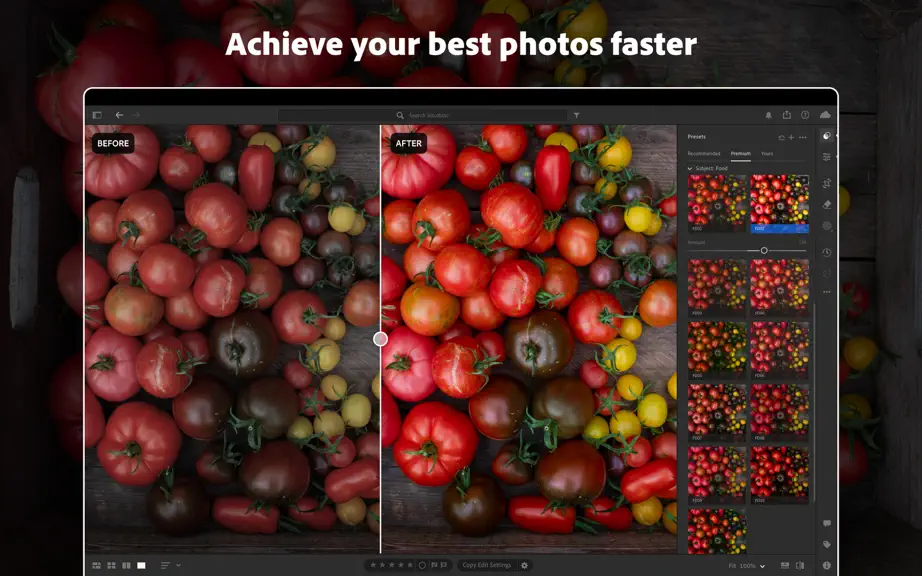
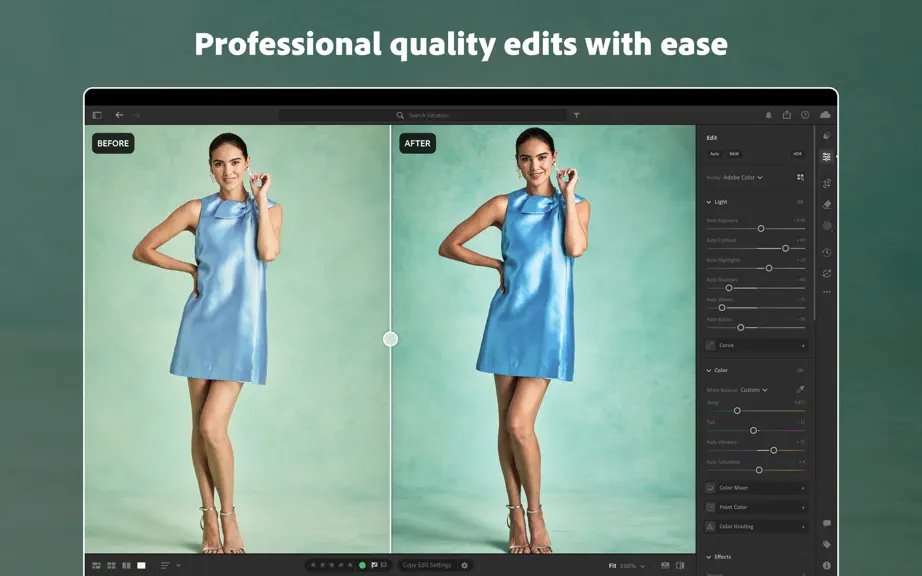
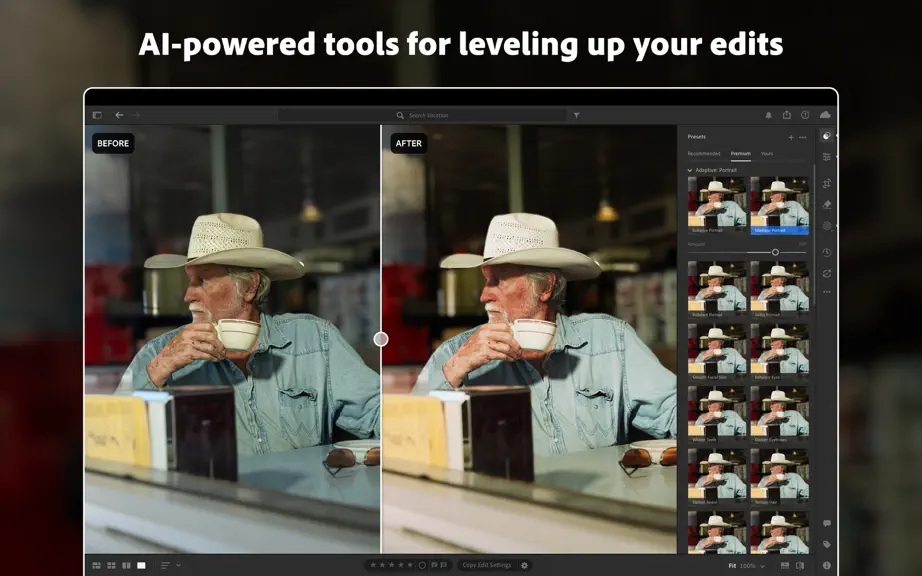
** Apple App Store Awards 2024 Winner – Mac App of the Year ** A qualifying Adobe Photoshop Lightroom subscription is required. Non-subscribers may try the product free for 7 days before incurring the monthly Lightroom subscription fee. Join millions of users who trust Adobe Photoshop Lightroom as their AI-assisted photo editor for editing, organizing, storing, and sharing their photos and video…
Trends & analysis
Chart rank trend
US · overallWhy it's surfacing
Scout 4Ratings & velocity
★ 0 in windowGeographic reach
best rank · 0 storefrontsRevenue & downloads trend
monthly estimateIn-app purchases
3 tiersUpdate history
3 updates tracked- v9.4.121d ago
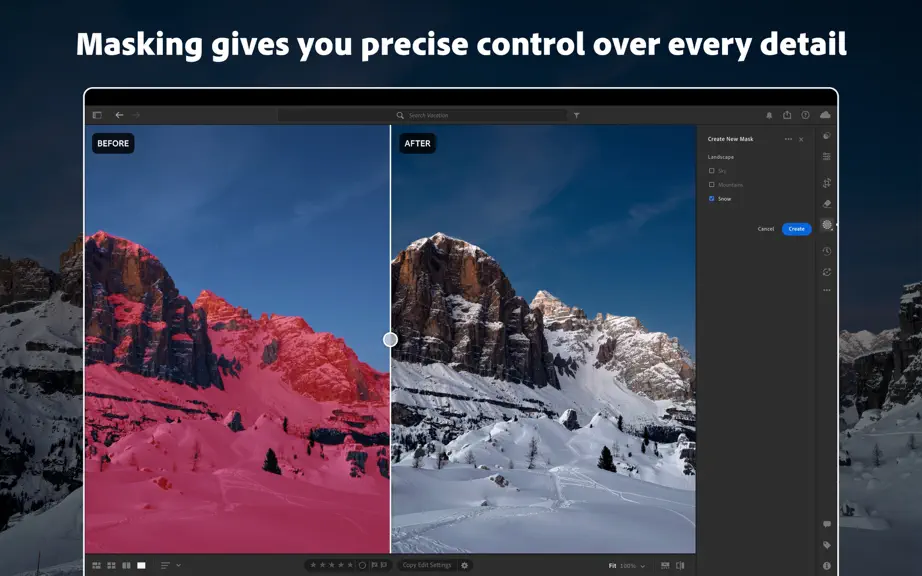
Assisted Culling Assisted Culling just got a major upgrade! Now optimized for people-focused shoots like weddings, events, and portraits, the Face Grid gives you more transparency into group shot scoring so you can see exactly who's in focus and who isn't. Photo to Video Bring your photos to life as videos, turning any image into a scroll-stopping moment or polished b-roll. Now accessible directly in Lightroom. AI Sharpen, powered by Topaz Bring out the finest texture in your shots, from delicate flower petals to individual strands of fur with Topaz Sharpen, now available directly in Lightroom. Improved Subject Masking Improved Select Subject now delivers much more precise selections, reliably distinguishing your subject from busy backgrounds. Customizable Color Labels You can now create additional color labels and assign unique names to labels. Have up to 10 labels total, tailored to your personal workflow. Interactive Histogram Change exposure values quickly and intuitively by dragging directly on the histogram. A Lightroom Classic favorite now available in Lightroom. Performance Improvements Performance and speed improvements to batch editing and copy/paste across images. Previewing Versions is also much faster and more responsive.
- v9.41mo ago
Assisted Culling Assisted Culling just got a major upgrade! Now optimized for people-focused shoots like weddings, events, and portraits, the Face Grid gives you more transparency into group shot scoring so you can see exactly who's in focus and who isn't. Photo to Video Bring your photos to life as videos, turning any image into a scroll-stopping moment or polished b-roll. Now accessible directly in Lightroom. AI Sharpen, powered by Topaz Bring out the finest texture in your shots, from delicate flower petals to individual strands of fur with Topaz Sharpen, now available directly in Lightroom. Improved Subject Masking Improved Select Subject now delivers much more precise selections, reliably distinguishing your subject from busy backgrounds. Customizable Color Labels You can now create additional color labels and assign unique names to labels. Have up to 10 labels total, tailored to your personal workflow. Interactive Histogram Change exposure values quickly and intuitively by dragging directly on the histogram. A Lightroom Classic favorite now available in Lightroom. Performance Improvements Performance and speed improvements to batch editing and copy/paste across images. Previewing Versions is also much faster and more responsive.
- v9.3.21mo ago
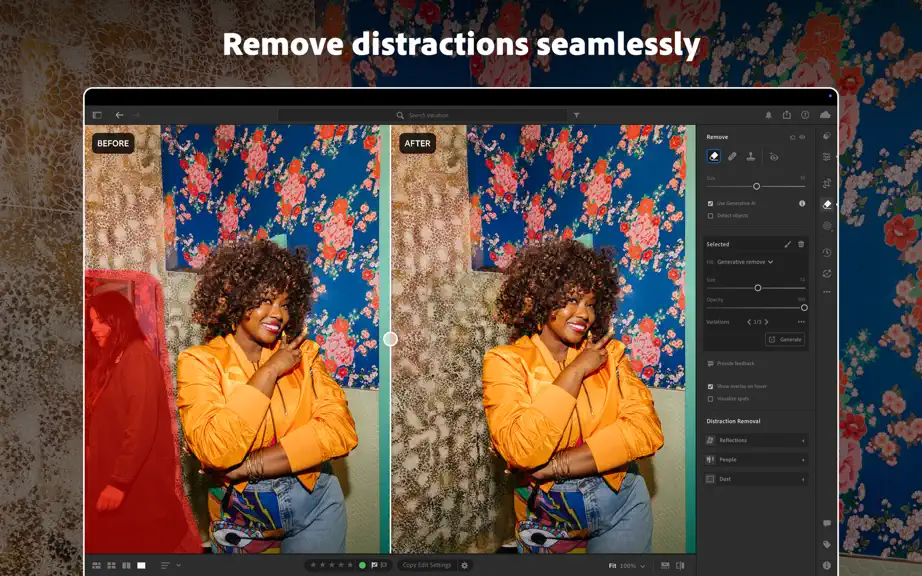
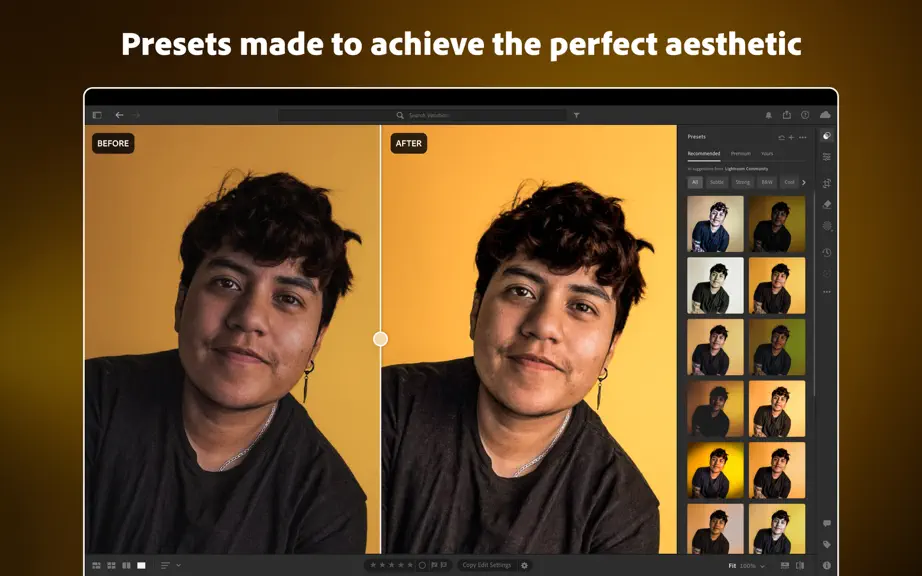
Improved Search for Photographers New and improved search allows you to easily find photos using natural language such as, "A woman on the beach at golden hour" or use specific info like cameras and lenses, named people, or file types. Available in Cloud view. Firefly Boards from Lightroom Adobe's Firefly Boards site (included with your subscription) is a great tool for ideating, organizing shot lists, creating mood boards, and more. You can now send photos directly from Lightroom to Firefly Boards via the share button. Film-Inspired Presets Capture the timeless feel of classic film with our new film-inspired Presets or use them as a starting point to create your own unique aesthetic. Support for Sony a7R VI Now includes preliminary support for the Sony a7R VI. Assisted Culling Improvements Assisted Culling updates include improve detection of shallow depth-of-field images, reducing false rejects for photos with intentional background blur. The reject filter is now more accurate at identifying images that should be discarded across a range of scenarios and includes a new slider which gives you greater control over how strictly exposure issues are flagged. Edit in Photoshop Improvements Work seamlessly with your largest Photoshop documents. You can now specify file type, bit depth, and other parameters for the files that you send to Photoshop and save different defaults for HDR and SDR photography. Pan and Zoom in Crop Now pan and zoom while in the Crop tool, allowing you to position the crop bounds with precision. PSB File Support Lightroom now supports the PSB file type, making it easier to import and work with very large Photoshop files. More Quality Updates Experience faster, smoother performance when editing photos with large masks. Additionally, Presets and Profiles, Distraction Removal, Lens Blur, and other masking operations run more smoothly, helping you stay in your creative flow. Working closely with Sony, we added support for the new Compressed (HQ) and Compressed RAW formats introduced with the Sony A7V.
Adobe Lightroom: Photo Editor — FAQ
How many downloads does Adobe Lightroom: Photo Editor get?
Adobe Lightroom: Photo Editor sees an estimated 0 downloads per month on the App Store, per AppCurrents modeling.
Is Adobe Lightroom: Photo Editor free?
Adobe Lightroom: Photo Editor is free to download on the App Store, monetizing through in-app purchases.
When was Adobe Lightroom: Photo Editor released?
Adobe Lightroom: Photo Editor launched on the App Store on 20.06.2019. Its latest version shipped 06.07.2026.


