
Table Keyboard – Type on Mac
Table Keyboard – Type on Mac generates an estimated $0/month in revenue from 0 downloads/month on the App Store, according to AppCurrents estimates (updated 2026-08-02).
| Est. revenue / month | $0 |
|---|---|
| Est. downloads / month | 0 |
| Estimate confidence | low |
| Pricing | Paid $9.99 |
| Rating | 0.00 ★ (0 ratings) |
| Category | Utilities |
| Released | 05.07.2026 |
| App last updated | 06.07.2026 |
| Platform | iOS |
Modeled monthly estimate · rating velocity · low confidence
About
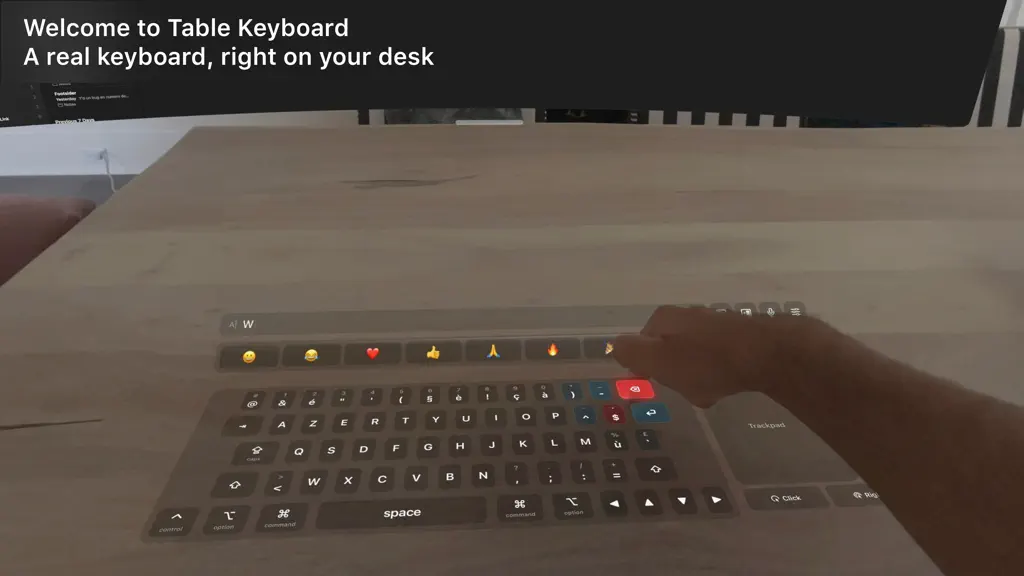
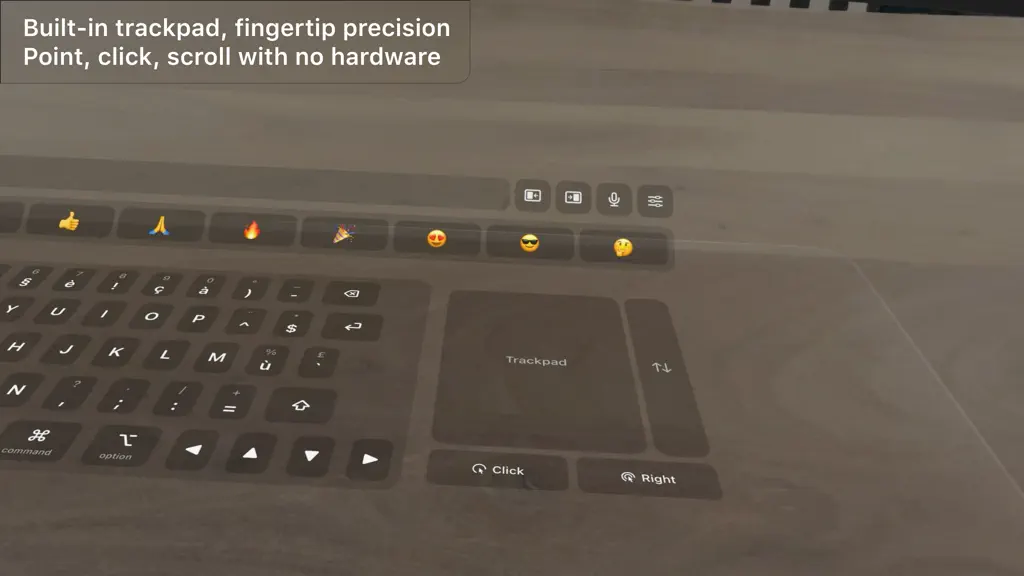
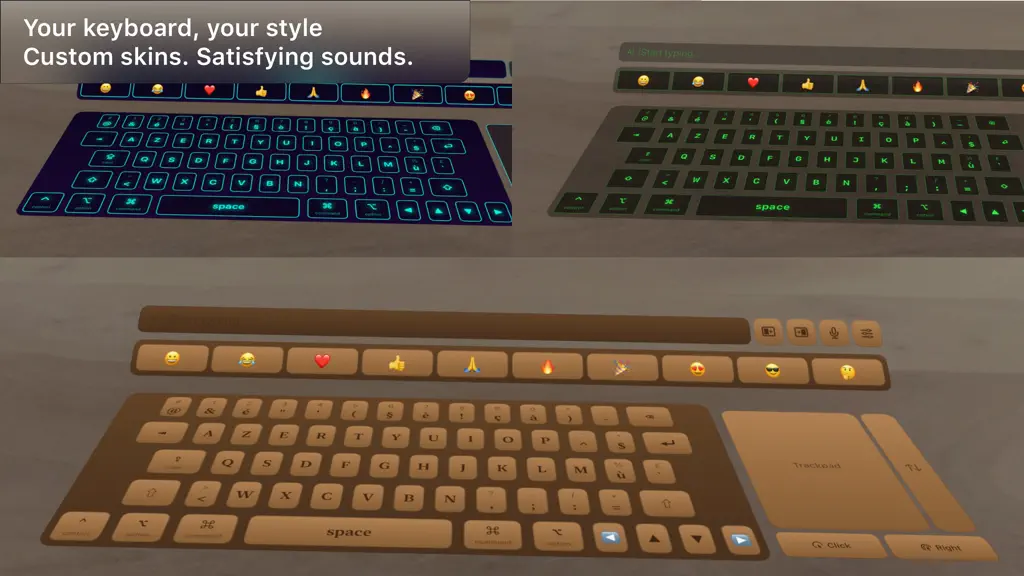
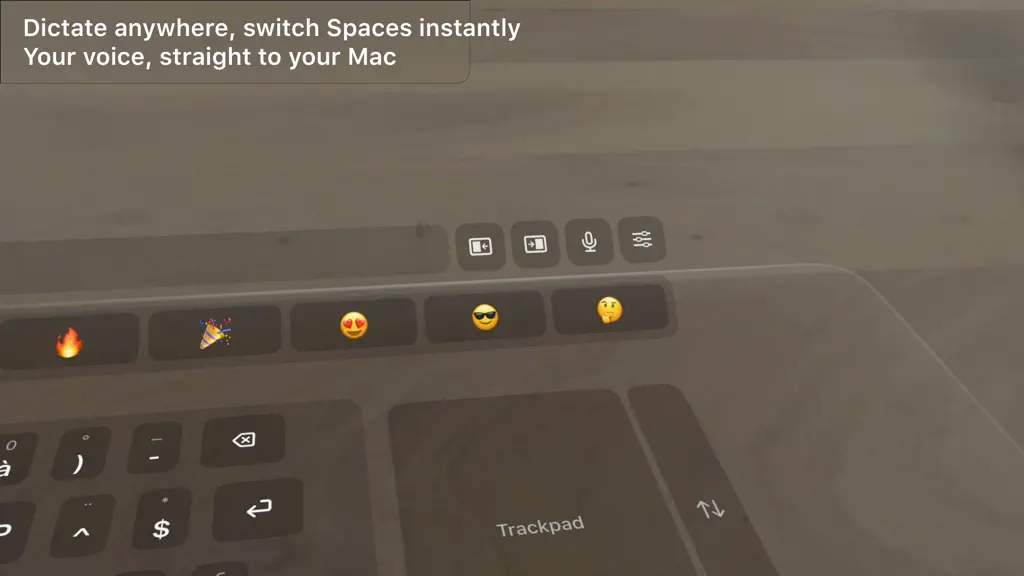
Your desk is the keyboard. Table Keyboard drops a full keyboard, trackpad and emoji bar flat onto your real table in Apple Vision Pro, and sends every keystroke straight to your Mac over the local network. No hardware to buy, no pairing codes, no cables. Look down, and your input surface is already there. REAL MECHANICAL SOUND Choose from 16 sampled switch libraries: Cherry MX Brown, Blue and B…
Trends & analysis
Chart rank trend
US · overallWhy it's surfacing
Scout 45Ratings & velocity
★ 0 in windowGeographic reach
best rank · 0 storefrontsRevenue & downloads trend
monthly estimateUpdate history
2 updates tracked- v2.029d ago
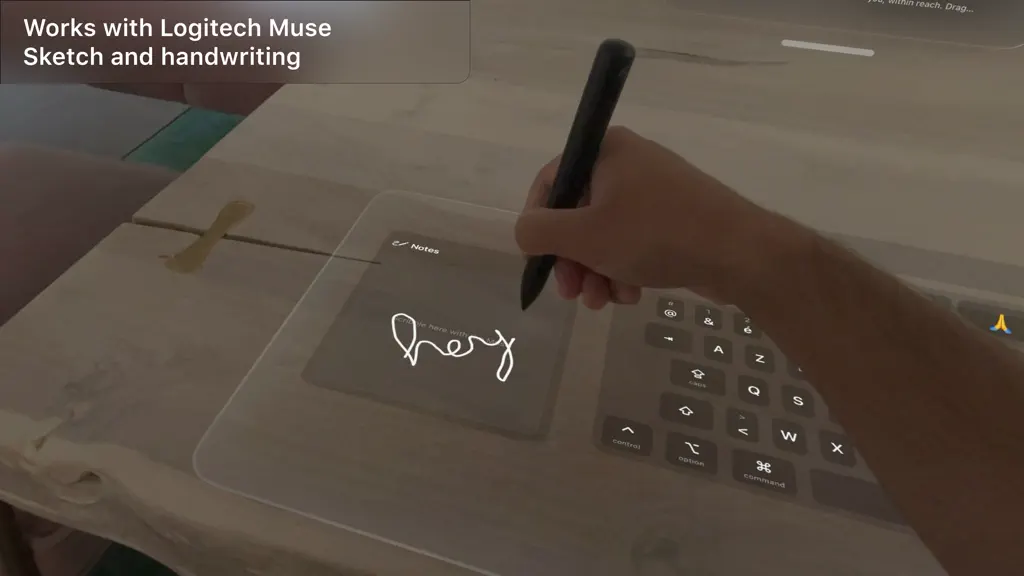
The Touch Bar is back. A contextual strip under the emoji bar mirrors whatever app is frontmost on your Mac: Safari shows your tabs, Finder your folders, Xcode its build controls, Music and Spotify the playing track with its artwork. Every other app gets universal actions, and the Control Strip keeps brightness, volume, media and screen lock one tap away. Typing suggestions appear as you write. Mac mode brings your real MacBook into the setup. The virtual keys step aside and everything arranges itself around your machine: the text preview floats above the screen, the Touch Bar lies flat where your wrists rest, your Dock sits in front and widgets stand on both sides. A size slider adapts the layout to any Mac. Widgets turn the space around the keyboard into a desk. Clock, calendar, reminders, pomodoro, timer, world clock, batteries, live Mac stats, recent screenshots and quick notes. Pick the ones you want and they take their place, angled toward you. Your Mac's Dock is now within reach. Tap an app to launch it or switch to it, even from a fullscreen app. Logitech Muse now drives the trackpad as a precision stylus for a steadier cursor, alongside the existing notes panel. The headset and the Mac companion now check they run matching versions, so you know right away when one of them needs an update. Update the free Mac companion to 2.0 to get the new features.
- v1.01mo ago
Table Keyboard – Type on Mac — FAQ
How many downloads does Table Keyboard – Type on Mac get?
Table Keyboard – Type on Mac sees an estimated 0 downloads per month on the App Store, per AppCurrents modeling.
Is Table Keyboard – Type on Mac free?
Table Keyboard – Type on Mac is a paid app priced at $9.99 on the App Store.
When was Table Keyboard – Type on Mac released?
Table Keyboard – Type on Mac launched on the App Store on 05.07.2026. Its latest version shipped 06.07.2026.


