
PCalc
PCalc generates an estimated $4k–$58k/month in revenue from 1k–4k downloads/month on the App Store, according to AppCurrents estimates (updated 2026-10-02).
| Est. revenue / month | $4k–$58k |
|---|---|
| Est. downloads / month | 1k–4k |
| Estimate confidence | medium |
| Pricing | Paid $9.99 |
| Rating | 4.66 ★ (772 ratings) |
| Category | Utilities |
| Best chart rank | #74 Utilities Paid |
| Released | 08.02.2019 |
| App last updated | 12.03.2026 |
| Platform | iOS |
Modeled monthly estimate · rating velocity · medium confidence
About
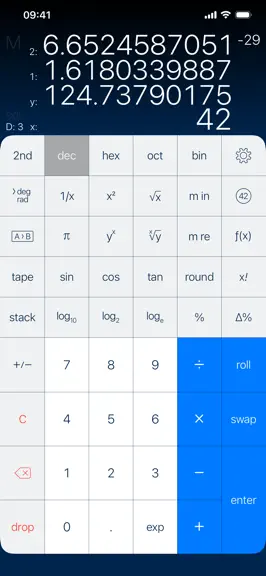
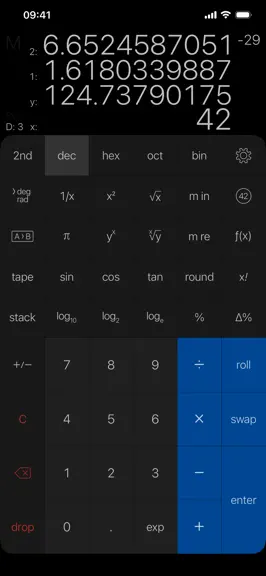
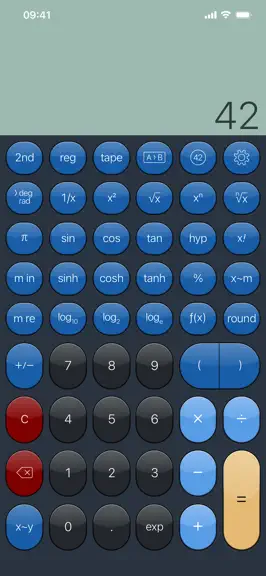
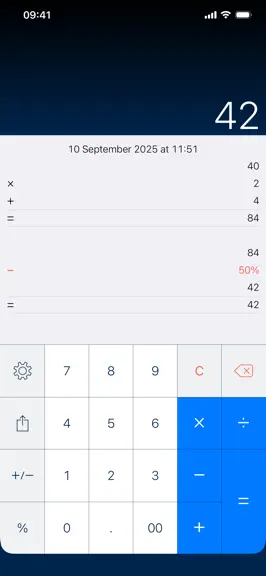
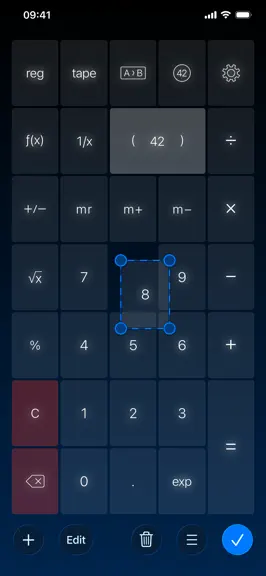
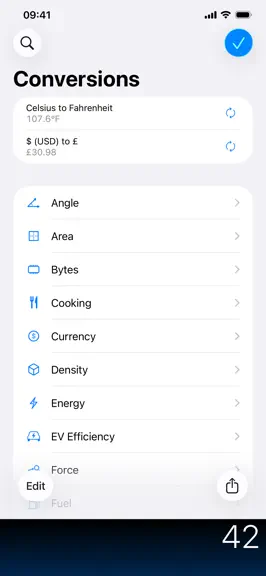
PCalc is the powerful choice for scientists, engineers, students, programmers, or indeed anybody looking for a feature rich calculator. It includes an optional RPN mode and multi-line display, a choice of button layouts, an extensive set of unit conversions and constants, a paper tape, multiple undo and redo, engineering and scientific notation, as well as support for hexadecimal, octal, and binar…
Trends & analysis
Chart rank trend
US · categoryWhy it's surfacing
Scout 17Ratings & velocity
★ 0 in windowRating distribution
91% positive · 766 ratingsGeographic reach
best rank · 1 storefrontRevenue & downloads trend
ARPU $7In-app purchases
4 tiersUpdate history
1 update tracked- v3.14.46mo ago
Added an option to use woodworking fractions, in the Advanced settings. Added an option to use the Indian numbering system for thousands separators, in the Advanced settings. Added an option to ignore trailing operators, on by default, in the Advanced settings. Added an option to automatically press Equals before "M+" and "M in" operations, on by default, in the Advanced settings. Added an option to allow all themes for dark or light mode, in the Theme settings. Added an option to hide any gloss effects on the display, in the Theme settings. Added "Flow Rate", "Jewelry", and "Typography" sections to the conversions. Added "norm", "sci", "eng", "acc", "frac", "nCr", "nPr", and "tau" buttons to the layout editor. Added "tau" to the constants, and as a 2nd function of "pi" in most layouts. Improved the layout editor with all the commands and keyboard shortcuts from the macOS version. The "Clear on Open" option will now only trigger if you haven't used PCalc in the last five minutes. You can now use combinations and permutations in user functions and conversions. You can now edit buttons to display any SF Symbol as an image. Now show a preview image when picking an SF Symbol. Menus are more consistent with the macOS version. The user interface mode setting is now independent of the theme mode setting. Fixed a problem speaking negative numbers. Fixed a problem displaying overflows. Fixed a problem with the user interface dark mode settings.
PCalc — FAQ
How much money does PCalc make?
According to AppCurrents estimates, PCalc generates approximately $4k–$58k per month (medium confidence), modeled from its the App Store chart performance, rating velocity, and monetization signals.
How many downloads does PCalc get?
PCalc sees an estimated 1k–4k downloads per month on the App Store, per AppCurrents modeling.
Is PCalc free?
PCalc is a paid app priced at $9.99 on the App Store.
What is PCalc's rating?
PCalc holds a 4.66-star average from 772 ratings on the App Store. It currently ranks #74 on the Utilities paid chart.
When was PCalc released?
PCalc launched on the App Store on 08.02.2019. Its latest version shipped 12.03.2026.


