
Hangcraft
Hangcraft generates an estimated $0/month in revenue from 0 downloads/month on the App Store, according to AppCurrents estimates (updated 2026-08-02).
| Est. revenue / month | $0 |
|---|---|
| Est. downloads / month | 0 |
| Estimate confidence | low |
| Pricing | Paid $0.99 |
| Rating | 0.00 ★ (0 ratings) |
| Category | Utilities |
| Released | 09.06.2026 |
| App last updated | 01.08.2026 |
| Platform | iOS |
Modeled monthly estimate · rating velocity · low confidence
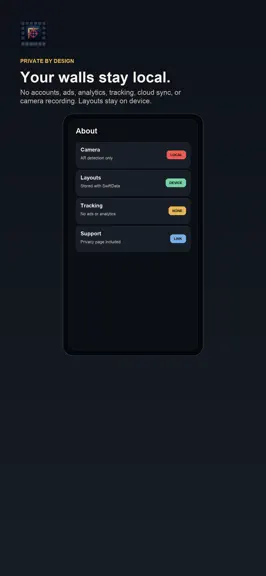
About
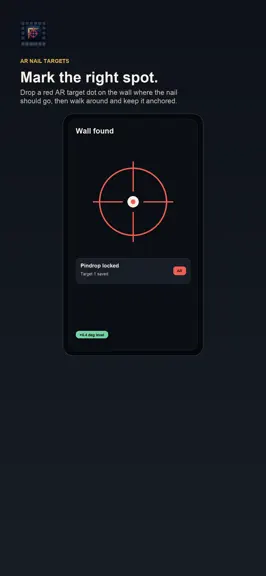
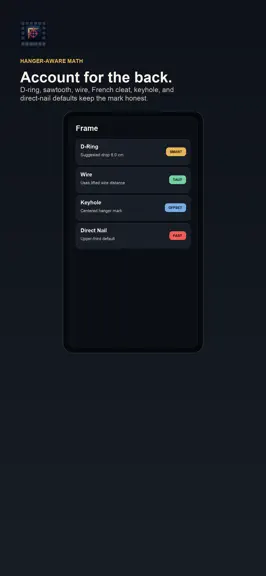
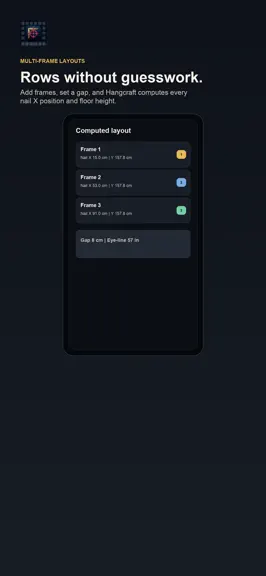
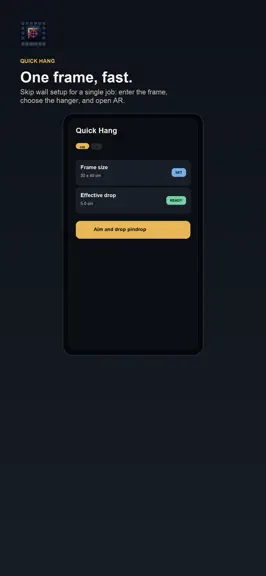
Stop drilling extra holes. Hangcraft drops a glowing red AR target on your wall exactly where the nail should go. Aim your iPhone at the wall, enter the frame size and the kind of hanger on its back, and Hangcraft does the layout math: - Real ARKit pindrops that stay visually tied to the wall while you work - Hanger-aware math for D-ring, sawtooth, wire, French cleat, keyhole, and nail-through-f…
Trends & analysis
Chart rank trend
US · overallWhy it's surfacing
Scout 36Ratings & velocity
★ 0 in windowGeographic reach
best rank · 0 storefrontsRevenue & downloads trend
monthly estimateUpdate history
4 updates tracked- v1.53d ago
LayoutStudio: Multi-frame layout, load paths, clearances, and install order. - Measure wall, furniture, utilities, rails, and verified stud references - Arrange frames from a named centerline and consistent visual gaps - Assign hardware from manufacturer ratings and substrate evidence - Generate mark order, temporary template positions, and verification holds - Export a labeled layout without representing phone sensing as structural proof
- v1.41mo ago
Hangcraft 1.4 adds a Pro Install Sheet that turns each saved wall into a step-by-step measurement plan with nail marks, supply prompts, caution checks, and a richer share export. This update also refreshes App Store metadata and screenshots to match the current interface.
- v1.3.11mo ago
This update sharpens the interface: the iPad layout now uses a centered, comfortable reading width instead of stretching edge to edge, plus small display fixes. iPhone is unchanged.
- v1.11mo ago
Version 1.1 adds three practical features that make every hanging job easier: Anchor Advisor — enter your frame's size and material, pick your wall type, and get an instant recommendation: picture hook, self-drilling anchor, molly bolt, or toggle bolt. Weight is estimated from material density and glass; the advice is grounded in published anchor specs. Above-Furniture mode — a dedicated calculator for placing art above sofas, beds, consoles, and dining tables. Uses the interior-design standard of 6–8 inches clearance and gives you the exact nail height from the floor. Standard frame sizes — 27 common sizes from 4×6 to 27×40 inches (photo, poster, canvas, square) so you can tap a preset instead of typing dimensions. Works in both cm and inches. Share your hanging plan — tap the share button on any wall to export the full layout as text: every frame's nail position in both cm and inches, ready to paste into Notes or text to a helper. Adjustable frame gap — the spacing between frames in the Computed Layout card is now editable; tap the stepper to try different gaps live.
Hangcraft — FAQ
How many downloads does Hangcraft get?
Hangcraft sees an estimated 0 downloads per month on the App Store, per AppCurrents modeling.
Is Hangcraft free?
Hangcraft is a paid app priced at $0.99 on the App Store.
When was Hangcraft released?
Hangcraft launched on the App Store on 09.06.2026. Its latest version shipped 01.08.2026.


