
Whiteboard: just draw together
Whiteboard: just draw together generates an estimated $47k–$260k/month in revenue from 91k–370k downloads/month on the App Store, according to AppCurrents estimates (updated 2026-07-26).
| Est. revenue / month | $47k–$260k |
|---|---|
| Est. downloads / month | 91k–370k |
| Estimate confidence | medium |
| Pricing | Free + IAP |
| Rating | 4.53 ★ (83,568 ratings) |
| Category | Business |
| Best chart rank | #100 Business Free |
| Released | 10.09.2019 |
| App last updated | 25.07.2026 |
| Platform | iOS |
Modeled monthly estimate · rating velocity · medium confidence
About
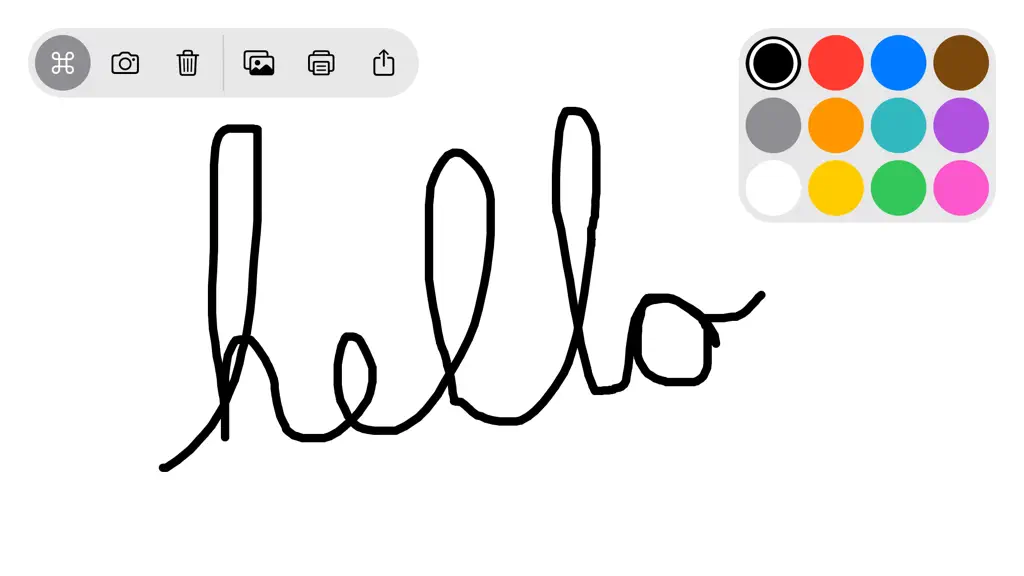
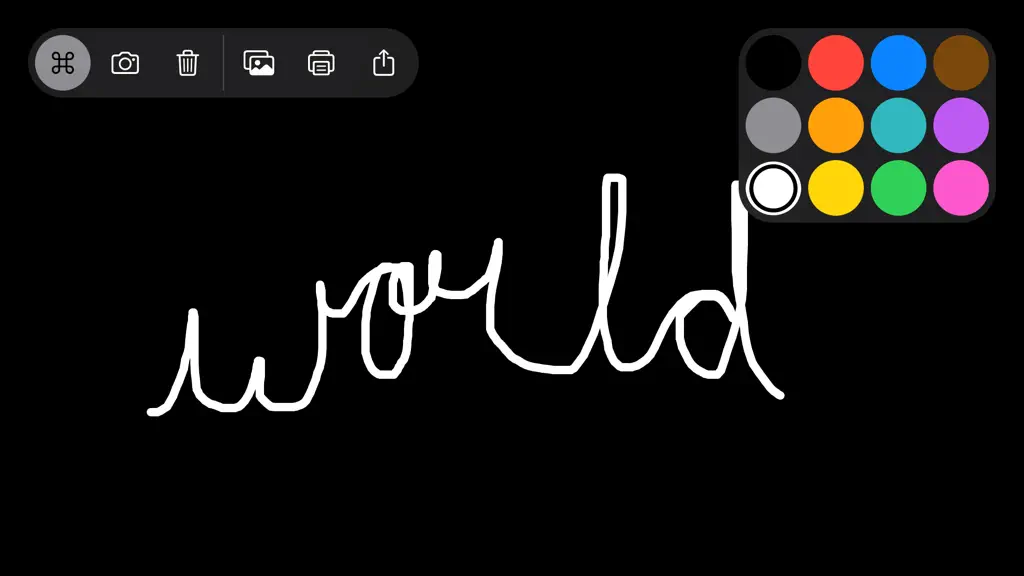
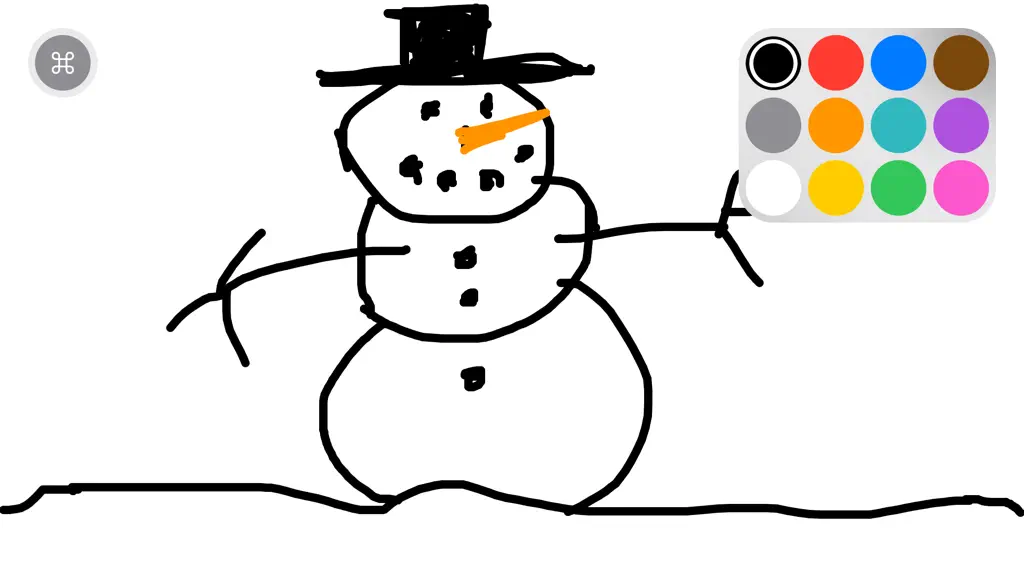
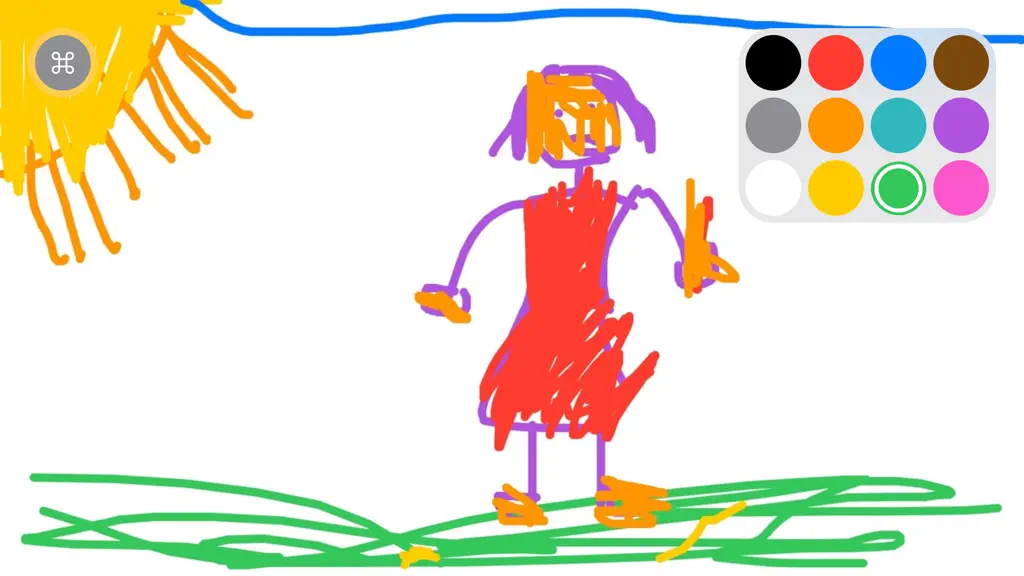
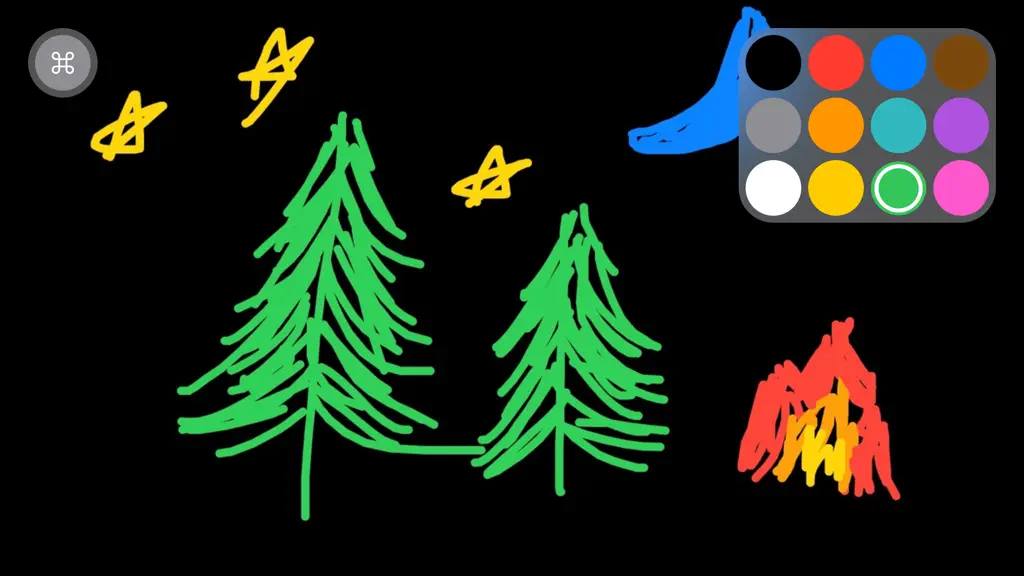
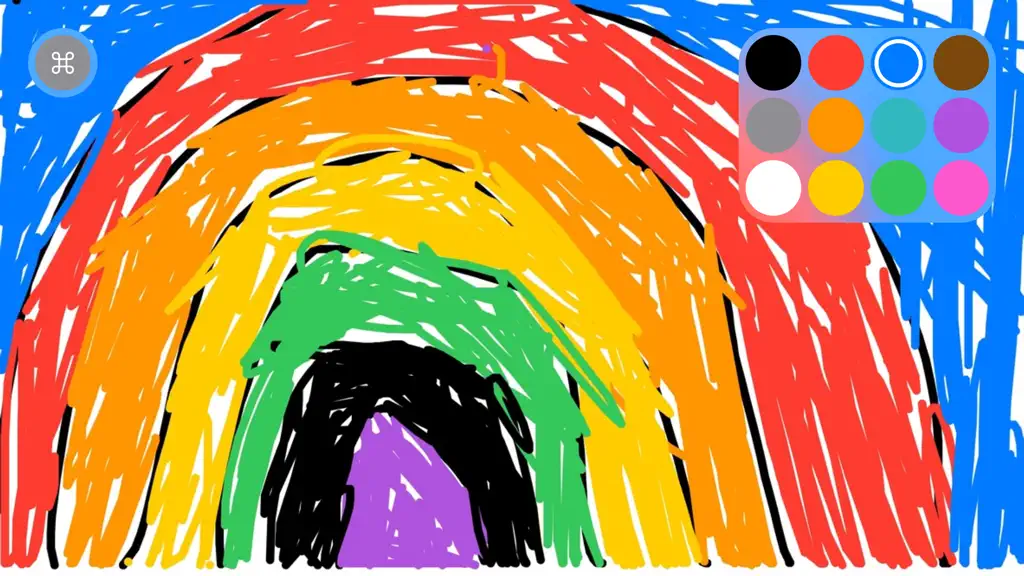
A clean whiteboard and several basic colors, just draw together. Simple, easy, focused and fun. I made this app as a prototype for a larger app I was working on, to my delight my kids LOVED it. They use this whenever they want to draw instead of the other drawing apps we already had. I think they love it so much because there's no extra stuff to get in the way, they can just be totally immersed…
Trends & analysis
Chart rank trend
US · categoryWhy it's surfacing
Scout 20Ratings & velocity
★ -0.01 in windowRating distribution
88% positive · 80k ratingsGeographic reach
best rank · 6 storefrontsRevenue & downloads trend
ARPU $1In-app purchases
10 tiersUpdate history
3 updates tracked- v2.8.01d ago
Thanks everyone for using Whiteboard. Here's what's new in this version :) Please keep the feedback coming y'all! Enjoy. CHANGELOG * Smoother editing and faster saves for large drawings * Faster drawing library loading * Photo picker opens faster * Creator Kit unlocks more reliably after purchase 2.0 Additions and Improvements * Introducing SharePlay drawing, draw with others over FaceTime or Messages. * Introducing Creator Kit, get the most out of Whiteboard and support Indie development * Now you can zoom in and out on drawings and images! * Scroll around in freedom on the all new, expansive, drawing board. * Autorotate from portrait to landscape and back, or you can choose to lock orientation. * Drawing library, open and continue working on your recent drawings. * Add new drawing button, create a new drawing anytime. * Significant performance and stability improvements * Adds lock for drawing board zoom/pan/scroll * Many more exciting things are coming * Stay tuned - Jim Issues, questions or suggestions? • [email protected] Like Whiteboard? • Please subscribe to Creator Kit to help support development • Please rate the app 5 stars so more people find it • Please share Whiteboard with a friend or family member to help get the word out. • Please email me [email protected] and let me know how you're using Whiteboard, send me drawings, questions, concerns and feedback. • Please subscribe to my YouTube channel https://www.youtube.com/channel/UCSr7ecHz6AnGvbGJNJSODbw • Please send me your Whiteboard drawings on Instagram @getwhiteboard.
- v2.7.11mo ago
Thanks everyone for using Whiteboard. Here's what's new in this version :) Please keep the feedback coming y'all! Enjoy. CHANGELOG * Fixed crash in Messages * Improved launch time * Improved error reporting * Improved drawing board loading and rendering 2.0 Additions and Improvements * Introducing SharePlay drawing, draw with others over FaceTime or Messages. * Introducing Creator Kit, get the most out of Whiteboard and support Indie development * Now you can zoom in and out on drawings and images! * Scroll around in freedom on the all new, expansive, drawing board. * Autorotate from portrait to landscape and back, or you can choose to lock orientation. * Drawing library, open and continue working on your recent drawings. * Add new drawing button, create a new drawing anytime. * Significant performance and stability improvements * Adds lock for drawing board zoom/pan/scroll * Many more exciting things are coming * Stay tuned - Jim Issues, questions or suggestions? • [email protected] Like Whiteboard? • Please subscribe to Creator Kit to help support development • Please rate the app 5 stars so more people find it • Please share Whiteboard with a friend or family member to help get the word out. • Please email me [email protected] and let me know how you're using Whiteboard, send me drawings, questions, concerns and feedback. • Please subscribe to my YouTube channel https://www.youtube.com/channel/UCSr7ecHz6AnGvbGJNJSODbw • Please send me your Whiteboard drawings on Instagram @getwhiteboard.
- v2.7.02mo ago
Thanks everyone for using Whiteboard. Here's what's new in this version :) Please keep the feedback coming y'all! Enjoy. CHANGELOG * Fixed Shake to Erase reliability * Added a confirmation prompt before deleting drawings * Fixed a crash when opening the drawing gallery * Made drawing feel smoother and more responsive * Improved gallery loading, scrolling, and thumbnail rendering * Improved overall stability 2.0 Additions and Improvements * Introducing SharePlay drawing, draw with others over FaceTime or Messages. * Introducing Creator Kit, get the most out of Whiteboard and support Indie development * Now you can zoom in and out on drawings and images! * Scroll around in freedom on the all new, expansive, drawing board. * Autorotate from portrait to landscape and back, or you can choose to lock orientation. * Drawing library, open and continue working on your recent drawings. * Add new drawing button, create a new drawing anytime. * Significant performance and stability improvements * Adds lock for drawing board zoom/pan/scroll * Many more exciting things are coming * Stay tuned - Jim Issues, questions or suggestions? • [email protected] Like Whiteboard? • Please subscribe to Creator Kit to help support development • Please rate the app 5 stars so more people find it • Please share Whiteboard with a friend or family member to help get the word out. • Please email me [email protected] and let me know how you're using Whiteboard, send me drawings, questions, concerns and feedback. • Please subscribe to my YouTube channel https://www.youtube.com/channel/UCSr7ecHz6AnGvbGJNJSODbw • Please send me your Whiteboard drawings on Instagram @getwhiteboard.
Whiteboard: just draw together — FAQ
How much money does Whiteboard: just draw together make?
According to AppCurrents estimates, Whiteboard: just draw together generates approximately $47k–$260k per month (medium confidence), modeled from its the App Store chart performance, rating velocity, and monetization signals.
How many downloads does Whiteboard: just draw together get?
Whiteboard: just draw together sees an estimated 91k–370k downloads per month on the App Store, per AppCurrents modeling.
Is Whiteboard: just draw together free?
Whiteboard: just draw together is free to download on the App Store, monetizing through in-app purchases.
What is Whiteboard: just draw together's rating?
Whiteboard: just draw together holds a 4.53-star average from 83,568 ratings on the App Store. It currently ranks #100 on the Business free chart.
When was Whiteboard: just draw together released?
Whiteboard: just draw together launched on the App Store on 10.09.2019. Its latest version shipped 25.07.2026.


