
VizRef
VizRef generates an estimated $100–$2k/month in revenue from 70–300 downloads/month on the App Store, according to AppCurrents estimates (updated 2026-10-02).
| Est. revenue / month | $100–$2k |
|---|---|
| Est. downloads / month | 70–300 |
| Estimate confidence | medium |
| Pricing | Paid $3.99 |
| Rating | 4.07 ★ (301 ratings) |
| Category | Graphics & Design |
| Released | 16.03.2020 |
| App last updated | 08.06.2021 |
| Platform | iOS |
Modeled monthly estimate · rating velocity · medium confidence
About
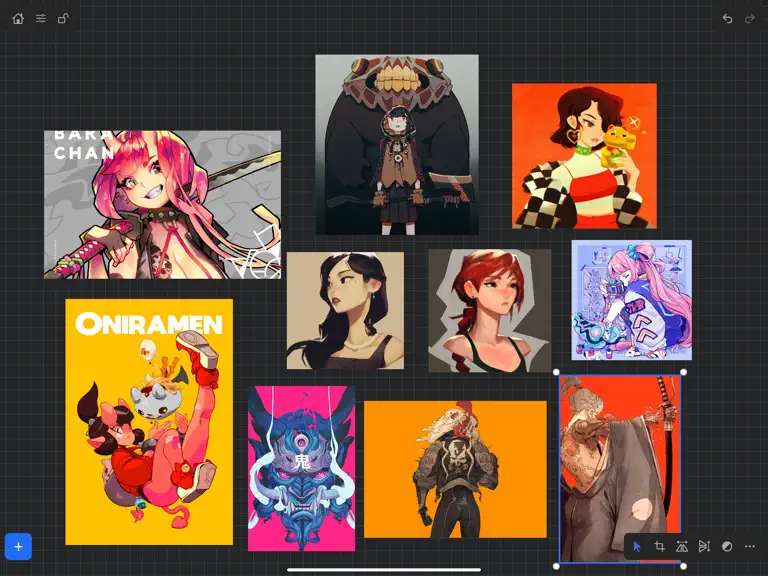
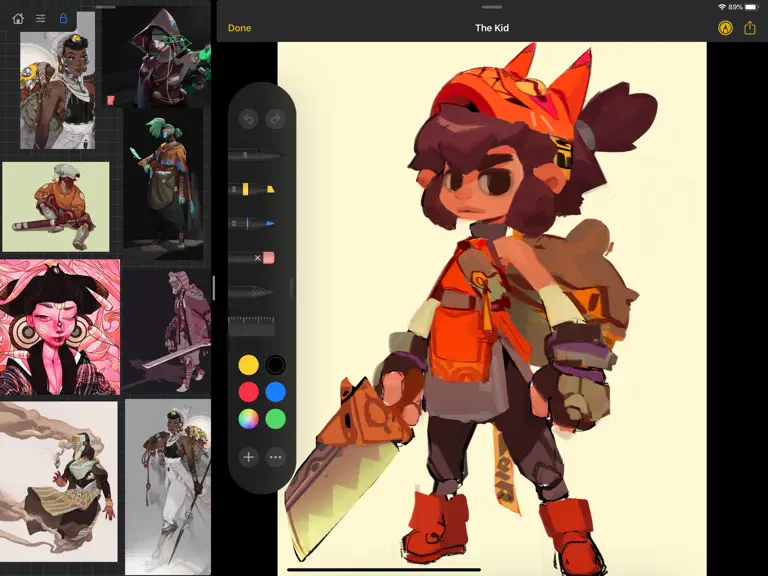
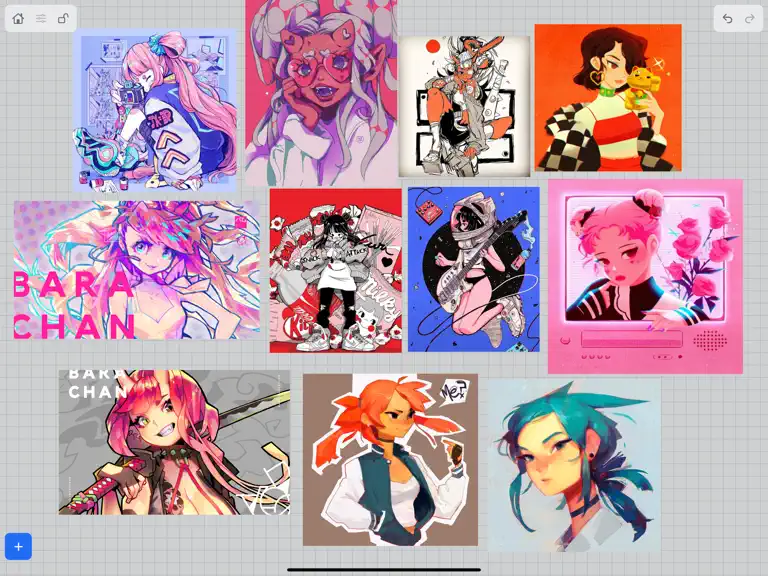
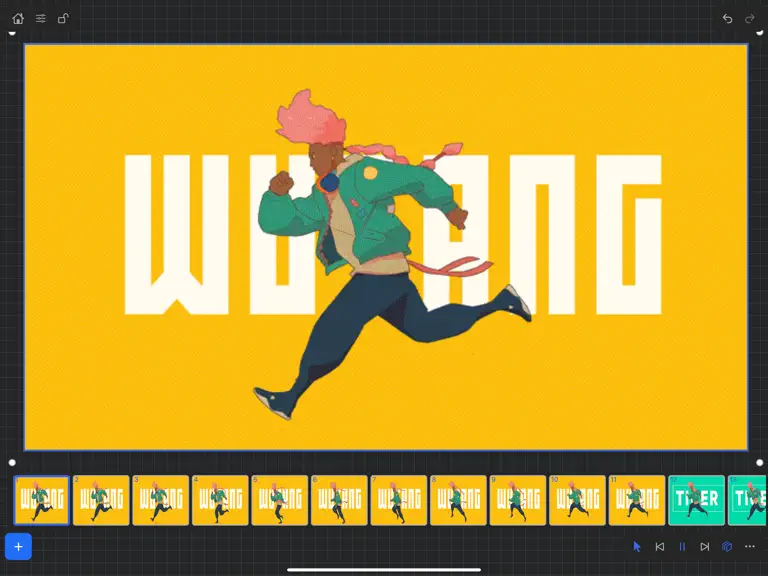
VizRef for iPad enables creatives to finally take their inspiration anywhere. It becomes the perfect companion app for Procreate® or paired with your favorite drawing/animation application by utilizing iPad IOS multitasking features. Clear up your hard to find hidden layers in your drawing app and easily organize your inspiration on the go. Make visual reference boards with any images or gifs from…
Trends & analysis
Chart rank trend
US · overallWhy it's surfacing
Scout 15Ratings & velocity
★ 0 in windowRating distribution
73% positive · 298 ratingsGeographic reach
best rank · 0 storefrontsRevenue & downloads trend
ARPU $3Update history
1 update tracked- v1.1.75.3y ago
NEW FEATURES in 1.1.7 Exporting- Fixed some bugs related to exporting. Some of the UI was unresponsive when hitting export within the app. This was most likely due to some newer IOS versions that were later released. *** Please keep in mind that exporting/ importing directly into other apps such as Dropbox or even using Airdrop and Discord all work completely differently because of how those apps are created. We, unfortunately, can not improve much on batch exporting/ importing into these apps unless those developers improve how their apps deal with multiple images being imported or passing through them. For batch exporting images, I still recommend hooking up Dropbox/ Google Drive to the files app on your iPad and just batch exporting through the files app from Vizref. Please also keep in mind that batch exporting hundreds of images at once will most likely crash Vizref. This is also out of our control. I recommend batch exporting about 50 images at once for the most stable and consistent experience. Vizref and other apps can't export hundreds of images at once because every app on the iPad is limited to how much Memory it can use during all operations. The app is crashing because of the hard limit set by Apple for each app. Feature - Revert Button- Revert will undo any cropping or rotating you've done to the image. The main reason for adding the revert button was that some users were finding their images were oddly scaled/ stretched to the wrong ratio. Revert is a backup for returning your image to the correct ratio/ scaling - the revert button is located in the toolbox icon at the bottom right after selecting an image. - Exporting gif files. Should work now give it a try! *Bug Fixes* -Fixed a bug that caused images from your board to not display if your board crashed on exporting. This bug should be completely gone. If it persists after updating your app please contact us at [email protected] **If your images have disappeared from your board, please note that those images are still on you iPad and stored locally. You can retrieve them by going to the Files app then searching for your Vizref folder in " On My iPhone " or " On My iPad" file Open "Private Documents" then you will see each .VRB file. These are your reference boards and store your images locally. You can then retrieve your images here. Fixed some crash bugs. Fixed several UI inconsistencies and bugs.
VizRef — FAQ
How much money does VizRef make?
According to AppCurrents estimates, VizRef generates approximately $100–$2k per month (medium confidence), modeled from its the App Store chart performance, rating velocity, and monetization signals.
How many downloads does VizRef get?
VizRef sees an estimated 70–300 downloads per month on the App Store, per AppCurrents modeling.
Is VizRef free?
VizRef is a paid app priced at $3.99 on the App Store.
What is VizRef's rating?
VizRef holds a 4.07-star average from 301 ratings on the App Store.
When was VizRef released?
VizRef launched on the App Store on 16.03.2020. Its latest version shipped 08.06.2021.
Apps like VizRef
See all alternatives → Reface: AI Face Swap & EditorGraphics & Design · $270k–$1.5M/mo
 AI Maker: Photo Video FiltersGraphics & Design · $250k–$1.4M/mo
 Nomad SculptGraphics & Design · $100k–$1.7M/mo
 ThemePack: Widgets & WallpaperGraphics & Design · $150k–$820k/mo
 Artmate: Drawing TogetherGraphics & Design · $150k–$800k/mo
 Artrace: AR Drawing & SketchGraphics & Design · $140k–$770k/mo