
The Vault - Security Made Easy
The Vault - Security Made Easy generates an estimated $0/month in revenue from 0 downloads/month on the App Store, according to AppCurrents estimates (updated 2026-06-17).
| Est. revenue / month | $0 |
|---|---|
| Est. downloads / month | 0 |
| Estimate confidence | low |
| Pricing | Paid $24.99 |
| Rating | 0.00 ★ (0 ratings) |
| Category | Productivity |
| Released | 02.06.2015 |
| App last updated | 28.08.2025 |
| Platform | iOS |
Modeled monthly estimate · rating velocity · low confidence

About
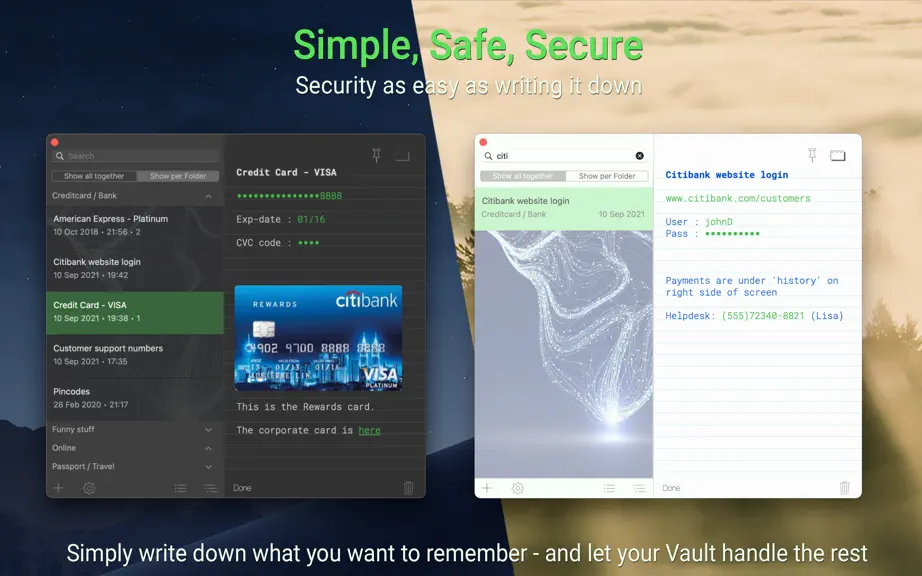
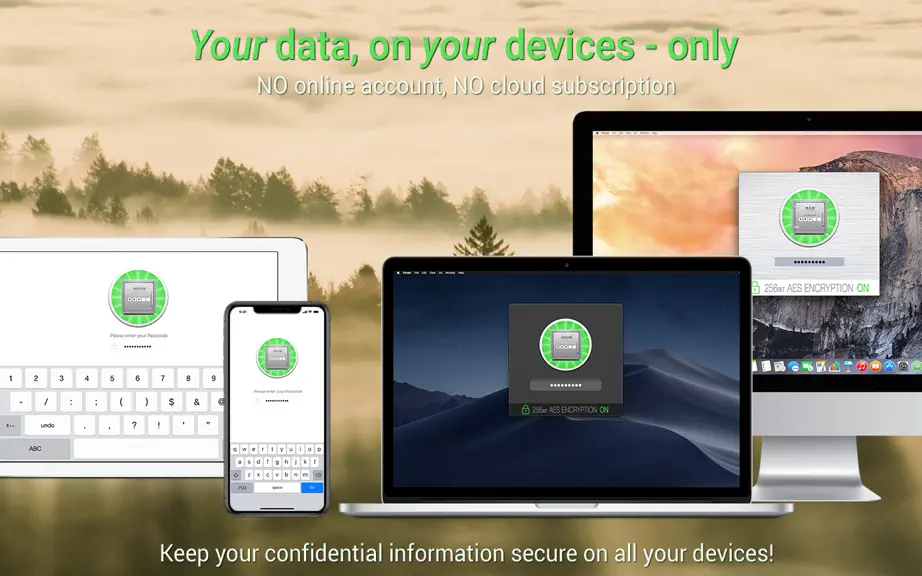
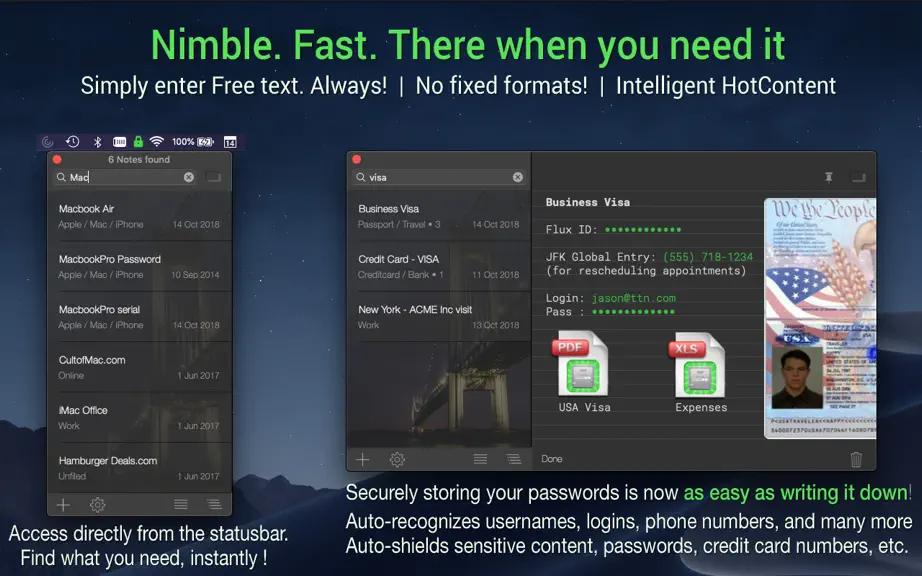
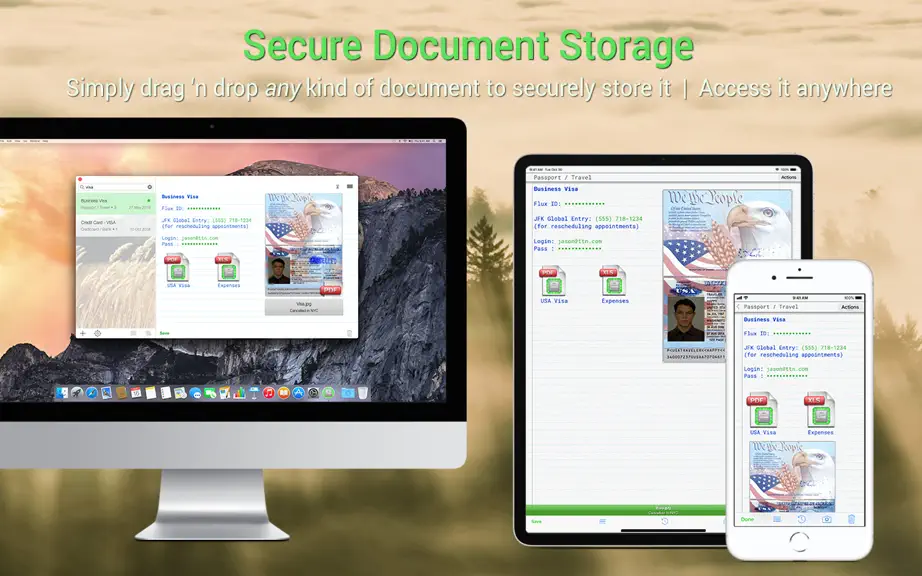
==[ Want to give The Vault a try for free? The Vault for iOS is a free download! ]== ▸ Hear what other users have to say: bit.ly/TheVaultReviews ▸ bit.ly/TheVault-Features ▸ NO subscriptions - a single ONE-TIME purchase only Do you... ... have trouble remembering tens or hundreds of online passwords? ... write passwords down somewhere, even though you know this is not the safest thing to do?…
Trends & analysis
Chart rank trend
US · overallWhy it's surfacing
Scout 11Ratings & velocity
Geographic reach
best rank · 0 storefrontsRevenue & downloads trend
monthly estimateUpdate history
1 update tracked- v4.7.29mo ago
4.7 - 4.7.2 + Minor bug fixes ▸ New sorting options for the Most Recently Edited Folder to help you find (old) Notes and clean-up your Vault ▸▸▸ For a complete feature list, see: bit.ly/TheVault-Features 4.0 - 4.6 ========= + Handle change of Dropbox folder location + Handle bullets separated by empty lines + MacOS Ventura compatibility FEATURE ▸ Smart Search! Search for multiple terms simultaneously, by separating terms with a space. Or search a specific Folder by entering part of the Folder name, followed by a space, followed by one or more terms you'd like to find in that Folder ▸ Duplicate Notes with or w/o HotContent + Double-click a SecureBackup bundle to restore it. FEATURE ▸ Safari Extension! Press Ctrl-CMD-T while browsing a website to immediately open the corresponding Note in your Vault - For example to look up your username and password ▸ Bulleted lists now support Roman Numerals ▸ CMD-Click to finalize a ToDo list item on a Note + Password recipes with 'add dashes' option enabled now exclude dashes from password itself 3.0 - 3.9.9 ========= FEATURE ▸ "Fast Favourites" : add keyboard shortcuts for your most often used passwords and usernames (or any other content) ▸ Within-Folder search with live-toggling between search grouping ▸ Automatically create a multi-line ToDo list from selected text ▸ Search includes Folders in the list of search results ▸ InterNote Links! Add meaningful connections between your Notes ▸ Darkmode support in Mojave GENERAL + You can now drag a SecurePhoto or -Document directly from the Note to your Desktop to export an unencrypted copy of that file + Shift-Tab now outdents bulleted lists (and Tab indents) + Directly restore from a SecureBackup when reinstalling the app + Improves copy-pasting of rich text and ToDo lists + HotContent now recognizes pathnames and let's you open any folder straight from the app + When searching, use CMD-G to continue your search WITHIN the full text of the Note, directly from the main searchfield + Select from multiple known email addresses when creating usernames SECURITY + Improved detection of sleep state. When your computer sleeps - The Vault destroys the decryption key fragments, so that upon return, authentication is necessary before your data can be decrypted + Per user-request: make TouchID access optional 2.0 - 2.7.4 ======== FEATURE ▸ QuickNote ! Because sometimes you just want to QUICKLY jot down a thought, a number, an email address, anything Right click the menubar icon and select 'QuickNote' or press the HotKey combination... and start typing - Nothing else - No login - No additional steps HotKey -> start typing. It’s that simple! -> QuickNote automatically syncs between your Macs and iOS devices ▸ Automatic Bulleted Lists ! Just start typing and the app will automatically format your list and track indentation; intelligently GENERAL + CMD-N now creates a new Note in the active Folder, instead of the default Folder + Support for hanging indents (use CTRL+Return) in bulleted lists REDESIGN + Subtle redesign: a cleaner overall look and more task-focussed views FEATURE ▸ Add a set of explanatory/demonstration Notes ▸ Add Preferences setting for Universal Clipboard support ▸ Add keyboard shortcuts for "Float window on top" and "Keep window open" ▸ Alternative webbrowser for HotContent URL ▸ Auto-hides credit card CVC codes ▸ Auto-select Note title when creating a Note SECURITY + Add "Just Clear Clipboard now" option as alternative to "Auto-Deny Clipboard Access forever" when sharing data + Improves app Auto-Deny / Clear Clip flow for apps that repeatedly request SecureCopy-Paste data GENERAL + Improves HotContent parsing of answers to online security questions ("A:", "Answer:") + Improves automated window sizing to sensibly fit the contents of your Notes + Restore SecureBackup Bundles directly from The Vault for Mac + Optionally reveal only the last 4 digits of a hidden credit card number
The Vault - Security Made Easy — FAQ
How many downloads does The Vault - Security Made Easy get?
The Vault - Security Made Easy sees an estimated 0 downloads per month on the App Store, per AppCurrents modeling.
Is The Vault - Security Made Easy free?
The Vault - Security Made Easy is a paid app priced at $24.99 on the App Store.
When was The Vault - Security Made Easy released?
The Vault - Security Made Easy launched on the App Store on 02.06.2015. Its latest version shipped 28.08.2025.


