SwiftKVM
SwiftKVM generates an estimated $0/month in revenue from 0 downloads/month on the App Store, according to AppCurrents estimates (updated 2026-08-02).
| Est. revenue / month | $0 |
|---|---|
| Est. downloads / month | 0 |
| Estimate confidence | low |
| Pricing | Paid $0.99 |
| Rating | 0.00 ★ (0 ratings) |
| Category | Developer Tools |
| Released | 10.03.2026 |
| App last updated | 17.03.2026 |
| Platform | iOS |
Modeled monthly estimate · rating velocity · low confidence
About
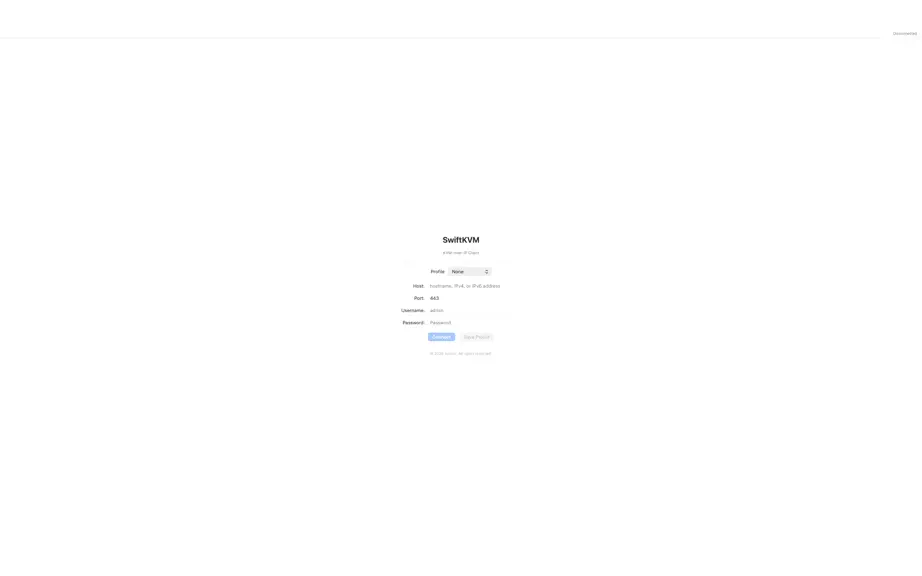
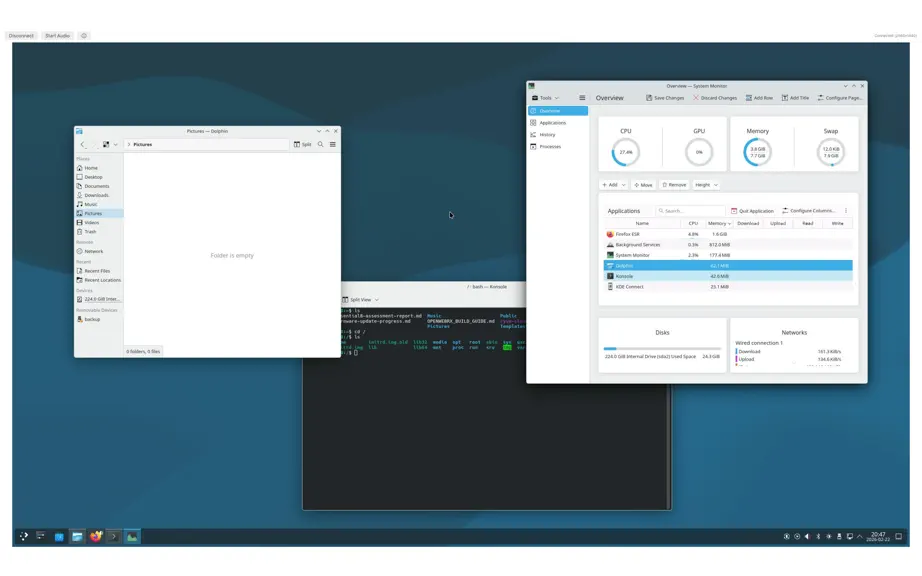
A fast, native macOS client for managing KVM-over-IP switches directly from your Mac. SwiftKVM lets you remotely access and control servers, workstations, and network equipment connected to KVM-over-IP switches — all from a lightweight native app built specifically for macOS.…
Trends & analysis
Chart rank trend
US · overallWhy it's surfacing
Scout 28Ratings & velocity
★ 0 in windowGeographic reach
best rank · 0 storefrontsRevenue & downloads trend
monthly estimateUpdate history
1 update tracked- v1.14mo ago
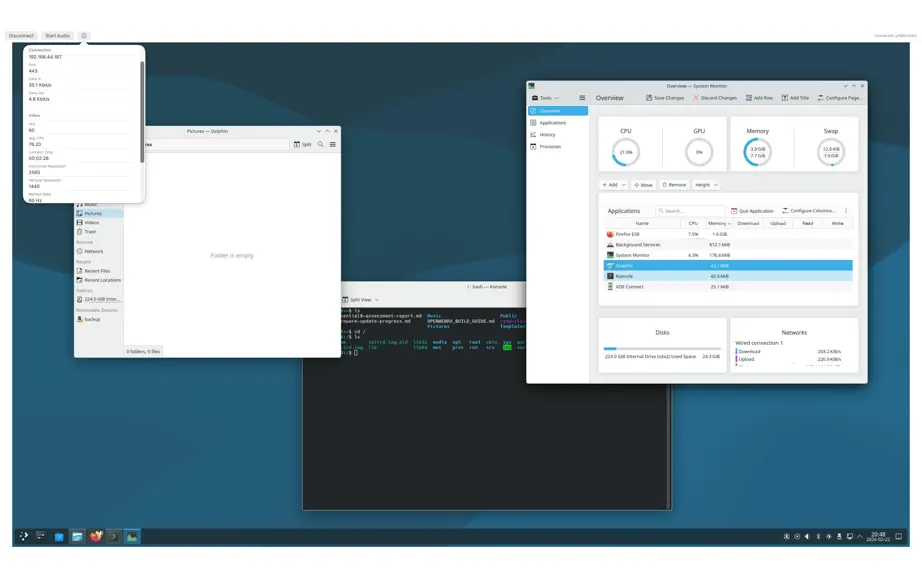
Version 1.1 is a major release that transforms SwiftKVM from a basic KVM viewer into a full-featured remote management client. New capabilities include audio streaming, virtual media mounting, screen recording, clipboard integration, and a comprehensive toolbar. The rendering pipeline has been rebuilt around GPU-direct decoding on Apple Silicon with frame request pipelining. # Audio Streaming Real-time audio from the KVM device via the Raritan RAP (Remote Audio Protocol). # Audio Spectrum Visualizer A real-time GPU-rendered spectrum analyzer appears in the toolbar when audio is active. # Virtual Media Mounting Mount local disk images on the remote server via the MSP (Media Session Protocol) data channel. # Screen Recording Record the remote desktop to MP4 with synchronized audio. # Screenshots Capture the remote framebuffer as a PNG image. # Clipboard and Send Text Paste text and send keystrokes to the remote machine. # Ctrl-Alt-Del Sends the three-key sequence with proper press/release timing (~120ms total). # Saved Host Profiles Persistent connection profiles with Keychain-backed credential storage. # Settings Preferences panel accessible from the app menu. # KVM Device Features Full implementation of Raritan KX4-101 protocol capabilities: # Diagnostics Panel Live connection statistics accessible from the toolbar: # Toolbar Full-featured toolbar with all actions accessible while connected: # Window Management Security # TLS Trust-on-First-Use (TOFU) # Credential Handling # Input Validation Performance # GPU-Direct Rendering (Apple Silicon) Hextile and Raw decoders bypass the CPU framebuffer entirely. Fill commands run on a Metal compute shader, raw sub-tiles upload via GPU blit, and textures use shared storage for zero-copy CPU/GPU access. Automatic fallback to CPU framebuffer on Intel. # Frame Request Pipelining Next frame requested before decoding the current frame. The server prepares frame N+1 during client decode of frame N, hiding 16–33ms of server encode latency. Deferred when audio is active to prevent network contention. # Batched Decode Normal-path framebuffer updates read all rect data into a single contiguous buffer (one allocation), then decode all rects in one background dispatch (one context switch instead of N). # ICT 4K Decoder # Network I/O # Metal Pipeline
SwiftKVM — FAQ
How many downloads does SwiftKVM get?
SwiftKVM sees an estimated 0 downloads per month on the App Store, per AppCurrents modeling.
Is SwiftKVM free?
SwiftKVM is a paid app priced at $0.99 on the App Store.
When was SwiftKVM released?
SwiftKVM launched on the App Store on 10.03.2026. Its latest version shipped 17.03.2026.


