
SSH Client - Secure ShellFish
SSH Client - Secure ShellFish generates an estimated $7k–$38k/month in revenue from 22k–90k downloads/month on the App Store, according to AppCurrents estimates (updated 2026-10-02).
| Est. revenue / month | $7k–$38k |
|---|---|
| Est. downloads / month | 22k–90k |
| Estimate confidence | low |
| Pricing | Free + IAP |
| Rating | 4.82 ★ (1,532 ratings) |
| Category | Developer Tools |
| Best chart rank | #15 Developer Tools Grossing |
| Released | 28.06.2019 |
| App last updated | 29.09.2026 |
| Platform | iOS |
Modeled monthly estimate · rating velocity · low confidence
About
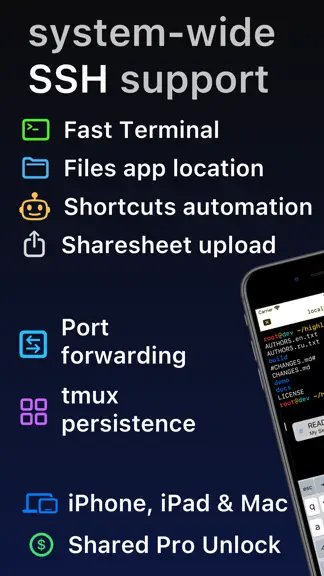
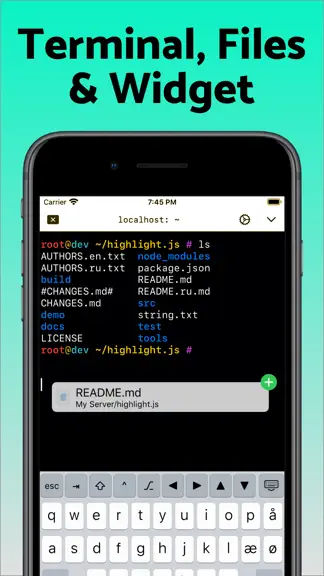
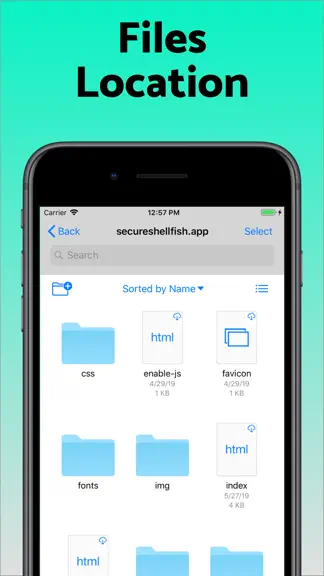
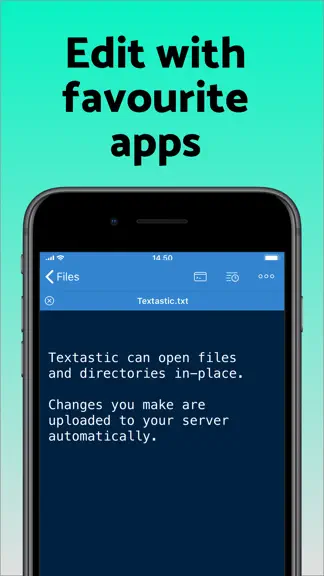
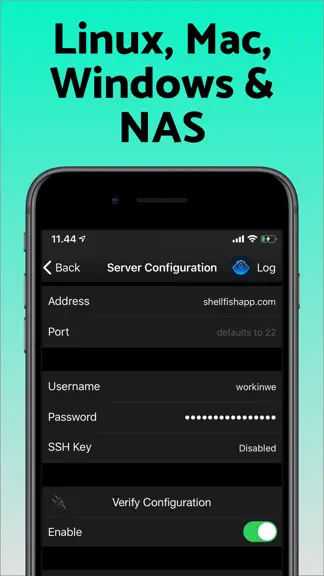
Lightning fast SSH terminal with remote file access. No other app fuses your SSH servers and iOS devices as well as Secure ShellFish. Tap Get and see for yourself. Terminal supports standard text editing gestures for selection, scrolling and copy/paste as well as custom gestures to send arrow keys and tabulator making shell entry and full screen editing with vim or emacs delightful. Bar above the…
Trends & analysis
Chart rank trend
US · categoryWhy it's surfacing
Scout 32Ratings & velocity
★ 0 in windowRating distribution
96% positive · 1k ratingsGeographic reach
best rank · 1 storefrontRevenue & downloads trend
ARPU $0In-app purchases
3 tiersUpdate history
12+ updates tracked- v2026.313d ago
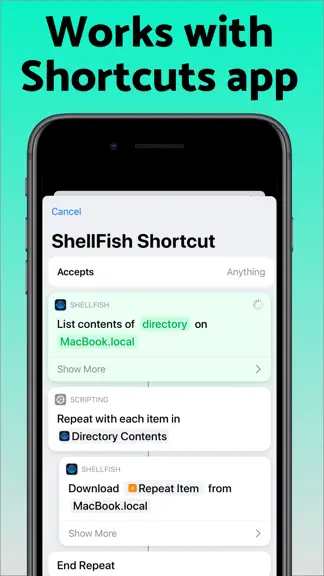
Adjustments to how the terminal size is calculated to fix a case where the top of the terminal was hidden. Snippet that sends ^J no longer acts as Return. Snippets made before this build need the ^J entered again. Customized keys on the Fn row would sometimes send their keycap text (such as ^A instead of an actual Control-A). This is fixed, but you need to customize the key again for the fix to take effect. Includes improvements from last update: Suggest Command turns a plain-language description such as "make a compressed archive of src without the log files" into a shell command, using Apple's Private Cloud Compute model. Long-press the paste button on the keyboard bar or press Cmd-I. The model reads the manual pages on the server you are connected to, so it suggests options that exist there, and the command is only inserted at the prompt when you choose Insert. Requires the latest version of iOS with Apple Intelligence enabled. Shortcuts actions no longer have to finish within a few seconds. On the latest version of iOS an upload, a download or the listing of a large folder keeps running in the background for as long as it needs, showing how far it has come and offering a stop button if you want to end it early. A new Control Cloud Server action creates, starts, stops, checks and destroys cloud servers. You pick the region, the plan and the system image the same way you do in the app, and a server that takes minutes to come up reports what it is doing while you wait. The server it gives you back drops straight into the next action, even before you have saved it as a server of your own. A new Run Command action then runs a command on that server, or on any saved server, without opening the app. Output appears line by line while the command works and the full output is handed back to the rest of your shortcut, so a single shortcut can bring up a server, run a build or a backup on it that takes minutes, and shut it down again. Inside tmux, lines that had been cleared could stay on screen, so a prompt appeared twice or clear left the old screen in place. The flicker reduction behind this has been undone until it is sorted out.
- v2026.3020d ago
Suggest Command turns a plain-language description such as "make a compressed archive of src without the log files" into a shell command, using Apple's Private Cloud Compute model. Long-press the paste button on the keyboard bar or press Cmd-I. The model reads the manual pages on the server you are connected to, so it suggests options that exist there, and the command is only inserted at the prompt when you choose Insert. Requires the latest version of iOS with Apple Intelligence enabled. Shortcuts actions no longer have to finish within a few seconds. On the latest version of iOS an upload, a download or the listing of a large folder keeps running in the background for as long as it needs, showing how far it has come and offering a stop button if you want to end it early. A new Control Cloud Server action creates, starts, stops, checks and destroys cloud servers. You pick the region, the plan and the system image the same way you do in the app, and a server that takes minutes to come up reports what it is doing while you wait. The server it gives you back drops straight into the next action, even before you have saved it as a server of your own. A new Run Command action then runs a command on that server, or on any saved server, without opening the app. Output appears line by line while the command works and the full output is handed back to the rest of your shortcut, so a single shortcut can bring up a server, run a build or a backup on it that takes minutes, and shut it down again. Inside tmux, lines that had been cleared could stay on screen, so a prompt appeared twice or clear left the old screen in place. The flicker reduction behind this has been undone until it is sorted out.
- v2026.2922d ago
Server icon can now be a picture of your own. The icon in server settings opens a menu where you pick one of the drawn styles, choose an image file or edit the initials, which can also be emoji. A chosen image syncs to your other devices through iCloud and is used in the Files app as well. A tunnel can be configured for use only when needed. The button next to the tunnel in server settings lets you pick Always or As needed, where the server is reached directly when possible and the tunnel is only used when that fails, so a server on your local network no longer needs a second entry for when the tunnel host is out of reach. Terminal apps can ask which colors the terminal draws with to determine whether they are running in light or dark mode. Much less flickering from terminal apps that redraw their screen many times a second. The brief moment where such an app has erased its display but not yet repainted it no longer reaches the screen. Pressing Esc followed quickly by another key in Neovim is no longer mistaken for holding Alt with that key, which could move lines around in the editor. The terminal now supports the Kitty keyboard protocol that editors ask for when starting, so Esc reaches the server in a form that cannot blur together with the next keystroke. Improved text rendering when typing Korean, which previously added extra spacing around characters. Terminal apps that support the mouse can receive a real right-click or a click and drag. Hold Option while you click or drag with a mouse or trackpad, and the press, movement and release reach the app as they happen, so a menu like tmux's stays open long enough to use and you can drag to select.
- v2026.281mo ago
Improvements to pasting into the terminal, which now explains itself instead of silently doing nothing when something goes wrong. Improvements to tmux native mode. Assigning a function or navigation key to a customizable key now sends that key. Picking something like Navigation keys > Page Up stored the keycap instead of the key behind it, so pressing it typed the words on the cap rather than moving through the screen. Keys you assigned this way before this build keep the old behaviour until you pick them again.
- v2026.271mo ago
Collapsed server groups show a count of the servers inside. Starting a session works again on tmux 3.2 and older, along with general improvements to tmux native mode. Improved support for DEC 2026 to avoid terminal flicker. Holding alt while tapping/clicking sends the click through to mouse-aware programs (tmux, Midnight Commander), including trackpad/mouse right-clicks; shift keeps the tap local for cursor placement and selection. Esc, ctrl and alt on the keyboard bar can be customized with tap-and-hold.
SSH Client - Secure ShellFish — FAQ
How much money does SSH Client - Secure ShellFish make?
According to AppCurrents estimates, SSH Client - Secure ShellFish generates approximately $7k–$38k per month (low confidence), modeled from its the App Store chart performance, rating velocity, and monetization signals.
How many downloads does SSH Client - Secure ShellFish get?
SSH Client - Secure ShellFish sees an estimated 22k–90k downloads per month on the App Store, per AppCurrents modeling.
Is SSH Client - Secure ShellFish free?
SSH Client - Secure ShellFish is free to download on the App Store, monetizing through in-app purchases.
What is SSH Client - Secure ShellFish's rating?
SSH Client - Secure ShellFish holds a 4.82-star average from 1,532 ratings on the App Store. It currently ranks #15 on the Developer Tools grossing chart.
When was SSH Client - Secure ShellFish released?
SSH Client - Secure ShellFish launched on the App Store on 28.06.2019. Its latest version shipped 29.09.2026.
Apps like SSH Client - Secure ShellFish
See all alternatives → GitHubDeveloper Tools · $92k–$500k/mo
 Replit: Vibe Code with AI FastDeveloper Tools · $48k–$260k/mo
 O-KAM ProDeveloper Tools · $33k–$180k/mo
 Termix Pro: SSH & SFTP ClientDeveloper Tools · $17k–$280k/mo
 Apple DeveloperDeveloper Tools · $22k–$120k/mo
 Termius - Modern SSH ClientDeveloper Tools · $18k–$100k/mo