
Sprite 64
Sprite 64 generates an estimated $0/month in revenue from 0 downloads/month on the App Store, according to AppCurrents estimates (updated 2026-08-02).
| Est. revenue / month | $0 |
|---|---|
| Est. downloads / month | 0 |
| Estimate confidence | low |
| Pricing | Paid $19.99 |
| Rating | 0.00 ★ (0 ratings) |
| Category | Developer Tools |
| Released | 03.03.2026 |
| App last updated | 26.07.2026 |
| Platform | iOS |
Modeled monthly estimate · rating velocity · low confidence
About
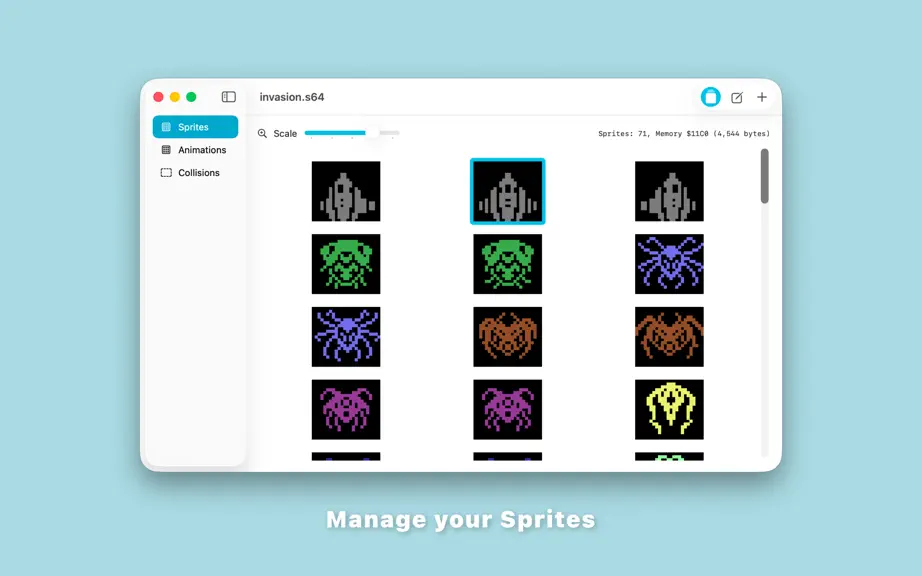
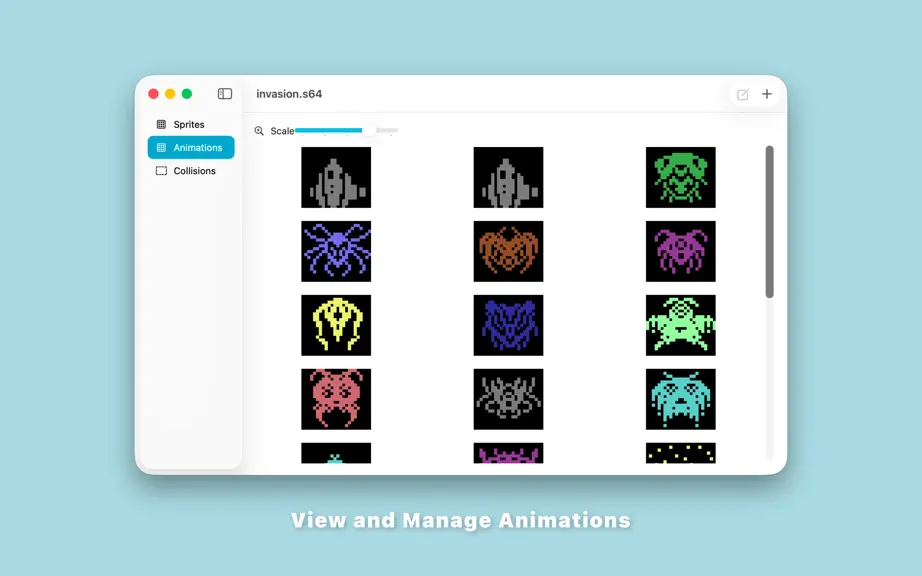
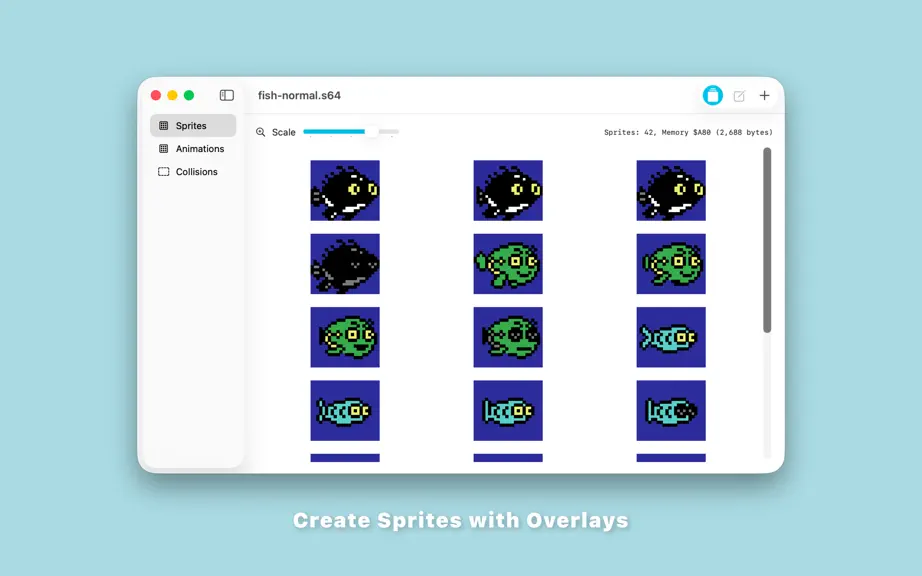
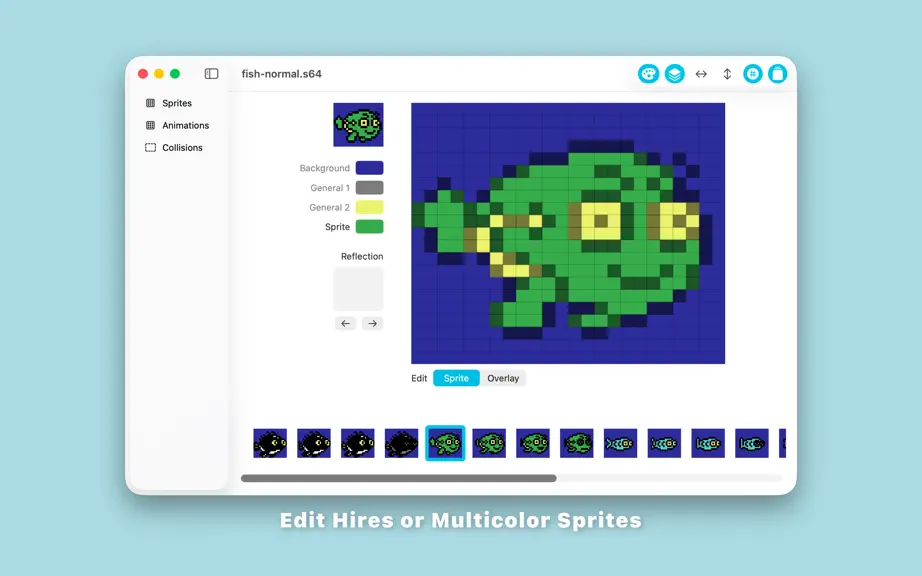
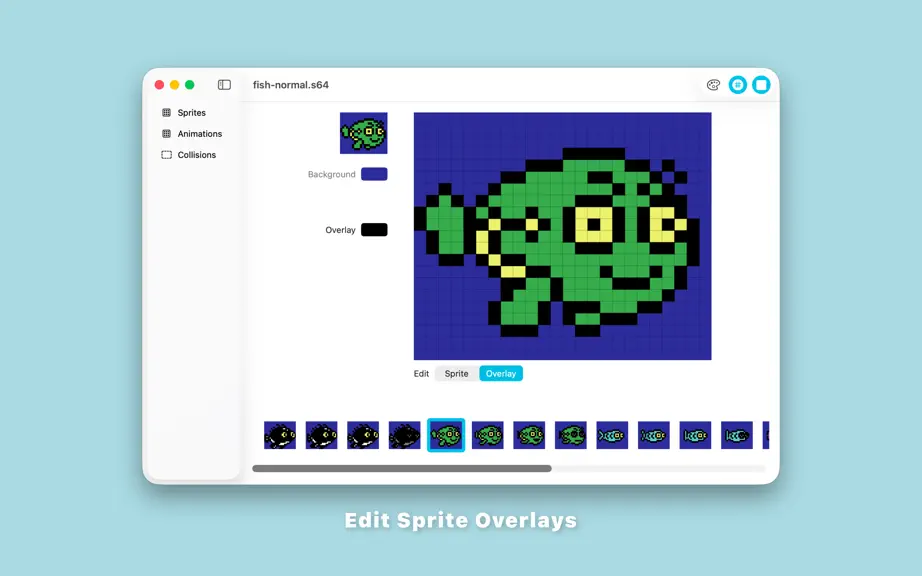
Sprite 64 is a sprite editor that allows hires or multicolor sprites to be created with or without an overlay for use in game and software development for the Commodore 64. Key features: • Edit sprites in hi-res or multicolor mode, with or without an overlaid sprite (which can be to add more color and detail to your sprites), easily toggling between the sprite and the overlay allowing you to qui…
Trends & analysis
Chart rank trend
US · overallWhy it's surfacing
Scout 28Ratings & velocity
★ 0 in windowGeographic reach
best rank · 0 storefrontsRevenue & downloads trend
monthly estimateUpdate history
4 updates tracked- v2026.59d ago
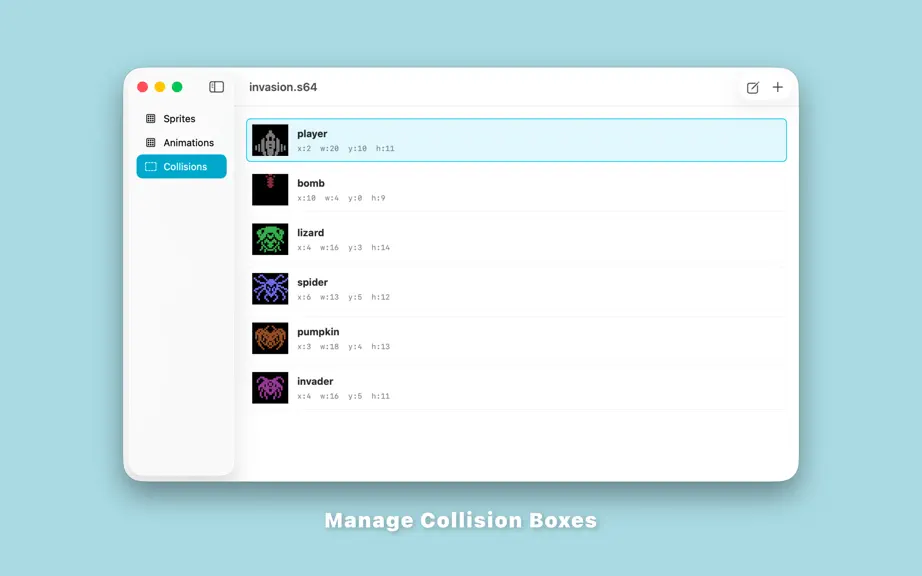
• Added “Create reflection” to the sprite menu to create a horizontally reflected version of the selected sprite and set the reflection property on the original sprite. • Expanded sprites are now displayed correctly in the collision editor. • Fixed the indenting (spaces) in the metadata export. • Fixed the display of large combined sprites in lists. • Various minor fixes and improvements.
- v2026.425d ago
• Fixed the import menus which were not working at first after first opening a file. • Added a “Load offset” value on the sprite sheet which can be used when loading sprites to an offset other than the start of sprite memory. This value is added to the exported metadata so that the frames still match the image data. We use this when multi loading sprite data into an overlay. • You can copy and paste sprites between windows (to move sprites between files). • Added a command to the sprite sheet menu to generate horizontally reflected sprites in bulk and set the reflection property on the source sprite. • Modified the metadata export to use 4 spaces for indenting rather than hard tabs. • Collision data is now aware of horizontally and vertically expanded sprites when editing and exporting.
- v2026.31mo ago
Improvements to the sprite and overlay editor selection; manual selection of the overlay or sprite is no longer required, just select the appropriate drawing colour. Fixed the animation delay values (time) in the metadata export. This now correctly represents the number of frames to delay for the animation to match the speed in the editor on a PAL Commodore 64. These values will need to be adjusted slightly for an NTSC Commodore 64.
- v2026.22mo ago
Fixes for the animation editor: - deleted sprites no longer result in a blank frame. Fixes for some menus: - Sprite menu was not working when first opening the app unless switching to another section and back first. - Added keyboard shortcuts to the Sprite and Animation menus. Export fixes: - Reflection offsets are now being exported correctly.
Sprite 64 — FAQ
How many downloads does Sprite 64 get?
Sprite 64 sees an estimated 0 downloads per month on the App Store, per AppCurrents modeling.
Is Sprite 64 free?
Sprite 64 is a paid app priced at $19.99 on the App Store.
When was Sprite 64 released?
Sprite 64 launched on the App Store on 03.03.2026. Its latest version shipped 26.07.2026.


