
Schedule Planner & Agenda
Schedule Planner & Agenda generates an estimated $400–$2k/month in revenue from 2k–9k downloads/month on the App Store, according to AppCurrents estimates (updated 2026-06-11).
| Est. revenue / month | $400–$2k |
|---|---|
| Est. downloads / month | 2k–9k |
| Estimate confidence | high |
| Pricing | Free + IAP |
| Rating | 4.56 ★ (1,576 ratings) |
| Category | Productivity |
| Released | 28.05.2015 |
| App last updated | 27.05.2026 |
| Platform | iOS |
Modeled monthly estimate · high confidence
About
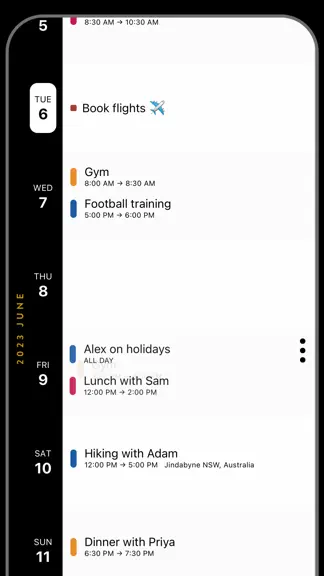
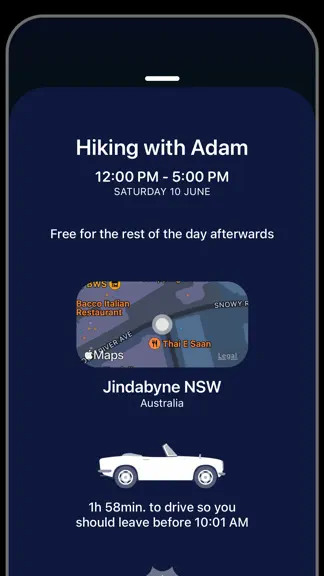
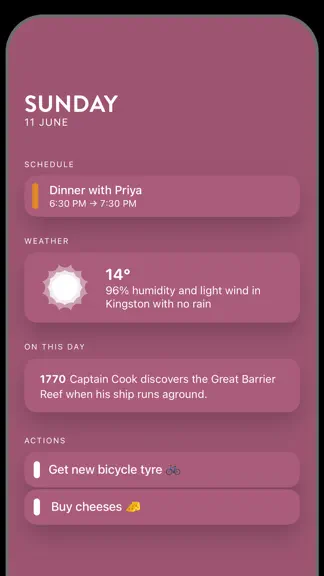
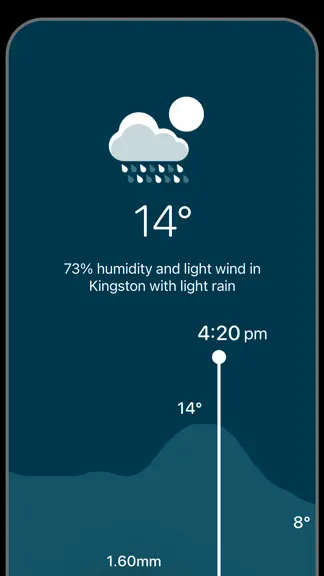
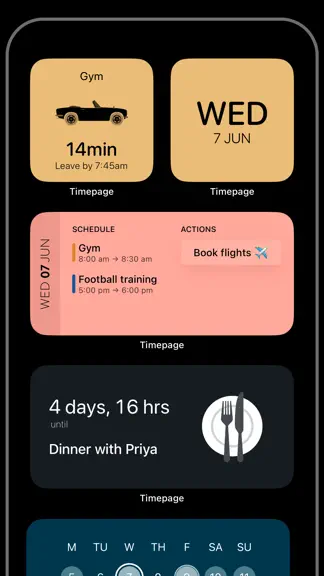
Application de productivité classée n°1 dans plus 25 pays + présentée par Apple Téléchargez Timepage – l'application de gestion de calendrier la plus intuitive et captivante jamais conçue. ––TIMEPAGE, C'EST QUOI ?–– Timepage est un calendrier avant-gardiste intelligent, facile d'utilisation. La centralisation de vos rendez-vous, cartes, contacts et de la météo rend chaque jour plus productif. L'…
Trends & analysis
Chart rank trend
US · overallWhy it's surfacing
Scout 12Reviews & velocity
★ 0 in windowRating distribution
91% positive · 15k ratingsGeographic reach
best rank · 0 storefrontsRevenue & downloads trend
ARPU $0In-app purchases
5 tiersUpdate history
1 update tracked- v5.0.115d ago
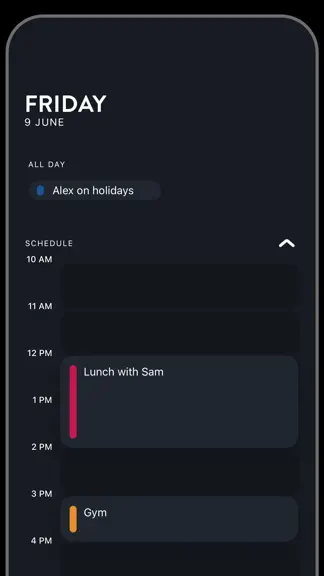
Timepage 5 has been a long time cooking, but it's finally here! It introduces Week View, which is the feature you've asked for the most. Getting it right meant thinking carefully about how to make Timepage do more without getting cluttered. We read every email and review, and talked to many of you as we developed it. Alongside Week View, this update brings a refreshed Day View, Month View on iPhone, smarter event entry, new customisation options, and a big ol' list of cool little things. We can't wait to see what you think! A massive thank you for being a Timepage user. We're a small team that loves making it and we appreciate each and every one of you. If you want to chat, you can always reach us directly at [email protected] Introducing Week View - See your week at a glance in Hourly or Grid layout - Tap to select an hour, drag to set start and end, tap to confirm - Swipe left and right to change weeks - A new Week Widget matches the Week View design A refreshed Day View - Switch between Hourly and Card layouts right from the Schedule heading - New size controls and a morning-to-evening toggle in Hourly mode - All-day events in a grid layout to save space Month View on iPhone - Now works the same on iPhone as on iPad - Pinch to change the size of days, swipe over from the heatmap Improved event entry - Type "Lunch at 1pm to 3pm" and the times are detected for you - Sharper people and place detection, with bubble suggestions - A new button above the keyboard for recent events, people, and places Sticky heatmap filter - The filter button stays on when released over a calendar - Optionally scroll vertically through events under the heatmap New Customisation - The Themes screen is now Customisation - New fonts for headings, new colours including Volcanic Black and Neon New app icons - Multiple icon styles, each available in all 70 colour options Calendars and Search - Calendars in the main menu now takes you straight to your connected calendars - Search now pops up over whatever screen you're on Year View and Daily Briefing - Year View slides up wherever you tap a year - Smart Alerts is now Notifications, with a new Daily Briefing design Plus performance improvements, a new way to indicate "Today", a floating return-to-today button, a redesigned heatmap, "Today" now correctly below the Dynamic Island, a Widgets help screen, and more.
Schedule Planner & Agenda — FAQ
How much money does Schedule Planner & Agenda make?
According to AppCurrents estimates, Schedule Planner & Agenda generates approximately $400–$2k per month (high confidence), modeled from its the App Store chart performance, rating velocity, and monetization signals.
How many downloads does Schedule Planner & Agenda get?
Schedule Planner & Agenda sees an estimated 2k–9k downloads per month on the App Store, per AppCurrents modeling.
Is Schedule Planner & Agenda free?
Schedule Planner & Agenda is free to download on the App Store, monetizing through in-app purchases.
What is Schedule Planner & Agenda's rating?
Schedule Planner & Agenda holds a 4.56-star average from 1,576 ratings on the App Store.
When was Schedule Planner & Agenda released?
Schedule Planner & Agenda launched on the App Store on 28.05.2015. Its latest version shipped 27.05.2026.


