
PowerCord: Screen & Camera
PowerCord: Screen & Camera generates an estimated $0/month in revenue from 0 downloads/month on the App Store, according to AppCurrents estimates (updated 2026-10-02).
| Est. revenue / month | $0 |
|---|---|
| Est. downloads / month | 0 |
| Estimate confidence | low |
| Pricing | Free |
| Rating | 0.00 ★ (0 ratings) |
| Category | Productivity |
| Released | 13.11.2025 |
| App last updated | 15.08.2026 |
| Platform | iOS |
Modeled monthly estimate · rating velocity · low confidence
About
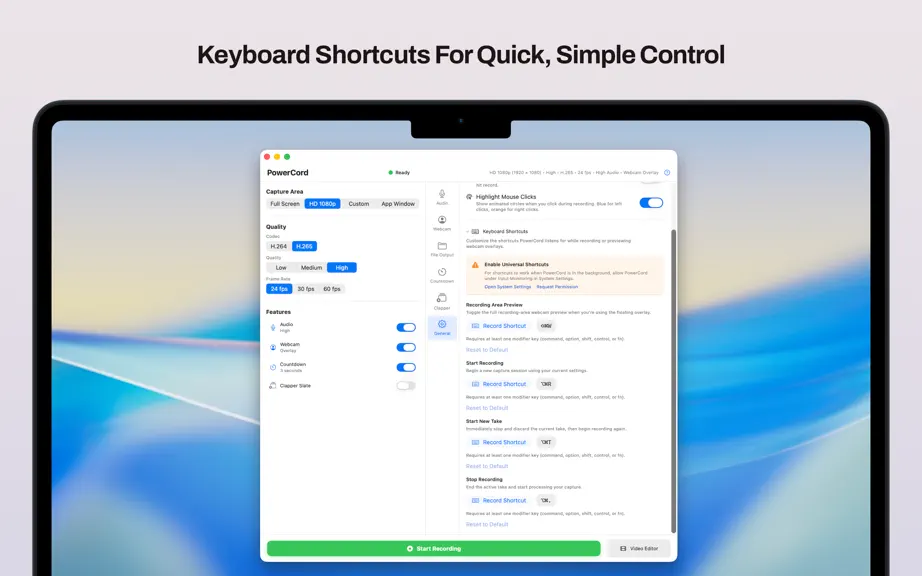
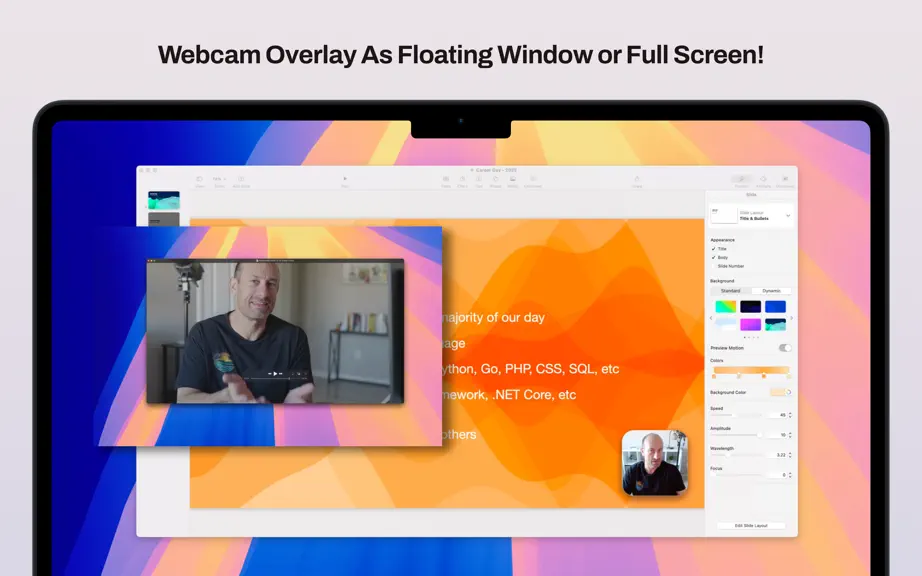
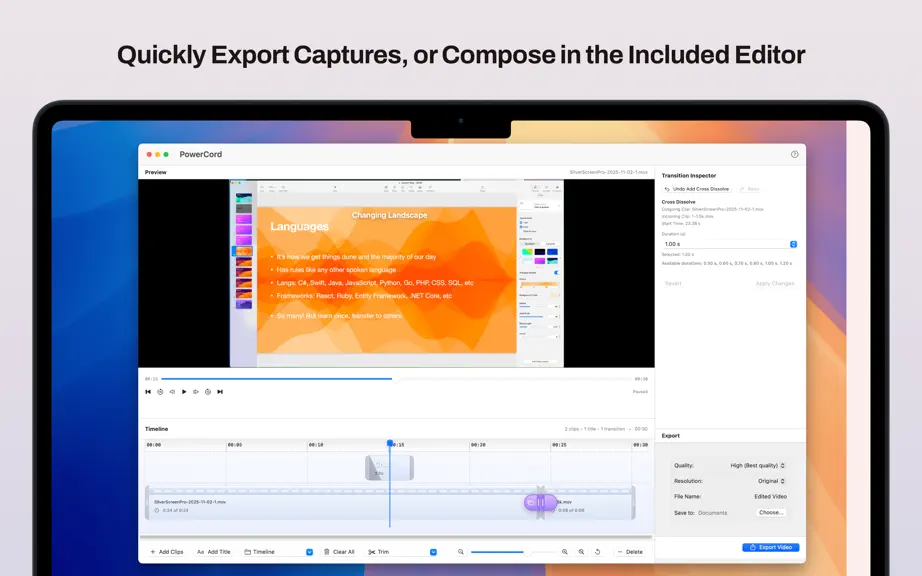
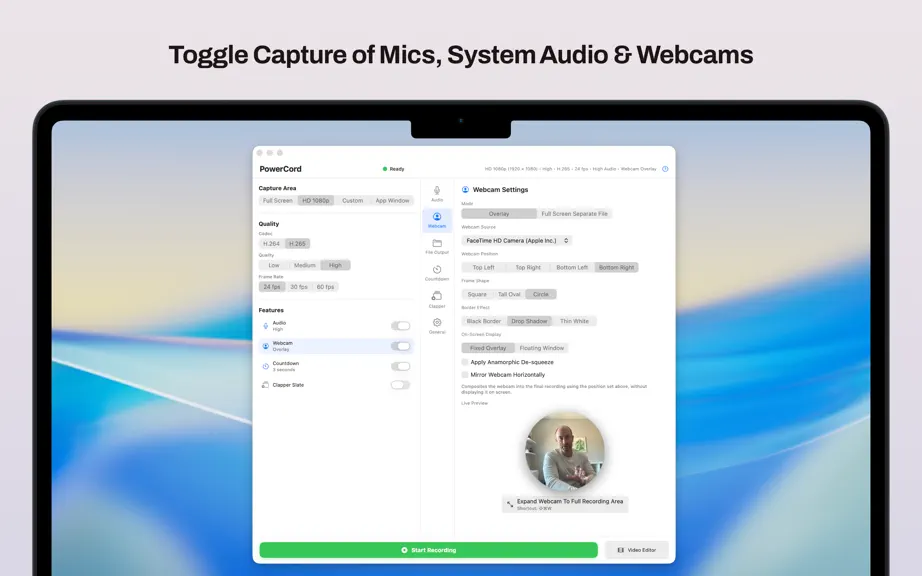
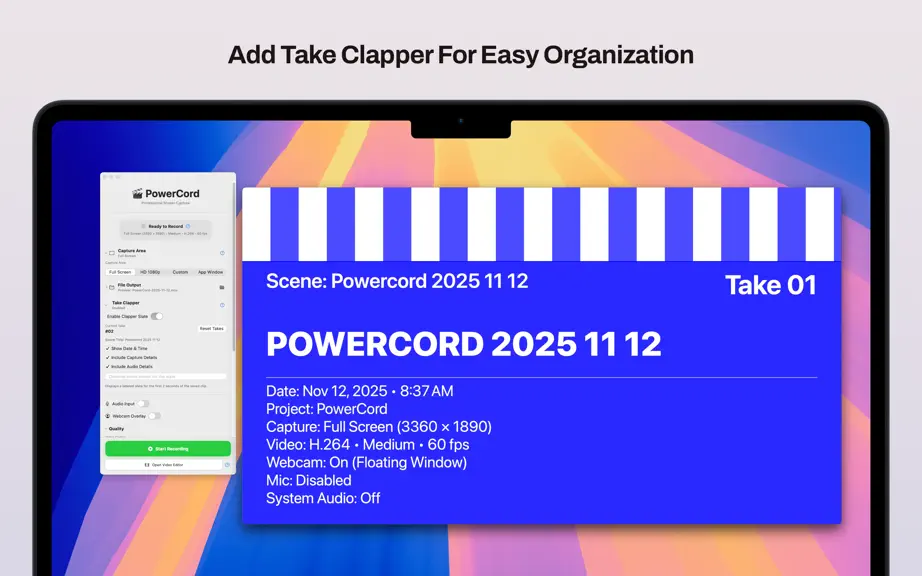
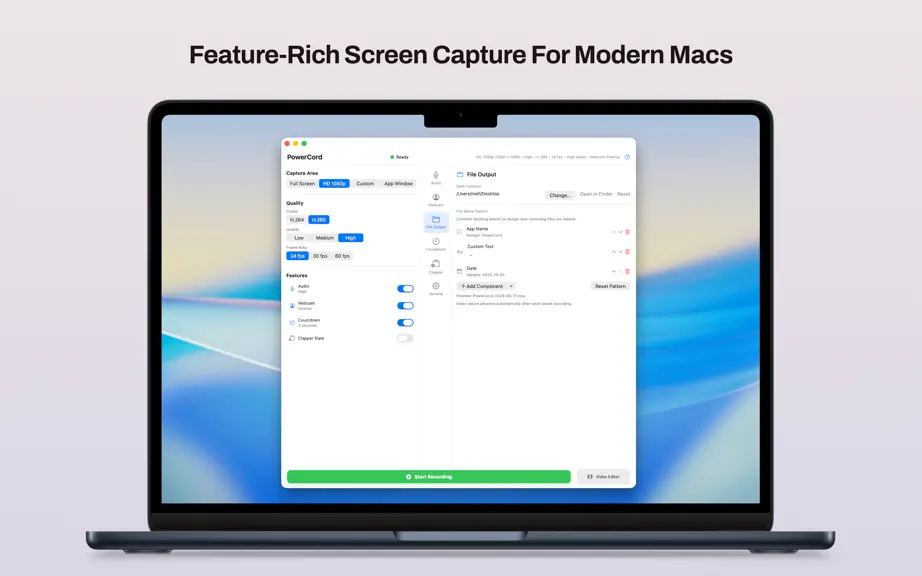
PowerCord: Record Screen & Camera Key Features: Professional Video Capture • Record your entire screen or custom capture areas in stunning HD • H.264 and H.265 (HEVC) codec support with adjustable quality presets • Smooth 60fps recording for crystal-clear motion Studio-Quality Audio • Capture system audio and microphone simultaneously • Advanced audio quality controls with AAC encoding • Sample…
Trends & analysis
Chart rank trend
US · overallWhy it's surfacing
Scout 14Ratings & velocity
★ 0 in windowGeographic reach
best rank · 0 storefrontsRevenue & downloads trend
monthly estimateUpdate history
3 updates tracked- v1.2.31mo ago
- App Window recordings now capture everything the app puts on screen — dialogs, sheets, menus and popovers are all included, and the recording follows the window if you move it. - Fixed recordings that could pulse between more and less saturated, most noticeably while moving the mouse. - Fixed the occasional frame showing a slightly out-of-date moment when the screen was mostly still. - More accurate color on reference and HDR displays, including Pro Display XDR.
- v1.2.22mo ago
- Custom anamorphic de-squeeze factor (1.00x–3.00x slider) alongside the existing presets. - Anamorphic previews are now centered, and a new 'Scale Preview to Fill' option crops instead of letterboxing. - New Color LUT feature for LOG cameras: built-in Generic LOG → Rec. 709 look, plus support for user-supplied 3D .cube LUTs. Applies to previews, composited overlays, and separate webcam files. - Fixed Mirror Webcam Horizontally sticking when a capture card (e.g. Cam Link) renegotiates its signal: the mirror flag is now re-applied on input format changes and always pushed to the live connection. - Fixed the live preview freezing permanently after toggling the full-screen webcam preview off with a capture card: dismissed preview layers are now fully detached, and a new watchdog automatically restarts a stalled webcam stream. - New ProRes 422 codec option for screen recordings: fixed-quality, intra-frame output built for editing timelines (Resolve, Final Cut). Quality picker is bypassed; expect much larger files. - Full Screen and Window captures now record at the display's native Retina resolution instead of being downscaled to points — text is pixel-identical to the live screen. - New 'Record at 2× Retina Resolution' option for the HD/Custom presets: captures the region at native backing pixels (e.g. 3840×2160 for HD) for pixel-sharp text at ~4× file size. - HD/Custom presets at their normal size now capture at native resolution and downscale with Lanczos resampling instead of ScreenCaptureKit's internal scaler — noticeably crisper text in 1080p files. - Performance: webcam overlay's clip shape, drop shadow, and border are pre-flattened once per webcam frame instead of re-rendered on every screen frame; idle audio metering no longer hops to the main thread per audio buffer. - Fixed a recording start race where frames arriving during stream warm-up could poison the video writer and fail the recording (surfaced most often with ProRes). - Fixed the countdown overlay appearing vertically mirrored (e.g. top-right instead of bottom-right) in App Window mode.
- v1.2.14mo ago
- Several Performance Optimizations - New, Wider User Interface. - Countdown overlay aligns with the recording region for HD/custom presets, and uses a smaller centered indicator in Full Screen mode. - Mouse click highlights are more visible (size scales with recording resolution) and also fire when clicking on PowerCord's own windows.
PowerCord: Screen & Camera — FAQ
How many downloads does PowerCord: Screen & Camera get?
PowerCord: Screen & Camera sees an estimated 0 downloads per month on the App Store, per AppCurrents modeling.
Is PowerCord: Screen & Camera free?
PowerCord: Screen & Camera is free to download on the App Store, with no in-app purchases detected.
When was PowerCord: Screen & Camera released?
PowerCord: Screen & Camera launched on the App Store on 13.11.2025. Its latest version shipped 15.08.2026.


