
Playback
Playback generates an estimated $100–$600/month in revenue from 300–1k downloads/month on the App Store, according to AppCurrents estimates (updated 2026-08-02).
| Est. revenue / month | $100–$600 |
|---|---|
| Est. downloads / month | 300–1k |
| Estimate confidence | low |
| Pricing | Free + IAP |
| Rating | 4.77 ★ (4,288 ratings) |
| Category | Music |
| Released | 23.11.2013 |
| App last updated | 22.07.2026 |
| Platform | iOS |
Modeled monthly estimate · rating velocity · low confidence
About
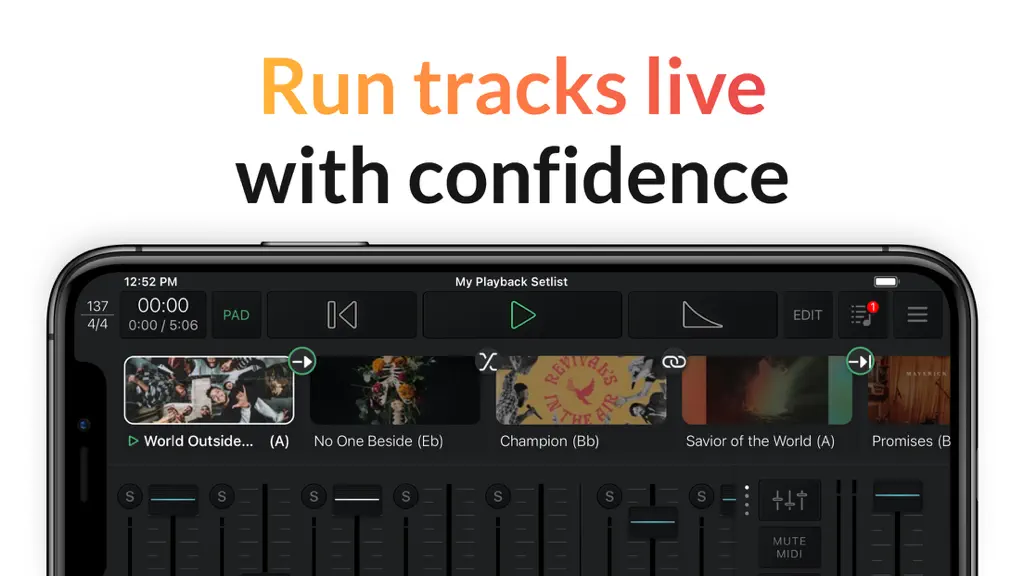
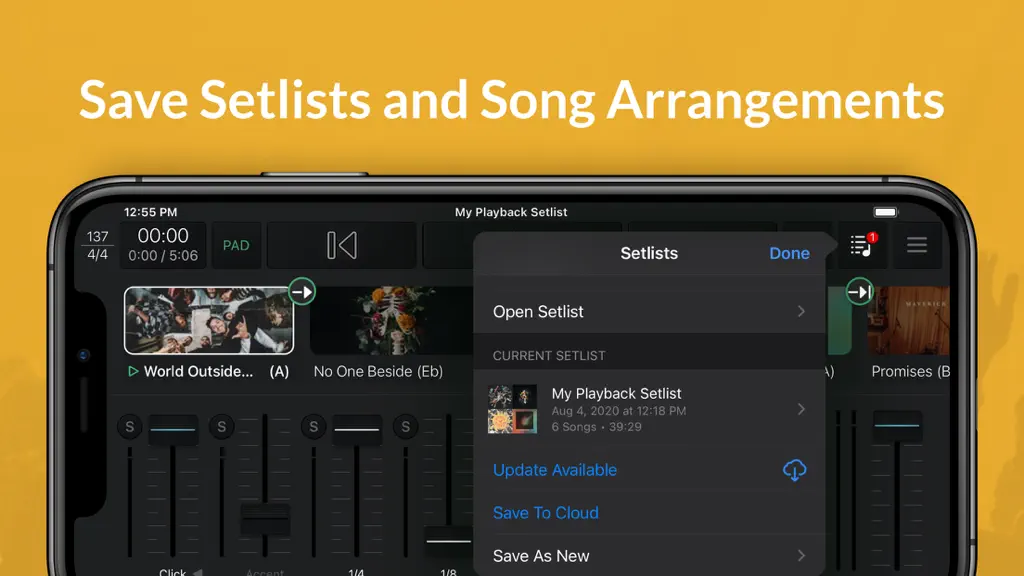
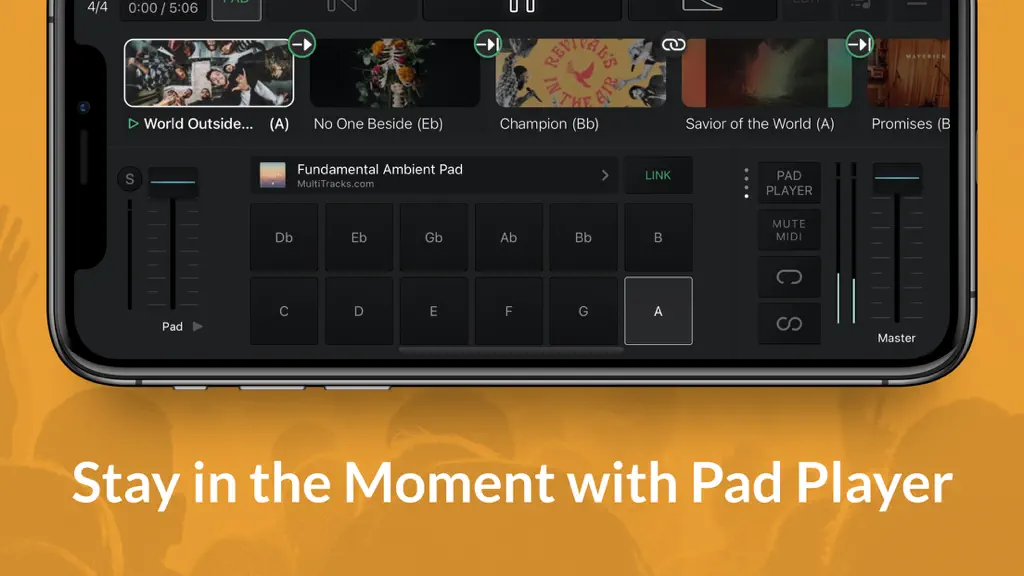
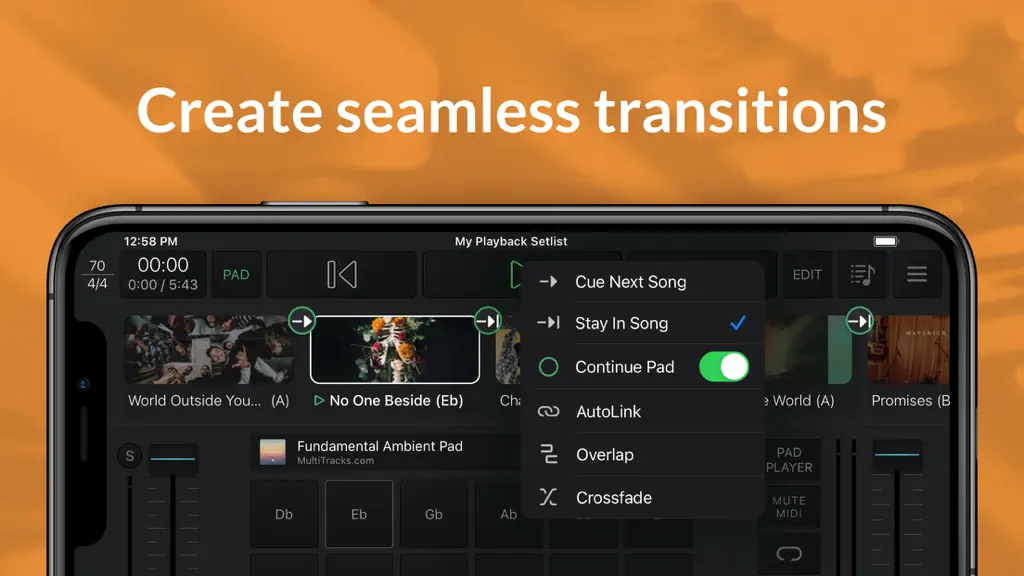
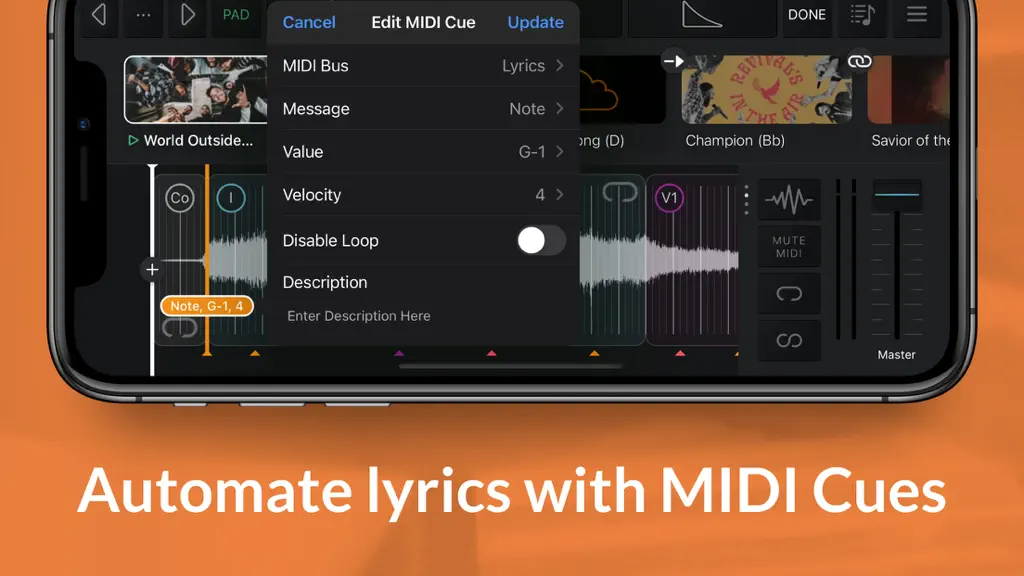
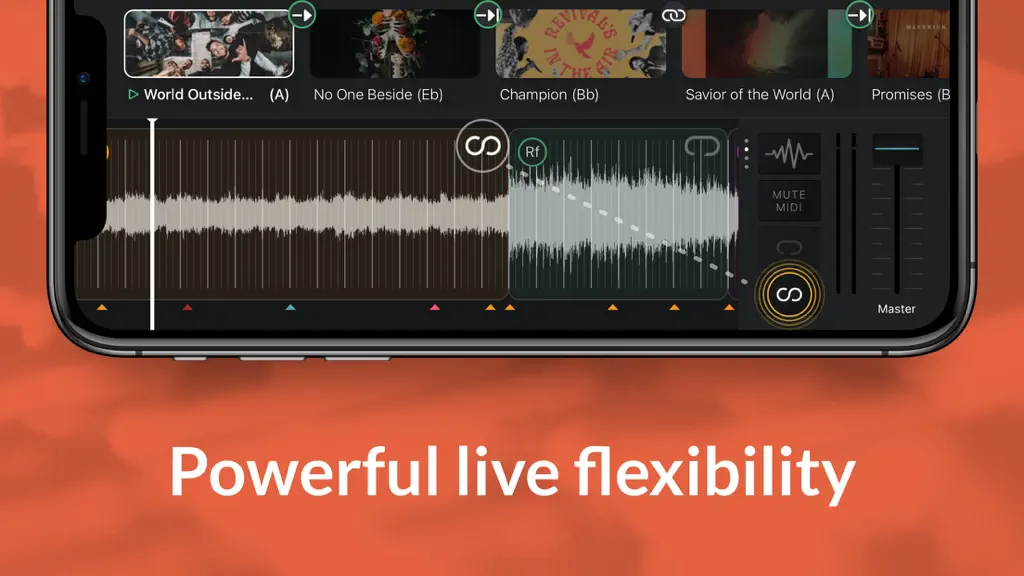
Playback turns your Apple device into a simple, yet powerful MultiTrack player that works seamlessly with the rest of the MultiTracks.com ecosystem of products like ChartBuilder®, RehearsalMix®, and the Church Streaming License®. Link your Planning Center account and have setlists you create automatically appear in Playback. Pairing Playback with our ProPresenter Templates gives it access to pre-m…
Trends & analysis
Chart rank trend
US · overallWhy it's surfacing
Scout 9Ratings & velocity
★ 0 in windowRating distribution
95% positive · 4k ratingsGeographic reach
best rank · 2 storefrontsRevenue & downloads trend
ARPU $0In-app purchases
3 tiersUpdate history
3 updates tracked- v8.6.013d ago
Summary Playback 8.6.0 introduces a redesigned Demo Setlist experience. Users can now explore multiple demo setlists, redeem them with a code, and get a feel for the full MultiTracks ecosystem — Playback, ChartBuilder, RehearsalMix, and more — before committing to a subscription. New Feature: Redesigned Demo Setlists - All-new Demo Setlists experience — explore the full MultiTracks ecosystem (Playback, ChartBuilder, RehearsalMix, and more) with multiple demo setlists and easy code redemption. - Browse and redeem multiple available demo setlists, each showing song count and total duration up front. - Redeemed demo setlists can now be saved to the cloud and edited like any other setlist (arrangement edits, section edits, etc.). - Demo setlist songs skip the rental prompt — they're fully unlocked with click, guide, and the full Playback feature set for exploration. - Improved handling for expired, duplicate, and already-redeemed demo setlists so the Setlist Menu always reflects the correct state.
- v8.5.628d ago
Summary: Playback 8.5.6 continues refining the Keyboard Shortcut experience introduced in 8.5.5 — adding arrow key navigation for menus, Esc to close menus, and a range of keyboard shortcut fixes. This release also addresses a MIDI Cue timing bug and improves overall stability. Improvements to Existing Features: You can now use arrow keys to navigate the Setlist Menu and Song Menu on Mac. The Esc key now closes all menus in Playback on Mac. Keyboard shortcuts now correctly respect your subscription level — restricted actions are properly gated when using shortcuts. Menu bar items are no longer enabled when no setlist is loaded. Toggle Settings now appears correctly in the Mac menu. Bug Fixes: Mac & Keyboard Shortcuts: Fixed an issue where the Trim keyboard shortcut incorrectly exited Setlist or Song Map edit mode when already active. Fixed an issue where the Add a Song shortcut was not disabled when the New Setlist tile was shown. Audio & MIDI: Fixed an issue where MIDI Note Off cue events were not firing at the correct time during playback and were instead triggering all at once when the transport was stopped. Fixed an issue where the Click Track added to an Ambient Pad was not displayed on the remote device after saving to cloud. Stability: Fixed a crash that could occur when logging out and back in with a different account. Rentals & MT Complete: Fixed an issue where "Tap to Rent" and rental preview prompts appeared incorrectly on songs already previewed via MT Complete. Login: Fixed a login issue affecting users in Indonesia, the Philippines, and Africa.
- v8.5.52mo ago
Summary * Playback 8.5.5 introduces Keyboard Mapping for Mac — giving you full control over your performance right from your keyboard. You can also now filter by Service Type, and we've improved search and fixed numerous bugs. Minimum iOS version being raised from iOS 12 to iOS 15. _______________ New Features * Service Type Filtering — You can now filter content by Service Type in Playback, making it easier to find exactly what you're looking for. * Keyboard Mapping (Mac) — Take full control of your Playback performance with keyboard shortcuts. Here is the list of the commands: - Global Operations ⌘= / ⌘+ — Waveform Zoom In ⌘- — Waveform Zoom Out ⌘T — Tracks View ⌘B — Buses View ⌘⇧P — Pad Player View ⌘S — Save to Cloud ⌘⇧S — Quick Save to Cloud ⌘, — Settings (toggle) ⌘N — New Setlist ⌘O — Open Setlist ⌘R — Remote Menu ⌥P — Toggle Playback Sync ⇧← — Previous Song ⇧→ — Next Song - Edit Mode Operations ⌘E — Toggle Edit Mode ⌘⌥S — Switch to Setlist / Song Map Edit Mode ⌘⌥M — Switch to MIDI Cues Edit Mode ⌘⌥A — Switch to Automation Edit Mode ⌃⌥M — Switch to MIDI Mapping Edit Mode ⌃⌥K — Switch to Keyboard Mapping Edit Mode ⌘⌥C — Switch to Cloud Song Sections Edit Mode ⌘⌥T — Switch to SMPTE Edit Mode Esc — Exit Edit Mode ⌥D — Show / Hide Edit Drawer ⌥← — Previous Edit Mode ⌥→ — Next Edit Mode - Setlist / Song Map Operations ⌘⌥N — Add New Song ⌥⌦ — Delete Song from Setlist ⌃⌥N — Add New Song Section ⌦ — Remove Song Section ⌥T — Trim Current Section ⌥E — Edit Song Details _______________ Improvements to Existing Features * Improved pagination for MT Complete search results, so more content loads correctly when browsing a large catalog. * Song Menu error messages are now displayed inline for a cleaner, less disruptive experience. _______________ Bug Fixes * Audio & Playback Fixed a crash affecting iOS users on v8.5.3. Fixed the top-reported Mac Catalyst crash from 8.5.4. Fixed an incorrect default playhead offset. Fixed a Core Data error causing unexpected song failures. Fixed an issue where Playback Rental preview edits were not saving. Fixed an issue where a POTW song loaded as a preview in the setlist when added from the Song Menu. Fixed an issue where error text was overlaid on the Default arrangement cell. Fixed an issue where "Restore From Cloud" was not functional. Downloads & Library * Fixed an issue with the Downloaded Song Menu.
Playback — FAQ
How much money does Playback make?
According to AppCurrents estimates, Playback generates approximately $100–$600 per month (low confidence), modeled from its the App Store chart performance, rating velocity, and monetization signals.
How many downloads does Playback get?
Playback sees an estimated 300–1k downloads per month on the App Store, per AppCurrents modeling.
Is Playback free?
Playback is free to download on the App Store, monetizing through in-app purchases.
What is Playback's rating?
Playback holds a 4.77-star average from 4,288 ratings on the App Store.
When was Playback released?
Playback launched on the App Store on 23.11.2013. Its latest version shipped 22.07.2026.


