
Pixelmator Pro: Edit Images
Pixelmator Pro: Edit Images generates an estimated $800–$3k/month in revenue from 2k–6k downloads/month on the App Store, according to AppCurrents estimates (updated 2026-06-19).
| Est. revenue / month | $800–$3k |
|---|---|
| Est. downloads / month | 2k–6k |
| Estimate confidence | medium |
| Pricing | Free + IAP |
| Rating | 4.22 ★ (289 ratings) |
| Category | Graphics & Design |
| Released | 28.01.2026 |
| App last updated | 09.04.2026 |
| Platform | iOS |
Modeled monthly estimate · rating velocity · medium confidence

About
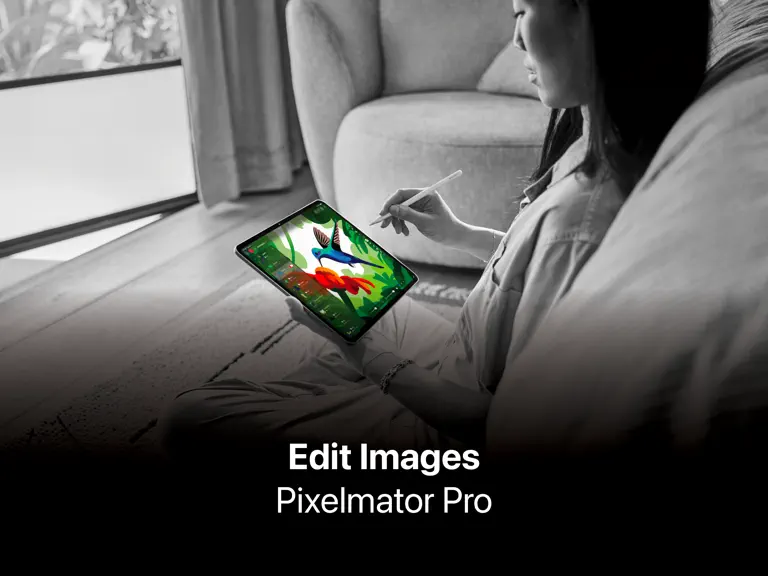
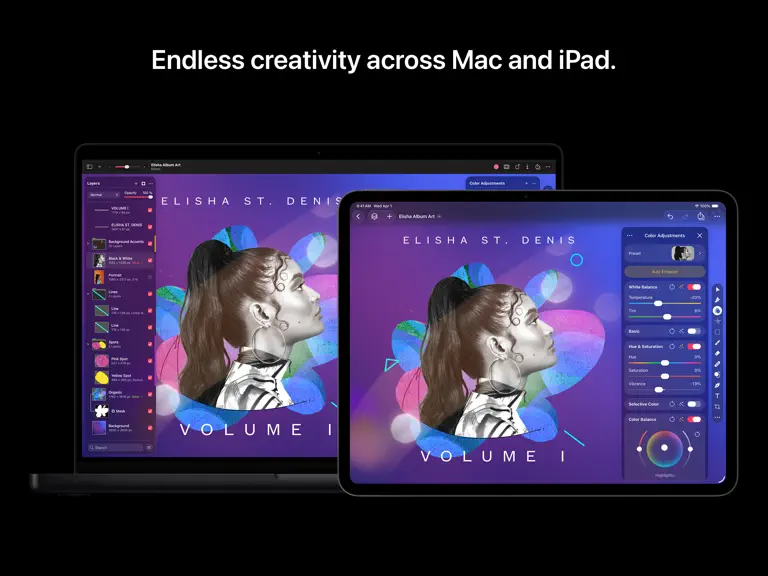
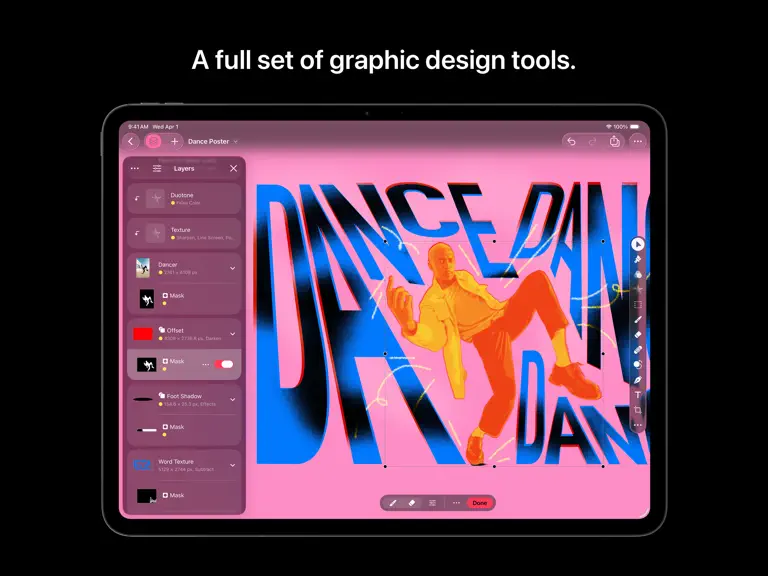
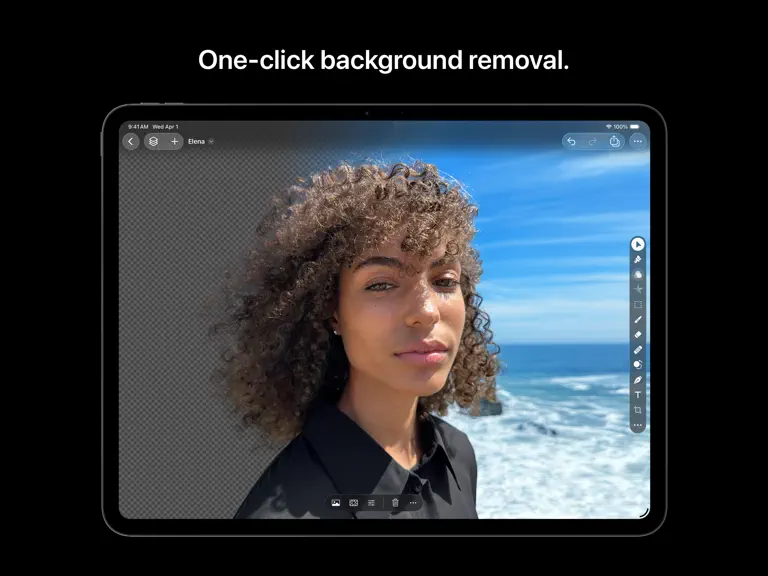
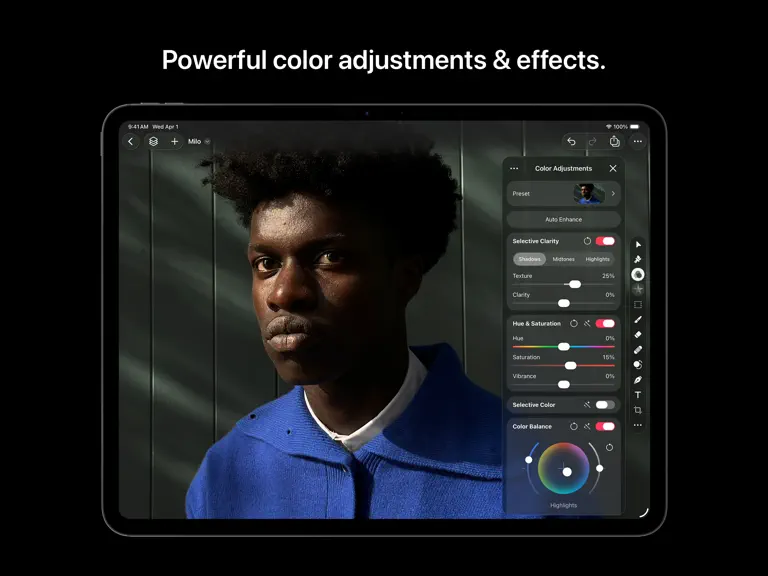
Pixelmator Pro is now part of Apple Creator Studio, an amazing collection of Apple’s most powerful creative apps designed to help you bring your ideas to life. The suite includes Final Cut Pro, Logic Pro, Pixelmator Pro, Motion, Compressor, and MainStage — plus premium content and intelligence features in Keynote, Pages, Numbers, and Freeform, all in one simple plan. Pixelmator Pro has everything…
Trends & analysis
Chart rank trend
US · overallWhy it's surfacing
Scout 27Ratings & velocity
Rating distribution
81% positive · 289 ratingsGeographic reach
best rank · 0 storefrontsRevenue & downloads trend
ARPU $1In-app purchases
2 tiersUpdate history
1 update tracked- v4.22mo ago
• Enjoy full support for compressed RAW images from Sony Alpha ILCE-7M5, FUJIFILM GFX 100S II, and FUJIFILM GFX 100RF cameras • Work with High Efficiency (HE) and High Efficiency Star (HE*) RAW images from Nikon Z5II and Nikon Z50II cameras • Open and edit RAW images from Panasonic LUMIX DC-S1RM2 cameras captured in High Resolution mode • Discover the updated template and mockup categories, including App Screenshot, Bento Grid, and Devices, now featuring new iPhone 17 mockups • Open SVG files exported from Pixelmator Pro in Adobe Illustrator with improved compatibility • Touch and hold an image on the canvas to instantly compare before and after edits from Color Adjustments and Effects tools • You can now customize the Pixelmator Pro Tools sidebar from the menu bar by choosing View > Customize Tools New keyboard shortcuts* • Press and hold the Option key when choosing Select Subject to base the selection on all layers in a document • Easily change layer opacity using number keys 1 through 9 in all supported tools • Cycle through layer blend modes using the Shift-Plus and Shift-Minus keyboard shortcuts in all supported tools • Use the Command-J keyboard shortcut to duplicate and Command-Shift-J to cut and paste the selected area • Use the Option-Comma and Option-Period keyboard shortcuts to quickly switch between selecting topmost and bottommost layers in a document • Use the Space bar to play or pause video playback in documents containing video layers Also Recently Added: All-new for iPad • Enjoy a completely reimagined editing experience, with Pixelmator Pro tools for design, photography, painting, and illustration now fully optimized for touch • Design and paint with pixel-perfect precision using Apple Pencil, with full support for hover, squeeze, double-tap, and palm rejection • Insert photos to your compositions directly from your iPad camera as new layers • Easily roundtrip between Pixelmator Pro for iPad and Mac, syncing edits through iCloud, and pick up projects wherever you left off Warp Tool and Mockups • Use the all-new Warp tool to twist and bend images, shapes, text, and even video layers by pushing and pulling individual points on a warp grid • Automatically warp layers into common shapes like cylinder, arc, flag, and more with 12 smart warp presets, or quickly split layers into 3×3, 4×4, or 5×5 warp grids Explore 2 new collections of premium product and apparel mockups that make the most of the new warp functionality to quickly showcase your designs on t-shirts, mugs, and more * Requires Magic Keyboard
Pixelmator Pro: Edit Images — FAQ
How much money does Pixelmator Pro: Edit Images make?
According to AppCurrents estimates, Pixelmator Pro: Edit Images generates approximately $800–$3k per month (medium confidence), modeled from its the App Store chart performance, rating velocity, and monetization signals.
How many downloads does Pixelmator Pro: Edit Images get?
Pixelmator Pro: Edit Images sees an estimated 2k–6k downloads per month on the App Store, per AppCurrents modeling.
Is Pixelmator Pro: Edit Images free?
Pixelmator Pro: Edit Images is free to download on the App Store, monetizing through in-app purchases.
What is Pixelmator Pro: Edit Images's rating?
Pixelmator Pro: Edit Images holds a 4.22-star average from 289 ratings on the App Store.
When was Pixelmator Pro: Edit Images released?
Pixelmator Pro: Edit Images launched on the App Store on 28.01.2026. Its latest version shipped 09.04.2026.
Apps like Pixelmator Pro: Edit Images
See all alternatives → Kling AI: AI Image&Video MakerGraphics & Design · $840k–$3.4M/mo
 ThemePack: Widgets & WallpaperGraphics & Design · $470k–$2.0M/mo
 PicTrace: AR Drawing & SketchGraphics & Design · $370k–$1.5M/mo
 ReShoot: AI Photos & EditsGraphics & Design · $290k–$1.2M/mo
 Artrace: AR Drawing & SketchGraphics & Design · $280k–$1.2M/mo
 Doodle Magic: Glow Art DrawingGraphics & Design · $260k–$1.1M/mo