
PDF Reader Pro: Edit & Sign
PDF Reader Pro: Edit & Sign generates an estimated $0/month in revenue from 0 downloads/month on the App Store, according to AppCurrents estimates (updated 2026-10-02).
| Est. revenue / month | $0 |
|---|---|
| Est. downloads / month | 0 |
| Estimate confidence | low |
| Pricing | Paid $79.99 |
| Rating | 0.00 ★ (0 ratings) |
| Category | Productivity |
| Released | 25.02.2014 |
| App last updated | 24.08.2026 |
| Platform | iOS |
Modeled monthly estimate · rating velocity · low confidence
About
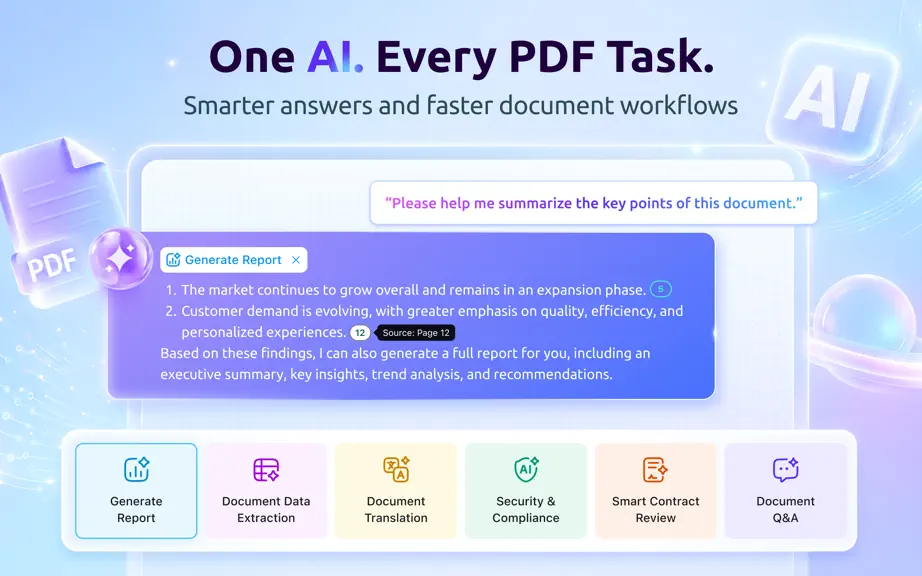
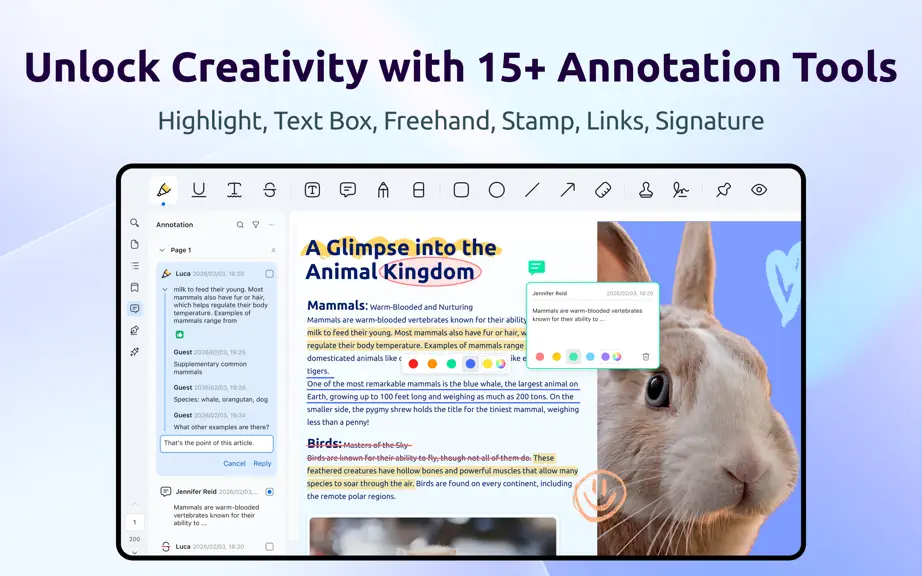
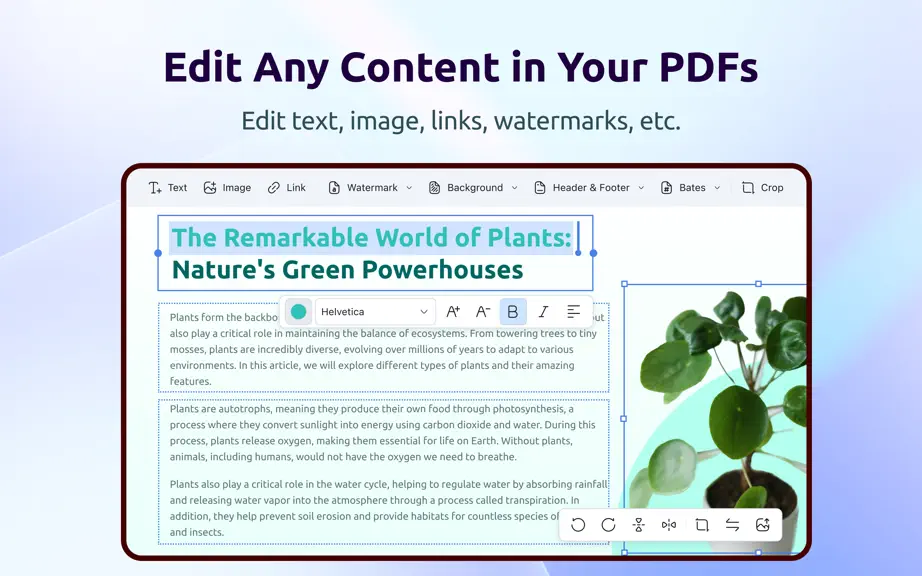
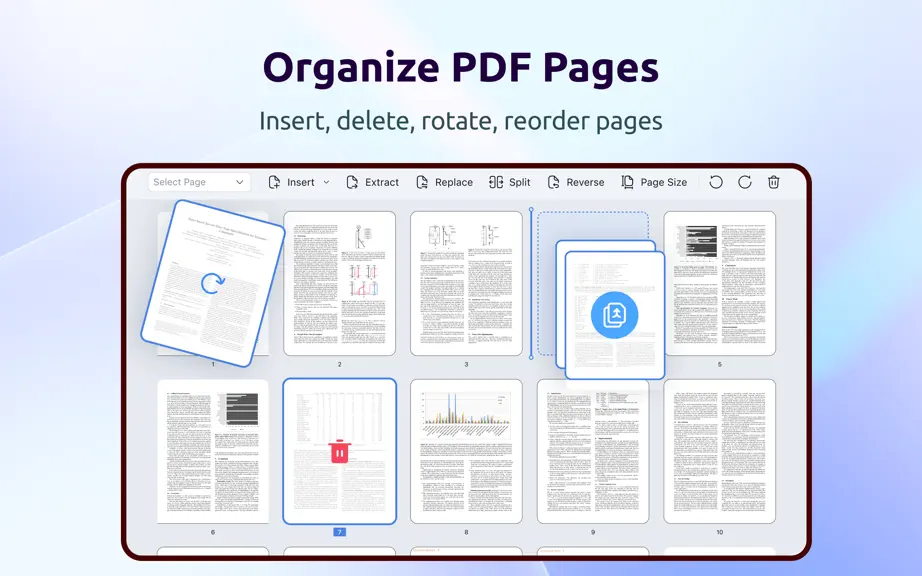
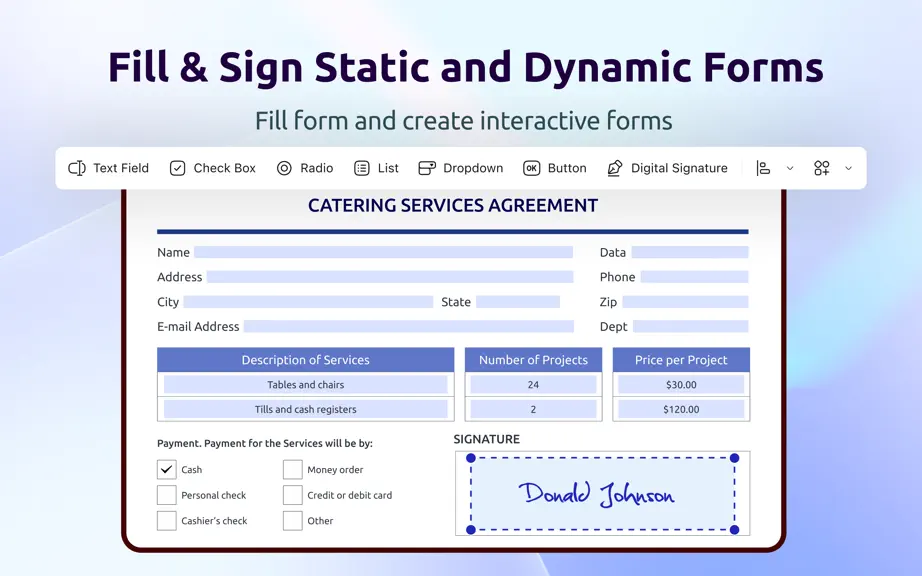
PDF Reader Pro is a full-featured PDF reader and editor for Mac, iPad, and iPhone. Read, edit, annotate, convert, compress, sign, redact, compare, and organize PDFs in one workflow. AI-POWERED PDF - Summarize, translate, proofread, rewrite, and extract insights from PDFs. OCR & SEARCHABLE PDF - Convert scans, images, and batches into editable or searchable PDFs. Enhance and correct images, use a…
Trends & analysis
Chart rank trend
US · overallWhy it's surfacing
Scout 11Ratings & velocity
★ 0 in windowGeographic reach
best rank · 0 storefrontsRevenue & downloads trend
monthly estimateIn-app purchases
10 tiersUpdate history
3 updates tracked- v6.0.01mo ago
Brand-new Workspace - Redesigned the Home screen with a refreshed interface, clearer page structure, lighter visual style, and smoother navigation. - Improved the Home screen layout and left-side navigation, making common PDF tasks, file access, and follow-up processing easier to manage. - Updated feature grouping and visual hierarchy to make common PDF workflows easier to start and more focused. PDF AI Assistant - Added PDF AI Assistant for interacting with PDF documents through natural language. - Upload a PDF and let AI read the document content before asking questions, requesting explanations, summarizing key points, or continuing with follow-up requests. - Use AI to understand long documents faster, capture key information, and reduce time spent searching and organizing content. AI Smart Tasks - Generate reports by extracting key information from PDF content and organizing it into structured output. - Extract document data from contracts, forms, and invoices, including important fields and key information. - Translate document content into a target language. - Detect sensitive information and potential compliance risks before sharing or processing documents. - Review contracts and highlight risky, unusual, or potentially problematic clauses. - Ask questions based on PDF content and get document-aware answers. AI Quick Tools - Added Quick Tools in the AI workflow for commonly used PDF actions. - Continue from AI results with Convert, OCR, Image Enhancement, Compress, Insert, Extract, Replace, Split, Delete Pages, Merge, and Page Size. - Connect AI understanding with PDF editing, conversion, OCR, compression, and page management tools for a smoother document workflow. PDF Reader Pro powered by ComPDF. Have any feedback, comments or issues? Please drop a line at [email protected]
- v5.3.52mo ago
OCR & Searchable PDFs - Convert scans, images, and batches into editable PDFs or searchable PDFs while preserving the original layout. - Search, copy, highlight, and annotate recognized OCR text. - Use OCR output with redaction workflows; applying redaction permanently removes marked content and the searchable text layer. Redaction - Mark text or images directly, choose all, odd, even, portrait, landscape, or custom pages, and apply redaction after confirmation. - Search for sensitive terms and batch-mark matching results. The search panel now includes search, replace, and search-and-mark-redaction workflows with result navigation and search history. PDF Comparison - Compare documents in split-screen or overlay view. - Review a summary page and comparison result page with counts for inserted, replaced, and deleted content, plus style and annotation changes. - Jump to the first change and choose whether to include the summary and result pages when saving the comparison PDF. Right-to-left editing - Added right-to-left input for Arabic and Hebrew text in editing, annotations, and form fields, including cursor movement, insertion order, line breaks, deletion, alignment, and copy/paste behavior. - The setting changes new input behavior without reflowing existing document content. Compression insights - See PDF space usage by images, content streams, fonts, color spaces, outlines/bookmarks, forms, annotations, links, embedded files, and other document objects, with bytes and percentages. Conversion and workflow improvements - Improved PDF conversion and Word rendering compatibility. - Added or refined page-size display in page editing, page numbering, header/footer and Bates numbering guides, annotation live preview, save behavior, certificate refresh, font alignment, document comparison error handling, OCR component download, and Traditional Chinese localization. - Improved the Mac installer flow with Intel and Apple silicon detection, installation status, and optional OCR/conversion component downloads. PDF Reader Pro powered by ComPDF. Have any feedback, comments or issues? Please drop a line at [email protected]
- v5.3.06mo ago
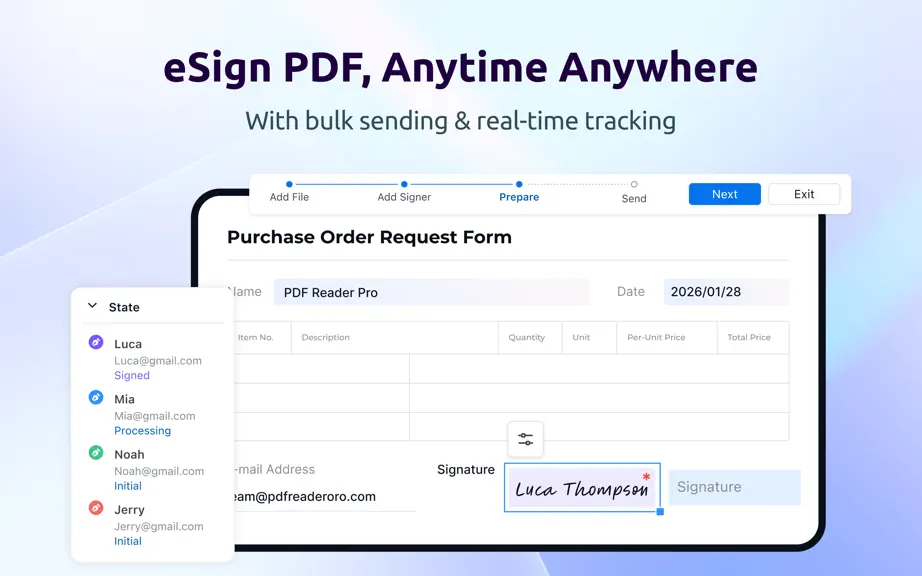
Welcome you to the all-in-one PDF Reader Pro, fully compatible with macOS Tahoe 26 to fulfill all your document needs! It's just like a great Mac app. - eSign: Create, assign, and sign — all in one go. Streamline your team’s document signing workflow. - Edit Scanned Documents: The all-new OCR engine allows you to convert a scanned document to an editable PDF, so that you can fast modify text and images. - Image Enhancement: Enhances the clarity of scanned images, making text easier to recognize and extract. - Image Correction: Fixes skewed, distorted, or warped scanned documents and images to ensure precise OCR results. PDF Reader Pro powered by ComPDF. Have any feedback, comments or issues? Please drop a line at [email protected]
PDF Reader Pro: Edit & Sign — FAQ
How many downloads does PDF Reader Pro: Edit & Sign get?
PDF Reader Pro: Edit & Sign sees an estimated 0 downloads per month on the App Store, per AppCurrents modeling.
Is PDF Reader Pro: Edit & Sign free?
PDF Reader Pro: Edit & Sign is a paid app priced at $79.99 on the App Store.
When was PDF Reader Pro: Edit & Sign released?
PDF Reader Pro: Edit & Sign launched on the App Store on 25.02.2014. Its latest version shipped 24.08.2026.


