
Patterning 3 : Drum Machine
Patterning 3 : Drum Machine generates an estimated $3k–$47k/month in revenue from 200–1k downloads/month on the App Store, according to AppCurrents estimates (updated 2026-08-02).
| Est. revenue / month | $3k–$47k |
|---|---|
| Est. downloads / month | 200–1k |
| Estimate confidence | medium |
| Pricing | Paid $29.99 |
| Rating | 4.89 ★ (142 ratings) |
| Category | Music |
| Released | 24.05.2024 |
| App last updated | 13.03.2026 |
| Platform | iOS |
Modeled monthly estimate · rating velocity · medium confidence
About
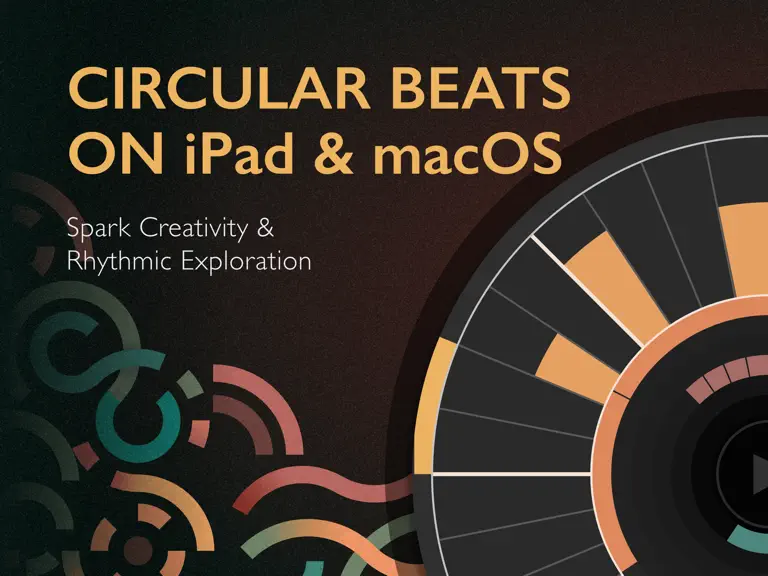
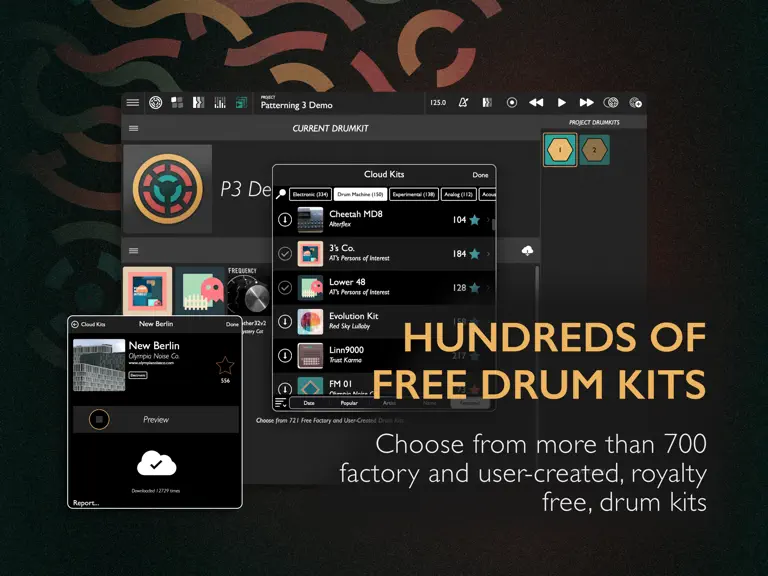
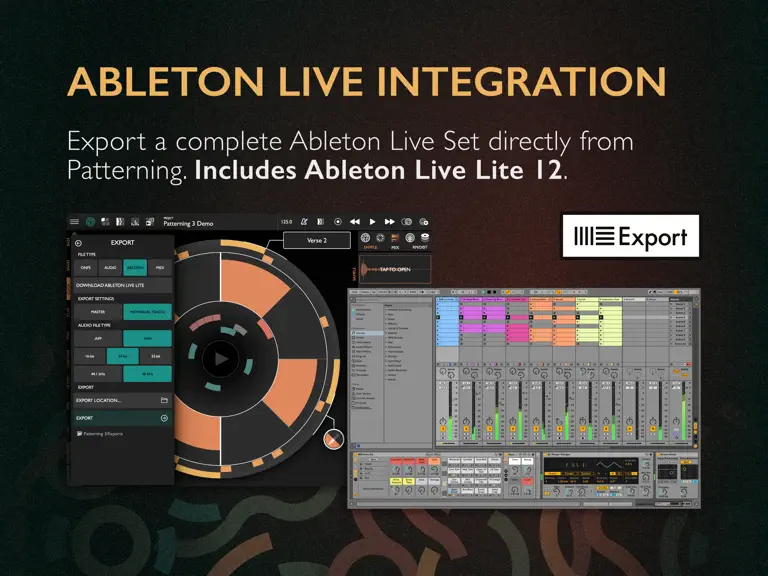
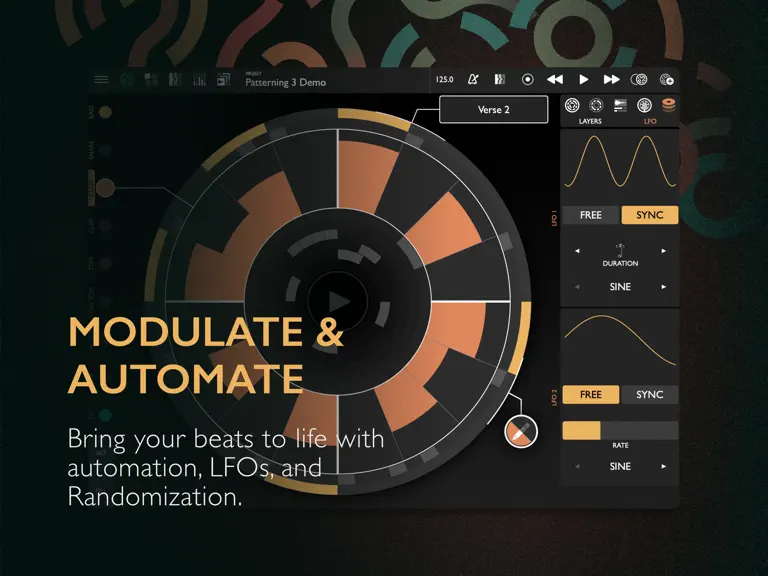
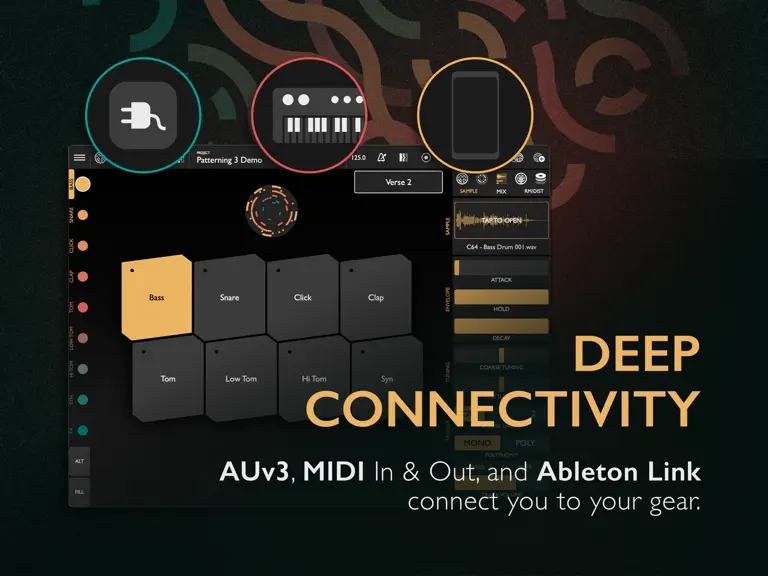
"A UI Masterpiece" - App Store Review, US “Patterning beats any hardware drum machine for polyrhythms and evolving patterns.” - Sound on Sound Magazine “An amazingly fun and creative app... Even beginners will create something cool.” - AskAudio "10/10" MusicTech.com. Patterning, the award-winning circular drum machine, is back with version 3. Building on the deep feature set and intuitive interf…
Trends & analysis
Chart rank trend
US · overallWhy it's surfacing
Scout 16Ratings & velocity
★ -0.01 in windowRating distribution
99% positive · 136 ratingsGeographic reach
best rank · 0 storefrontsRevenue & downloads trend
ARPU $21Update history
1 update tracked- v3.2.74mo ago
>>>>> New in Patterning 3.2.5 : ▶ MINIMAL MODE. Catch a vibe, remove the clutter! In the File Menu, use "ENTER MINIMAL MODE" to hide all controls in the app except for the main circle and transport. ▶ LOOP SIZE. There are now three "loop sizes" - small, medium (default), and large - which set the height of the currently selected loop in the main circle UI. This setting selected in the main file menu. After changing the setting and restarting the app, the size of the selected loop will be changed. ▶ RESET PARAMETERS. Remove all FX, playback parameters, and modulation on a kit for a fresh start. Found in the DRUM KIT file menu. >>>> New in Patterning 3.2: ▶ Auto-Create Kits New AUTO-CREATE KITS option in the Project Kits tab. When enabled, a new drum kit is automatically created for each new pattern. Ideal for workflows where each pattern needs unique sounds or settings. ▶ Pattern Reset Added per-pattern reset option. When enabled, the pattern resets to the beginning each time it is triggered. Show this feature by holding ALT in the Pattern Select tab. Use APPLY TO ALL to quickly apply across all patterns. ▶ Project Drum Kit Images Project drum kits now display randomly generated images for easier visual identification. Images are created by cropping a random section of the kit’s official art. ▶ Timeline Reordering You can now drag to re-order Timelines in the Timelines view. Note: This works only when the clock is stopped. ▶ Export UI Improvements Exporting now provides clearer platform-specific options: - On macOS Standalone: Always prompts for save location. Standalone version includes “Show in Finder” after export. - On iOS: Includes “Share” and “Show in Files” options. ▶ MIDI Control Enhancements Added MIDI mapping for “Clear Pattern” Fixed broken “Timeline Enabled” MIDI control ▶ News & Tutorials UI Improved sorting and layout for News & Tutorials items for easier browsing. >>>>> New in Patterning 3.1 Patterning 3.1 is a major, free update to Patterning 3 with loads of new features. ▶ macOS Patterning 3.1 now runs on Apple Silicon Macs as both a standalone app and AUv3 plugin, working inside hosts like Ableton Live and Logic. AUv3 includes support for multi-channel audio and MIDI output. ▶ AU Parameter Support Automate Patterning from your DAW using AU parameters. ▶ MIDI File Export Generate MIDI files from your patterns. Drag and drop from the MIDI settings tab to export a single MIDI track, or use the Export Audio & MIDI menu to generate full patterns. ▶ Built-in Tutorials Learn more about Patterning from inside the app. Tutorial videos and articles are being added regularly. ▶ New Project Dialog Set your project name, tempo, and time signature before creating a new project. ▶ Drum Kit Template Make your favorite drum kit the default when creating new projects. ▶ Drag and Drop Drag and drop support for quick sample loading. Drag exported MIDI and audio files from Patterning directly to your DAW for additional editing. ▶ Updated Audio & MIDI Export Options View exported files and drag them directly to your DAW or another Finder location. ▶ Rename Tracks Double-tap on the track selector to rename a track. ▶ UI Enhancements Improved access to MUTE/SOLO in the sample editor; more visible track names when in ALT mode. ▶ Other Updates Support for additional sample rates and various bug fixes. 3.2.7 - Ableton Link Audio Beta! Send stereo or multitrack audio directly from Patterning to Ableton wirelessly. Requires Ableton Live Beta (for now!) - Fix missing MIDI parameters - track volume. 3.2.6 - Reverb, Delay, and Master Volume MIDI Control - LFO and Randomize can now control velocity. - Fix an issue with the sample search field on macOS - Catch a couple of bugs before they hatch. - Better handling of sample rate changes. - PPQ Resolution (Beta). Increase the PPQ resolution for polyrhythms. - Updated Social Media Links.
Patterning 3 : Drum Machine — FAQ
How much money does Patterning 3 : Drum Machine make?
According to AppCurrents estimates, Patterning 3 : Drum Machine generates approximately $3k–$47k per month (medium confidence), modeled from its the App Store chart performance, rating velocity, and monetization signals.
How many downloads does Patterning 3 : Drum Machine get?
Patterning 3 : Drum Machine sees an estimated 200–1k downloads per month on the App Store, per AppCurrents modeling.
Is Patterning 3 : Drum Machine free?
Patterning 3 : Drum Machine is a paid app priced at $29.99 on the App Store.
What is Patterning 3 : Drum Machine's rating?
Patterning 3 : Drum Machine holds a 4.89-star average from 142 ratings on the App Store.
When was Patterning 3 : Drum Machine released?
Patterning 3 : Drum Machine launched on the App Store on 24.05.2024. Its latest version shipped 13.03.2026.


