
PaletteWright
PaletteWright generates an estimated $0/month in revenue from 0 downloads/month on the App Store, according to AppCurrents estimates (updated 2026-08-02).
| Est. revenue / month | $0 |
|---|---|
| Est. downloads / month | 0 |
| Estimate confidence | low |
| Pricing | Free + IAP |
| Rating | 0.00 ★ (0 ratings) |
| Category | Developer Tools |
| Released | 23.06.2026 |
| App last updated | 28.07.2026 |
| Platform | iOS |
Modeled monthly estimate · rating velocity · low confidence
About
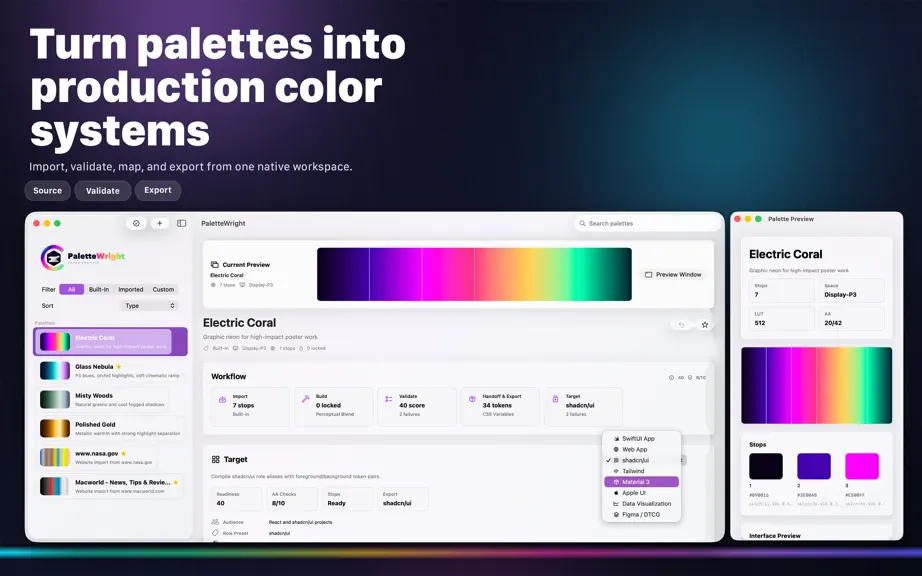
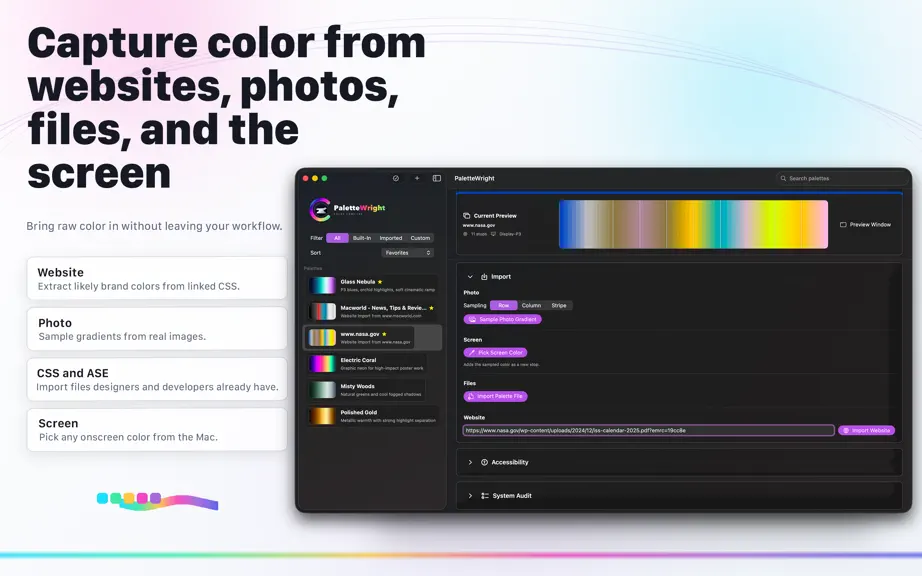
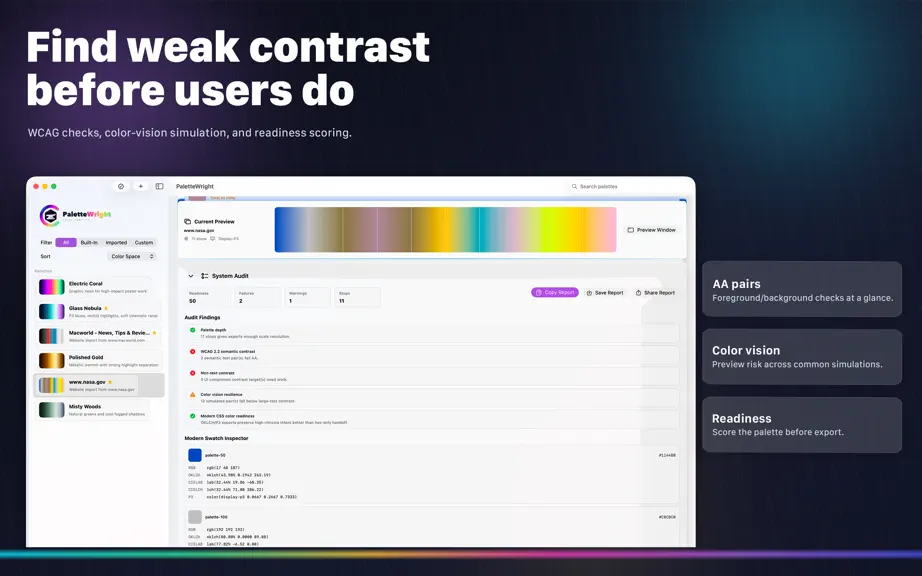
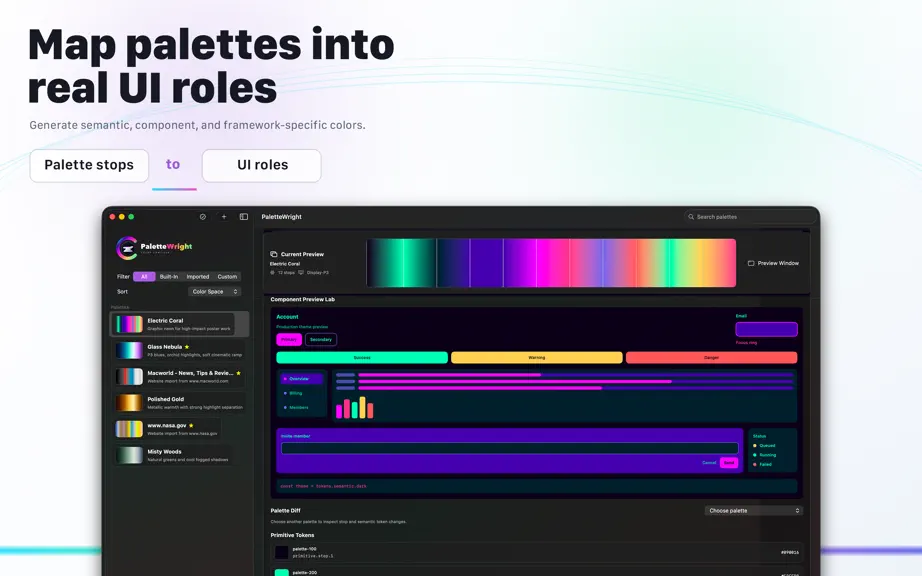
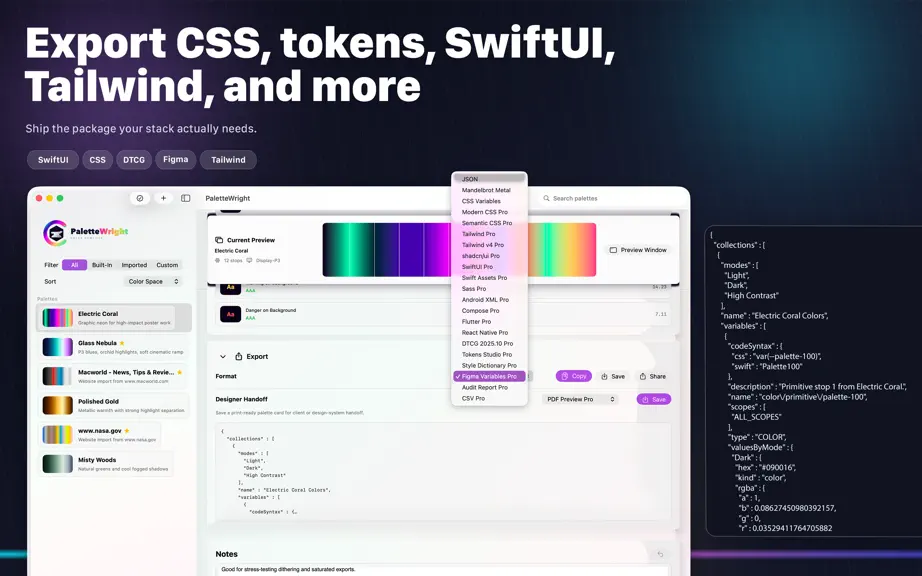
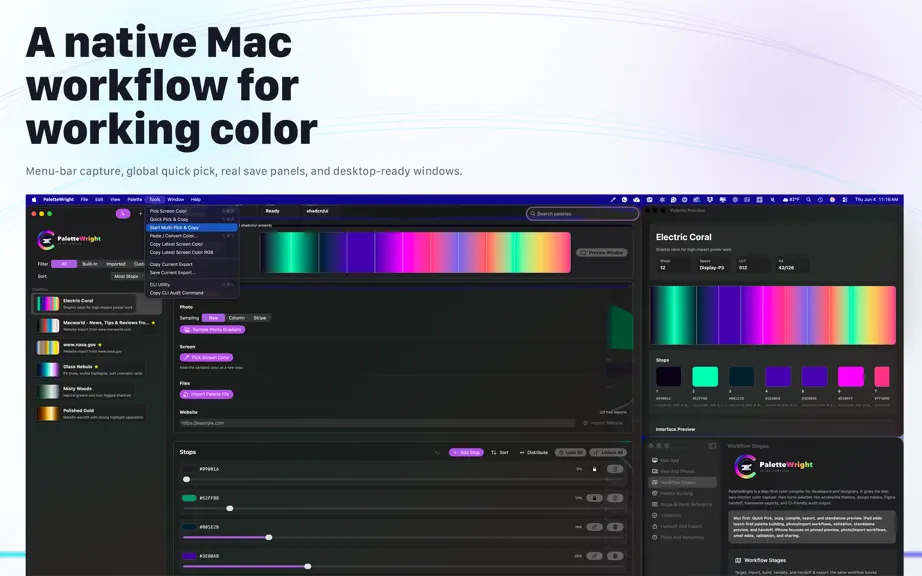
PaletteWright™ for iPad is a touch-first color compiler for designers and developers who need color to move cleanly from inspiration to production. Import colors from photos, palette files, CSS, token text, CSV, GPL, ASE, JSON, or websites. Then build, validate, repair, preview, and share a color system your team can actually use. BUILT FOR IPAD - Work from a spacious sidebar-and-detail layout i…
Trends & analysis
Chart rank trend
US · overallWhy it's surfacing
Scout 29Ratings & velocity
★ 0 in windowGeographic reach
best rank · 0 storefrontsRevenue & downloads trend
monthly estimateIn-app purchases
3 tiersUpdate history
4 updates tracked- v1.27d ago
PaletteWright 1.2 adds a new Welcome experience that makes PaletteWright easier to learn on Mac and iPad. - New guided overview for capture/import, palette building, validation, Figma/code export, Project Tokens, Command-K, Preview Window, and Palette Dock. - Welcome appears on first launch and when a new version or build is installed. - Reopen Welcome from Help on Mac, the menu-bar extra, or the in-app info menu on iPad. - Optional Show Welcome at Startup setting. - Updated in-app and website user guides.
- v1.1.21mo ago
PaletteWright 1.1.2 refines the preview workflow on Mac and iPad by making the three palette views explicit: Color Preview Bar, Preview Window, and Palette Dock. Highlights - Color Preview Bar can now be shown or hidden. Keep it on for inline gradient context, or hide it when the detail view needs more room. - Preview Window remains the larger live palette inspection surface for gradient, swatches, interface preview, and contrast context. - Palette Dock is the compact swatch surface for keeping the active palette nearby while another app, document, or window stays in front. - Mac View menu display options are harmonized as checked Show commands, including Detail Navigation Rail, Color Preview Bar, Exact LUT Preview, Step Markers, Dithering Preview, Palette Preview, and Palette Dock. - Preview Window and Palette Dock menu checkmarks now track window visibility more consistently. - iPad adds the Preview Surfaces toolbar menu for Color Preview Bar, Preview Window, and Palette Dock. - Website and in-app user guides now explain when to use each palette view on Mac and iPad. iPad-Specific Improvements - PaletteWright 1.1.2 brings the same preview-surface model to iPad. - New Preview Surfaces toolbar menu controls the Color Preview Bar, Preview Window, and Palette Dock. - Palette Dock is now available as a compact iPadOS window for active swatches and quick copying. - The Color Preview Bar can be hidden when you want more room in the detail workflow. - The iPad guide now explains when to use each palette view.
- v1.1.11mo ago
- v1.01mo ago
PaletteWright — FAQ
How many downloads does PaletteWright get?
PaletteWright sees an estimated 0 downloads per month on the App Store, per AppCurrents modeling.
Is PaletteWright free?
PaletteWright is free to download on the App Store, monetizing through in-app purchases.
When was PaletteWright released?
PaletteWright launched on the App Store on 23.06.2026. Its latest version shipped 28.07.2026.


