one sec | screen time + focus
one sec | screen time + focus generates an estimated $17k–$110k/month in revenue from 10k–39k downloads/month on the App Store, according to AppCurrents estimates (updated 2026-08-02).
| Est. revenue / month | $17k–$110k |
|---|---|
| Est. downloads / month | 10k–39k |
| Estimate confidence | low |
| Pricing | Free + IAP |
| Rating | 4.83 ★ (23,300 ratings) |
| Category | Productivity |
| Released | 29.09.2020 |
| App last updated | 01.08.2026 |
| Platform | iOS |
Modeled monthly estimate · rating velocity · low confidence
About
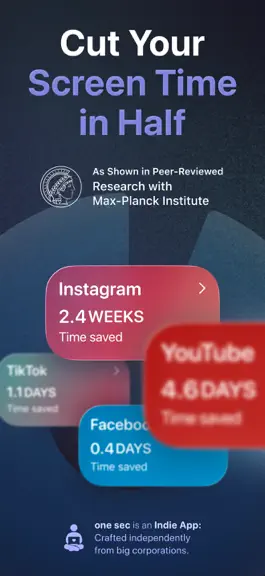
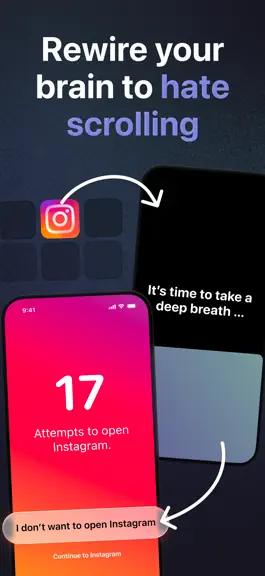
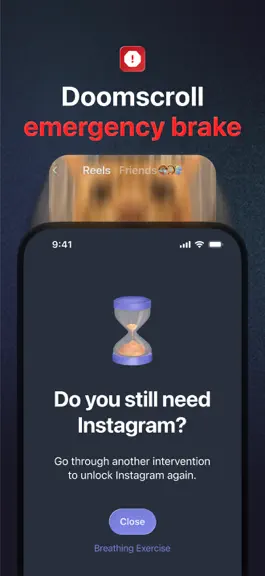
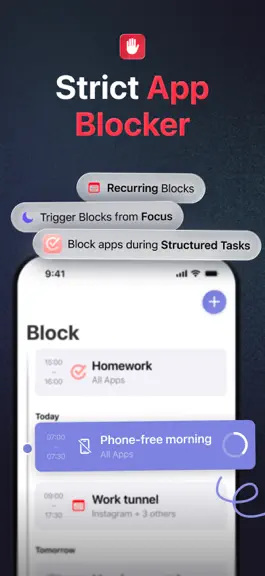
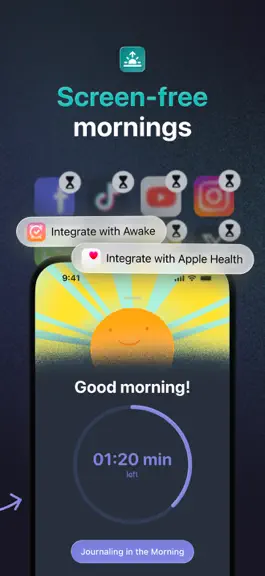
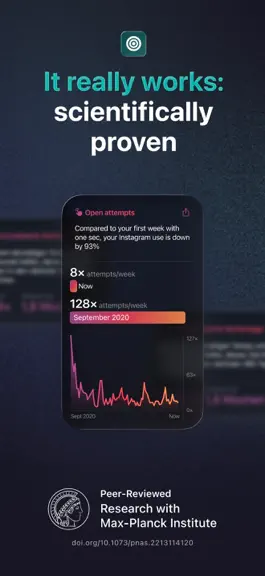
Willpower is not enough against social media algorithms! That’s why I made one sec: one sec adds friction to distracting apps to make them less appealing…long-term! This principle works really well: we have gained scientific evidence in numerous research studies with the Max-Planck Institute, with the German and Danish government, and in dozens more scientific collaborations: one sec has incre…
Trends & analysis
Chart rank trend
US · overallWhy it's surfacing
Scout 15Ratings & velocity
★ 0 in windowRating distribution
96% positive · 23k ratingsGeographic reach
best rank · 5 storefrontsRevenue & downloads trend
ARPU $2In-app purchases
5 tiersUpdate history
4 updates tracked- v5.2.93d ago
- Fixes an issue where the “Last use” label in the intervention was displayed using a wrong text color. - Fixes an issue where the corner radius of the breathing animation was not correct. - Fixes an issue where the about page was not laid out correctly on iOS 15. - Manual block durations can now be configured up to 200 hours. - Scheduled blocking more clearly indicates that websites are supported; “Apps” is renamed to “Blocked.” - Corrected app counts in blocking configurations by avoiding duplicate-counting apps. - Unlocking one sec settings now enforces at least a “long” intervention duration. - Fixed a crash when editing interventions while healthy alternatives are visible. - Fixed the breathing transition layout during iPad rotation. - Fixed a potential Follow the Dot crash on future iOS versions. - Improved the “last 24 hours” usage text color for different intervention backgrounds. - Fixed the Safari extension typo: “one sec is no set up” → “not set up.”
- v5.2.87d ago
- Manual block durations can now be configured up to 200 hours. - Scheduled blocking more clearly indicates that websites are supported; “Apps” is renamed to “Blocked.” - Corrected app counts in blocking configurations by avoiding duplicate-counting apps. - Unlocking one sec settings now enforces at least a “long” intervention duration. - Fixed a crash when editing interventions while healthy alternatives are visible. - Fixed the breathing transition layout during iPad rotation. - Fixed a potential Follow the Dot crash on future iOS versions. - Improved the “last 24 hours” usage text color for different intervention backgrounds. - Fixed the Safari extension typo: “one sec is no set up” → “not set up.”
- v5.2.71mo ago
We’ve been working on a series of smaller improvements once again for one sec: - Improves app-usage insights during breathing interventions, adding a new “24-hour time spent” mode. - Fixes a hang when editing custom breathing prompts. - Fixes breathing prompt selection so global prompts are used when app-specific prompts are empty. - Fixes empty Healthy Alternatives screens. - Fixes Good Morning Countdown allow-list behavior. - Automatically ends live activities for manual blocks when the block is over. - Improves random text interventions to avoid offensive substrings. - General stability, accessibility, localization, and maintenance improvements. Thanks a lot for using one sec. If you like the app & our continuous work, please support us by writing a review on the App Store. That helps a lot! – Frederik
- v5.2.62mo ago
This is a small update with big impact: If you’re running iOS 26.5 (or newer) you will no longer have to do the notification dance when going through Re-Interventions or Delayed Interventions. When you press the “Intervention” button, the breathing exercise (or other intervention of your choice) will simply show up. On top of that, we’ve made small improvements to the Structured integration & the block tab in general. Hope you’re enjoying our little updates over the past few weeks! If you like one sec, it would help a lot if you could leave us a nice review on the App Store. Thank you! – Frederik
one sec | screen time + focus — FAQ
How much money does one sec | screen time + focus make?
According to AppCurrents estimates, one sec | screen time + focus generates approximately $17k–$110k per month (low confidence), modeled from its the App Store chart performance, rating velocity, and monetization signals.
How many downloads does one sec | screen time + focus get?
one sec | screen time + focus sees an estimated 10k–39k downloads per month on the App Store, per AppCurrents modeling.
Is one sec | screen time + focus free?
one sec | screen time + focus is free to download on the App Store, monetizing through in-app purchases.
What is one sec | screen time + focus's rating?
one sec | screen time + focus holds a 4.83-star average from 23,300 ratings on the App Store.
When was one sec | screen time + focus released?
one sec | screen time + focus launched on the App Store on 29.09.2020. Its latest version shipped 01.08.2026.


