
MultiTrack DAW
MultiTrack DAW generates an estimated $500–$8k/month in revenue from 200–1k downloads/month on the App Store, according to AppCurrents estimates (updated 2026-08-02).
| Est. revenue / month | $500–$8k |
|---|---|
| Est. downloads / month | 200–1k |
| Estimate confidence | medium |
| Pricing | Paid $4.99 |
| Rating | 4.43 ★ (217 ratings) |
| Category | Music |
| Best chart rank | #94 Music Paid |
| Released | 18.09.2009 |
| App last updated | 04.09.2022 |
| Platform | iOS |
Modeled monthly estimate · rating velocity · medium confidence
About
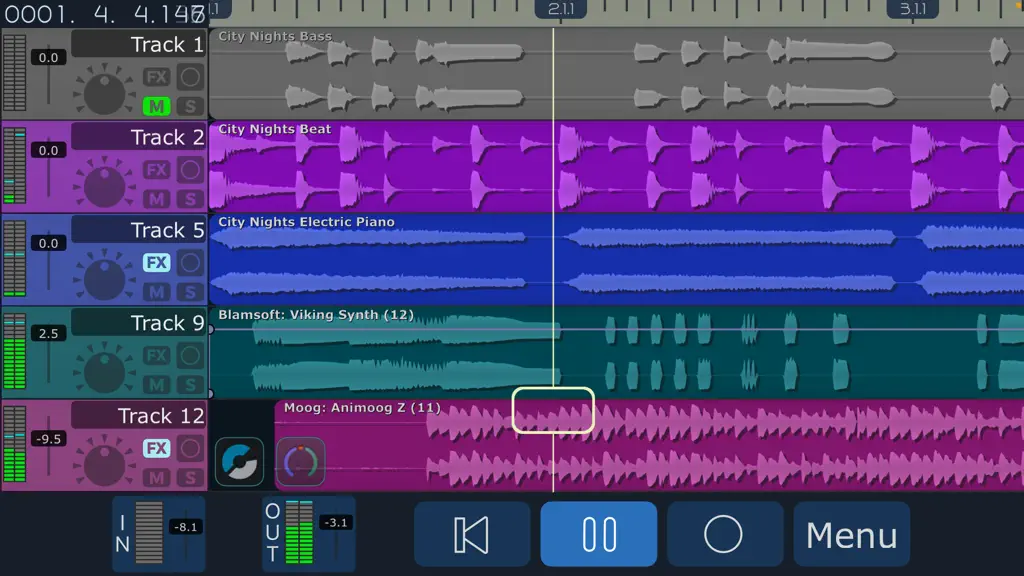
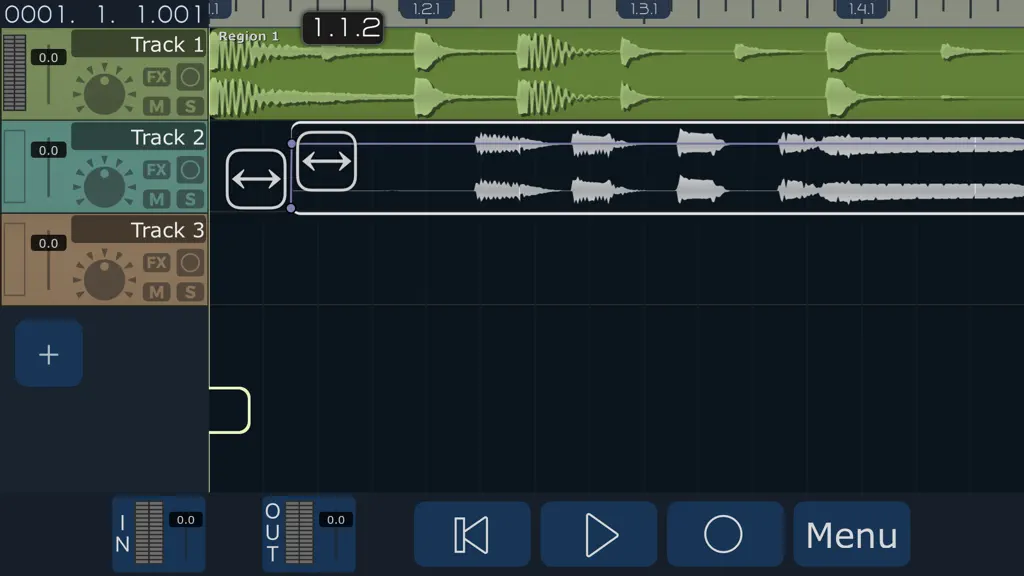
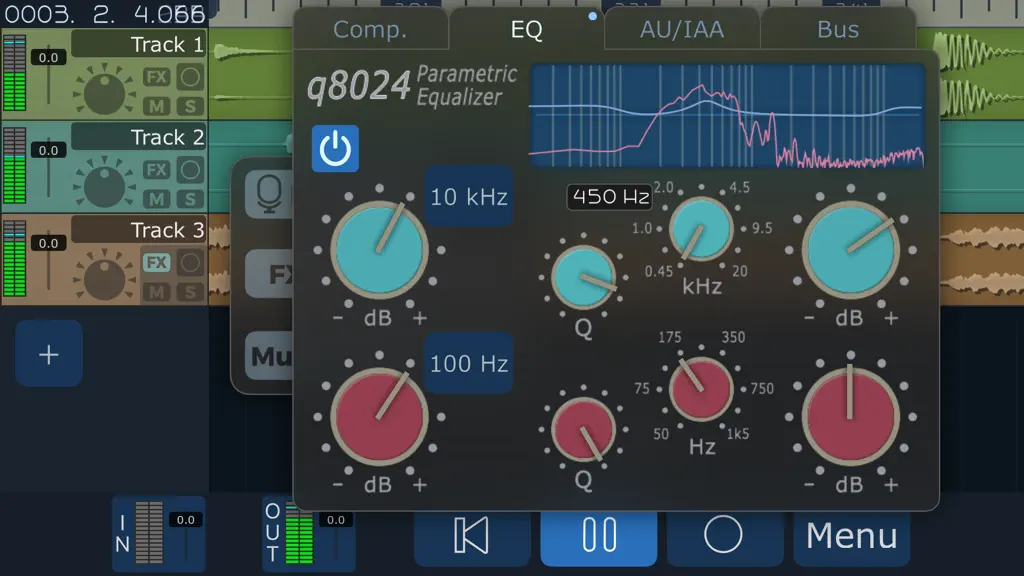
The power of a digital audio workstation in the palm of your hand. Release your creativity with up to 32 high quality audio tracks. Record multiple takes, harmonies, solos, and experiments. No more worrying about bouncing - each instrument can have its own track. More cowbell? No problem! Build new songs like a recording studio, with the monitoring and overdubbing capabilities of MultiTrack DAW.…
Trends & analysis
Chart rank trend
US · categoryWhy it's surfacing
Scout 16Ratings & velocity
★ +0.01 in windowRating distribution
84% positive · 215 ratingsGeographic reach
best rank · 9 storefrontsRevenue & downloads trend
ARPU $3In-app purchases
3 tiersUpdate history
1 update tracked- v6.3.63.9y ago
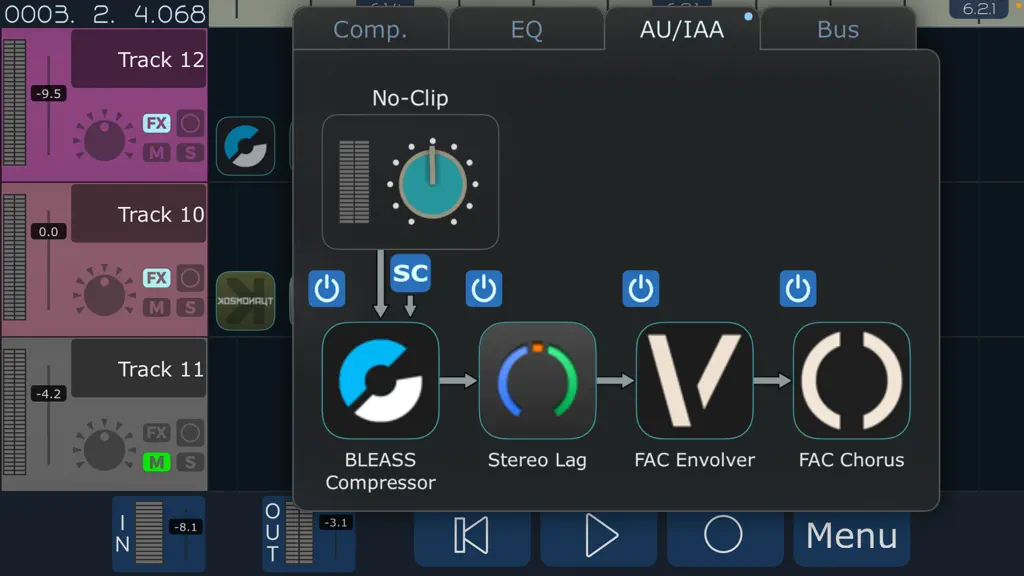
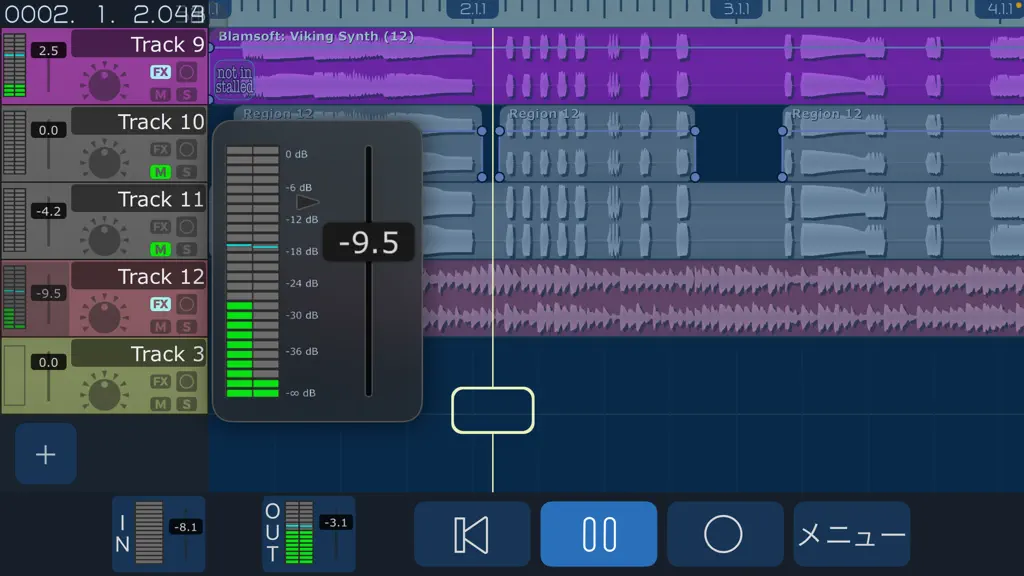
• Sidechain inputs for AudioUnit plugins. Use the 'SC' button on plugs that publish a sidechain input (or multiple input busses), like FabFilter (MB Pro, Timeless 3), RoughRider3, NYCompressor, or Blue Mangoo Multiband Compressor. Sidechain input can source from any other track, pre or post effects, including other tracks that also have sidechain effects. • Per-Region Volume. When editing a region, an additional Handle will control the volume (-45 to +12 dB) • Vertical dragging of Regions or multiple Regions. You ask for it, we deliver. • Tracks now allow mono or stereo regions on the same track, the VU meter will change channel count dynamically. • Separate 'Bounce' and 'Copy' buttons in the Hotbox. The Bounce button will mixdown all audio in selected regions and copy it to the Pasteboard. • Realtime monitoring of editing/moving Regions, start/stop/fadein/fadeout/volume, during playback. • Undo/Redo of track deletion/creation/moving. Tracks will animate back to original position on Undo/Redo. • Improved Loop Marker adjustment, window will now autoscroll when dragging Loop Markers. • Wi-Fi web server now has options for toggling 'Track FX', 'Bus FX' and 'Master FX' for track downloads. • AUView now has 'Speaker' icon used to toggle the output. Many more things. Version 6.3.6 Region editing now shows underlying regions through the region ghost, for easier alignment. Version 7.0 is still on it's way, stay tuned! Other recent features: • New low price! Basic MultiTrack now comes with 2 tracks and with all features enabled. If you bought MultiTrack before this version, you will of course retain your track counts and all previous purchases. • Tracks can be now be purchased in multiples of 8, up to a total of 32. • 32 bit floating point project formats! Use the '32f' option (Gear icon on the Songs Screen) to create a project with the new format. • New midi piano keyboard controller for AudioUnit Music Devices or Instruments. With Pitchbend/modwheel sliders and scalable key widths. Automatic velocity and aftertouch on supported devices. • Mixdown stems as separate tracks into a folder, with normalize option. • AudioUnit plugin view can be moved and resized, and remain onscreen. Supports multiple AU Instruments open at once on iPad. • FLAC (Free Lossless Audio Codec) and ALAC (Apple Lossless Audio Codec) implemented. • Pin button. On iPad, AU plugins and instruments now have a Pin button to keep the plugin on screen. When opening a song, all pinned plugins will restore their position. • Multi-channel wav export. • Track Duplicate feature. • Mute/Unmute per region. • iOS 14 ColorPicker for changing track color, with a wider range of colors. • Enable iOS Status Bar for iPad split view or slide over mode. • Added Bounce button to Audio Browser. • Allow reordering of track FX by dragging tabs (Compressor, EQ, and AudioUnit chain). • Allow dragging of AudioUnit windows outside of screen edges. • Adds sorting of AudioUnits in selection panels with most recently used at the top. • 'Allow Portrait' toggle switch for iPhone in Settings.app (default is on), switch off to force landscape. • Store last selected 'Ruler' and 'Time Display' metronome settings, as default for new songs. • Input Fader can expand up to a 32 channel VU Meter. • New Create Song panel with song name and bits/rates.
MultiTrack DAW — FAQ
How much money does MultiTrack DAW make?
According to AppCurrents estimates, MultiTrack DAW generates approximately $500–$8k per month (medium confidence), modeled from its the App Store chart performance, rating velocity, and monetization signals.
How many downloads does MultiTrack DAW get?
MultiTrack DAW sees an estimated 200–1k downloads per month on the App Store, per AppCurrents modeling.
Is MultiTrack DAW free?
MultiTrack DAW is a paid app priced at $4.99 on the App Store.
What is MultiTrack DAW's rating?
MultiTrack DAW holds a 4.43-star average from 217 ratings on the App Store. It currently ranks #94 on the Music paid chart.
When was MultiTrack DAW released?
MultiTrack DAW launched on the App Store on 18.09.2009. Its latest version shipped 04.09.2022.


