
Markdown゜ generates an estimated $0/month in revenue from 200–1k downloads/month on the App Store, according to AppCurrents estimates (updated 2026-10-02).
| Est. revenue / month | $0 |
|---|---|
| Est. downloads / month | 200–1k |
| Estimate confidence | medium |
| Pricing | Free |
| Rating | 4.55 ★ (473 ratings) |
| Category | Productivity |
| Released | 24.01.2020 |
| App last updated | 03.09.2026 |
| Platform | iOS |
Modeled monthly estimate · rating velocity · medium confidence
About
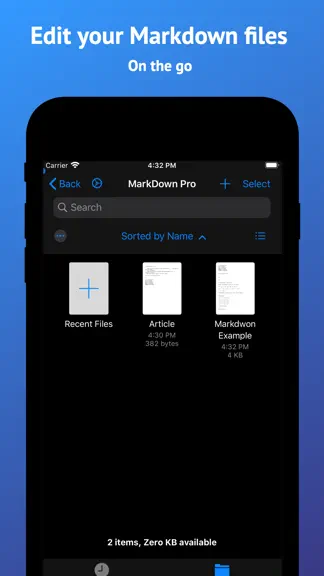
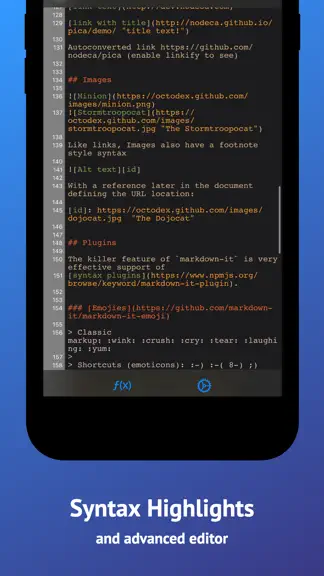
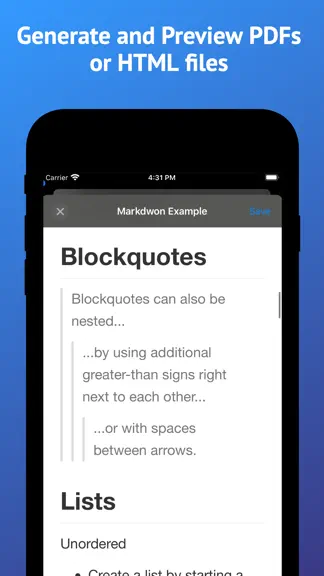
Markdown Pro is a fast, focused Markdown editor for iPhone, iPad and Mac. Write in plain Markdown, or turn on the prettified editor and watch headings, lists, tables, images and task lists render as you type. When you're done, export a polished PDF, an HTML file, or the raw Markdown. WRITE THE WAY YOU LIKE • Prettified editor renders headings, lists, quotes, code blocks and images inline while yo…
Trends & analysis
Chart rank trend
US · overallWhy it's surfacing
Scout 9Ratings & velocity
★ -0.01 in windowRating distribution
89% positive · 457 ratingsGeographic reach
best rank · 0 storefrontsRevenue & downloads trend
ARPU $0Update history
2 updates tracked- v2.0.029d ago
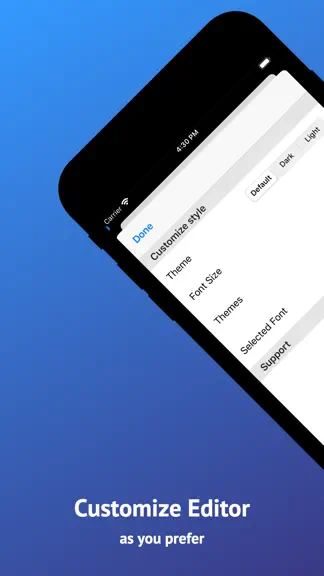
Markdown Pro 2.0 is a big one. THE PRETTIFIED EDITOR Switch it on and your Markdown takes shape as you type. Headings size themselves, lists and quotes get styled, code blocks and inline code stand out, images appear right in the text, and task lists become checkmarks you can tap. One tap takes you back to raw Markdown whenever you want. TABLES, FINALLY Tables now render inline while you edit, and tapping the pencil on one opens a graphical table editor. Add and remove rows and columns without counting pipe characters. Multiline cells and column alignment are supported. FIND AND REPLACE Search through a document and replace as you go. ONE MORE WAY TO EXPORT Export the raw Markdown, alongside the PDF and HTML export you already had. BETTER ON IPAD AND MAC • Split preview pane inside the same window on iPad • Menu bar commands and a far fuller set of keyboard shortcuts • Documents open as native window tabs on Mac • iCloud and Recents on the Mac home screen • Drag and drop, and open several files at once ALSO NEW • A new onboarding flow, plus tips that point things out as you need them • Redesigned settings • Smarter list editing, and a caret that stays where you put it FIXED • Caret and scrolling behaviour in the editor • Editor now respects the safe area • Images are stored correctly when iCloud is turned off • Table editing no longer jumps the caret Thanks for using Markdown Pro. Keep the feedback coming.
- v1.0.36.3y ago
Fixed an issue with .md file reopening.
Markdown゜ — FAQ
How many downloads does Markdown゜ get?
Markdown゜ sees an estimated 200–1k downloads per month on the App Store, per AppCurrents modeling.
Is Markdown゜ free?
Markdown゜ is free to download on the App Store, with no in-app purchases detected.
What is Markdown゜'s rating?
Markdown゜ holds a 4.55-star average from 473 ratings on the App Store.
When was Markdown゜ released?
Markdown゜ launched on the App Store on 24.01.2020. Its latest version shipped 03.09.2026.


