
Image Viewer Deluxe
Image Viewer Deluxe generates an estimated $0/month in revenue from 0 downloads/month on the App Store, according to AppCurrents estimates (updated 2026-10-03).
| Est. revenue / month | $0 |
|---|---|
| Est. downloads / month | 0 |
| Estimate confidence | low |
| Pricing | Free |
| Rating | 0.00 ★ (0 ratings) |
| Category | Graphics & Design |
| Released | 01.07.2013 |
| App last updated | 14.09.2026 |
| Platform | iOS |
Modeled monthly estimate · rating velocity · low confidence

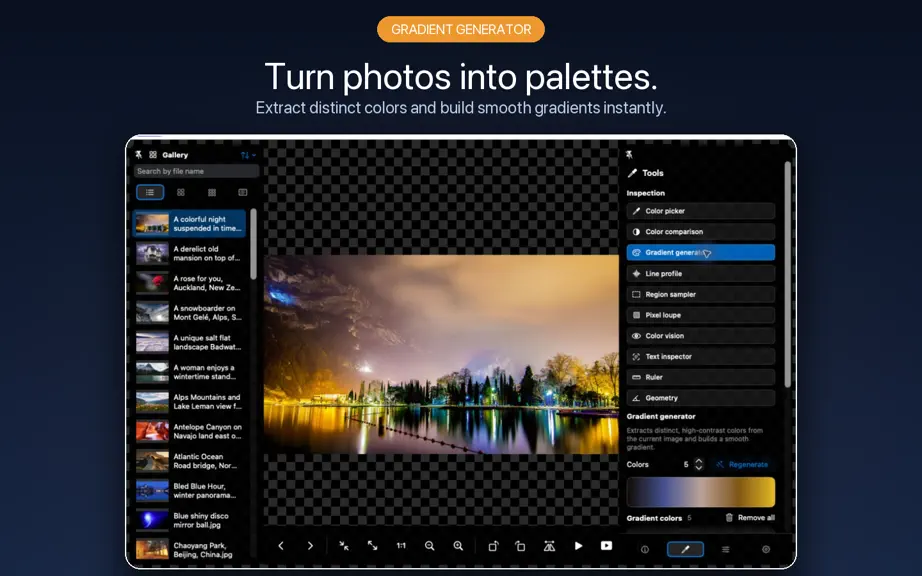
About
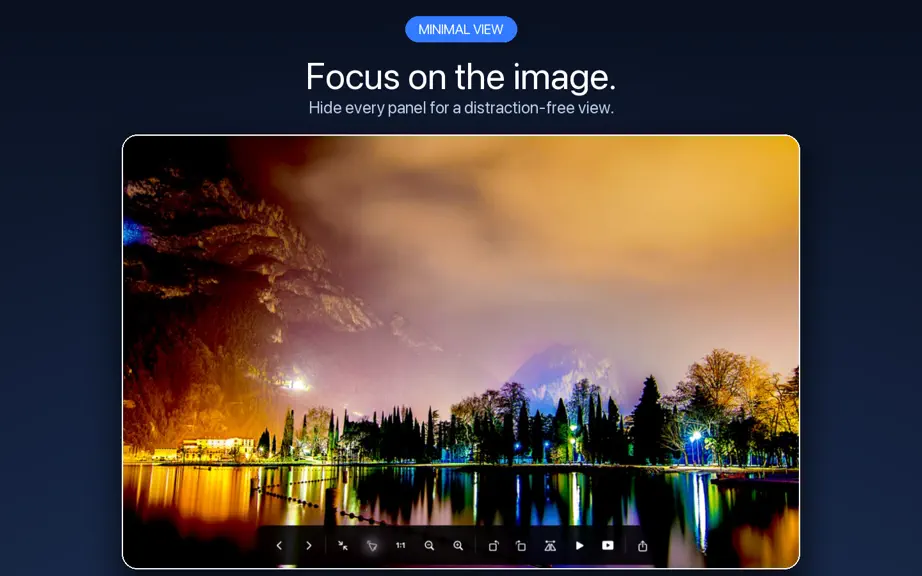
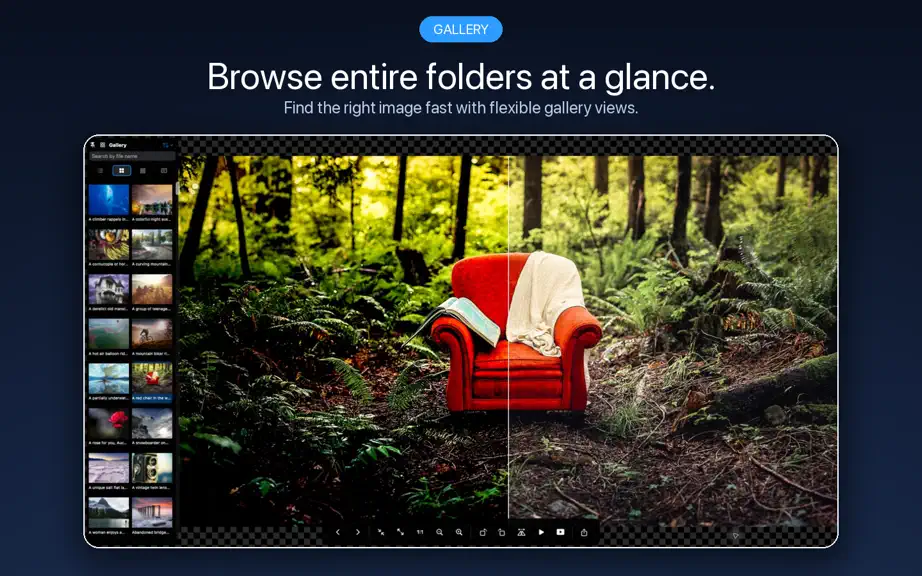
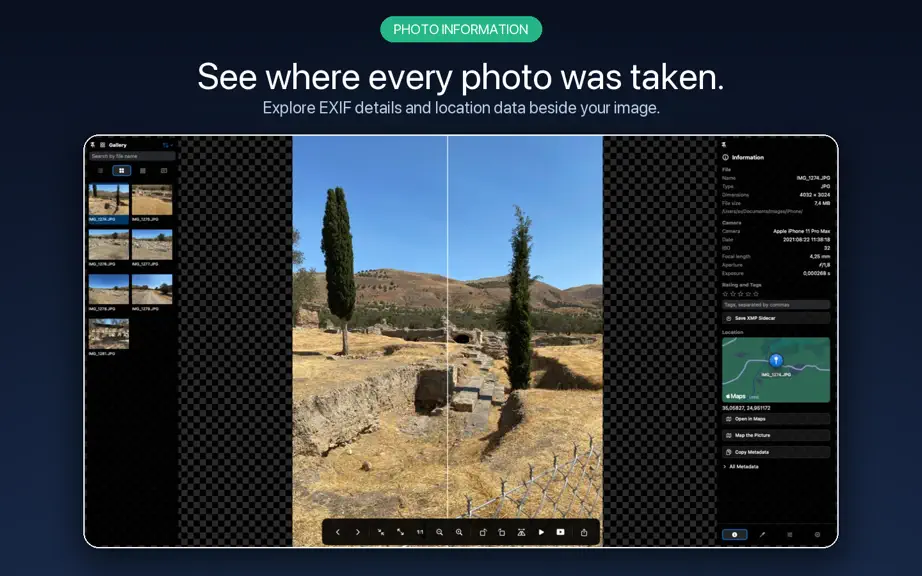
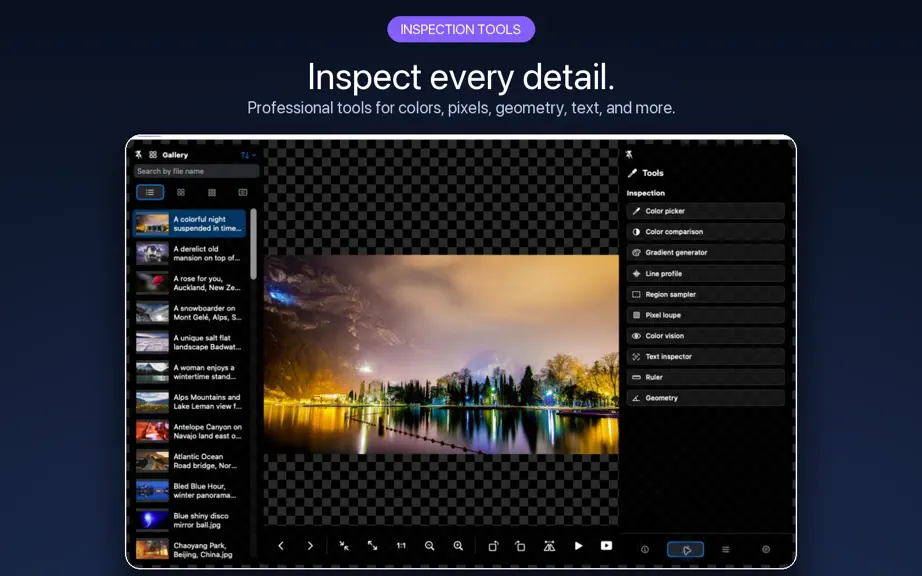
See the whole picture. Explore every detail. Image Viewer Deluxe brings image browsing, precise inspection, editing, and export together on your Mac. Open files or folders, move through your pictures in a flexible gallery, and keep the tools you need close at hand—from a quick crop to a closer look at colors, pixels, and photo locations. BROWSE YOUR WAY • Browse with thumbnail, grid, list, and d…
Trends & analysis
Chart rank trend
US · overallWhy it's surfacing
Scout 4Ratings & velocity
★ 0 in windowGeographic reach
best rank · 0 storefrontsRevenue & downloads trend
monthly estimateUpdate history
2 updates tracked- v2.018d ago
Version 2.0 brings a redesigned viewing experience, expanded format support, and a new set of editing and inspection tools. • A more flexible workspace: browse with grid, list, thumbnail, and detailed gallery views. Resize panels, pin your tools, and customize the viewing background. • More ways to edit: crop, resize, straighten, correct perspective, and refine color and tone with curves, selective HSL, LUTs, and reusable adjustment presets. • Before-and-after comparisons: review your changes with split, side-by-side, and overlay views before saving. • Batch editing and export: apply adjustments to selected pictures and export them together with shared settings. • Watermarks and overlays: add text or an image, then adjust its position, size, opacity, rotation, and blend mode. • Deeper image inspection: compare sampled colors, explore pixel and region details, measure distances and angles, and recognize text in images. • Color checking tools: inspect RGB and luminance histograms, preview color-vision differences, and check soft proofs and gamut warnings. • Expanded format support: work with modern and specialist formats, including AVIF, WebP, JPEG XL, flattened PSD, OpenEXR, and Radiance HDR, where supported by macOS. • More from your metadata: add ratings and tags using XMP sidecars, explore geotagged pictures on a map, and export photo locations as GPX. • Clearer saving controls: keep adjustments pending until you save or export, save a separate copy, and choose how existing files are handled. • Updated Russian localization with more complete coverage and clearer, more consistent wording.
- v1.311.0y ago
- UI improvements - "Save fit settings" option added
Image Viewer Deluxe — FAQ
How many downloads does Image Viewer Deluxe get?
Image Viewer Deluxe sees an estimated 0 downloads per month on the App Store, per AppCurrents modeling.
Is Image Viewer Deluxe free?
Image Viewer Deluxe is free to download on the App Store, with no in-app purchases detected.
When was Image Viewer Deluxe released?
Image Viewer Deluxe launched on the App Store on 01.07.2013. Its latest version shipped 14.09.2026.
Apps like Image Viewer Deluxe
See all alternatives → Cricut Design SpaceGraphics & Design · $410k–$2.3M/mo
 Reface: AI Face Swap & EditorGraphics & Design · $270k–$1.5M/mo
 AI Maker: Photo Video FiltersGraphics & Design · $250k–$1.4M/mo
 Nomad SculptGraphics & Design · $100k–$1.7M/mo
 ThemePack: Widgets & WallpaperGraphics & Design · $160k–$850k/mo
 Artmate: Drawing TogetherGraphics & Design · $150k–$810k/mo