Grammarly: AI Keyboard & Notes
Grammarly: AI Keyboard & Notes generates an estimated $520k–$3.3M/month in revenue from 89k–360k downloads/month on the App Store, according to AppCurrents estimates (updated 2026-07-26).
| Est. revenue / month | $520k–$3.3M |
|---|---|
| Est. downloads / month | 89k–360k |
| Estimate confidence | low |
| Pricing | Free + IAP |
| Rating | 4.66 ★ (219,746 ratings) |
| Category | Productivity |
| Best chart rank | #12 Productivity Grossing |
| Released | 02.11.2017 |
| App last updated | 23.07.2026 |
| Platform | iOS |
Modeled monthly estimate · rating velocity · low confidence

About
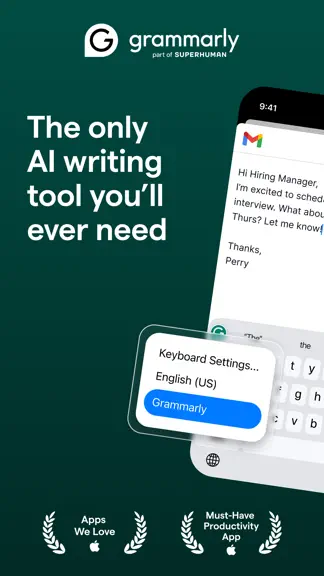
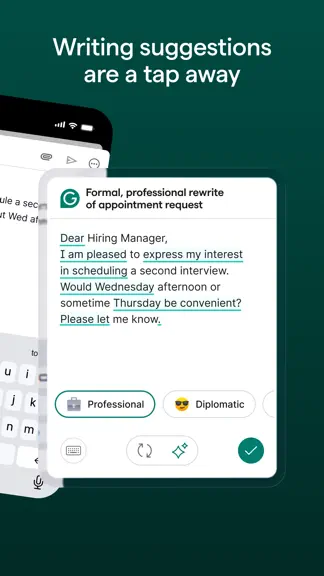
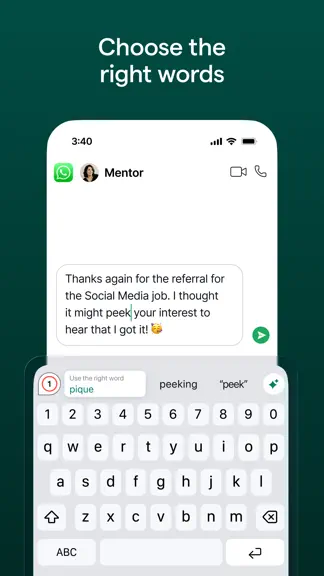
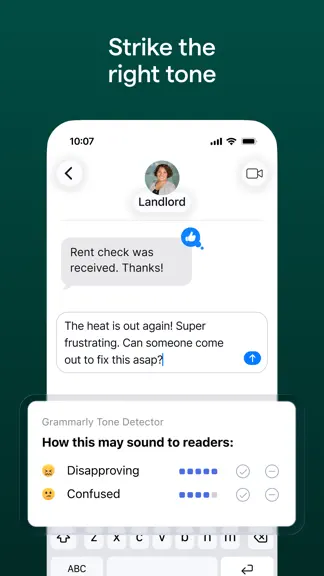
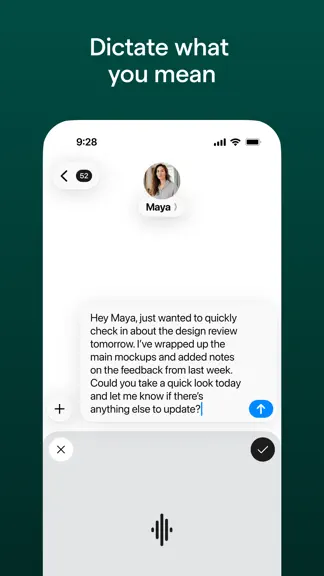
Instantly and easily create smart, polished writing with the Grammarly Keyboard. Designed to deliver real-time writing feedback and provide AI assistance, the Grammarly Keyboard works directly in your iPhone and iPad apps, no copy and paste required. When you join the millions of people using the Grammarly Keyboard, you'll benefit from: An easy-to-use AI keyboard that works in all your apps - S…
Trends & analysis
Chart rank trend
US · categoryWhy it's surfacing
Scout 37Ratings & velocity
★ 0 in windowRating distribution
92% positive · 218k ratingsGeographic reach
best rank · 11 storefrontsRevenue & downloads trend
ARPU $7In-app purchases
5 tiersUpdate history
8 updates tracked- v13.1.13d ago
• Live activity now appears whenever you use speech-to-text, helping you manage your microphone effortlessly. • New keyboard language settings in the app to simplify layout and dialect selection. • Typing and autocorrection quality have been significantly improved, making your typing experience smoother and faster. • Completions in the top panel are now properly capitalized during typing and swiping when the caps lock is used. • Key stability improvements in the keyboard, resolving some crashes caused by iOS. • Keyboard key selection colors fixes and improvements. As always, thank you for using Grammarly!
- v13.1.04d ago
Live activity now appears whenever you use speech-to-text, helping you manage your microphone effortlessly. This release also includes bug fixes and some key stability and performance improvements to enhance your writing experience. As always, thank you for using Grammarly!
- v13.0.018d ago
Are you typing with two hands? Long-press Shift or the Pages key to type uppercase letters or numbers with your other hand, right as you type! More improvements in this release • Improved speech-to-text stability and language detection. • Fixed visual issues on iOS 27 Beta in the keyboard. • Fixed text corruption when accepting suggestions during fast typing. • Various performance and stability improvements for smoother typing and swiping.
- v12.2.11mo ago
We're thrilled to hear you're enjoying Speech-to-text! This update brings several performance improvements and bug fixes: • Faster, more responsive typing with behind-the-scenes performance optimizations and 120Hz ProMotion support. • Enhanced autocorrection accuracy for sentences containing mixed languages or following names. • Fixed typing touches occasionally being registered as a swipe or landing on a nearby key. • Fixed an issue that could prevent iOS 17 users from completing onboarding. • New additions and improvements to Speech-to-text. Speech-to-text is available in the Grammarly Keyboard and Editor. Just tap the microphone and speak naturally — Grammarly turns your voice into polished text with filler words removed, self-corrections resolved, grammar fixed, and your tone preserved.
- v12.2.01mo ago
We're thrilled to hear you're enjoying Speech-to-text! This update brings several performance improvements and bug fixes: • Faster, more responsive typing with behind-the-scenes performance optimizations and 120Hz ProMotion support. • Fixed typing touches occasionally being registered as a swipe or landing on a nearby key. • Fixed an issue that could prevent iOS 17 users from completing onboarding. • New additions and improvements to Speech-to-text. Speech-to-text is available in the Grammarly Keyboard and Editor. Just tap the microphone and speak naturally — Grammarly turns your voice into polished text with filler words removed, self-corrections resolved, grammar fixed, and your tone preserved.
Grammarly: AI Keyboard & Notes — FAQ
How much money does Grammarly: AI Keyboard & Notes make?
According to AppCurrents estimates, Grammarly: AI Keyboard & Notes generates approximately $520k–$3.3M per month (low confidence), modeled from its the App Store chart performance, rating velocity, and monetization signals.
How many downloads does Grammarly: AI Keyboard & Notes get?
Grammarly: AI Keyboard & Notes sees an estimated 89k–360k downloads per month on the App Store, per AppCurrents modeling.
Is Grammarly: AI Keyboard & Notes free?
Grammarly: AI Keyboard & Notes is free to download on the App Store, monetizing through in-app purchases.
What is Grammarly: AI Keyboard & Notes's rating?
Grammarly: AI Keyboard & Notes holds a 4.66-star average from 219,746 ratings on the App Store. It currently ranks #12 on the Productivity grossing chart.
When was Grammarly: AI Keyboard & Notes released?
Grammarly: AI Keyboard & Notes launched on the App Store on 02.11.2017. Its latest version shipped 23.07.2026.


