
Forecast Bar - Weather + Radar
Forecast Bar - Weather + Radar generates an estimated $0/month in revenue from 0 downloads/month on the App Store, according to AppCurrents estimates (updated 2026-08-02).
| Est. revenue / month | $0 |
|---|---|
| Est. downloads / month | 0 |
| Estimate confidence | low |
| Pricing | Free + IAP |
| Rating | 0.00 ★ (0 ratings) |
| Category | Weather |
| Released | 07.05.2015 |
| App last updated | 21.07.2026 |
| Platform | iOS |
Modeled monthly estimate · rating velocity · low confidence
About
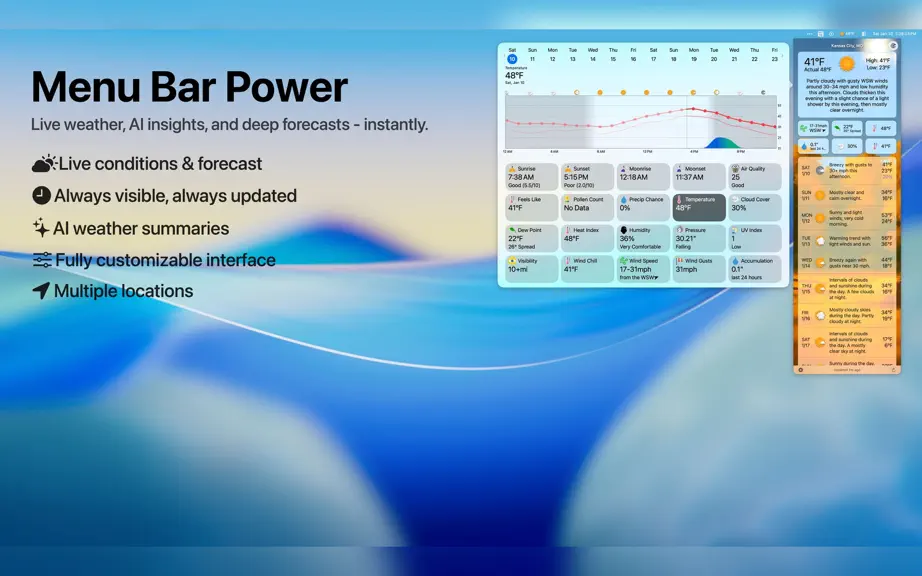
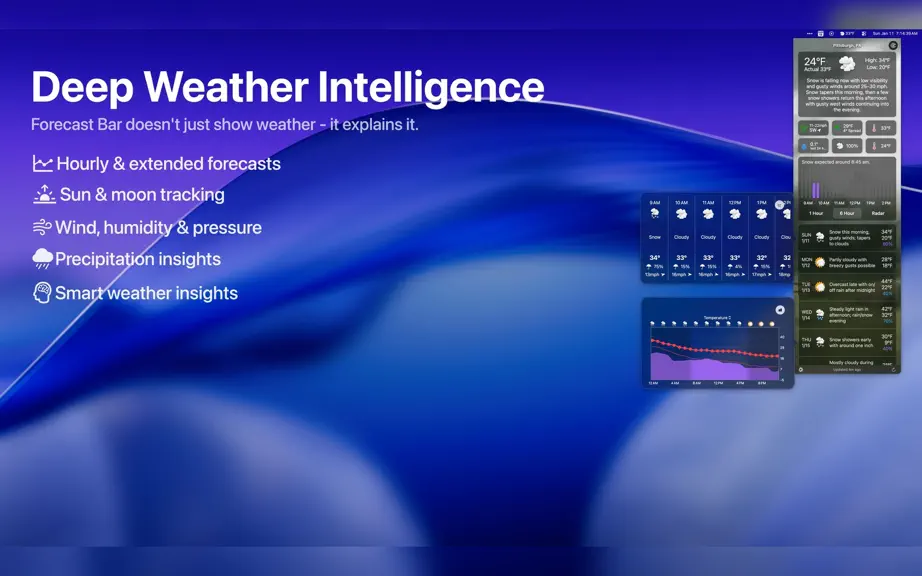
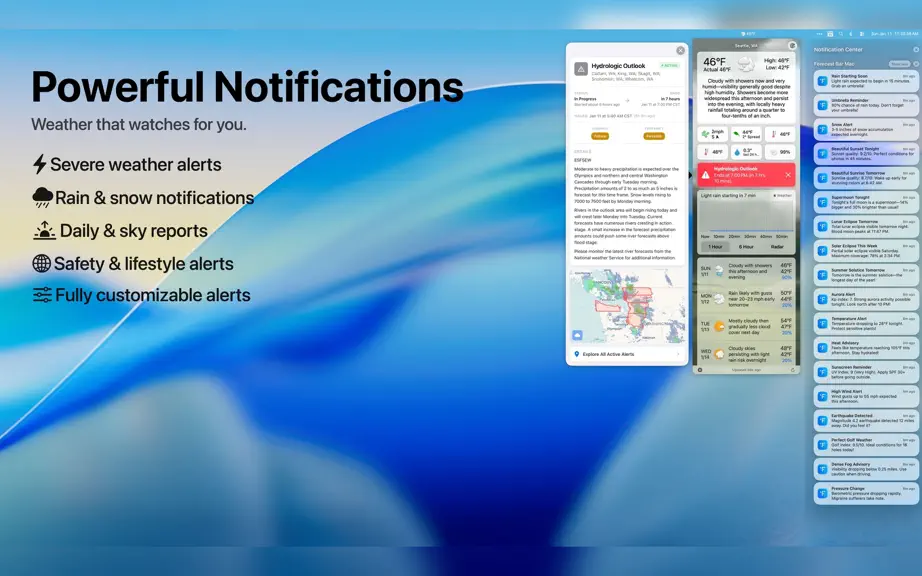
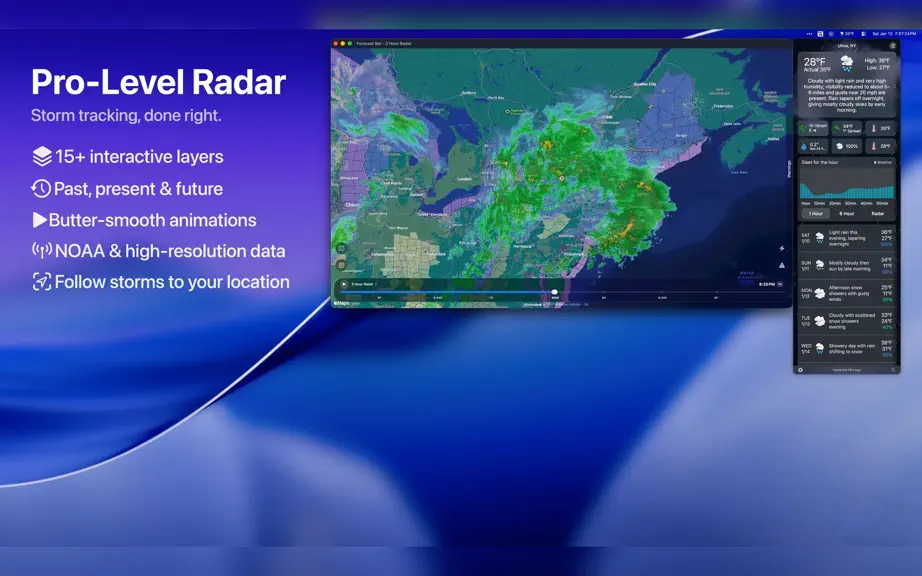
The weather app that lives in your menu bar. Forecast Bar puts hyper-accurate weather one glance away. Three independent data sources — The Weather Company, Apple Weather, and the NWS — combine for the best possible accuracy. The temperature, conditions, or any data point you care about sits quietly in your menu bar, and a single click opens a rich, animated forecast with an hourly timeline, 15-d…
Trends & analysis
Chart rank trend
US · overallWhy it's surfacing
Scout 4Ratings & velocity
★ 0 in windowGeographic reach
best rank · 0 storefrontsRevenue & downloads trend
monthly estimateIn-app purchases
10 tiersUpdate history
5 updates tracked- v11.315d ago
• Next-Generation Radar Beta brings fast, high-resolution, continuously looping playback to the Mac. • Radar stays responsive while you pan, zoom, or recenter with a mouse or trackpad. • Radar stops using system resources as soon as you close its window. • Sunrise & Sunset Quality reveals color potential, twilight timing, sky clarity, and cloud layers. • Recent sunrise and sunset results stay available, with feedback and optional photo uploads. • Today's high stays accurate overnight and early morning without yesterday's peak. • New menu bar items start with clearly distinct weather values. • Custom radar links use more precise coordinates for accurate positioning. • Choose how wind direction appears: cardinal points, degrees, or both. • Sunset quality forecasts factor satellite cloud thickness, aerosols, and storm activity.
- v11.2.123d ago
• Optional quit confirmation guards against accidental exits • Menu bar temperature stays up to date automatically, without a click • Mac: Redesigned hourly graph annotation • The in-app radar loop plays automatically when opened • Your location appears as a dot on the in-app radar • Hourly comparison marks where each new day begins • Moon phase forecasts include every cycle without skipped dates • Radar timeline progress glides smoothly between frames
- v11.1.329d ago
• Menu bar icon reliability improvements after wake and display changes • Widgets stay up to date through network hiccups and no longer get stuck loading • Dock icon shows the current temperature in Dock Mode
- v11.1.21mo ago
New in 11.1.2 • Menu bar icon keeps the position you set, even after your Mac wakes from sleep • Widgets no longer briefly show placeholder or sample weather while loading • Stale widget data is handled more gracefully so your widgets stay accurate New in 11.1.1 • All-new first-run setup in its own window: places picker, notification checklist, and feature tour • After setup, a spotlight points to Forecast Bar in your menu bar • Radar adds a toggle to show or hide the weather overlay • Radar shows a next-hours strip with data matched to the active layer • Radar responds to keyboard shortcuts • Map adds zoom controls and double-click gestures • Daily section can be hidden, and the panel resizes to fit • Chart hour axes follow your system's 24-hour clock • Each saved location in the side menu shows its current local time • Pollen detail shows the official index, per-type grain counts, and tree species • Weather Alerts toggle stays on after you enable it • Location Compare stays enabled after launch • Share button renders with the correct colors • No unexpected quit prompt when your Mac wakes from sleep • Menu bar shows weather promptly at login, even when the network comes up late • Non-US locations honor your Default Layer choice in radar • Alert details display correctly in Dark Mode • Current location name updates promptly after you travel • Weather loads reliably at launch even when location lookup is slow or fails • Minutely precipitation honors your default precipitation view • Timeline temperature curve fits the popover, with sunrise/sunset markers aligned • Alert details show local times and clearer active/ended status
- v11.12mo ago
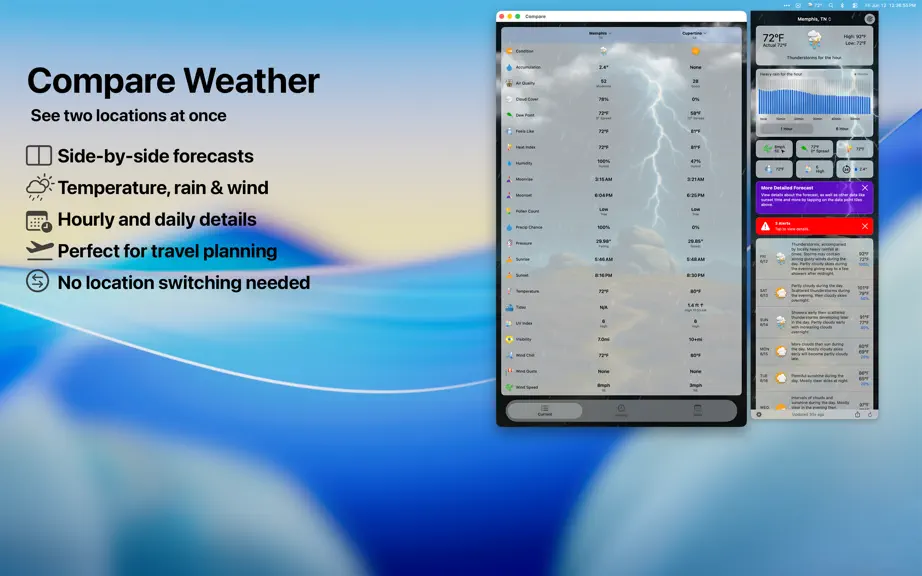
NEW — Location Compare Pin any two saved cities side-by-side and flip between current, hourly, and daily views in one window. Tap a city header to swap that side for anywhere on your list. NEW — Tides Get notified the moment a high or low tide approaches your threshold. The tide chart now stretches across future days with a redesigned details layout to match. Fixes and polish • Menu bar icon tint renders correctly • Compare city picker shows state alongside city for clearer selection • Data point popover wraps without truncation • Fixed Radar crash when scrolling
Forecast Bar - Weather + Radar — FAQ
How many downloads does Forecast Bar - Weather + Radar get?
Forecast Bar - Weather + Radar sees an estimated 0 downloads per month on the App Store, per AppCurrents modeling.
Is Forecast Bar - Weather + Radar free?
Forecast Bar - Weather + Radar is free to download on the App Store, monetizing through in-app purchases.
When was Forecast Bar - Weather + Radar released?
Forecast Bar - Weather + Radar launched on the App Store on 07.05.2015. Its latest version shipped 21.07.2026.


