
Enter Space
Enter Space generates an estimated $2–$10/month in revenue from 4–20 downloads/month on the App Store, according to AppCurrents estimates (updated 2026-08-02).
| Est. revenue / month | $2–$10 |
|---|---|
| Est. downloads / month | 4–20 |
| Estimate confidence | low |
| Pricing | Free + IAP |
| Rating | 5.00 ★ (2 ratings) |
| Category | Productivity |
| Released | 15.06.2025 |
| App last updated | 27.07.2026 |
| Platform | iOS |
Modeled monthly estimate · rating velocity · low confidence
About
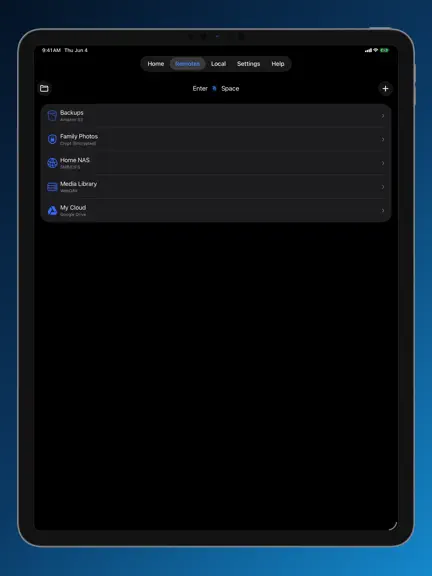
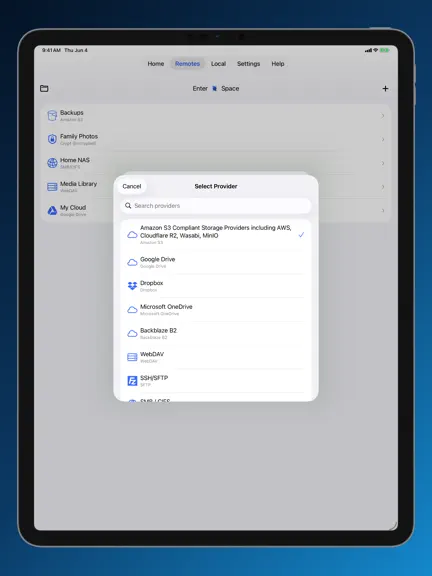
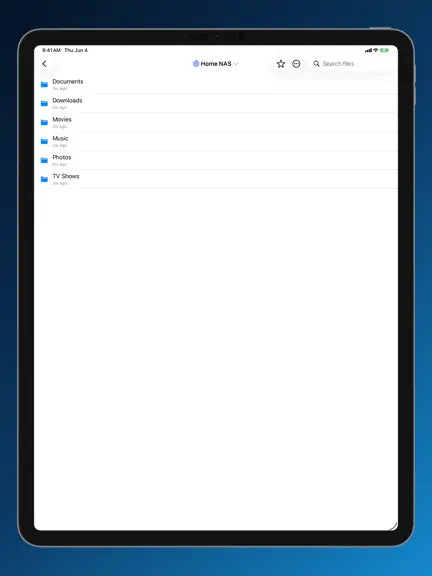
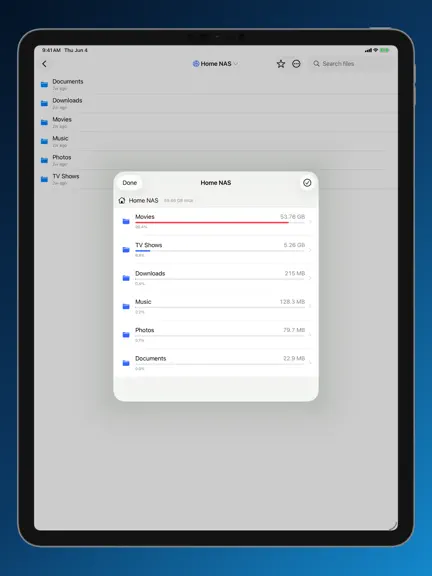
Enter Space connects your cloud storage accounts to your Apple devices and folds them into Files / Finder so they feel native — and ships a v5 toolkit to actually USE that storage well: a duplicate finder with image, video & audio similarity, a storage analyzer, and a code editor with a real git client. One app for iPhone, iPad, Mac, Apple TV & Apple Watch. Monthly, yearly or lifetime plans — Fam…
Trends & analysis
Chart rank trend
US · overallWhy it's surfacing
Scout 9Ratings & velocity
★ 0 in windowRating distribution
100% positive · 2 ratingsGeographic reach
best rank · 0 storefrontsRevenue & downloads trend
ARPU $1In-app purchases
3 tiersUpdate history
5 updates tracked- v6.1.38d ago
Apple Watch: fixed a bug where opening a folder hid the back button — you can always get back to your library now. Layout, sort, and filter moved into a redesigned View Options menu (tap the button top-right, or press and hold the list) with a clean frosted backdrop. Performance: browsing and syncing large libraries on Apple Watch is faster and uses far less memory, and the app is lighter on memory across the board. Plus stability fixes.
- v5.8.026d ago
Version 5.8.0 • NEW — Request Files: ask anyone to send you files, no account needed on their end. On S3-compatible storage the app creates an expiring, upload-only link locked to a folder you pick (it can never read or delete anything); on Dropbox it uses native File Requests. Find it in a storage location's menu. • Google Drive and Google Photos now require your own API credentials: due to a decision by Google, shared access is going away. New connections ask for a Client ID and Secret (with a step-by-step guide linked), and existing Google connections show a warning that walks you through updating and re-authenticating — avoiding any disruption. • Linked folders can be repaired in place: if macOS ever revokes the app's saved permission to a folder (or the folder moves), tap "Fix Folder Link" to re-select it — your syncs and settings stay intact. • Time Portal now finds backup versions no matter where you open it from — versions created by the backup walkthrough were previously only visible when browsing the exact backup folder. • Backups to the same storage no longer share a versions folder (which could mix snapshots and let one backup's cleanup delete another's history) — existing setups are migrated automatically. • Fixed animated images (GIFs and more) showing a black screen in the media viewer — they now play properly, matching their thumbnails. • Time Portal opens dramatically faster: finding your backup snapshots now takes one request instead of one per snapshot, browsing a snapshot loads only the folder you're looking at instead of the entire backup tree, and folders you've already visited reopen instantly. • Stopped the endless "Sync Error" notifications from on-change backups: changed files are now checked against your sync's own exclude rules before copying, and files macOS itself refuses to let any app read (hidden system caches) are quietly skipped instead of failing over and over. • Dragging files from a cloud remote to Finder works again on Mac — it was saving a tiny placeholder instead of the real file, for both single files and multi-selections. • Dragging folders to Finder works too: a false "corrupted on transfer" alarm from certain storage providers no longer cancels the whole folder, and folders inside a multi-selection now download correctly. Thanks for using Enter Space!
- v5.7.31mo ago
Version 5.7.3 • Much faster folder listing: browsing remotes (especially if you have S3/B2 buckets) is no longer slowed down by the storage capacity bars loading in the background — folders open right away again. • Photos Backup fix: creating or editing a Photos Backup scheduled sync no longer gets stuck on a "Folder Access Required" message you couldn't clear — you can save it again. • Apple Watch sync no longer goes backwards: if a folder was briefly unavailable mid-sync, your watch could lose photos and videos it had already downloaded and then re-sync everything. Already-synced media now stays put through a hiccup. • Apple Watch sync is leaner: small photos and clips are no longer needlessly re-uploaded on every sync, saving battery and data. Thanks for using Enter Space!
- v5.6.01mo ago
Version 5.6.0 • NEW Apple Watch app: sync folders of photos, videos, and music to your watch — transcoded to watch-friendly sizes, encrypted end to end, and delivered through your private iCloud so they play with your phone off or out of reach. Library, Recents, and Favorites browsing, crown-zoom photos, video and background audio playback, storage management with an optional cap, and streaming of full-quality originals from your iPhone when it's nearby, plus a watch-face photo complication that flips through a folder you pick — tap to open a photo, turn the crown to zoom, and it stays legible on tinted faces. • Keep Offline: pin any folder of any remote for a complete, encrypted local mirror that stays fresh automatically — browse and preview it even when the remote is unreachable. Per-pin Wi-Fi-only toggle and a new Settings → Offline Files management screen. • Spotlight: find your cloud files in device-wide search, by name and by content (text-like files and PDFs in local sources). You choose what's indexed — hidden files, private remotes, and encrypted remotes stay out unless explicitly opted in. • Shortcuts: Enter Space's full feature surface is now available as chainable App Intents — file operations, share links, offline pins, scheduled syncs, Time Portal recovery, Space Inspector reports, Doppel duplicate scans, git commit & push, and curated settings (secrets are structurally excluded). • Scheduled syncs: new rate-limit controls — a transactions-per-second cap and low-level retries for providers with unpredictable limits like pCloud, plus automatic abort with a clear message if a destination keeps rate-limiting. • Fixes: video files no longer classify as images in remote listings, bandwidth statistics no longer pin a CPU core, and IP address validation requires a full dotted quad. Thanks for using Enter Space!
- v5.5.01mo ago
Version 5.5.0 • Redesigned main screen — your cloud remotes and local folders now share one unified, sortable "Storage" list (sort by name or most‑recently‑used). • Cleaner header — quick buttons to open Files, add storage, get Help, and reach Settings, plus a refreshed Home that surfaces Scheduled Syncs, favorites, and recently played at a glance. • Fixed setting up OneDrive, Koofr, and other providers that ask follow‑up questions — the extra configuration steps now appear reliably and the remote saves correctly the first time. • Fixed the Files / Finder integration not updating when you enable or disable a remote, and improved iCloud sync of your configuration across your devices. • Larger, crisper Enter Space glyph in the Mac menu bar and Finder sidebar. • Added "Report an Issue" and "Suggest a Feature" right inside the Help tab. Thanks for using Enter Space!
Enter Space — FAQ
How much money does Enter Space make?
According to AppCurrents estimates, Enter Space generates approximately $2–$10 per month (low confidence), modeled from its the App Store chart performance, rating velocity, and monetization signals.
How many downloads does Enter Space get?
Enter Space sees an estimated 4–20 downloads per month on the App Store, per AppCurrents modeling.
Is Enter Space free?
Enter Space is free to download on the App Store, monetizing through in-app purchases.
What is Enter Space's rating?
Enter Space holds a 5.00-star average from 2 ratings on the App Store.
When was Enter Space released?
Enter Space launched on the App Store on 15.06.2025. Its latest version shipped 27.07.2026.


