Convert PDF to AutoCad
Convert PDF to AutoCad generates an estimated $0/month in revenue from 30–200 downloads/month on the App Store, according to AppCurrents estimates (updated 2026-08-02).
| Est. revenue / month | $0 |
|---|---|
| Est. downloads / month | 30–200 |
| Estimate confidence | medium |
| Pricing | Free |
| Rating | 4.51 ★ (67 ratings) |
| Category | Productivity |
| Released | 10.07.2019 |
| App last updated | 10.01.2024 |
| Platform | iOS |
Modeled monthly estimate · rating velocity · medium confidence
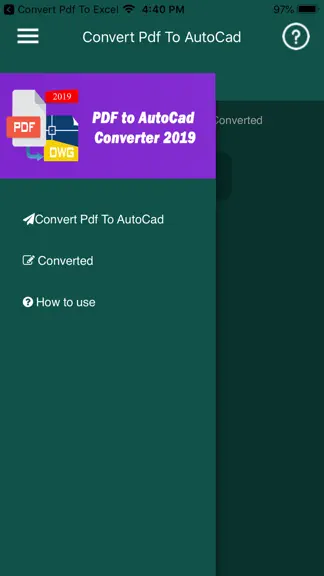
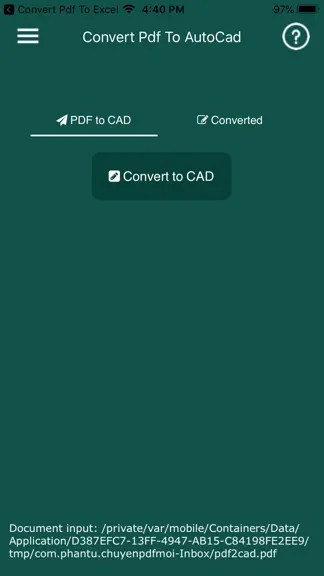
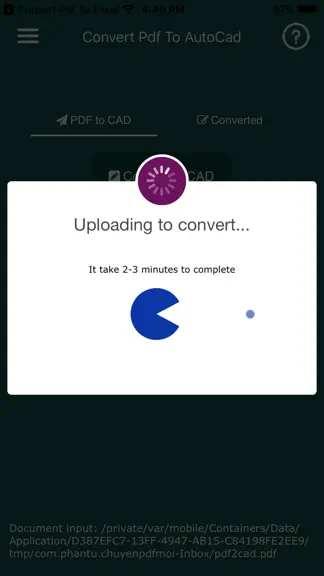
About
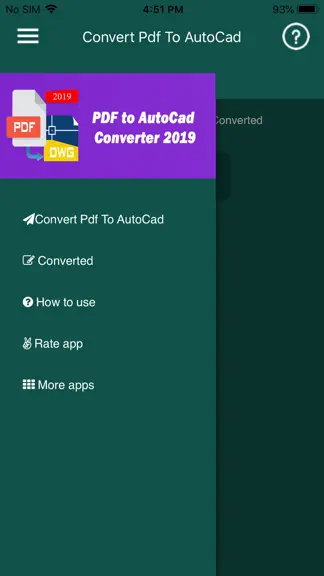
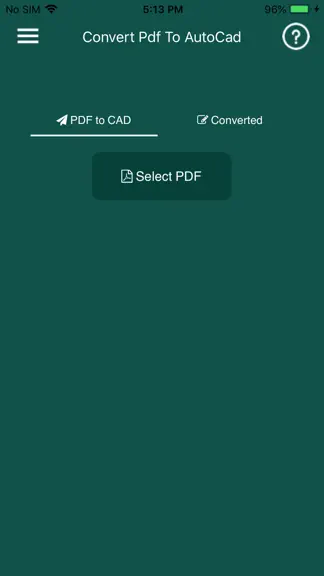
Convert PDF to editable DWG file very easily. The conversion quality will be very nice and crystal clear; lines and arcs are removable or editable, same as the native AutoCAD drawing Convert PDF to AutoCAD DWG either in an application or a powerful app. The drawing will contain texts, lines, polylines, splines and images. Anyone who works with AutoCAD software will have to convert PDFs sooner or…
Trends & analysis
Chart rank trend
US · overallWhy it's surfacing
Scout 7Ratings & velocity
★ 0 in windowRating distribution
88% positive · 67 ratingsGeographic reach
best rank · 0 storefrontsRevenue & downloads trend
ARPU $0Update history
1 update tracked- v4.92.6y ago
Fix current version can not convert file!
Convert PDF to AutoCad — FAQ
How many downloads does Convert PDF to AutoCad get?
Convert PDF to AutoCad sees an estimated 30–200 downloads per month on the App Store, per AppCurrents modeling.
Is Convert PDF to AutoCad free?
Convert PDF to AutoCad is free to download on the App Store, with no in-app purchases detected.
What is Convert PDF to AutoCad's rating?
Convert PDF to AutoCad holds a 4.51-star average from 67 ratings on the App Store.
When was Convert PDF to AutoCad released?
Convert PDF to AutoCad launched on the App Store on 10.07.2019. Its latest version shipped 10.01.2024.


