
CodeMan - VSCode
CodeMan - VSCode generates an estimated $500–$8k/month in revenue from 300–1k downloads/month on the App Store, according to AppCurrents estimates (updated 2026-10-02).
| Est. revenue / month | $500–$8k |
|---|---|
| Est. downloads / month | 300–1k |
| Estimate confidence | medium |
| Pricing | Paid $4.99 |
| Rating | 3.86 ★ (7 ratings) |
| Category | Developer Tools |
| Best chart rank | #35 Developer Tools Paid |
| Released | 05.03.2026 |
| App last updated | 28.09.2026 |
| Platform | iOS |
Modeled monthly estimate · rating velocity · medium confidence
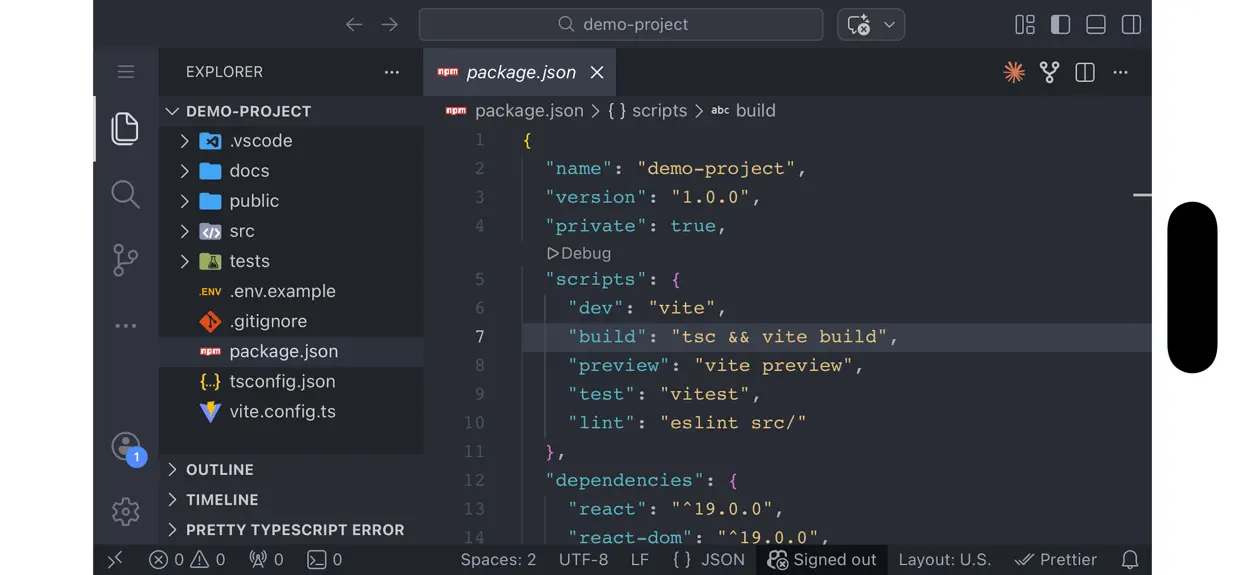
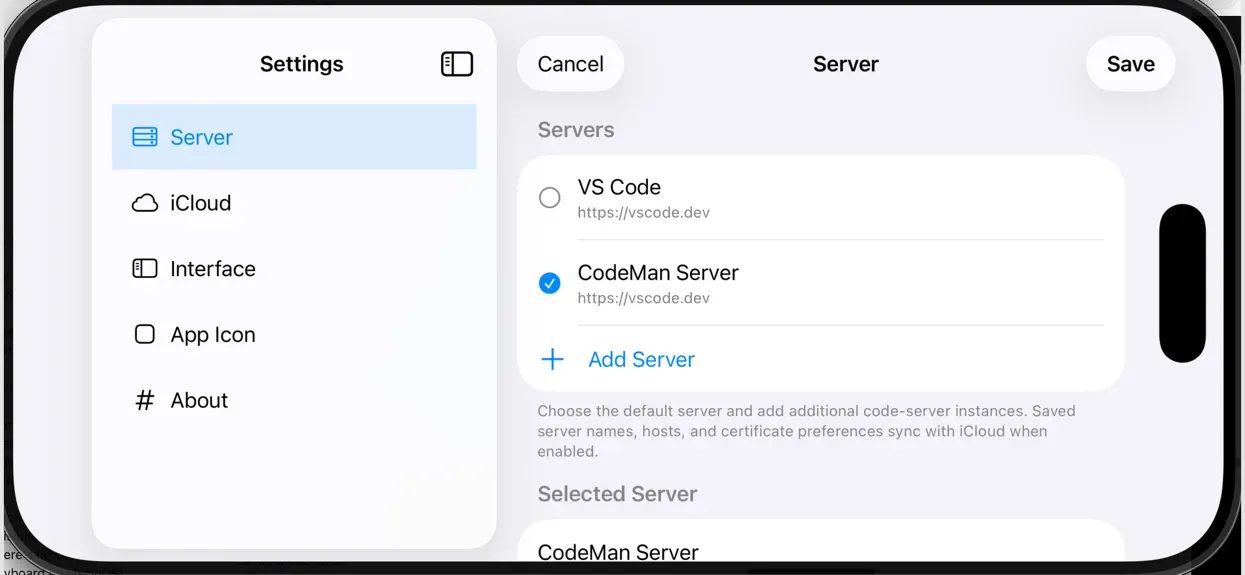
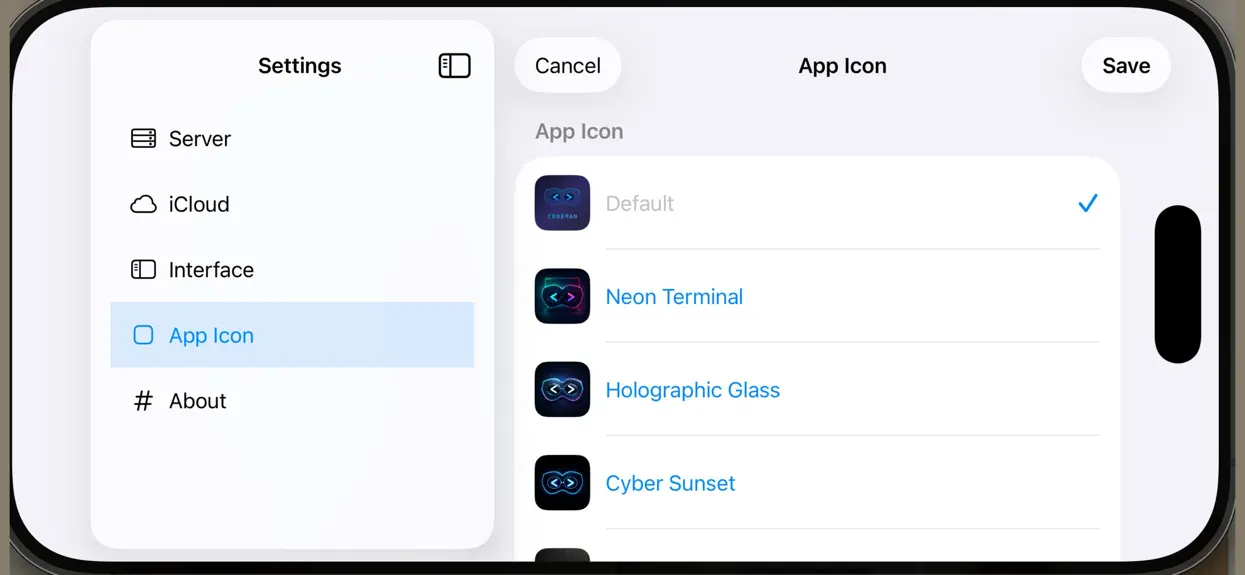
About
Powerful VS Code Integration • Connect to any VS Code server instance (or use vscode.dev) • Full desktop mode for complete feature access • Chromeless browsing for distraction-free coding • Self-signed certificate support for local servers Desktop-Class Keyboard Support • All VS Code keyboard shortcuts work perfectly • Command key passthrough to VS Code • System shortcuts for app functions (Cmd+,…
Trends & analysis
Chart rank trend
US · categoryWhy it's surfacing
Scout 26Ratings & velocity
★ -1.14 in windowRating distribution
80% positive · 5 ratingsGeographic reach
best rank · 1 storefrontRevenue & downloads trend
ARPU $3Update history
8 updates tracked- v1.6.24d ago
New: • Code Keyboard: a built-in keyboard made for coding. Esc, Tab, Ctrl, Cmd, arrow keys, copy, cut, paste, undo and redo sit in its top row, so you no longer need a separate toolbar. • Stays inside the CodeMan window: in Stage Manager and Split View it only spans CodeMan, and the editor resizes to sit above it. • New dark design to match the editor, with monospaced keys, an accent-coloured Return key, and a press animation. • Faster editing: delete and the arrow keys repeat when held. Tap Shift once for one capital, double-tap for caps lock, and use Shift with the arrows to select text. • Code Keyboard switch in Settings → Interface. Turn it off to go back to the system keyboard for dictation, emoji or other languages. Fixes: • Login proxies: fixed an endless sign-in loop for servers behind authentik, Authelia, oauth2-proxy, Cloudflare Access and similar. Their sign-in page links now stay inside the app instead of opening Safari. • Certificate errors: fixed a certificate error that flickered on and off when the server couldn’t be verified. • Retry button: Retry now works when the first connection fails. • Expired certificates: these now show a clear “Certificate Expired” message with steps to fix it.
- v1.6.119d ago
- Refreshed the editor toolbar and tab bar. - Added keyboard shortcuts for switching between editor tabs. - Improved keyboard toolbar layouts on iPhone and in smaller iPad windows. - Improved editor sizing when showing or hiding the keyboard. - Improved touch selection and cut, copy, and paste behavior.
- v1.61mo ago
iPad files are here! • Open entire project folders directly from the iPadOS Files app. • Edit local projects in your connected VS Code Server. • Added a guided setup flow for installing the CodeMan Files extension. • Added Files access from the toolbar, menu bar, and editor actions. Install VSCode extension from either open-vsx or VSCode marketplace: https://open-vsx.org/extension/mjfrey-codeman/codeman-ipad-files https://marketplace.visualstudio.com/items?itemName=mjfrey-codeman.codeman-ipad-files
- v1.5.31mo ago
Bug Fixes and Performance Improvements: * New modern app icons. * Fixed touch text selection and drag-to-select behavior. * Fixed Cut/Copy/Paste actions for selected text. * Added reliable native edit menus for touch interactions. * Improved onscreen keyboard presentation and eliminated invalid input-session errors. * Prevented transient keyboard frames from being mistaken for hardware keyboards. * Improved focus and responder handling in the embedded code editor.
- v1.5.22mo ago
Bug Fixes and Performance Improvements • Improved tab reliability: all open tabs now restore more consistently after restarting the app. • VS Code and extension preferences, including dismissed notifications, now persist across app launches. • Added an Editor Actions menu with tab overview, inactive-tab suspension, immersive mode, and new-window controls. • Hold ⌘ for two seconds to view an in-app keyboard shortcut reference. • Fixed an issue that could cause tabs to disappear when switching between them. • Improved compatibility with servers that redirect between HTTP and HTTPS. • Fixes HW keyboard detection along with copy / paste.
CodeMan - VSCode — FAQ
How much money does CodeMan - VSCode make?
According to AppCurrents estimates, CodeMan - VSCode generates approximately $500–$8k per month (medium confidence), modeled from its the App Store chart performance, rating velocity, and monetization signals.
How many downloads does CodeMan - VSCode get?
CodeMan - VSCode sees an estimated 300–1k downloads per month on the App Store, per AppCurrents modeling.
Is CodeMan - VSCode free?
CodeMan - VSCode is a paid app priced at $4.99 on the App Store.
What is CodeMan - VSCode's rating?
CodeMan - VSCode holds a 3.86-star average from 7 ratings on the App Store. It currently ranks #35 on the Developer Tools paid chart.
When was CodeMan - VSCode released?
CodeMan - VSCode launched on the App Store on 05.03.2026. Its latest version shipped 28.09.2026.


