
Chess Studio Lite generates an estimated $0/month in revenue from 6–30 downloads/month on the App Store, according to AppCurrents estimates (updated 2026-08-02).
| Est. revenue / month | $0 |
|---|---|
| Est. downloads / month | 6–30 |
| Estimate confidence | medium |
| Pricing | Free |
| Rating | 4.36 ★ (11 ratings) |
| Category | Games |
| Released | 03.09.2013 |
| App last updated | 05.07.2026 |
| Platform | iOS |
Modeled monthly estimate · rating velocity · medium confidence
About
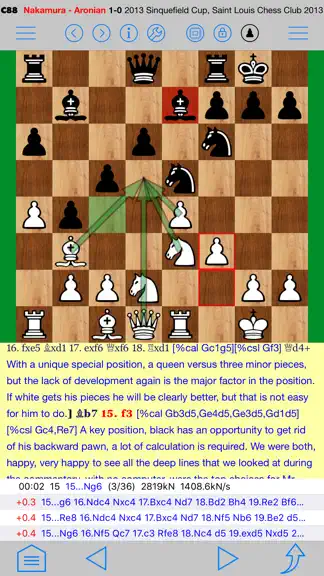
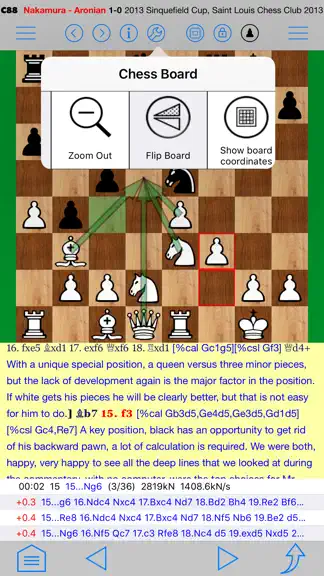
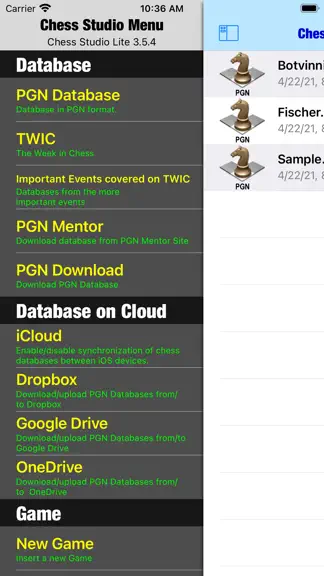
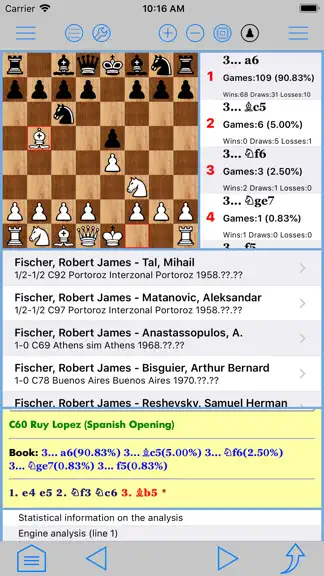
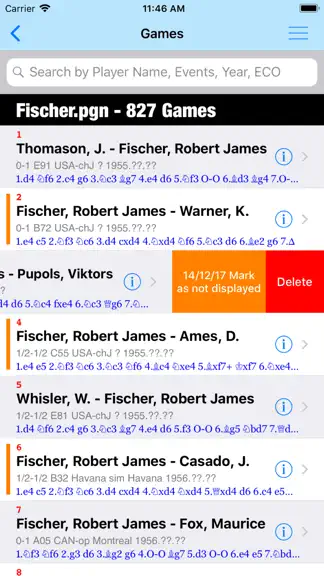
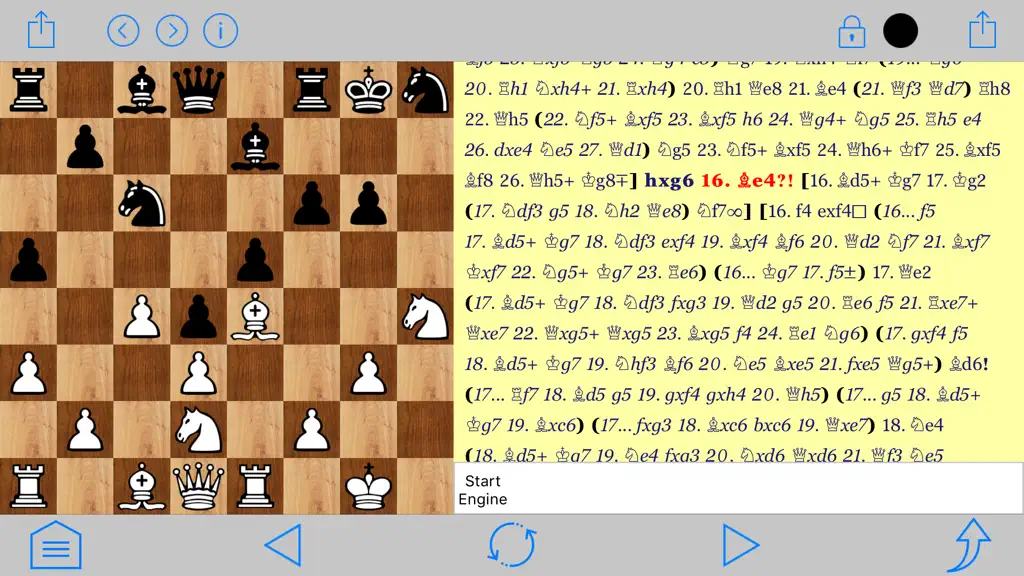
Chess Studio is the first and only application for iPhone and iPad able to completely manage chess database and games in PGN format. Chess Studio is an application designed and built for those players who really want to deepen their knowledge in the field of chess, studying chess regularly and participate in tournaments. Chess Studio allows you to: • Read database and games in PGN format (also…
Trends & analysis
Chart rank trend
US · overallWhy it's surfacing
Scout 6Ratings & velocity
★ 0 in windowRating distribution
82% positive · 11 ratingsGeographic reach
best rank · 0 storefrontsRevenue & downloads trend
ARPU $0Update history
3 updates tracked- v4.8.41mo ago
- IN THIS RELEASE (4.8.4) • Fixed an issue that caused abnormal application behavior in the game data section. • Fixed an issue that occurred when managing the application settings. • Minor bug fixes, general improvements and optimizations. - MAIN FEATURES INTRODUCED IN THE LATEST RELEASES • The new version of the Stockfish 18 engine with Neural Network (NNUE) support has been integrated. According to the authors, Stockfish 18 shows a consistent improvement in performance, with an Elo gain of up to 46 points and winning close to 2 times more game pairs than it loses. • The Unique online Database with over 11 million games is available. In addition to standard browsing, it is possible to perform targeted searches by data or position. The Unique Database will be updated regularly. • Added the ability to perform searches in a Database based on PGN Tags (Event, Date, White, Black, ECO, Elo, etc.). This section can be accessed from the main menu. • Diagram Recognition: this feature allows the user to take and/or upload photos of chess diagrams and convert them into PGN format positions. It is also possible to upload images containing multiple chess diagrams. • From the Help section, you can download the updated full description of the application. The same description can be viewed at the following address: https://chessstudio.wordpress.com/chess-studio-2/. • Chess Studio is enhanced with a new feature: the ability to browse an Online Database of games organized by Year and Tournament since 1560. This extensive Online Database will be updated daily with new tournaments and games. In the Lite version, access is possible but with limitations. • A new training feature has been added: the user can load a game from a database and decide whether to move for White or Black without seeing the moves to evaluate his skills. At the end a report will be produced that traces the entire training session. It is possible to use this functionality either by choosing the game to train with or by letting the application decide the game in random mode. To use this functionality, some settings are possible via an appropriate interface. You can access to this functionality from the menu at the top center of the chessboard screen. • Chess Studio can now read databases in ChessBase format. It can import cbh, cbp, cbt, cbg, cba, cbs and cbc formats, thus it is able to interpret not only the moves of a game but also the variations and comments. • New feature: Search for games by position. This new feature is found in the main menu under the "PGN Tools" section. It allows you to search for games in a database starting from a given position. The position can be set both with normal pieces but also with different symbols that have different meanings. In this way it will be possible to search, for example, all the games that have a typical pawn structure regardless of the position of the other pieces. • Possibility to choose between different layouts of the board on the screen according to the user's needs. For those using Chess Studio on the iPad, this feature allows you to scroll through the moves of a game with a tap on the right or left of the chessboard. • Possibility of playing online using the Lichess platform. For blind or visually impaired players this feature is fully supported by Voice Over. • Automatic insertion of engine analysis into games. To enter the analysis, simply touch the engine analysis line. To use this feature you need to activate it in the application settings. • From the opening section of a database it is possible to save the games relating to a single ECO code or to a single opening variant in a new database.
- v4.8.31mo ago
- IN THIS RELEASE (4.8.3) • Corrections and improvements in the Opening Books section: improved display of Opening Book moves. • New Celtic piece set. • Improvements in the display of diagrams within a game: compatibility with games produced by Hiarcs. • Minor bug fixes, general improvements and optimizations. - MAIN FEATURES INTRODUCED IN THE LATEST RELEASES • The new version of the Stockfish 18 engine with Neural Network (NNUE) support has been integrated. According to the authors, Stockfish 18 shows a consistent improvement in performance, with an Elo gain of up to 46 points and winning close to 2 times more game pairs than it loses. • The Unique online Database with over 11 million games is available. In addition to standard browsing, it is possible to perform targeted searches by data or position. The Unique Database will be updated regularly. • Added the ability to perform searches in a Database based on PGN Tags (Event, Date, White, Black, ECO, Elo, etc.). This section can be accessed from the main menu. • Diagram Recognition: this feature allows the user to take and/or upload photos of chess diagrams and convert them into PGN format positions. It is also possible to upload images containing multiple chess diagrams. • From the Help section, you can download the updated full description of the application. The same description can be viewed at the following address: https://chessstudio.wordpress.com/chess-studio-2/. • Chess Studio is enhanced with a new feature: the ability to browse an Online Database of games organized by Year and Tournament since 1560. This extensive Online Database will be updated daily with new tournaments and games. In the Lite version, access is possible but with limitations. • A new training feature has been added: the user can load a game from a database and decide whether to move for White or Black without seeing the moves to evaluate his skills. At the end a report will be produced that traces the entire training session. It is possible to use this functionality either by choosing the game to train with or by letting the application decide the game in random mode. To use this functionality, some settings are possible via an appropriate interface. You can access to this functionality from the menu at the top center of the chessboard screen. • Chess Studio can now read databases in ChessBase format. It can import cbh, cbp, cbt, cbg, cba, cbs and cbc formats, thus it is able to interpret not only the moves of a game but also the variations and comments. • New feature: Search for games by position. This new feature is found in the main menu under the "PGN Tools" section. It allows you to search for games in a database starting from a given position. The position can be set both with normal pieces but also with different symbols that have different meanings. In this way it will be possible to search, for example, all the games that have a typical pawn structure regardless of the position of the other pieces. • Possibility to choose between different layouts of the board on the screen according to the user's needs. For those using Chess Studio on the iPad, this feature allows you to scroll through the moves of a game with a tap on the right or left of the chessboard. • Possibility of playing online using the Lichess platform. For blind or visually impaired players this feature is fully supported by Voice Over. • Automatic insertion of engine analysis into games. To enter the analysis, simply touch the engine analysis line. To use this feature you need to activate it in the application settings. • From the opening section of a database it is possible to save the games relating to a single ECO code or to a single opening variant in a new database.
- v4.8.22mo ago
- IN THIS RELEASE (4.8.2) • Improvements to automatic game replay. • Improvements to the Database/Folders screen. Added a button with a menu for the selected database or folder. • Improvements and new themes for displaying the chessboard and pieces. • In the Online Publications section, it is now possible to read the FIDE newsletters. • Fixed an issue that occurred during training with games. • Minor bug fixes, general improvements and optimizations. - MAIN FEATURES INTRODUCED IN THE LATEST RELEASES • The new version of the Stockfish 18 engine with Neural Network (NNUE) support has been integrated. According to the authors, Stockfish 18 shows a consistent improvement in performance, with an Elo gain of up to 46 points and winning close to 2 times more game pairs than it loses. • The Unique online Database with over 11 million games is available. In addition to standard browsing, it is possible to perform targeted searches by data or position. The Unique Database will be updated regularly. • Added the ability to perform searches in a Database based on PGN Tags (Event, Date, White, Black, ECO, Elo, etc.). This section can be accessed from the main menu. • Diagram Recognition: this feature allows the user to take and/or upload photos of chess diagrams and convert them into PGN format positions. It is also possible to upload images containing multiple chess diagrams. • From the Help section, you can download the updated full description of the application. The same description can be viewed at the following address: https://chessstudio.wordpress.com/chess-studio-2/. • Chess Studio is enhanced with a new feature: the ability to browse an Online Database of games organized by Year and Tournament since 1560. This extensive Online Database will be updated daily with new tournaments and games. In the Lite version, access is possible but with limitations. • A new training feature has been added: the user can load a game from a database and decide whether to move for White or Black without seeing the moves to evaluate his skills. At the end a report will be produced that traces the entire training session. It is possible to use this functionality either by choosing the game to train with or by letting the application decide the game in random mode. To use this functionality, some settings are possible via an appropriate interface. You can access to this functionality from the menu at the top center of the chessboard screen. • Chess Studio can now read databases in ChessBase format. It can import cbh, cbp, cbt, cbg, cba, cbs and cbc formats, thus it is able to interpret not only the moves of a game but also the variations and comments. • New feature: Search for games by position. This new feature is found in the main menu under the "PGN Tools" section. It allows you to search for games in a database starting from a given position. The position can be set both with normal pieces but also with different symbols that have different meanings. In this way it will be possible to search, for example, all the games that have a typical pawn structure regardless of the position of the other pieces. • Possibility to choose between different layouts of the board on the screen according to the user's needs. For those using Chess Studio on the iPad, this feature allows you to scroll through the moves of a game with a tap on the right or left of the chessboard. • Possibility of playing online using the Lichess platform. For blind or visually impaired players this feature is fully supported by Voice Over. • Automatic insertion of engine analysis into games. To enter the analysis, simply touch the engine analysis line. To use this feature you need to activate it in the application settings. • From the opening section of a database it is possible to save the games relating to a single ECO code or to a single opening variant in a new database.
Chess Studio Lite — FAQ
How many downloads does Chess Studio Lite get?
Chess Studio Lite sees an estimated 6–30 downloads per month on the App Store, per AppCurrents modeling.
Is Chess Studio Lite free?
Chess Studio Lite is free to download on the App Store, with no in-app purchases detected.
What is Chess Studio Lite's rating?
Chess Studio Lite holds a 4.36-star average from 11 ratings on the App Store.
When was Chess Studio Lite released?
Chess Studio Lite launched on the App Store on 03.09.2013. Its latest version shipped 05.07.2026.


