
Chess Studio Lite generates an estimated $0/month in revenue from 0 downloads/month on the App Store, according to AppCurrents estimates (updated 2026-08-02).
| Est. revenue / month | $0 |
|---|---|
| Est. downloads / month | 0 |
| Estimate confidence | low |
| Pricing | Free |
| Rating | 0.00 ★ (0 ratings) |
| Category | Games |
| Released | 21.12.2016 |
| App last updated | 13.07.2026 |
| Platform | iOS |
Modeled monthly estimate · rating velocity · low confidence
About
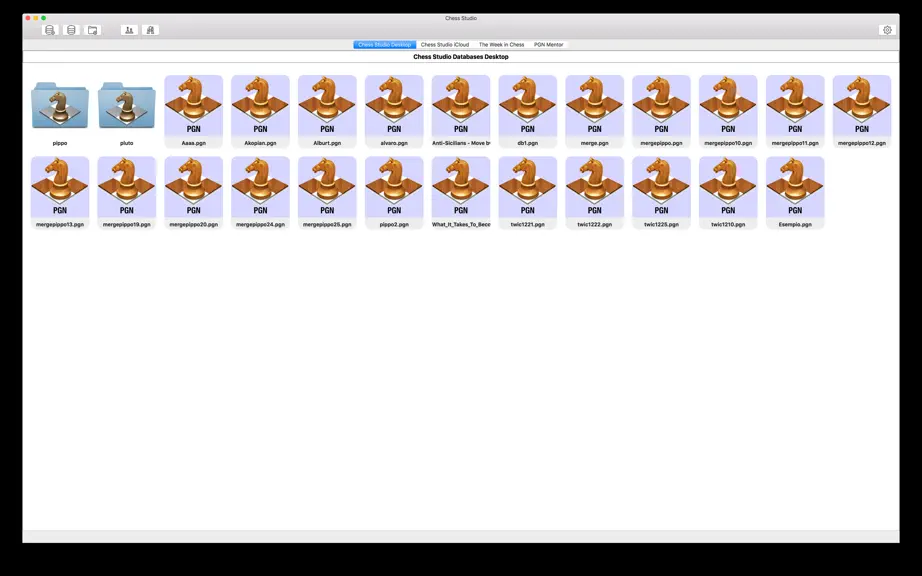
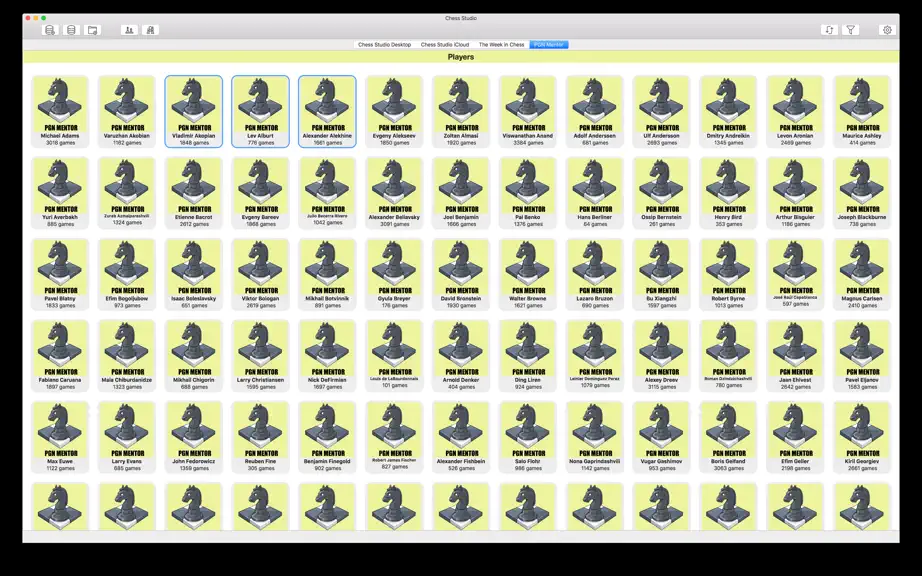
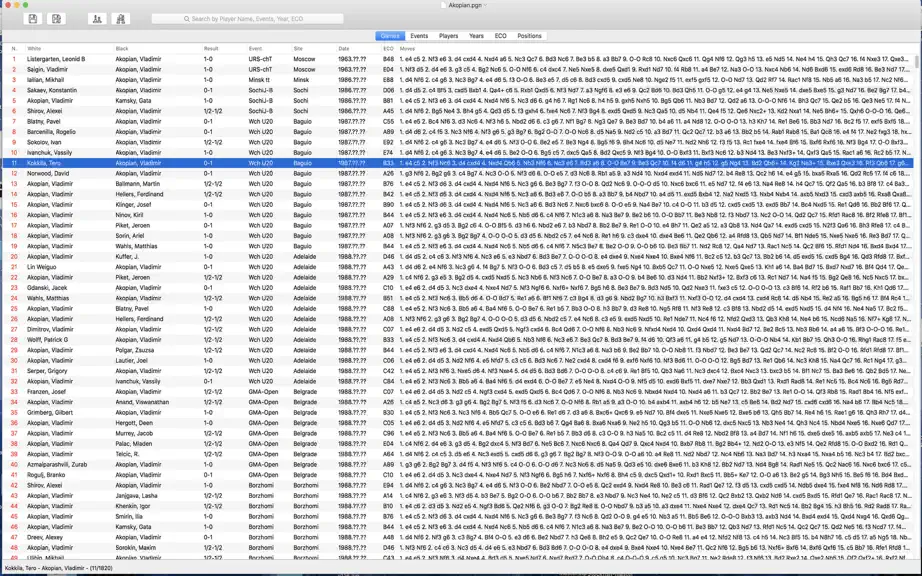
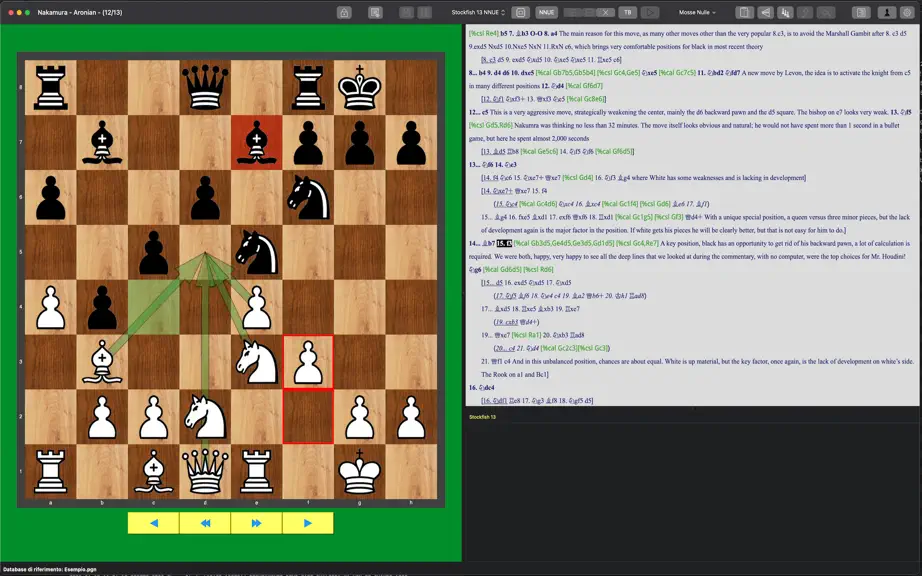
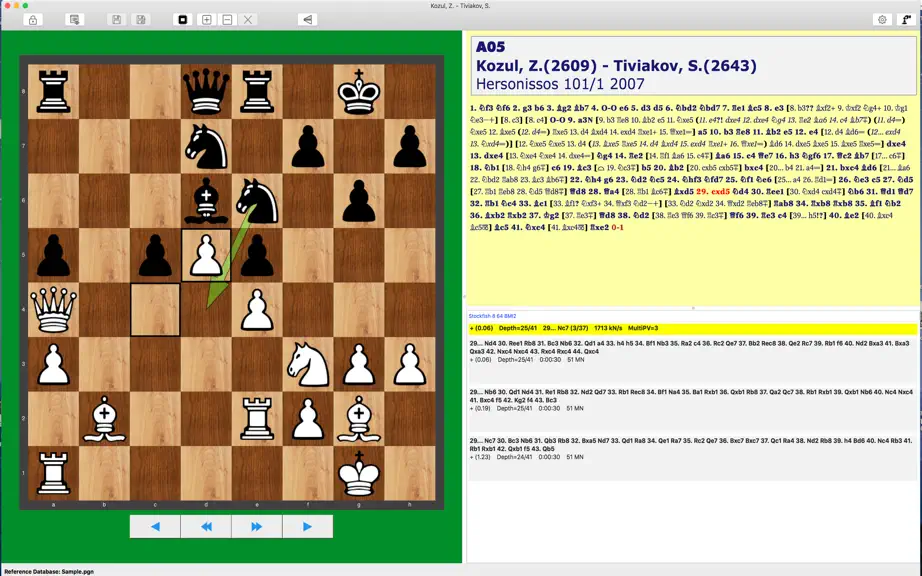
Chess Studio for Mac is the OS X version of the homonymous application for iPhone / iPad. If you own an iPhone or an iPad try Chess Studio immediately! Chess Studio is an application designed and built for those players who really want to deepen their knowledge in the field of chess, studying chess regularly and participate in tournaments. The author of Chess Studio, in addition to being an IT…
Trends & analysis
Chart rank trend
US · overallWhy it's surfacing
Scout 4Ratings & velocity
★ 0 in windowGeographic reach
best rank · 0 storefrontsRevenue & downloads trend
monthly estimateUpdate history
2 updates tracked- v1.8.523d ago
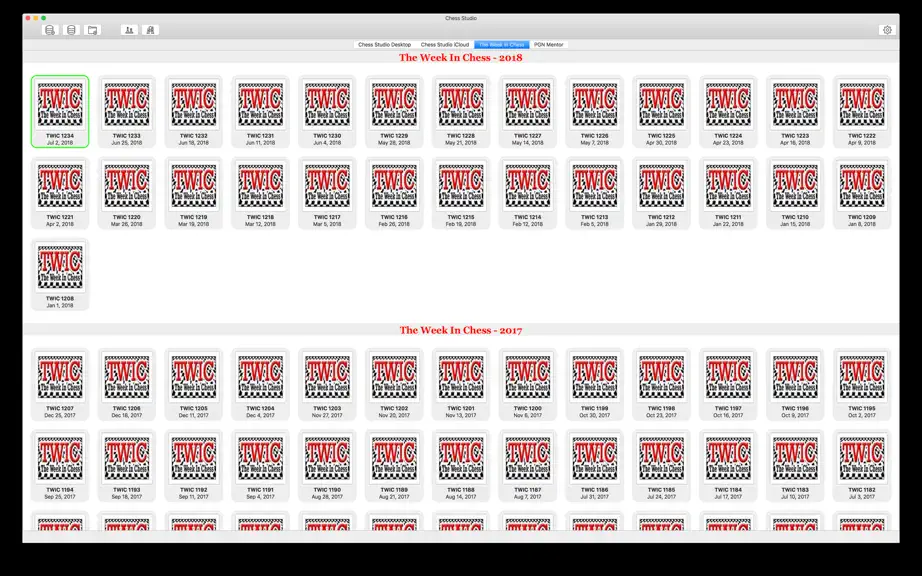
- IN THIS RELEASE (1.8.5) • Chess Studio is enhanced with two new features: the first is the ability to browse an online game database organized by year and by tournament, starting from 1560. This large online database will be regularly updated with new tournaments and new games. The second feature concerns the availability of a single online database containing more than 11 million games. In addition to normal browsing, targeted searches can be performed by data or by position. The single database will be regularly updated. Access to these databases requires a Premium subscription. • Improvements and bug fixes in other sections of the app. • Minor bug fixes, improvements and optimizations. - LAST UPDATES • Added the new Lichess Explorer feature, which allows you to browse Lichess online databases (Master and Lichess database). To access this feature, you must log in to Lichess. The Master Database contains more than 2 million games, while the Lichess Database contains more than 6 billion games. • The new version of the Stockfish 18 engine with Neural Network (NNUE) support has been integrated. According to the authors, Stockfish 18 shows a consistent improvement in performance, with an Elo gain of up to 46 points and winning close to 4 times more game pairs than it loses. • Diagram Recognition: this new feature allows the user to take and/or upload photos of chess diagrams and convert them into PGN format positions. It is also possible to upload images containing multiple chess diagrams. • Chess Studio is now able to manage large PGN databases which can cause slowdowns or, in some cases, closure of the application. These large databases are managed in indexed mode so the impact on memory is practically zero. The user is warned when attempting to open a Database. • The functionality of Folding/Unfolding of variants has been added. In a game the variants can all be closed to improve the readability of the game itself. They can be opened as needed. This feature can be turned on or off in the general application settings. • The new section dedicated to personal databases on the Cloud is available. As in the iOS version, you can create your own databases on the Cloud and populate them with games. You can create as many Databases as you want, for example each with a theme that interests you, and upload the games that are most significant to you. Obviously the Databases are also visible from the iOS version of Chess Studio and vice versa. • The Opening Books section has been introduced. In order to create an opening book it is necessary to start from a database by clicking with the right mouse button and selecting "Create Opening Book". • The interface that contains the moves of a game has been modified and enhanced. The default settings have been changed but the interface is completely configurable by the user. You can change the colors of the background and the moves. There are ten types of figurines to represent the pieces. You can view a game in compact mode or with a high degree of indentation, you can adjust margins, line spacing and alignment. It is possible to insert fully configurable diagrams within a game (you can set pieces, board border and coordinates). And much more! As always, you can set the parameters relating to the single game or relating to the entire application. The former are not permanent, the latter are saved by the application. • It is now possible to transfer games from one database to another by copying/pasting or by dragging the selected game from one database to another. The copy/paste can be done either by clicking on the game selected with the right mouse button, or by using the actions from Menu, or by using the buttons in the database window.
- v1.8.42mo ago
- IN THIS RELEASE (1.8.4) • Added the new Lichess Explorer feature, which allows you to browse Lichess online databases (Master and Lichess database). To access this feature, you must log in to Lichess. The Master Database contains more than 2 million games, while the Lichess Database contains more than 6 billion games. • Improvements and bug fixes in other sections of the app. • Minor bug fixes, improvements and optimizations. - LAST UPDATES • The new version of the Stockfish 18 engine with Neural Network (NNUE) support has been integrated. According to the authors, Stockfish 18 shows a consistent improvement in performance, with an Elo gain of up to 46 points and winning close to 4 times more game pairs than it loses. • Diagram Recognition: this new feature allows the user to take and/or upload photos of chess diagrams and convert them into PGN format positions. It is also possible to upload images containing multiple chess diagrams. • Chess Studio is now able to manage large PGN databases which can cause slowdowns or, in some cases, closure of the application. These large databases are managed in indexed mode so the impact on memory is practically zero. The user is warned when attempting to open a Database. • The functionality of Folding/Unfolding of variants has been added. In a game the variants can all be closed to improve the readability of the game itself. They can be opened as needed. This feature can be turned on or off in the general application settings. • The new section dedicated to personal databases on the Cloud is available. As in the iOS version, you can create your own databases on the Cloud and populate them with games. You can create as many Databases as you want, for example each with a theme that interests you, and upload the games that are most significant to you. Obviously the Databases are also visible from the iOS version of Chess Studio and vice versa. • The Opening Books section has been introduced. In order to create an opening book it is necessary to start from a database by clicking with the right mouse button and selecting "Create Opening Book". • A new section dedicated to the most important tournaments both in progress and completed in the last year has been added. From this section the user can download the games played in the Tournament, can view the website and the results relating to the Tournament. • New option to show Win-Draw-Loss (WDL) probabilities when the engine is analyzing. Enable WDL with the appropriate button or from the menu bar. • The interface that contains the moves of a game has been modified and enhanced. The default settings have been changed but the interface is completely configurable by the user. You can change the colors of the background and the moves. There are ten types of figurines to represent the pieces. You can view a game in compact mode or with a high degree of indentation, you can adjust margins, line spacing and alignment. It is possible to insert fully configurable diagrams within a game (you can set pieces, board border and coordinates). And much more! As always, you can set the parameters relating to the single game or relating to the entire application. The former are not permanent, the latter are saved by the application. • It is now possible to transfer games from one database to another by copying/pasting or by dragging the selected game from one database to another. The copy/paste can be done either by clicking on the game selected with the right mouse button, or by using the actions from Menu, or by using the buttons in the database window.
Chess Studio Lite — FAQ
How many downloads does Chess Studio Lite get?
Chess Studio Lite sees an estimated 0 downloads per month on the App Store, per AppCurrents modeling.
Is Chess Studio Lite free?
Chess Studio Lite is free to download on the App Store, with no in-app purchases detected.
When was Chess Studio Lite released?
Chess Studio Lite launched on the App Store on 21.12.2016. Its latest version shipped 13.07.2026.


