
Breveto generates an estimated $1–$3/month in revenue from 3–20 downloads/month on the App Store, according to AppCurrents estimates (updated 2026-06-17).
| Est. revenue / month | $1–$3 |
|---|---|
| Est. downloads / month | 3–20 |
| Estimate confidence | medium |
| Pricing | Free + IAP |
| Rating | 5.00 ★ (5 ratings) |
| Category | Productivity |
| Released | 15.03.2023 |
| App last updated | 17.01.2026 |
| Platform | iOS |
Modeled monthly estimate · rating velocity · medium confidence
About
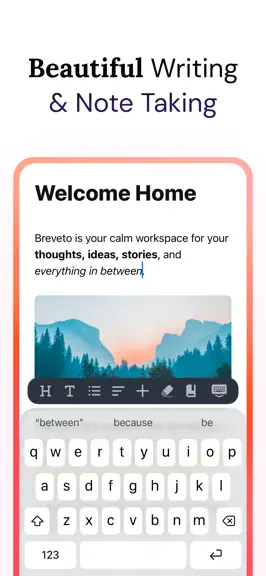
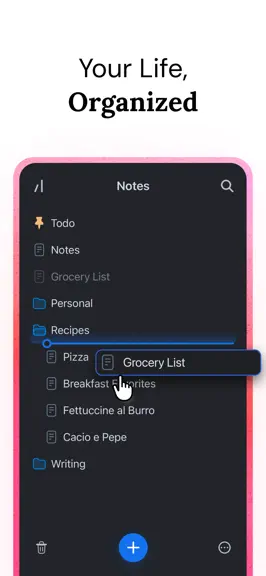
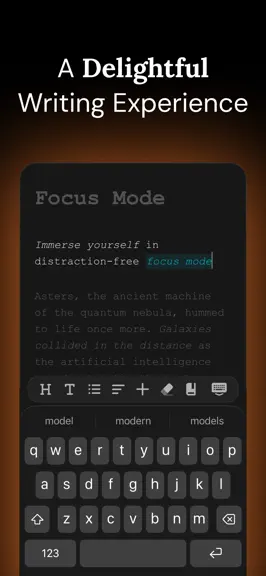
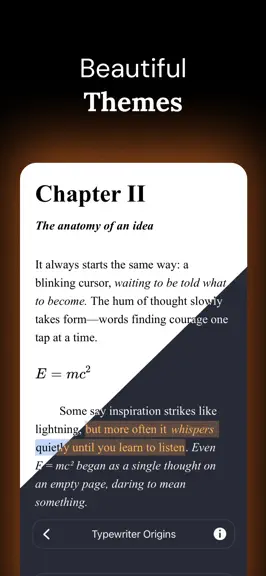
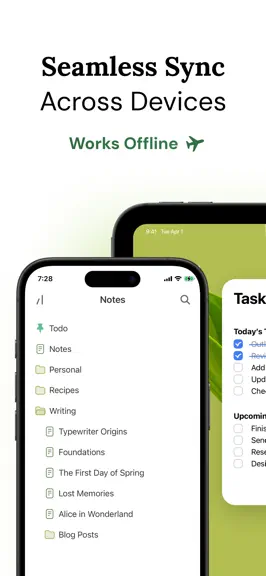
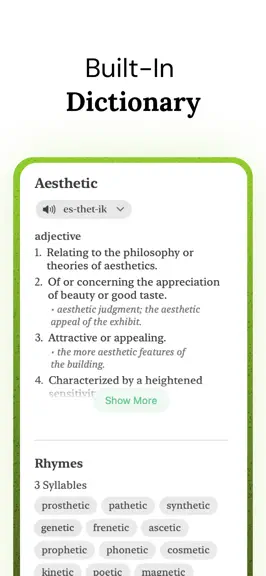
Welcome to your calm workspace for notes, ideas, stories, and everything in between. Breveto is a beautiful, minimal writing app with powerful features — a place to keep your life organized. ## A DELIGHTFUL WRITING EXPERIENCE Once you’ve tried Breveto, you’ll never look back. Every detail has been crafted to make writing a joy. • Immerse yourself in distraction-free focus mode. • Effortlessly fo…
Trends & analysis
Chart rank trend
US · overallWhy it's surfacing
Scout 6Ratings & velocity
★ 0 in windowRating distribution
100% positive · 5 ratingsGeographic reach
best rank · 0 storefrontsRevenue & downloads trend
ARPU $0In-app purchases
2 tiersUpdate history
1 update tracked- v2.3.05mo ago
This update adds inter-document links and polishes up some of Breveto's other features! • Document Links — Type @ or [[ anywhere in your document to link to another file. • Slash Commands — Breveto now optionally supports slash commands, which you can enable in the editor settings. • Edit Image Alt Text — Add and edit an image's alt text from the floating menu when you click an image. • Automatic Headings — Breveto automatically adds a heading to new files when you rename them. This can be turned off in the general settings. • Automatic Matching Brackets — Breveto intelligently adds matching brackets when typing an opening bracket like {, [, or (. ## IMPROVEMENTS • Right-click (or long-press) one or more files and click "Move To" to move them to a specific folder or workspace. • You can now turn on automatic to-do list sorting in the editor settings. • Navigate spellcheck suggestions with Control + P or Control + N. • Typing ~= or (deg) now auto-completes to ≈ and ∘. • Improved the floating menu animations and design. • The New File button on Mac can now be dragged to create a new file, just like on iOS. • Customize the heading font separately from the editor's font. • Customize Breveto's font weight and letter spacing. • Pressing delete at the start of a blockquote now deletes the blockquote, instead of combining the blockquote content with the previous content. • If you have a link in your clipboard when clicking the link button, it now automatically pastes the link into the link editor. ## FIXES • Fixed an bug where navigation on iPhone would sometimes disappear. • Fixed images requiring two taps on iOS to preview them. • Fixed multiple editor interaction bugs on iOS. • Fixed dragging a new file into a closed folder not opening it. • Fixed pasting images into Breveto not always working. • Fixed multiple bugs when resizing images. • Fixed list item alignment when using a custom line height or font size. • Fixed indentation not working for ordered lists. • Fixed multiple bugs with indent and outdent. ## QUESTIONS? FEEDBACK? We'd love to hear your feedback and know how we can make Breveto perfect for you! Get in touch: https://breveto.app/support
Breveto — FAQ
How much money does Breveto make?
According to AppCurrents estimates, Breveto generates approximately $1–$3 per month (medium confidence), modeled from its the App Store chart performance, rating velocity, and monetization signals.
How many downloads does Breveto get?
Breveto sees an estimated 3–20 downloads per month on the App Store, per AppCurrents modeling.
Is Breveto free?
Breveto is free to download on the App Store, monetizing through in-app purchases.
What is Breveto's rating?
Breveto holds a 5.00-star average from 5 ratings on the App Store.
When was Breveto released?
Breveto launched on the App Store on 15.03.2023. Its latest version shipped 17.01.2026.


