
Blink Shell, Build & Code
Blink Shell, Build & Code generates an estimated $3k–$18k/month in revenue from 10k–42k downloads/month on the App Store, according to AppCurrents estimates (updated 2026-10-02).
| Est. revenue / month | $3k–$18k |
|---|---|
| Est. downloads / month | 10k–42k |
| Estimate confidence | low |
| Pricing | Free + IAP |
| Rating | 3.12 ★ (419 ratings) |
| Category | Developer Tools |
| Best chart rank | #17 Developer Tools Grossing |
| Released | 09.02.2022 |
| App last updated | 17.09.2026 |
| Platform | iOS |
Modeled monthly estimate · rating velocity · low confidence
About
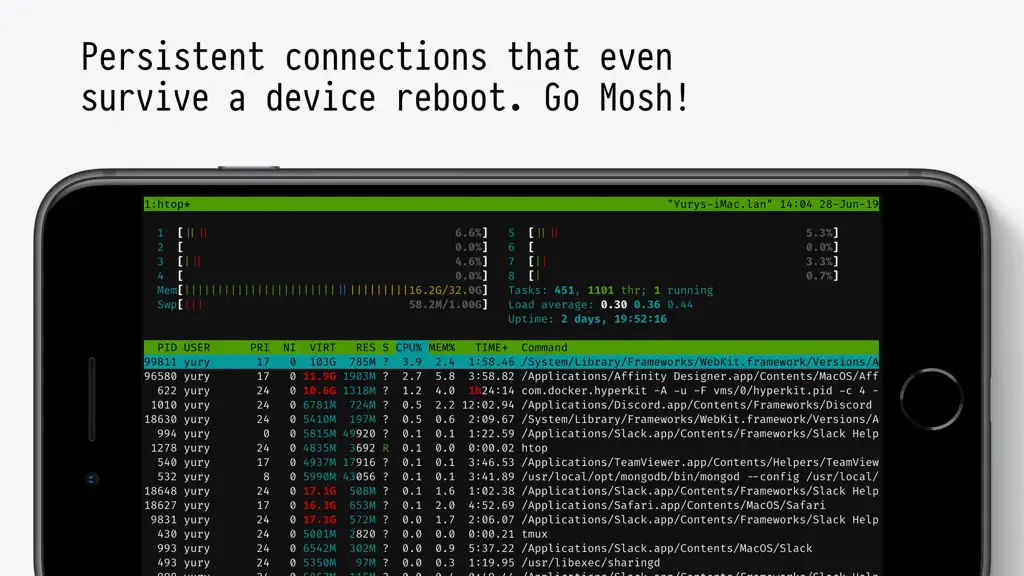
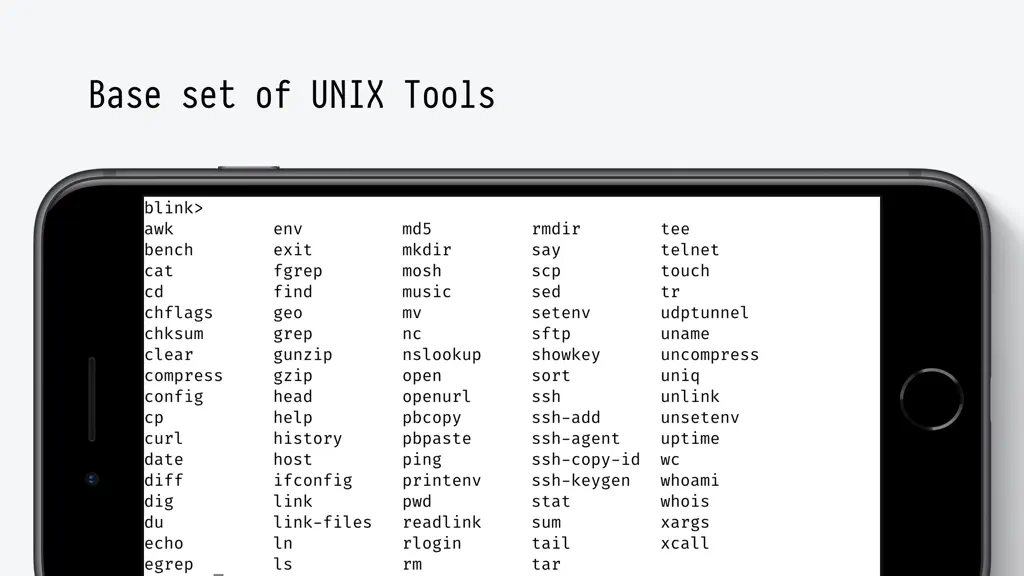
Do Blink! Transform your iOS device into a pro-grade terminal. Blink is the first professional, desktop-grade terminal for iOS that leverages the support of Mosh and SSH. Thus, we can guarantee stable connections, crazy-fast speeds, and full configurations. It can and should be your all-day-long tool. **Start your 14-day free trial now!** But, Blink is much more. Now with Blink Code and Blink Bu…
Trends & analysis
Chart rank trend
US · categoryWhy it's surfacing
Scout 29Ratings & velocity
★ +0.05 in windowRating distribution
51% positive · 409 ratingsGeographic reach
best rank · 1 storefrontRevenue & downloads trend
ARPU $0In-app purchases
4 tiersUpdate history
4 updates tracked- v18.7.114d ago
v18.7.1 - Bringing back the `blinkshell` xcallback-url so your workflows are not interrupted. A new version is coming, please check out https://github.com/blinksh/blink/issues/2253
- v18.7.01mo ago
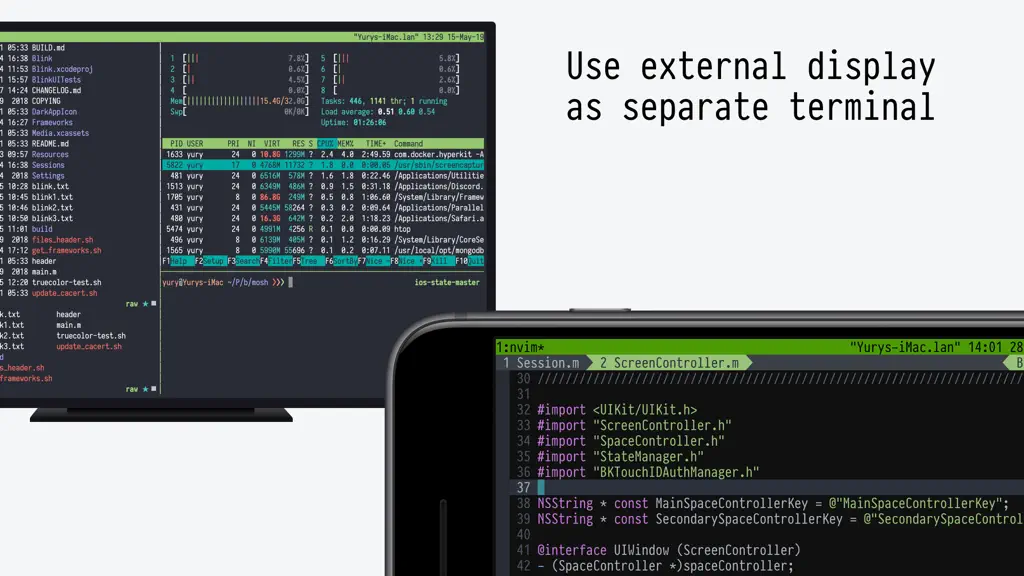
Blink 18.7.0 Three of Blink's core systems — the session engine, the layout manager and the appearance system — were rebuilt from the ground up. Everything should feel faster and far more predictable, and it lays the groundwork for what's coming next. BEFORE YOU UPDATE - Your running sessions will not be restored, for the first time in ten years— the session format changed. Please terminate any mosh-server processes on your remotes before updating, or you will leave them orphaned. NEW - Post-quantum SSH. Updated to LibSSH 0.12 and OpenSSL 3.0, adding support for post-quantum key exchange. SetEnv is now supported in SSH config and on the command line. - Fonts and themes. A new Appearance section: import fonts and themes from your device or straight from a URL, pick any monospaced font installed on your system, and assign an alternative theme that kicks in automatically in dark mode — or flip it live with the switchTheme shortcut. - A new Display section to separate features that pertain to layout. - A new session engine. Your workspace is now owned by a single engine that decides when sessions suspend, restore and stop. Day to day you may not notice a thing, and that is the point. - Smarter layouts. Cover, Fit and Fill were rebuilt with better math for every screen. Cover now properly covers the bottom of the terminal, Fit always respects the Status Bar, and the layout locks in place instead of being pulled around by the keyboard. - Pragmata updated to 903 with better symbols. FIXED - Blank terminal that needed an Enter to redraw - Mosh sessions occasionally needing a tab switch to resume - Software keyboard placement - Blink stealing focus back from apps running side by side - Paste landing on the previous terminal after opening a new window - Terminal font, theme and zoom silently resetting to defaults - Copying a selection containing wide characters returned the wrong text - Bookmarked folders not being reachable from the command line right after launch - Missing glyphs now fall back to Pragmata Pro. - IME colors, cursor blink saving, secondary click and drag, and an updated hterm - Several crashes when returning to the app AFTER YOU UPDATE Check your connections. We have been testing for months, but moving to LibSSH 0.12 and OpenSSL 3.0 touches every connection Blink makes. We will be prioritizing any Issues related to connections. mosh1, ssh2 and x-callback-url have been removed. The first two depended on libssh2 — use mosh and ssh instead. A new Commands system is on the way to replace x-callback-url; if that breaks a workflow you depend on, please get in touch. External displays. On A-series devices, projecting a terminal to an external display is now opt-in: turn it on in Settings > External Display. Apple Silicon devices drive external displays natively and no longer can use projection. Full notes on https://github.com/blinksh/blink/discussions/2247
- v18.6.32mo ago
Blink 18.6.3 • Added a close button to Settings for easier dismissal. • Settings now clearly indicates that Blink Build isn't available during the trial. • Fixed copying selected text so it no longer includes the wrong characters, including with wide (CJK/emoji) glyphs.
- v18.6.24mo ago
v18.6.2 - HTerm's fixes to DSR5 sequences (thanks to robertmryan and kylesower) #2256. - Fixes IME cursor issues (thanks to oddlid, rfc1459 and sundebug)
Blink Shell, Build & Code — FAQ
How much money does Blink Shell, Build & Code make?
According to AppCurrents estimates, Blink Shell, Build & Code generates approximately $3k–$18k per month (low confidence), modeled from its the App Store chart performance, rating velocity, and monetization signals.
How many downloads does Blink Shell, Build & Code get?
Blink Shell, Build & Code sees an estimated 10k–42k downloads per month on the App Store, per AppCurrents modeling.
Is Blink Shell, Build & Code free?
Blink Shell, Build & Code is free to download on the App Store, monetizing through in-app purchases.
What is Blink Shell, Build & Code's rating?
Blink Shell, Build & Code holds a 3.12-star average from 419 ratings on the App Store. It currently ranks #17 on the Developer Tools grossing chart.
When was Blink Shell, Build & Code released?
Blink Shell, Build & Code launched on the App Store on 09.02.2022. Its latest version shipped 17.09.2026.
Apps like Blink Shell, Build & Code
See all alternatives → GitHubDeveloper Tools · $92k–$500k/mo
 Replit: Vibe Code with AI FastDeveloper Tools · $48k–$260k/mo
 O-KAM ProDeveloper Tools · $33k–$180k/mo
 Termix Pro: SSH & SFTP ClientDeveloper Tools · $17k–$280k/mo
 Apple DeveloperDeveloper Tools · $22k–$120k/mo
 Termius - Modern SSH ClientDeveloper Tools · $18k–$100k/mo