
Audio Evolution Mobile Studio
Audio Evolution Mobile Studio generates an estimated $1k–$20k/month in revenue from 200–1k downloads/month on the App Store, according to AppCurrents estimates (updated 2026-10-02).
| Est. revenue / month | $1k–$20k |
|---|---|
| Est. downloads / month | 200–1k |
| Estimate confidence | medium |
| Pricing | Paid $11.99 |
| Rating | 4.20 ★ (171 ratings) |
| Category | Music |
| Best chart rank | #34 Music Paid |
| Released | 07.01.2017 |
| App last updated | 02.10.2026 |
| Platform | iOS |
Modeled monthly estimate · rating velocity · medium confidence
About
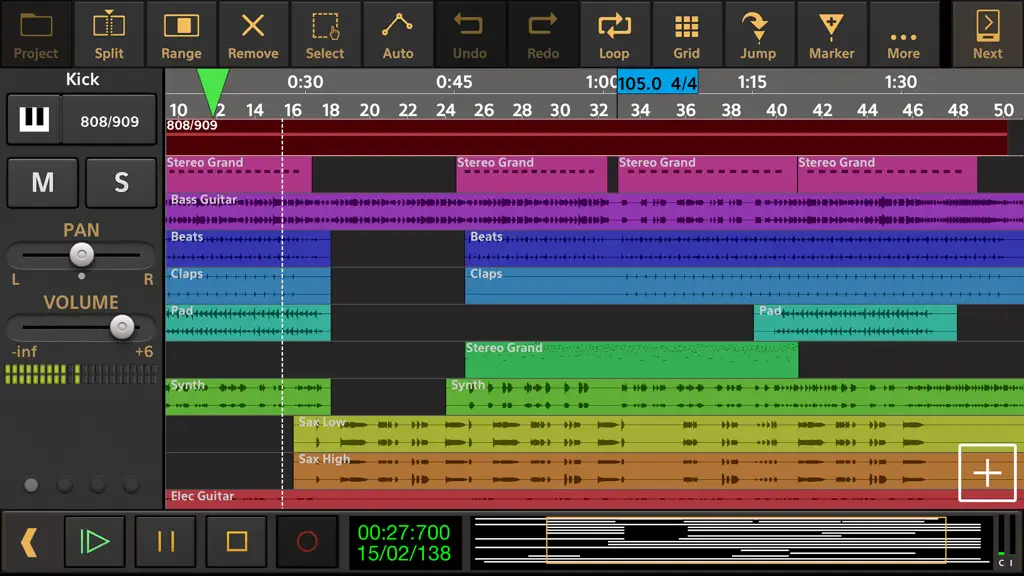
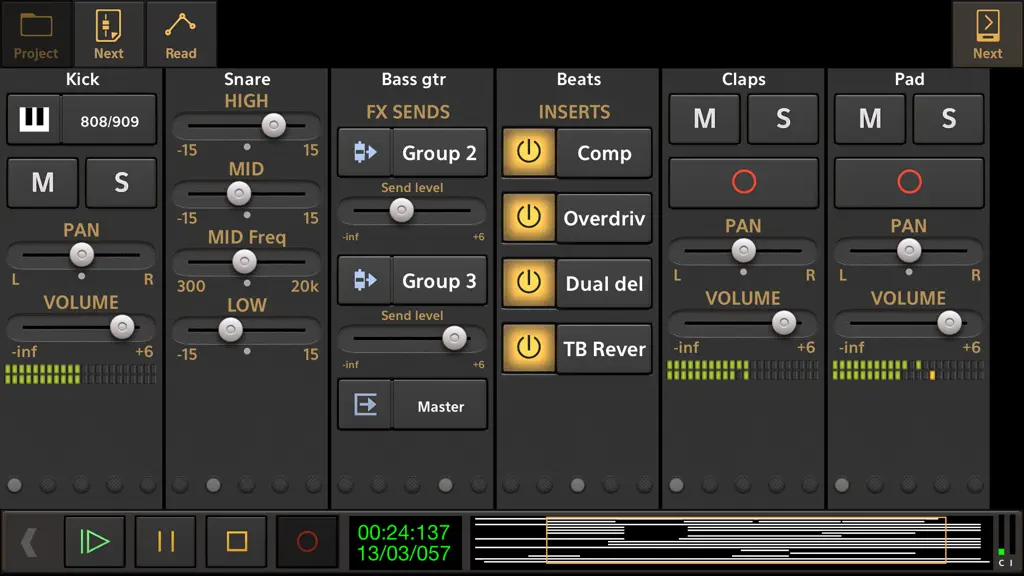
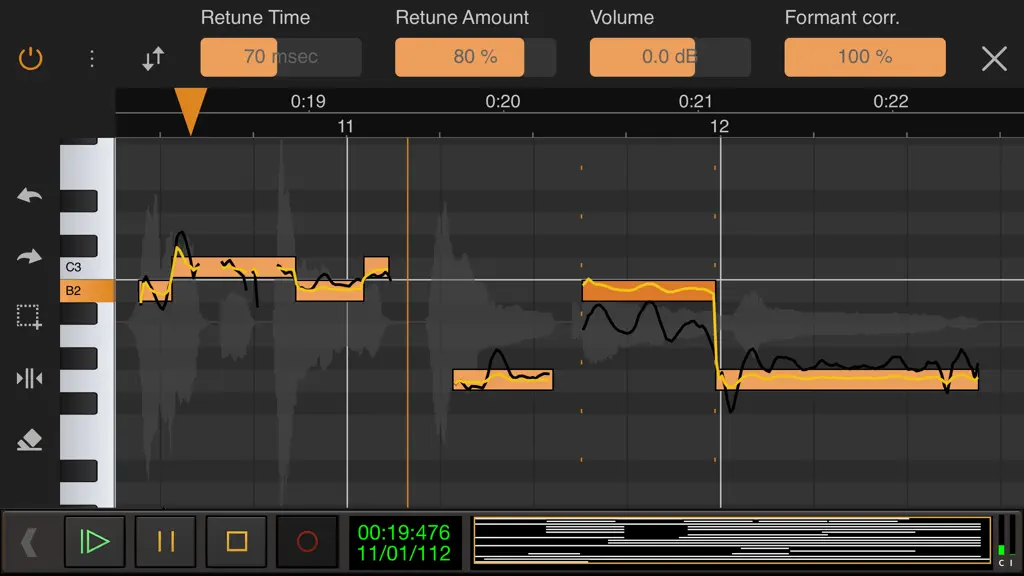
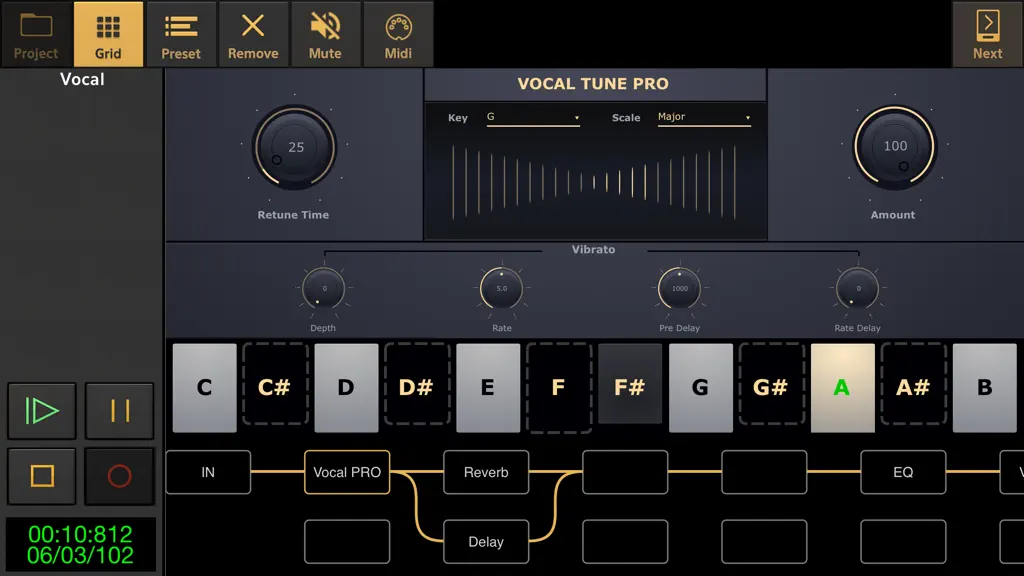
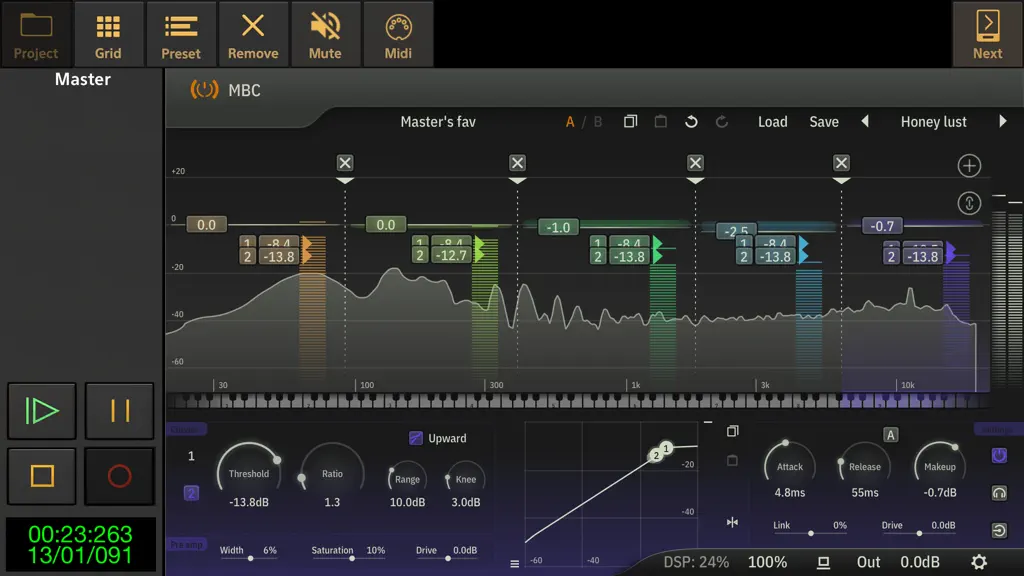
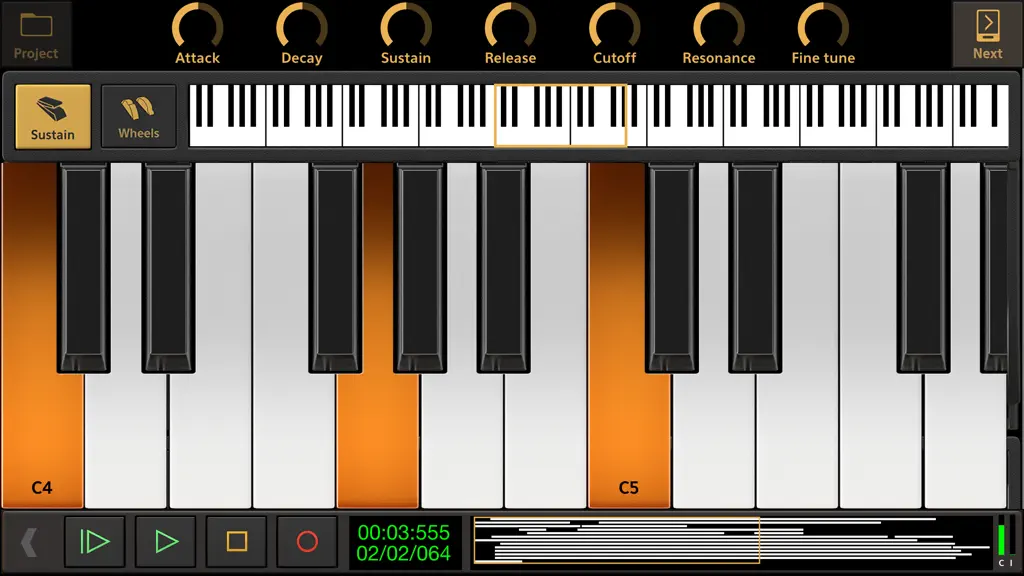
Record your ideas on the go or create entire music productions from scratch, we'll leave it up to you! This app is a portable multitrack audio and MIDI recording studio featuring virtual instruments, pitch and time editing of vocals (*), unlimited undo/redo, mixing, real-time effects, automation and much more! Features: • Multitrack audio recording / playback • MIDI sequencing with piano roll edi…
Trends & analysis
Chart rank trend
US · categoryWhy it's surfacing
Scout 17Ratings & velocity
★ -0.03 in windowRating distribution
80% positive · 166 ratingsGeographic reach
best rank · 1 storefrontRevenue & downloads trend
ARPU $8In-app purchases
10 tiersUpdate history
11 updates tracked- v7.3.2today
* Minimum iOS version is now 15.6 (upcoming enforcement by Apple). * Added an option to set the cross-fade time for scenes (long-press on the scene for the pop-up menu). Note that this currently only applies to volume. * In the previous version, in Live Performance mode with 'Send note off on un-arm' turned off and 'Let notes finish after un-arming' turned on, notes were not held anymore after un-arming. Solved. * Solved an issue on OSX 27 where purchases were not restored. * The app did not start anymore on iOS27, solved.
- v7.3.11d ago
* Minimum iOS version is now 15.6 (upcoming enforcement by Apple). * Added an option to set the cross-fade time for scenes (long-press on the scene for the pop-up menu). Note that this currently only applies to volume. * In the previous version, in Live Performance mode with 'Send note off on un-arm' turned off and 'Let notes finish after un-arming' turned on, notes were not held anymore after un-arming. Solved. * Solved an issue on OSX 27 where purchases were not restored. * The app did not start anymore on iOS27, solved.
- v7.2.91mo ago
The Global page in MIDI Remote Setup wasn't visible anymore in the last version. Solved.
- v7.2.81mo ago
* Added a 'Scenes' button to the Live Performance mode. A scene contains mixer channel, effect and instrument parameter states. Switching between scenes is very fast and allows to arm and un-arm groups of tracks, which is quicker than loading projects. Projects/songs are still useful when not all the Soundfonts you want to use fit in memory at once. You can toggle between a list view of scenes at the right side of the screen or a grid covering the whole screen. Adding a scene will store the mixer state as it is at that time. You can long-press a scene for Save, Delete and Rename. Scene switching can also be done by MIDI CC numbers, for which a new category 'Scenes' is added to the MIDI Remote Setup. * Added an option 'Let notes finish after un-arming' to the Live Performance settings. This will keep on playing held notes until release. * The Mixer display channel offset is now updated when sending a MIDI command for Next/Prev bank. * The default is now 'Send note off on un-arm' for live performance projects. * Implemented sustain pedal for Evolution One. * Solved MIDI clock sync issue with negative MIDI clock sync correction. * Added 'Pitch bend range' to the MIDI input dialog for tracks with Soundfonts as instruments. * 'Rename' and 'Remove' Setlist in the Setlist dialog are now implemented. * Added a 'MIDI Monitor' option to the More menu.
- v7.2.72mo ago
* Solved a possible crash with IAA. * In Evolution B3, the toolbar area could show corrupted graphics. Solved. * Solved problem with preset selection of the Evolution B3 on smaller screens. * Added 'MIDI remote control' to the ADSR control pop-up menu in Live Performance mode. * When loading a MIDI remote setup that was created with an older version and did not include the latest commands, those commands were previously not shown. Solved.
Audio Evolution Mobile Studio — FAQ
How much money does Audio Evolution Mobile Studio make?
According to AppCurrents estimates, Audio Evolution Mobile Studio generates approximately $1k–$20k per month (medium confidence), modeled from its the App Store chart performance, rating velocity, and monetization signals.
How many downloads does Audio Evolution Mobile Studio get?
Audio Evolution Mobile Studio sees an estimated 200–1k downloads per month on the App Store, per AppCurrents modeling.
Is Audio Evolution Mobile Studio free?
Audio Evolution Mobile Studio is a paid app priced at $11.99 on the App Store.
What is Audio Evolution Mobile Studio's rating?
Audio Evolution Mobile Studio holds a 4.20-star average from 171 ratings on the App Store. It currently ranks #34 on the Music paid chart.
When was Audio Evolution Mobile Studio released?
Audio Evolution Mobile Studio launched on the App Store on 07.01.2017. Its latest version shipped 02.10.2026.


