AppShots – Store Screenshots
AppShots – Store Screenshots generates an estimated $0/month in revenue from 0 downloads/month on the App Store, according to AppCurrents estimates (updated 2026-08-02).
| Est. revenue / month | $0 |
|---|---|
| Est. downloads / month | 0 |
| Estimate confidence | low |
| Pricing | Free + IAP |
| Rating | 0.00 ★ (0 ratings) |
| Category | Developer Tools |
| Released | 15.07.2026 |
| App last updated | 28.07.2026 |
| Platform | iOS |
Modeled monthly estimate · rating velocity · low confidence
About
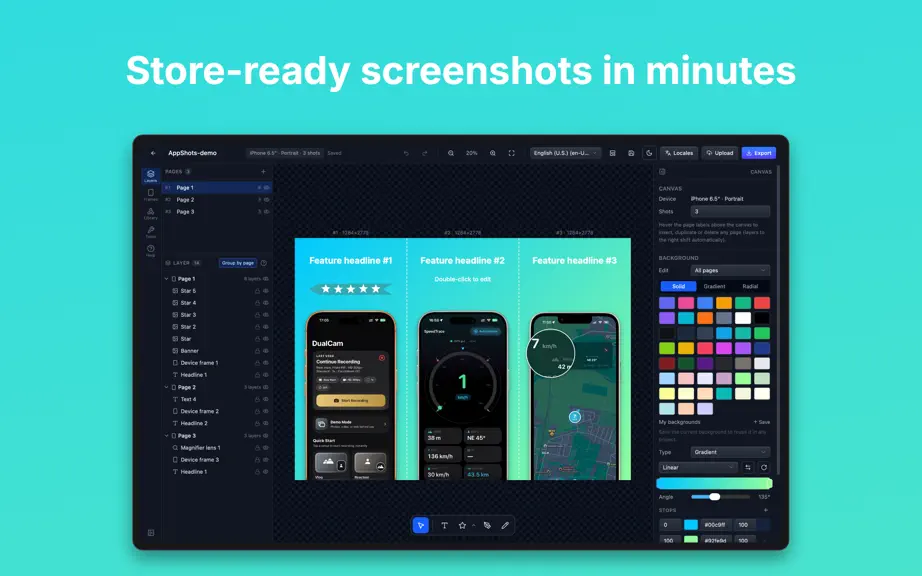
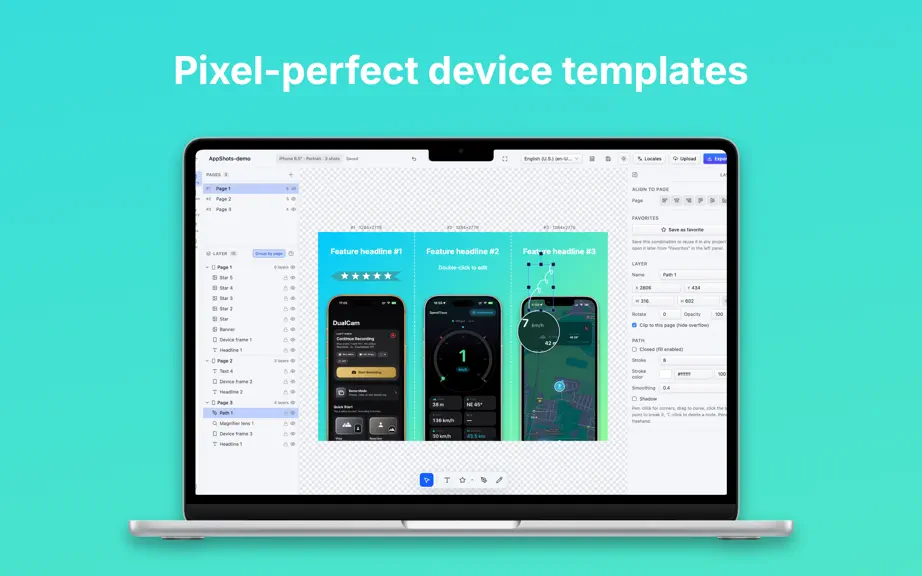
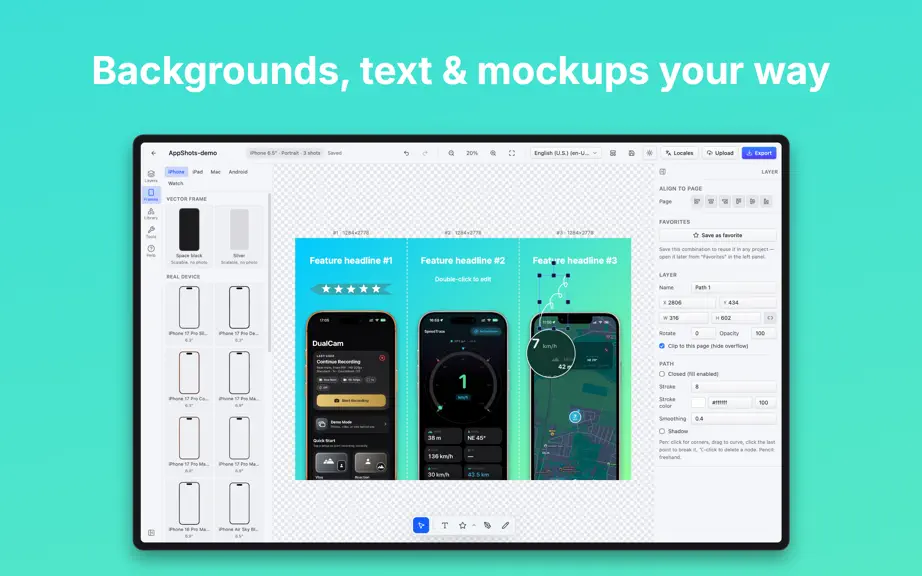
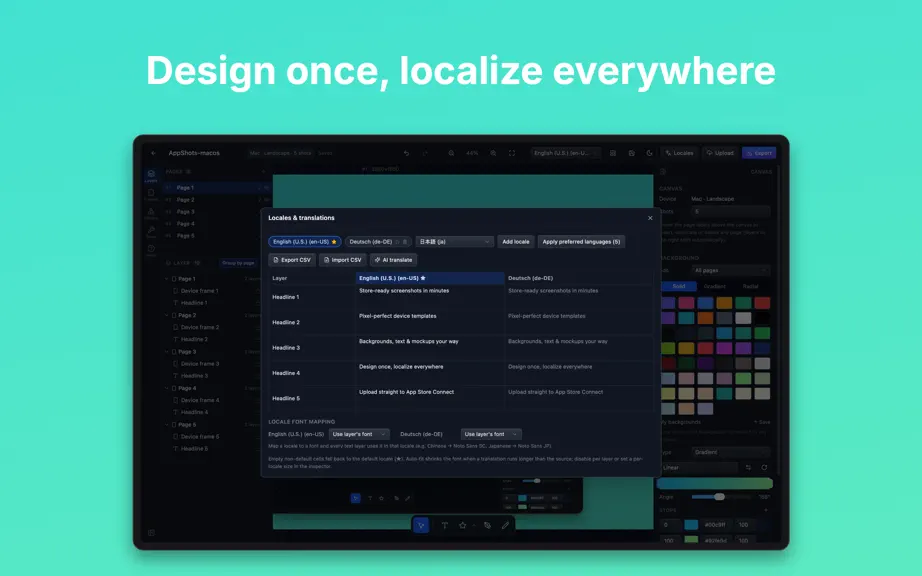
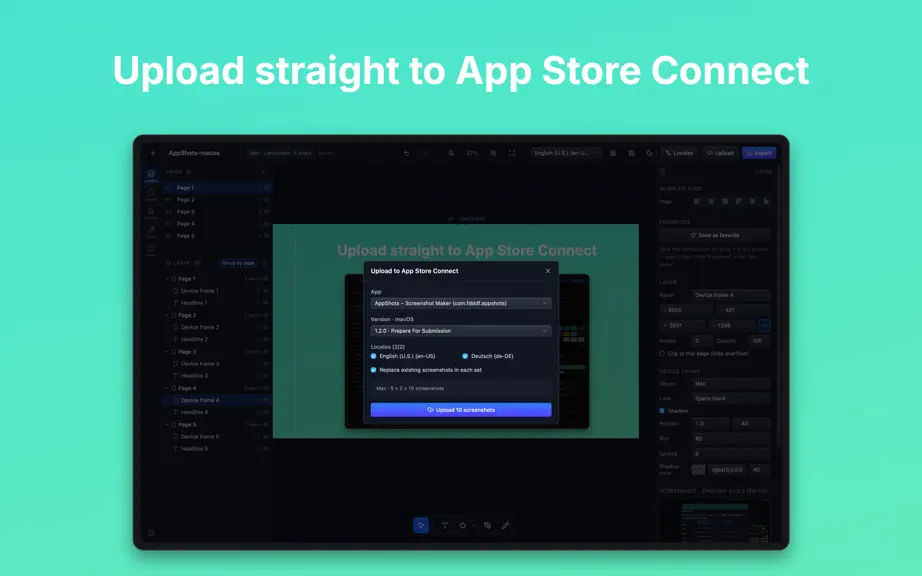
Design store-ready screenshots for the App Store and Google Play right on your Mac — frame them, localize them, and send them straight to App Store Connect without leaving the app. AppShots is a screenshot studio for indie developers, ASO managers and design teams, built around one goal: beautiful, correctly sized store artwork that passes review the first time — no Photoshop, and not a single sc…
Trends & analysis
Chart rank trend
US · overallWhy it's surfacing
Scout 38Ratings & velocity
★ 0 in windowGeographic reach
best rank · 0 storefrontsRevenue & downloads trend
monthly estimateIn-app purchases
2 tiersUpdate history
2 updates tracked- v1.2.07d ago
New in 1.2.0 PROJECTS ARE REAL FILES NOW • Every project is a .appshots file. Save it wherever you like, double-click it in Finder to open it, or drag it onto the app. • A native menu bar with New (⌘N), Open (⌘O), Save (⌘S), Save As (⇧⌘S) and Close Window (⌘W). • One project per window — keep several open at once and switch between them from the Window menu. • Projects from earlier versions are migrated automatically the first time you launch, and a new self-healing scan brings back projects that had gone missing from the list. COPY LAYERS ANYWHERE • Cut, copy and paste layers with ⌘X / ⌘C / ⌘V — between windows and between projects. The images a layer uses travel with it, and grouped layers stay grouped. • Paste an image or SVG copied from any other app straight onto the canvas. A BETTER EDITOR • Redesigned sidebar: resizable, with Pages and Layers, plus new Frames, Library, Tools and Help tabs. • Drop shadows now follow the real silhouette of a device bezel, and support spread. • Drag any number field left or right to scrub its value. • Dozens of new solid and gradient background presets. • Screen eyedropper: sample a color from anywhere on your display. • Smoother canvas: checkerboard transparency, free panning, mouse-centered zoom, and an aspect-ratio lock on layer size. • Search and sort your project list. Thanks for using AppShots!
- v1.0.020d ago
AppShots – Store Screenshots — FAQ
How many downloads does AppShots – Store Screenshots get?
AppShots – Store Screenshots sees an estimated 0 downloads per month on the App Store, per AppCurrents modeling.
Is AppShots – Store Screenshots free?
AppShots – Store Screenshots is free to download on the App Store, monetizing through in-app purchases.
When was AppShots – Store Screenshots released?
AppShots – Store Screenshots launched on the App Store on 15.07.2026. Its latest version shipped 28.07.2026.


