ibis Paint
ibis Paint generates an estimated $30k–$490k/month in revenue from 5k–22k downloads/month on the App Store, according to AppCurrents estimates (updated 2026-07-26).
| Est. revenue / month | $30k–$490k |
|---|---|
| Est. downloads / month | 5k–22k |
| Estimate confidence | medium |
| Pricing | Paid $15.99 |
| Rating | 4.72 ★ (4,011 ratings) |
| Category | Graphics & Design |
| Best chart rank | #4 Graphics & Design Paid |
| Released | 21.06.2011 |
| App last updated | 05.07.2026 |
| Platform | iOS |
Modeled monthly estimate · rating velocity · medium confidence
About
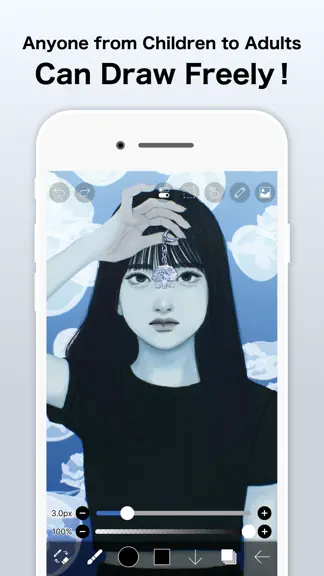
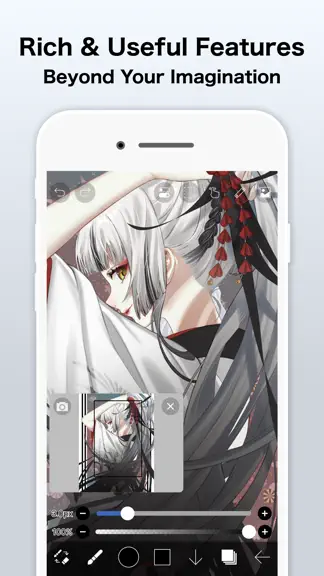
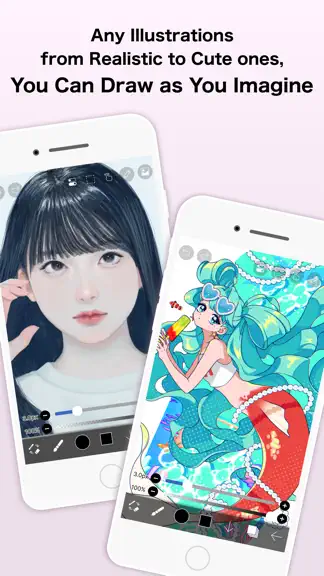
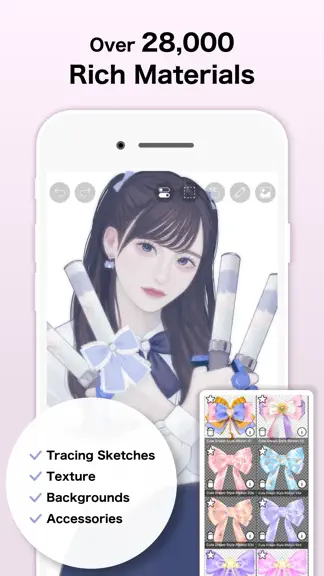
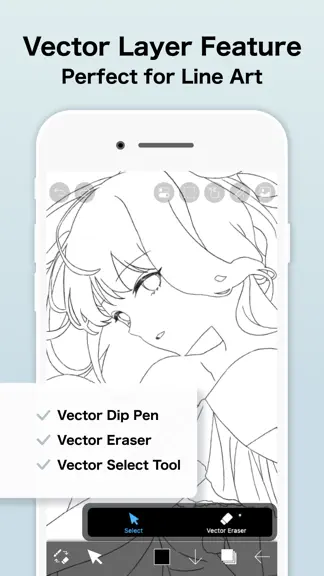
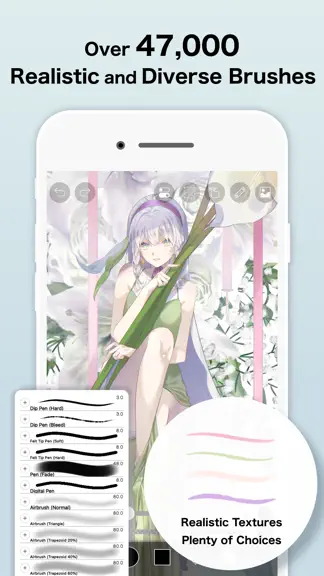
This app is an ad-removed version of ibisPaint X. An additional in-app purchase for Premium Membership is required to unlock all features, in which case it is cheaper to download ibisPaint X and purchase the Premium Membership there instead. ibis Paint is a popular and versatile drawing app downloaded more than 500 million times in total as a series, which provides over 105,000 brushes, over 29,00…
Trends & analysis
Chart rank trend
US · categoryWhy it's surfacing
Scout 18Ratings & velocity
★ 0 in windowRating distribution
94% positive · 4k ratingsGeographic reach
best rank · 12 storefrontsRevenue & downloads trend
ARPU $11In-app purchases
2 tiersUpdate history
2 updates tracked- v14.0.620d ago
Thank you for using ibisPaint! The summary of this update is as follows. [New Features] - You can now install brushes from the install button on ibispaint.com brush pattern artwork pages, even when the page is opened in an external browser. [Improvements, Changes] - Moved the checkmark indicating the selected item from the right to the left in selection menus. - Changed the position of toast notifications that may appear when using keyboard shortcuts from the center of the application to the top. - Changed the behavior when changing colors while using the Bezier Curve Drawing tool or Polyline Drawing tool with Lasso Fill. Previously, the shape being drawn was implicitly finalized; now, only the color changes without finalizing the shape. - The specification for artworks displayed in the rankings on the app's title screen has been changed. Only artworks from the ibispaint.com rankings that have been reviewed by us are now displayed. - Web pages opened from the app will now open in an external browser instead of within the app. - We removed multi-page artwork categories (Manga Books (Original), Manga Books (Fan Art), and Multiple Pages (Other)) from the categories that can be selected in the rankings on the app's title screen. [Fixed Bugs and Problems] - Fixed a bug where layer images could become corrupted with a diagonal skew. - Fixed an issue where the application could crash when using specific keyboard shortcuts while launching Filter, Color Range, or Expand/Contract Selection Area. - Fixed an issue where switching between Lasso Fill and Lasso Eraser could also affect shapes that were already drawn when using certain shape tools. - Fixed an issue where the app could crash when applying the Replace Color Filter. - Fixed a bug where JPEG files with color profiles could not be imported. - Fixed a bug that could cause an error when copying a layer folder containing vector layers or text layers in an artwork with a large canvas size. - Fixed an issue where changing the color after drawing a shape with Lasso Fill could also change the color of the already-drawn shape when using certain shape tools. - Fixed an issue where the reorder handle was enabled even when there was only one Color Palette. - Fixed an issue where shapes drawn on vector layers could appear differently during artwork playback under specific conditions. - Fixed an issue where short brush strokes (strokes made by tapping) created in app versions earlier than 13.1.18 were not played back correctly. - Fixed a crash that could occur when playing back a work containing a vector layer under specific conditions. - Fixed a bug where the automatic restoration of an artwork could be misjudged as successful even when it had actually failed under certain conditions. - Fixed an issue where the app could crash when applying the Waterdrop (Rounded) filter with the reference set to Lower Layer. - Fixed an issue where the "About Cloud Storage" page could display content intended for other platforms on certain devices. - Fixed an issue where the error message was not displayed correctly when an artwork upload failed. - Fixed an issue on iPadOS 26 and later where tapping a button within My Gallery could cause unintended scrolling in the artwork list.
- v14.0.22mo ago
Thank you for using ibisPaint! The summary of this update is as follows. [New Features] - Added support for Deco mini7W V2. (Available via Bluetooth connection) [Improvements, Changes] - When transforming shapes created with the symmetry ruler using the Translate Scale command, their appearance remains unchanged before and after confirming the transformation. - Renamed the shortcut command from "Save Canvas as PNG" to "Open Save Image window". - The Cancel button in the Transform Tool has been moved back to the bottom. - An icon has been added to the Edit Canvas Size button in the Create New window. - Improved the UI of the Rain Filter. [Fixed Bugs and Problems] - Fixed an issue where the playback of "Invert Color", "Clear White", "Flip Layer" and "Flip canvas" were incorrect with locked layers. - Fixed an issue where the Wave adjustment layer was not flipped correctly with certain parameters when flipping horizontally or vertically. - Fixed an issue where, when switching the artwork size between portrait and landscape orientation, the appearance of the Wave adjustment layer changed more than expected. - Fixed an issue where dragging the canvas while closing some windows could prevent drawing on the canvas afterward. - Fixed an issue where undoing "Reorder Frame" in an animation artwork could mistakenly undo "Change Current Frame". - Fixed an issue where the scrollbar in a floating window would not fade out. - Fixed a bug where the Tool Selection bar would scroll even when there was enough vertical space when it was positioned on the side of the screen. - Fixed an issue where the brush "Chain 8 (Color)" was incorrectly displayed as "Chain 8 (Outline, Color)". - Fixed an issue where the first image would be imported twice when another image import was initiated while an image import was already in progress. - Fixed an issue where the Deco SE was not recognized correctly when connected.
ibis Paint — FAQ
How much money does ibis Paint make?
According to AppCurrents estimates, ibis Paint generates approximately $30k–$490k per month (medium confidence), modeled from its the App Store chart performance, rating velocity, and monetization signals.
How many downloads does ibis Paint get?
ibis Paint sees an estimated 5k–22k downloads per month on the App Store, per AppCurrents modeling.
Is ibis Paint free?
ibis Paint is a paid app priced at $15.99 on the App Store.
What is ibis Paint's rating?
ibis Paint holds a 4.72-star average from 4,011 ratings on the App Store. It currently ranks #4 on the Graphics & Design paid chart.
When was ibis Paint released?
ibis Paint launched on the App Store on 21.06.2011. Its latest version shipped 05.07.2026.
Apps like ibis Paint
See all alternatives → Home AI - AI Interior DesignGraphics & Design · $230k–$1.3M/mo
 Nomad SculptGraphics & Design · $130k–$2.2M/mo
 Pose: AI Photo Video GeneratorGraphics & Design · $210k–$1.2M/mo
 ThemePack: Widgets & WallpaperGraphics & Design · $180k–$990k/mo
 Artrace: AR Drawing & SketchGraphics & Design · $160k–$880k/mo
 Kling AI: AI Image&Video MakerGraphics & Design · $120k–$660k/mo